Template details
A-Frame Art Gallery
A VR art gallery template that uses Jekyll to generate a gallery for easy hosting on GitHub Pages.
About this template
A-Frame Art Gallery is an open-source Jekyll template that generates a virtual reality art gallery website, letting artists publish images in interconnected 3D rooms hosted free on GitHub Pages.
What is A-Frame Art Gallery?
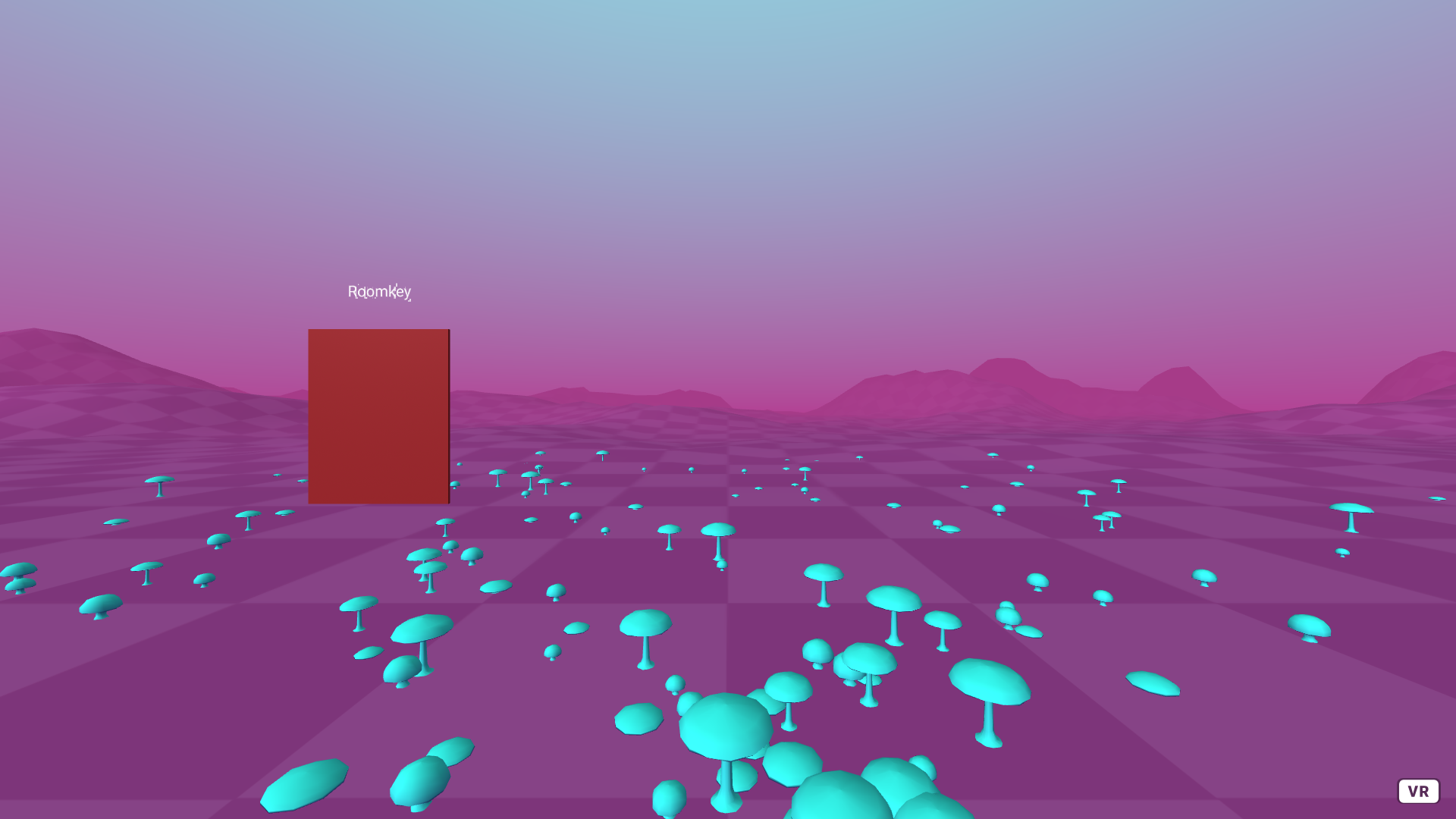
A-Frame Art Gallery is a Jekyll template that turns Markdown files and image assets into a VR gallery built with the A-Frame WebVR framework. You author rooms and artworks as Markdown files in the _rooms and _artworks folders, then push to GitHub; GitHub Pages runs Jekyll to produce a static site of walkable 3D rooms. The project is maintained by AgentO3 and is available on GitHub.
Key Features
- Jekyll static generation — The gallery is a static site built by Jekyll, so hosting on GitHub Pages is free and needs no database or server-side code.
- A-Frame VR environments — Each room is a WebVR scene using A-Frame and the aframe-environment-component; you can change a room's look by switching the environment preset.
- Simple folder-based workflow — Three folders control everything:
_roomsdefines each gallery space,_artworksholds one Markdown file per piece, andassetsstores the artwork images. - Front-matter metadata — Artwork files support
image,title,artist,created,room, and an optionallinkfield, plus a Markdown description below the front matter. - Room-to-room navigation — On a laptop, you move with arrow keys and trigger room changes by walking into doorways.
- Gitpod integration — A Gitpod-ready-to-code badge opens the repository in a cloud development environment for quick editing.
Who is it for?
- Artists — want a free, no-code way to show their work in VR without buying gallery software.
- Educators and students — can use the template to teach Jekyll, WebVR, or A-Frame by modifying real gallery examples.
- Web developers — need a minimal starting point for a Jekyll-plus-A-Frame site and want a content model already defined.
What can you do with A-Frame Art Gallery?
- Visual artists: publish a VR portfolio where visitors walk through rooms to view each piece with its title, artist, year, and description.
- Curators: assemble themed rooms — for example, one room per color or collection — and link each artwork to an external sales or artist page.
- Developers: extend the template by adding new room presets, integrating more media types (the project notes plans beyond images), or reusing the Jekyll build pipeline for other VR projects.
How does A-Frame Art Gallery work?
You create a room first as a Markdown file in _rooms with a title and an A-Frame environment entity. Then you add artwork files in _artworks that reference a room by name and point to an image in assets/artwork. After you push to GitHub, GitHub Pages builds the Jekyll site and the VR gallery goes live.
FAQ
Is A-Frame Art Gallery free?
Yes. The template is open-source and hosted on GitHub, and the generated gallery runs on GitHub Pages' free hosting tier.
How do I add a new artwork?
Create a Markdown file in the _artworks folder with front-matter fields for image, title, artist, created, room, and an optional link, then place the image file in assets/artwork and push to GitHub.
What file formats are supported for artwork?
Currently the template supports images only, though the project explicitly states that expanding to other element types is planned.
How do visitors navigate the gallery?
On a laptop, they use the directional arrow keys to walk; colliding with a door transitions them to the next room.
Can I customize the look of each room?
Yes. Each room's Markdown file includes an A-Frame environment entity where you can set a preset from the aframe-environment-component parameter list.