Template details
Software Developer Portfolio
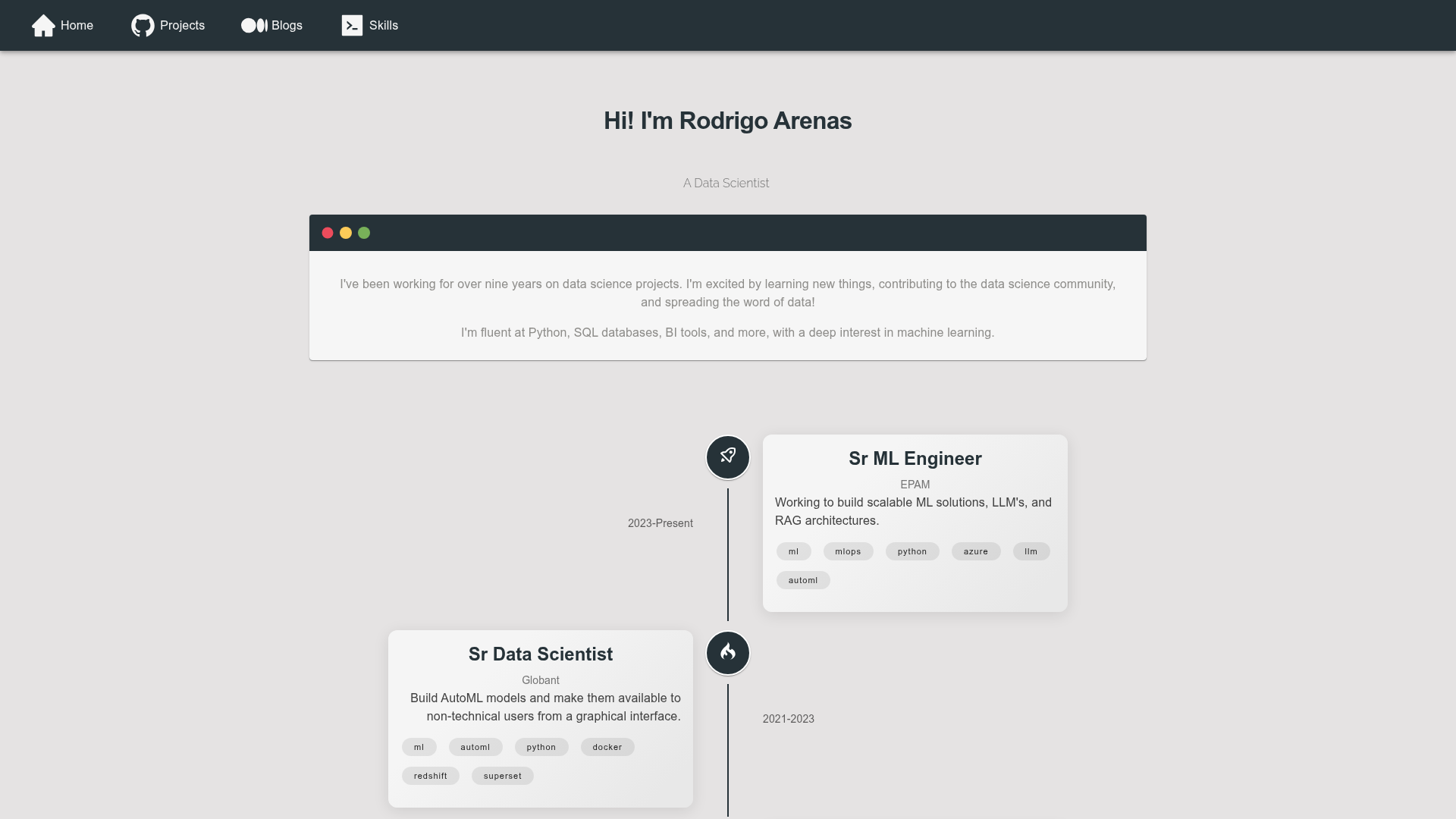
A lightweight, responsive single-page personal portfolio template built with Next.js, React, GSAP, and Material UI.
About this template
Software Developer Portfolio is a lightweight, responsive single-page portfolio template built on Next.js and React for developers who want a clean online presence without building from scratch.
What is Software Developer Portfolio?
Software Developer Portfolio is an open-source template for a personal portfolio website. You provide your professional details — expertise areas, work experience, project links, and contact information — and the template renders them into a single, responsive web page. It is built with Next.js as the React framework, uses GSAP for animations, and Material UI for component styling. The project is maintained by Umut Yesildal and released under the MIT License on GitHub.
Key Features
- Single-page layout — All major sections (Homepage, Expertise, Experience, Work and Projects, Contact) are presented on one continuously scrollable page, so visitors get a complete overview without navigating.
- Next.js framework — Uses Next.js (React) with a project structure that supports both static export and server-side rendering, making it suitable for deployment on Vercel with the standard Next.js preset.
- GSAP animations — Integrates the GreenSock Animation Platform to add smooth scroll-triggered motion and entrance animations across the page.
- Material UI components — Styling relies on Material UI, giving you consistent, accessible, and responsive UI elements like cards, buttons, and typography.
- Responsive design — The page adapts to phone, tablet, and desktop screen sizes without requiring manual responsive configuration.
- Easy local development — Clone the repository, run npm install, and start a dev server with npm run dev; prerequisites are Node version 18 or newer, npm version 9 or newer, and git.
- Vercel-ready deployment — Deployment to Vercel is documented with explicit settings: framework preset Next.js, build command npm run build, output directory .next, and install command npm install.
- MIT License — Free to use, modify, and distribute for personal or commercial projects.
Who is it for?
Software developers who need a personal portfolio site can use this template to present their skills and projects without designing from scratch. Junior developers and students can quickly launch a professional-looking page to accompany job applications. Freelancers can customize the sections to display services, selected works, and a contact form or link.
What can you do with Software Developer Portfolio?
- Job seekers: Build a portfolio page that lists your expertise, experience, and projects, then share it on your resume, LinkedIn, and email signature.
- Open-source contributors: Highlight your open-source work by linking to GitHub repositories from the Work and Projects section.
- Freelance developers: Create a lightweight one-page site for client inquiries, with a Contact section pointing to your preferred communication channel.
How does Software Developer Portfolio work?
Start by cloning the GitHub repository and entering the project folder. With Node 18+ and npm 9+ installed, run npm install to add dependencies, then npm run dev to launch a local development server. When you're ready to go live, deploy to Vercel using the provided Next.js preset settings.
Pricing
Software Developer Portfolio is free to use. It is published under the MIT License, which means you can use the template for personal or commercial portfolios without paying a license fee.
FAQ
What is Software Developer Portfolio?
Software Developer Portfolio is a single-page, responsive portfolio template built with Next.js, React, GSAP, and Material UI. It helps developers present their expertise, experience, and projects on the web with minimal setup.
Is Software Developer Portfolio free?
Yes. The project is open source and released under the MIT License. You can freely use, modify, and distribute it, including in commercial projects.
Which technologies does Software Developer Portfolio use?
The template is powered by Next.js as the React framework, React for UI construction, GSAP for animations, and Material UI for component styling. It also follows Node/npm for dependency management.
How do I deploy Software Developer Portfolio?
The README recommends Vercel. Use the Next.js framework preset, set the build command to npm run build, the output directory to .next, and the install command to npm install. You can also run it locally with npm run dev.
What are the system requirements?
You need git to clone the repository, Node.js version 18 or higher, and npm version 9 or higher to install dependencies and run the development server.