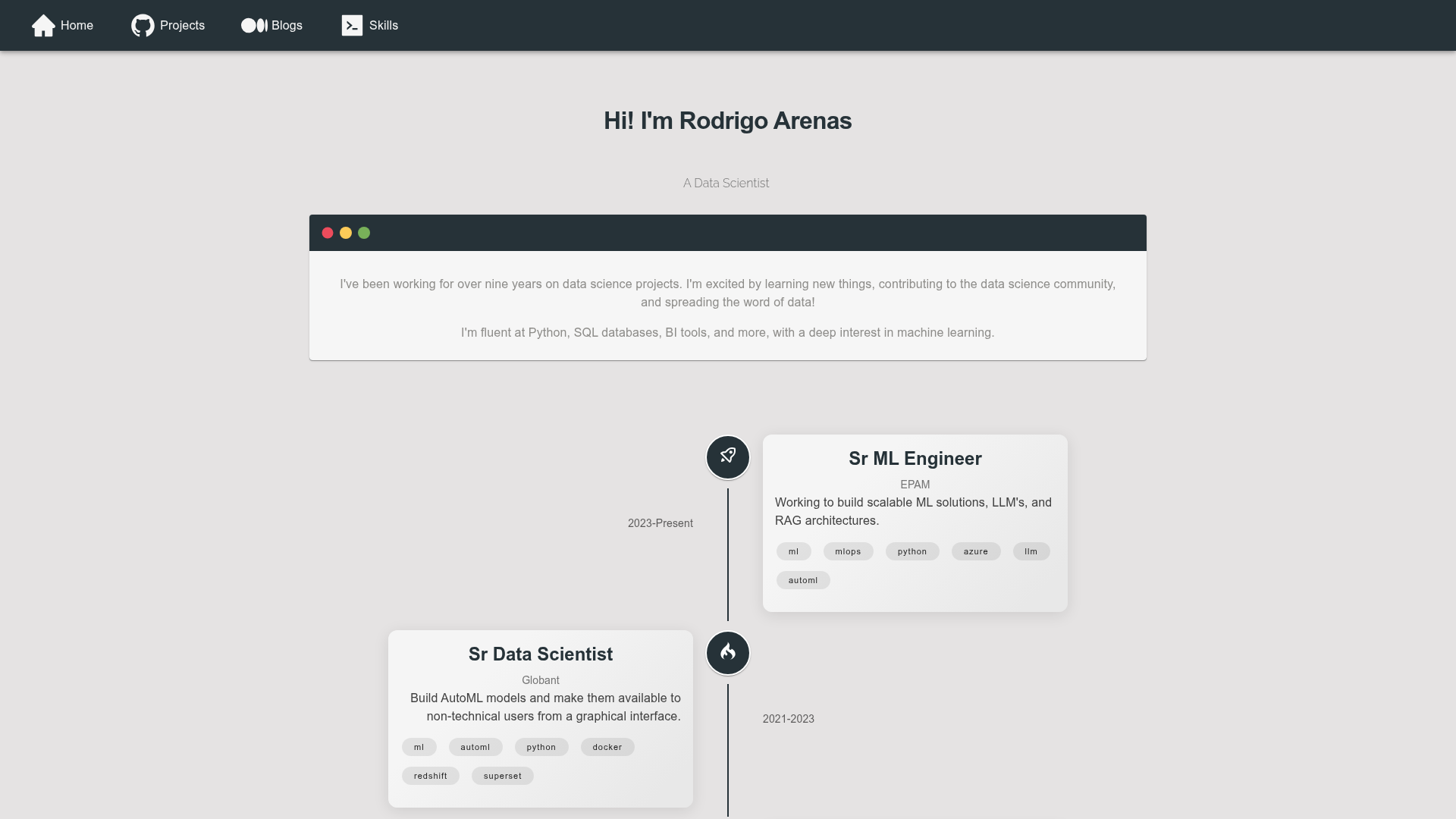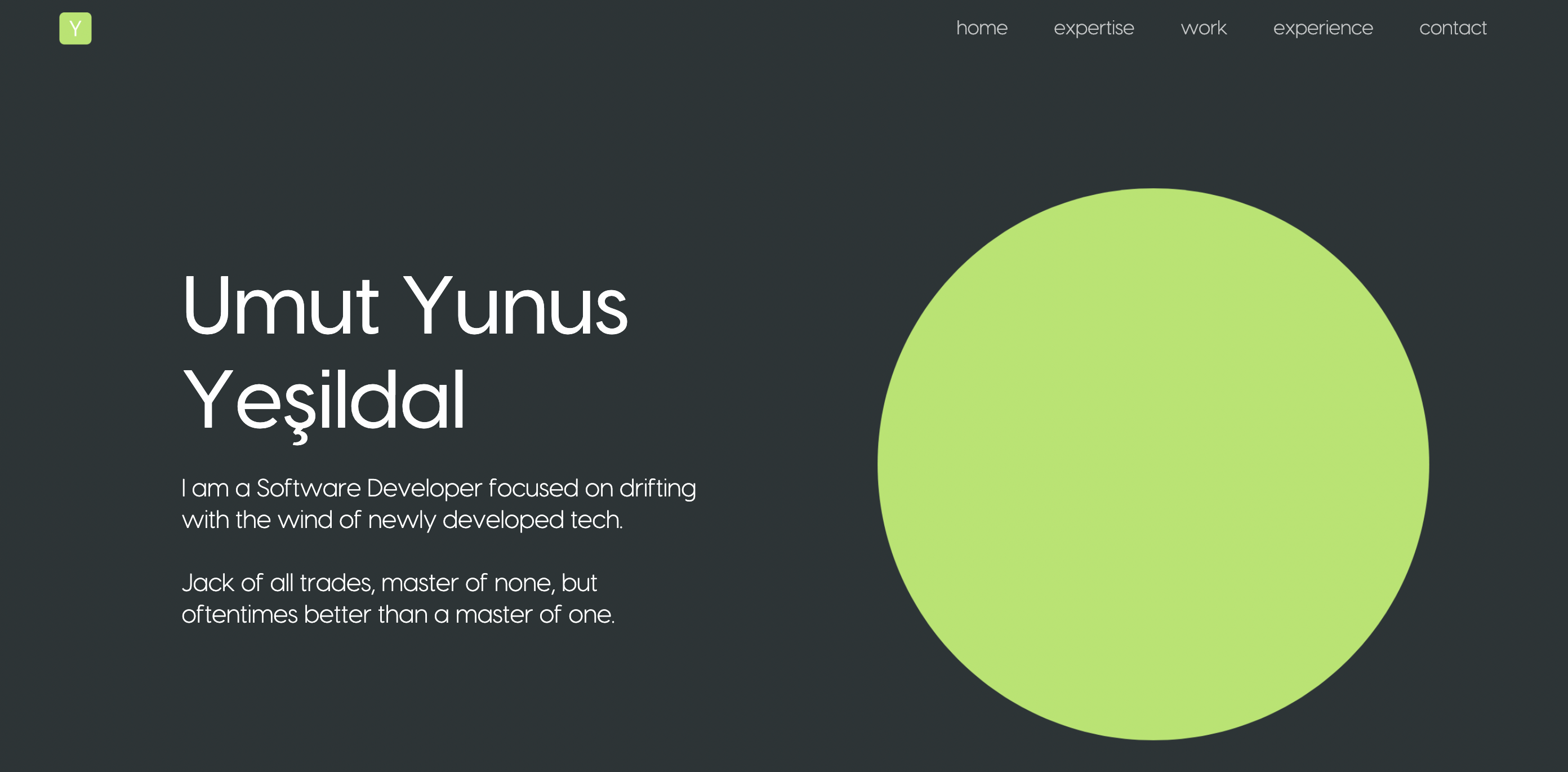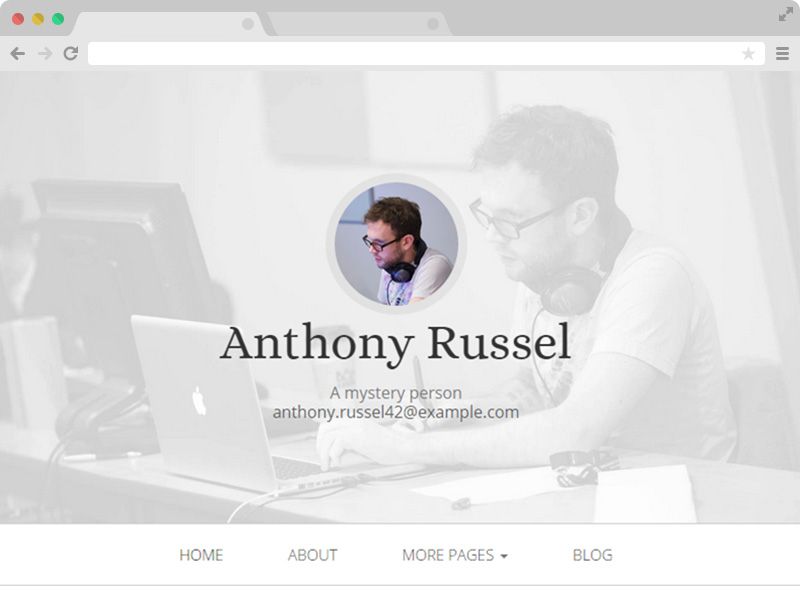
Template details
barks
A simple, minimalistic Hugo theme for academic and personal websites.
About this template
barks is a minimal Hugo theme for academic and personal websites that provides a custom landing page layout, per-page LaTeX via KaTeX, and a broad set of config.toml options — all under an MIT license.
What is barks?
barks is a simple, minimalistic theme for the static site generator Hugo, developed primarily for personal (academic) websites. It takes Hugo markdown content with front matter (including layout, image, hide_title, and math flags) and renders a clean site with a navigation bar, footer, optional landing page, and full customization through the [params] section of config.toml. The theme is authored by Timothy Gebhard, requires the extended version of Hugo because it uses SCSS compilation, and is released on GitHub under MIT license.
Key Features
- Landing page layout — Set
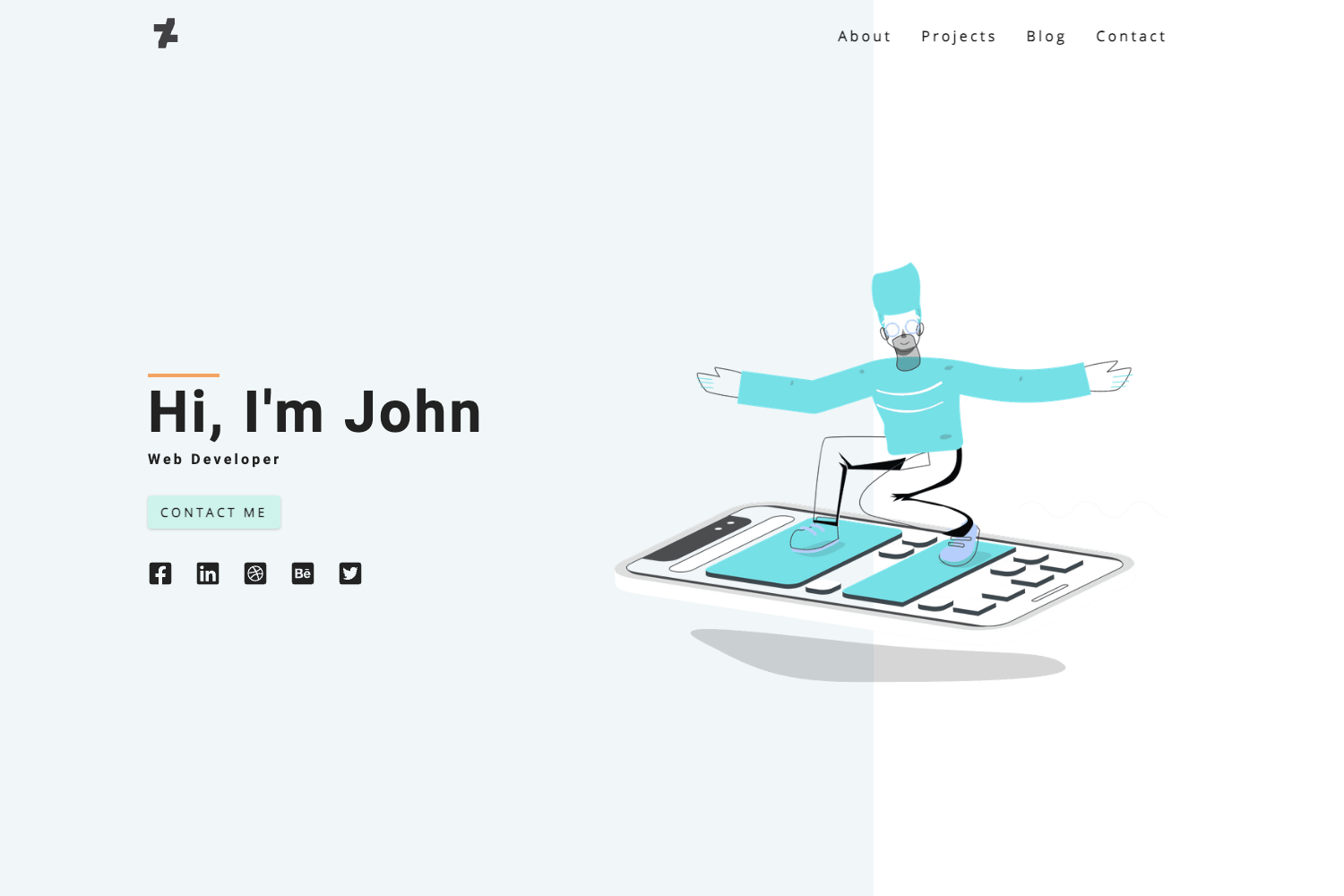
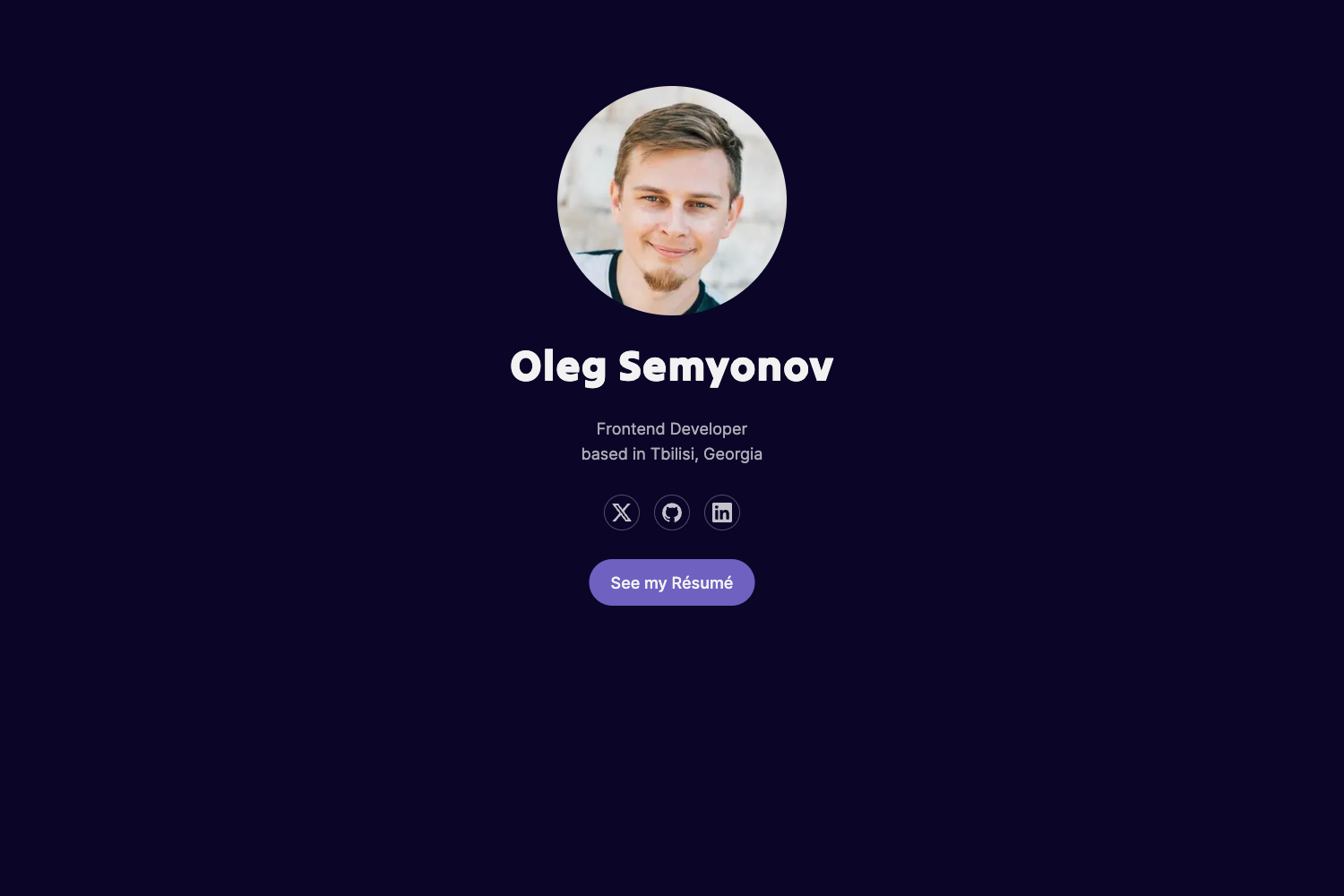
layout: landing_pagein the_index.mdfront matter and supply animageURL to create the single-page intro shown in the live demo. - Head metadata — Add
author,description, andkeywordsin[params.head]; these generate<meta>tags in the page head, plus the path to a custom CSS file if you want to override or extend styles. - Navigation/footer toggles — Disable the top navigation or the footer (with social icons and copyright) independently using
show_navigationandshow_footerflags. - Typography — Choose any Google Font for the site title and body text via
title_fontandbody_font; barks loads them automatically. - Color customization — Set theme, background, text, and link colors via
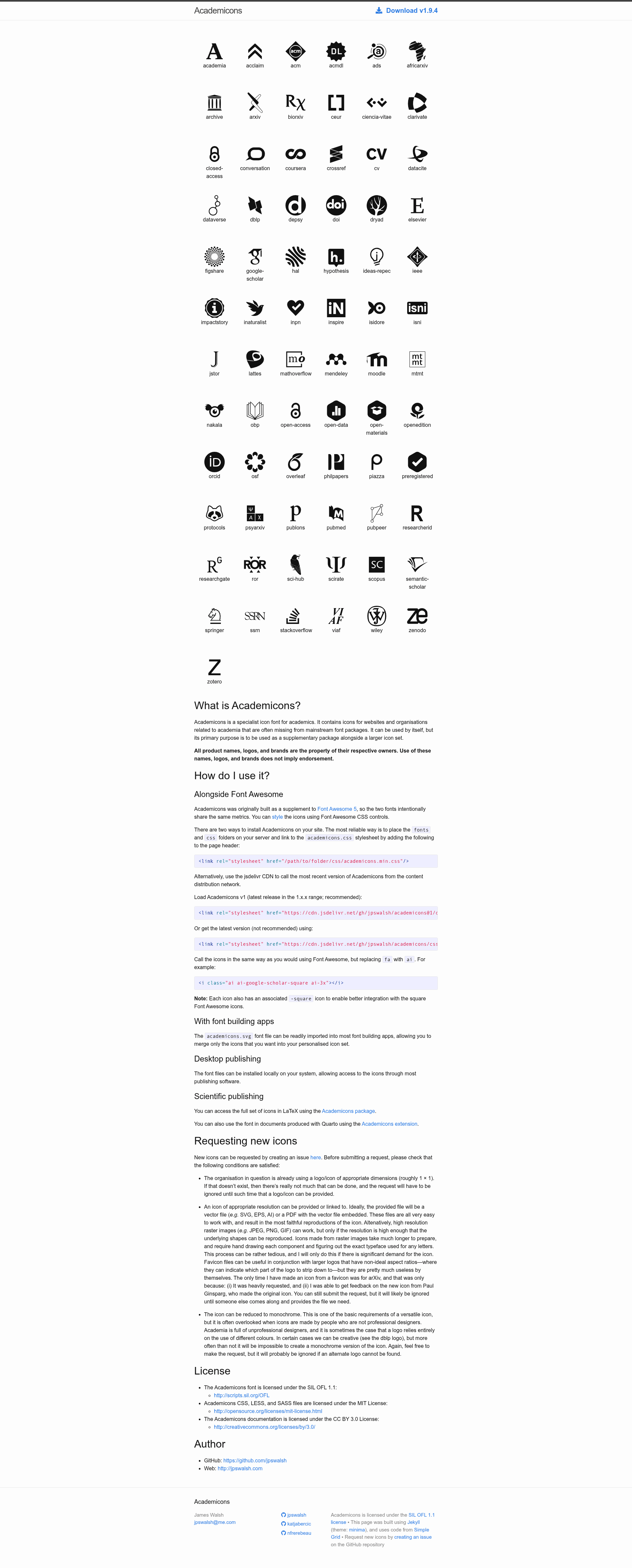
[params.colors]with hex values. - Social media icons — Add unlimited social entries (e-mail, GitHub, Google Scholar, etc.) to the footer; each entry uses
name,class,url, andweightto control the tooltip, the icon (from FontAwesome or Academicons), the link target, and the sort order. - Per-page LaTeX — Add
math: trueto any page header to load KaTeX; use$...$for inline equations and$$...$$for display math. - Hide page titles — Add
hide_title: trueto front matter to suppress the<h1>heading for pages that don't need it.
Who is it for?
- Academics and researchers — Build a personal website with a landing page, publication lists, and links to Google Scholar or other academic profiles.
- Graduate students — Create a minimal portfolio or CV-style site using the blog layout and social media footer.
- Developers who prefer Hugo — Get a lightweight, configurable theme with no frameworks beyond Hugo and SCSS, ideal for static hosting.
Use cases
- Academic homepage: Show your name, a photo (via the landing page image), and scholarly social links with Academicons icons.
- Personal blog: Publish markdown posts with optional math typesetting, choosing your own fonts and color palette.
- Single-page presence: Turn off navigation and footer entirely and hide titles so the site becomes a simple one-page profile.
How does barks work?
Add the theme as a git submodule inside your Hugo site's themes directory with git submodule add https://github.com/timothygebhard/barks, set theme = "barks" in config.toml, and ensure you are using the extended version of Hugo. Then configure everything through [params] — no template files need to be edited. For the landing page, add layout: landing_page and an image to _index.md.
FAQ
Does barks require a special version of Hugo?
Yes. Because barks compiles SCSS, you must install the extended version of Hugo. The standard release will not work with this theme.
How do I enable math formulas?
Add math: true to the front matter of the specific page or post where you want formulas. Then write inline math with single dollar signs and block math with double dollar signs.
Can I use custom colors and fonts?
Yes. In config.toml, the [params.colors] section sets theme, background, text, and link colors; [params.typography] lets you pick any Google Font for the title and body. The theme loads the fonts automatically.
Is barks free to use?
Yes. barks is released under the MIT license, so you can use, modify, and distribute it for personal or commercial projects with attribution.