Template details
Aath
A Hexo blog theme with sticky table of contents, fancybox lightbox, and a Zhihu/Juejin-inspired design.
About this template
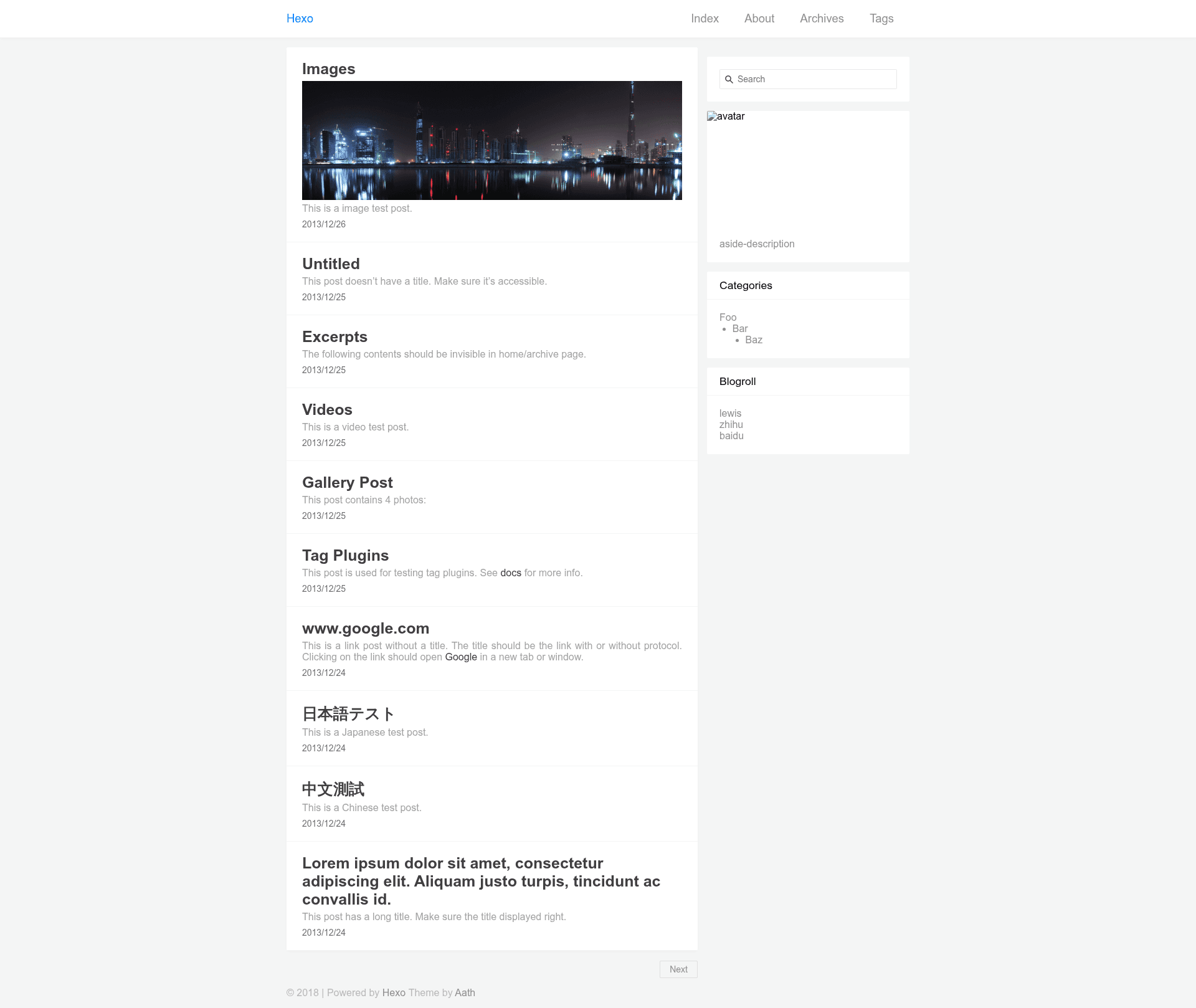
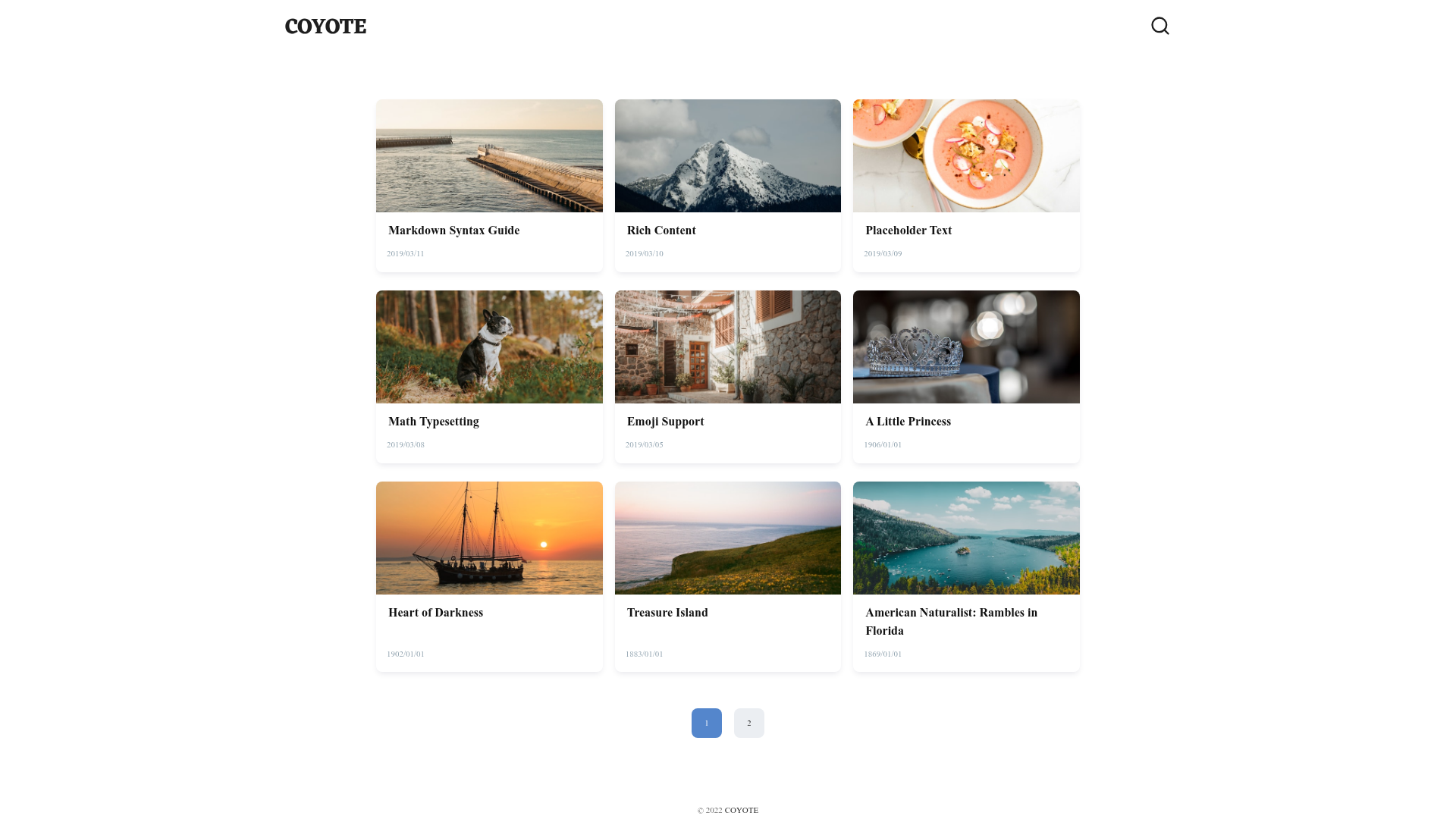
Aath is a Hexo blog theme that turns a standard Hexo static site into a Chinese-style content blog, inspired by the design of Zhihu and Juejin. It takes Hexo's markdown posts as input and renders them into a two-column layout with a sticky table of contents on the right, an aside with search, avatar, description, and friend links on the left, and GitHub-flavored markdown styling in the article body. The theme is developed by lewis-geek and is distributed as a Git repository with separate master (release) and develop (dev) branches, and it requires the hexo-renderer-sass plugin to compile its stylesheets.
Key Features
- Sticky table of contents — Automatically generates a multi-level directory for each post and pins it to the viewport using
position: sticky, so readers can navigate long articles without scrolling back to the top. - fancybox image lightbox — Integrates fancyBox (fancyapps.com/fancybox) to open post images in an overlay gallery, supporting browsing multiple images in a single article.
- GitHub markdown styling — Article bodies are styled to match GitHub's markdown appearance, giving code blocks and typography a familiar look for developers.
- Configurable sidebar (aside) — The home page sidebar can include a search toggle, avatar image, aside description, and a custom list of links (e.g., Baidu, Google, Zhihu), all set through the project config.
- Post cover images and descriptions — Add an
imgfield in a post's front-matter to show a thumbnail in the article list, or adescriptionfield for a custom excerpt; without it, the theme auto-extracts content as the description. - Multiple comment integrations — Supports Disqus and LiveRe (livere_uid) comment systems, configured via the Hexo project config.
- Custom menu and favicon — Both project and theme configs accept a
faviconpath, and the theme config defines the main navigation menu (e.g., Home, About, Archives, Tags).
Who is it for?
- Developers who write long technical posts — Use the sticky TOC and GitHub markdown styling to make multi-section tutorials and deep-dives easier to scan and navigate.
- Bloggers migrating from other static generators — Install the theme by cloning its repository into the
themes/aathfolder and settingtheme: aathin the project config, then rely on familiar Hexo workflows. - Chinese-speaking content creators — The theme's design references Zhihu and Juejin, two popular Chinese Q&A and dev community platforms, so the layout feels native for Chinese tech blogs.
What can you do with Aath?
- Publish a personal tech blog — Write in markdown, add
imganddescriptionfront-matter slots, and get a clean two-column layout with sidebar search and links. - Create an about page — Create
source/about/index.mdwithlayout: aboutin the front-matter to generate/about. - Create a tags page — Create
source/tags/index.mdwithlayout: tagsto generate/tags, which lists posts grouped by tag.
How does Aath work?
After cloning the theme from GitHub (either the master release branch or the develop dev branch), install the required dependency with npm install --save hexo-renderer-sass, then edit the Hexo project _config.yml to set theme: aath and add optional comment and sidebar settings. The theme's own _config.yml controls the navigation menu and favicon. About and Tags pages are generated by creating markdown files with the appropriate layout values in their front-matter.
FAQ
Is Aath free?
Yes, the repository is publicly hosted on GitHub with releases for the master branch, and its code can be cloned and used for any Hexo site.
Does Aath require a special Hexo version?
The README does not state a specific Hexo version; it lists hexo-renderer-sass as the only required dependency.
Can I use comments?
Yes, Aath supports both Disqus and LiveRe. Set disqus_shortname or livere_uid in the project config to enable either.
How do I add a cover image to a post?
Add an img field at the top of the markdown file's front-matter with the image URL, and the article list will display it.