Template details
Gblog
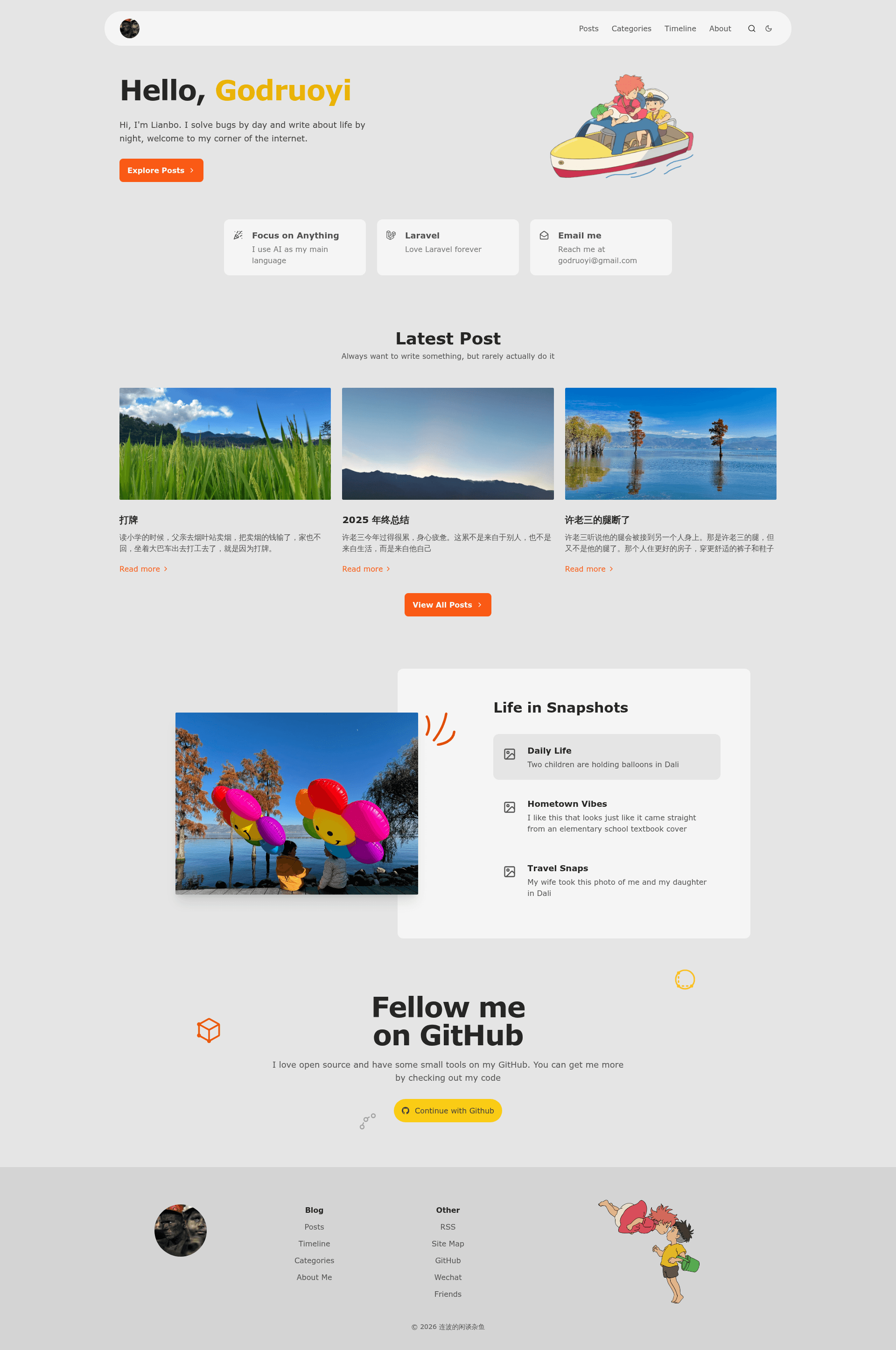
Gblog is an open-source, simple, and beautiful blog built with Astro.
About this template
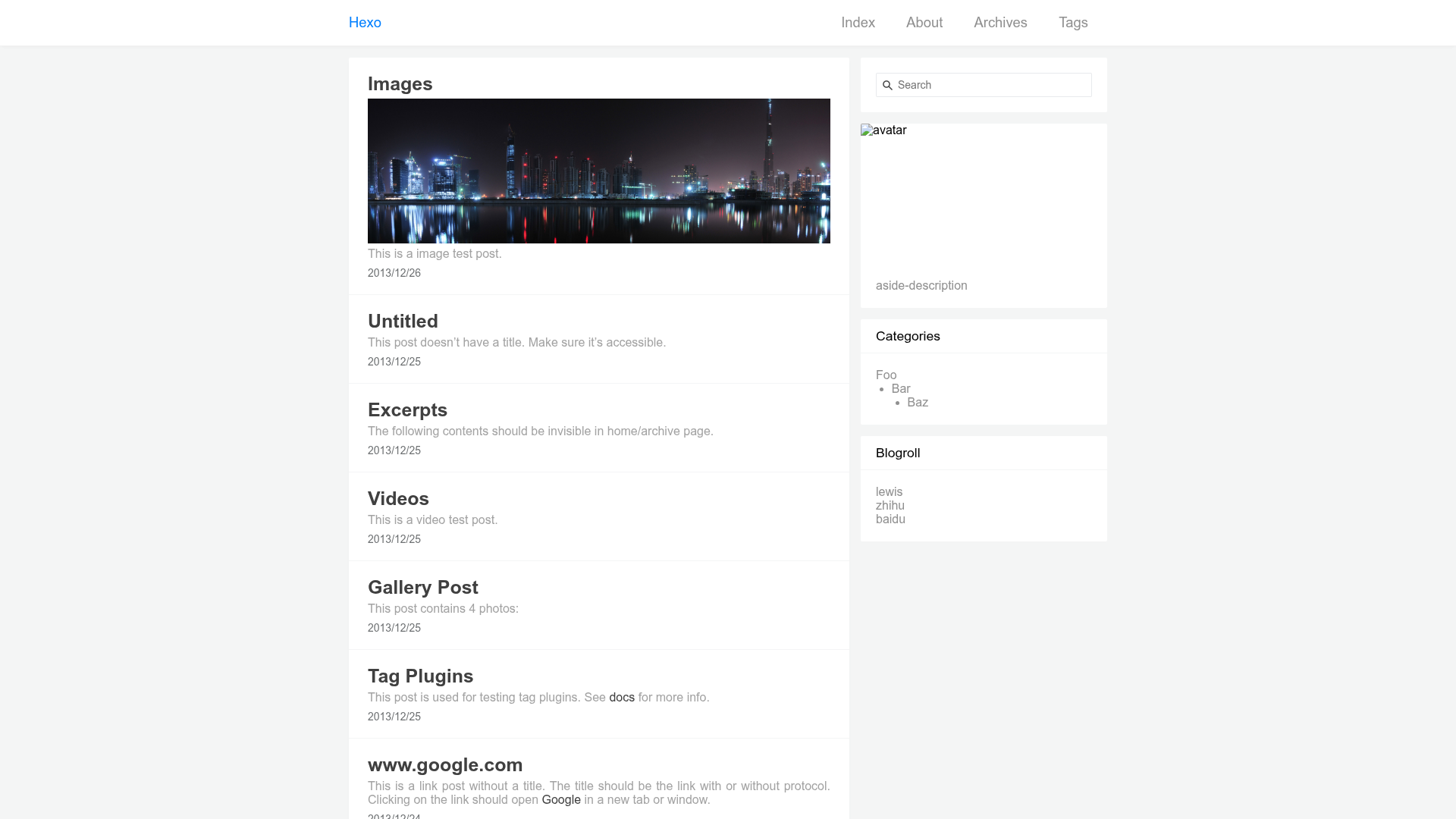
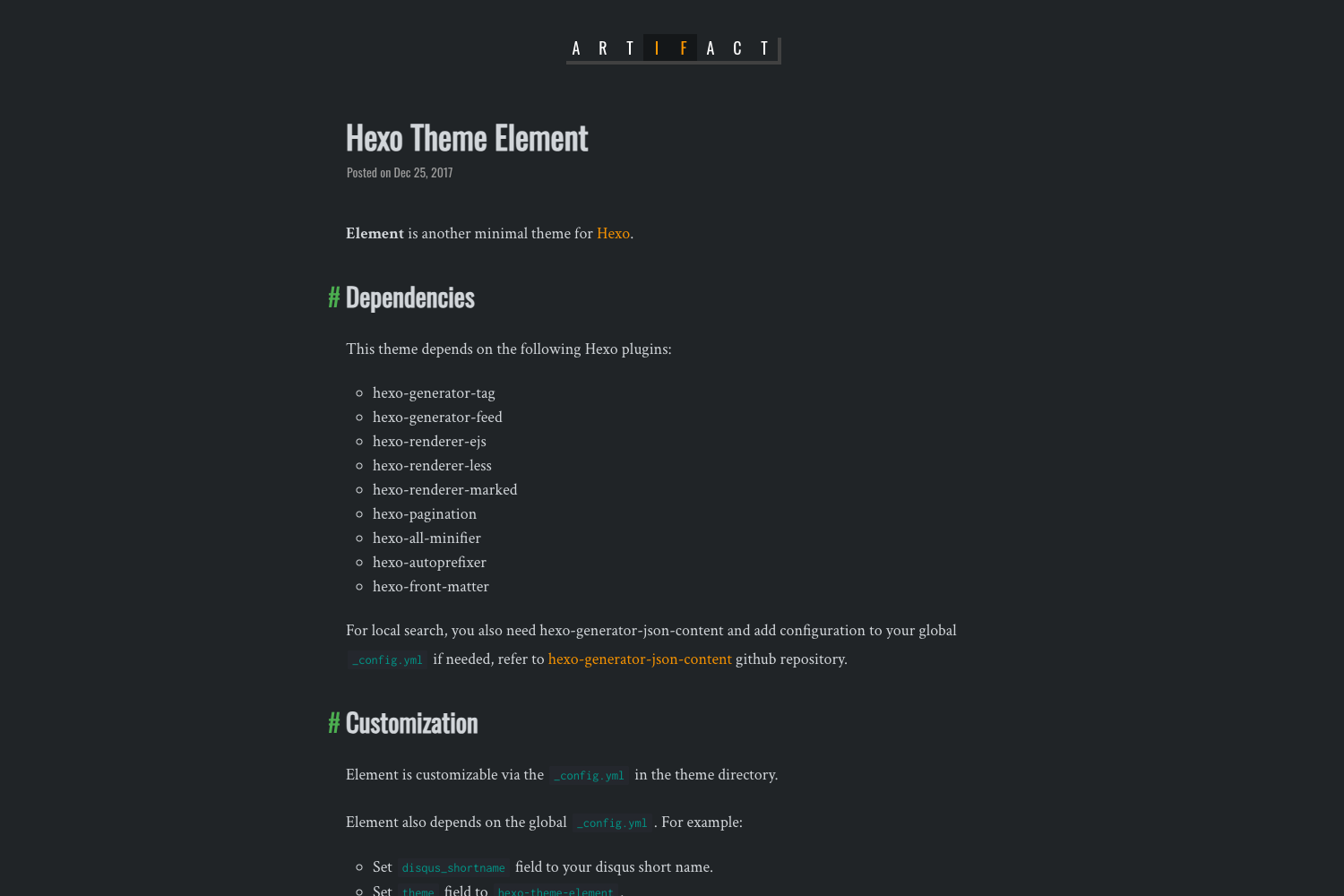
Gblog is an open-source blog template built with Astro that creates a static blog site from Markdown or MDX content without requiring you to write frontend or JavaScript code.
What is Gblog?
Gblog is an open-source blog template built with the Astro static site generator, designed for users who are unable or unwilling to write frontend code. It takes Markdown or MDX files as input and produces a fully static, responsive website with built-in SEO features such as a sitemap, RSS feed, Google Analytics, and Google Structured Data. The template was created by godruoyi, and the majority of its code is derived from the ScrewFast project. It is released under the MIT License and currently has 487 stars on GitHub. You can see a live demo at godruoyi.com.
Key Features
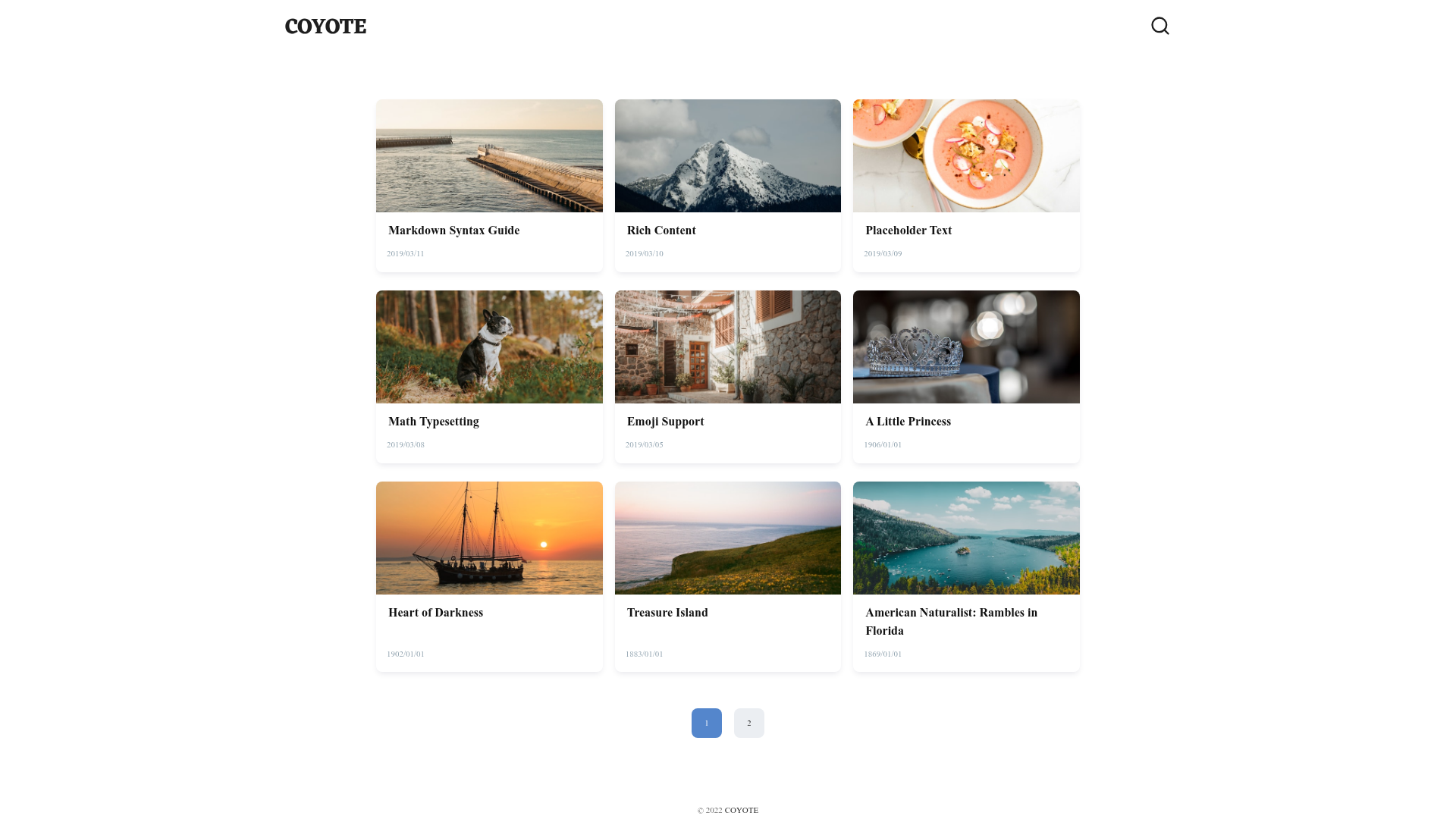
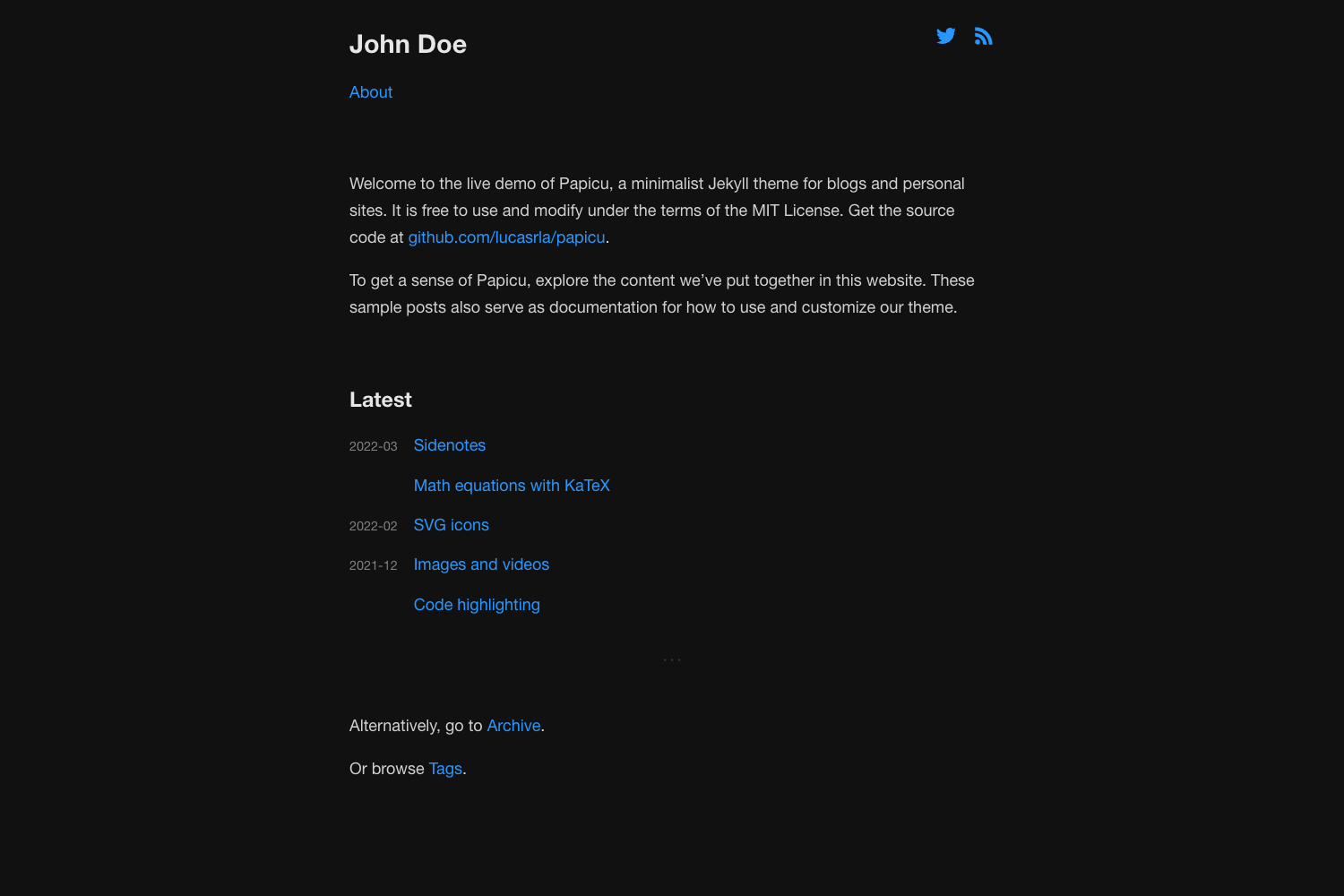
- Simple and responsive design — Clean default styling that is fully responsive and supports light and dark mode.
- No frontend coding required — You can paste an existing Tailwind CSS template into Gblog and it will work, and you can customize the blog without writing any JavaScript.
- Markdown and MDX support — Write blog posts in Markdown or MDX, which Astro compiles to static HTML.
- Built-in SEO and performance — Includes sitemap, RSS feed, Google Analytics, Google Structured Data, page compression, and image optimization.
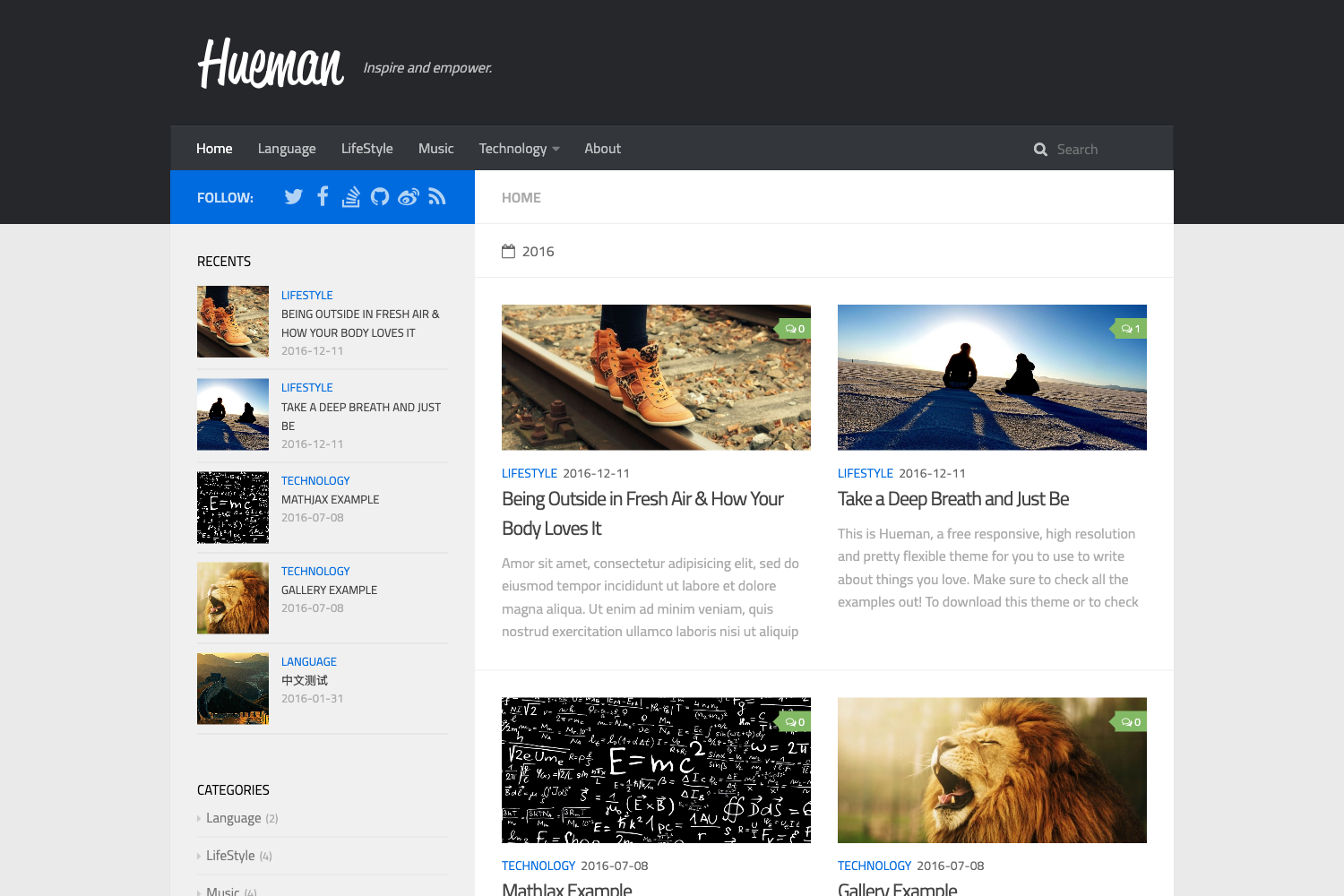
- Category and timeline layouts — Organize posts by category and present them in a timeline format.
- One-click deployment — Deploy to Zeabur or Vercel directly from the template buttons, or build from source with pnpm.
Who is it for?
- Developers who don't want to build the frontend — They can get a complete blog running in minutes by deploying to Zeabur or Vercel, then replace the Tailwind design with any template they like.
- Technical bloggers and writers — They can focus on writing Markdown or MDX while Gblog handles RSS, sitemap, and SEO automatically.
- Developers new to Astro — They can use Gblog as a learning reference to see how Astro, Tailwind CSS, and static deployment work together.
What can you do with Gblog?
- Create a personal blog without writing code — Use the one-click deploy buttons to launch a blog on Zeabur or Vercel, then publish posts in Markdown.
- Customize the entire design with a Tailwind template — Find any Tailwind CSS template and paste it into Gblog to restyle the blog without touching JavaScript.
- Track and optimize your content — Plug in Google Analytics and use Google Structured Data and page compression to improve search visibility and loading speed.
- Publish content as Markdown or MDX — Write posts in your preferred format and Gblog automatically generates the static HTML, RSS feed, and sitemap.
How does Gblog work?
To build Gblog from source, clone the gblog-template branch, run pnpm install, edit src/config.ts with your site settings, and start the development server with pnpm run dev. For production, run pnpm run build to generate static files and pnpm run preview to check them locally. One-click deploy options also exist for Zeabur and Vercel.
FAQ
Is Gblog free?
Yes, Gblog is open-source and released under the MIT License, so you can use it freely for personal or commercial blogs.
Do I need JavaScript skills to use Gblog?
No. The template is designed for users who are unable or unwilling to write frontend code. You can customize it by finding and pasting an existing Tailwind CSS template, without editing JavaScript.
Can I deploy Gblog to Vercel or Zeabur?
Yes, Gblog includes one-click deployment buttons for Zeabur and Vercel, and it can also be built from source for any static hosting.
Does Gblog support RSS and sitemap generation?
Yes, Gblog comes with SiteMap and RSS Feed support built in, along with Google Analytics and Google Structured Data.
Where does Gblog's code come from?
Most of the code is derived from ScrewFast, an open-source project, which Gblog credits as its source.