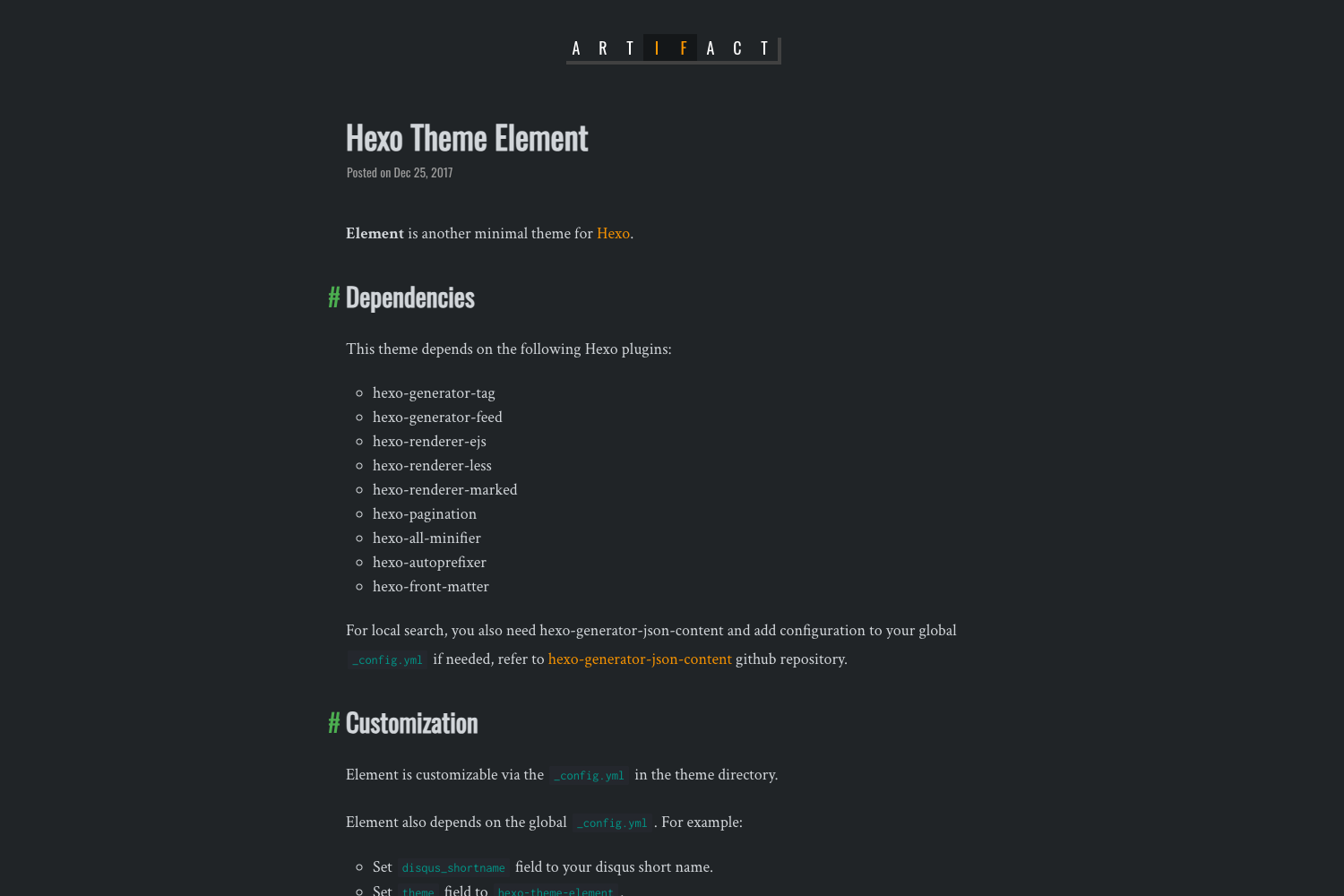
Template details
Hueman
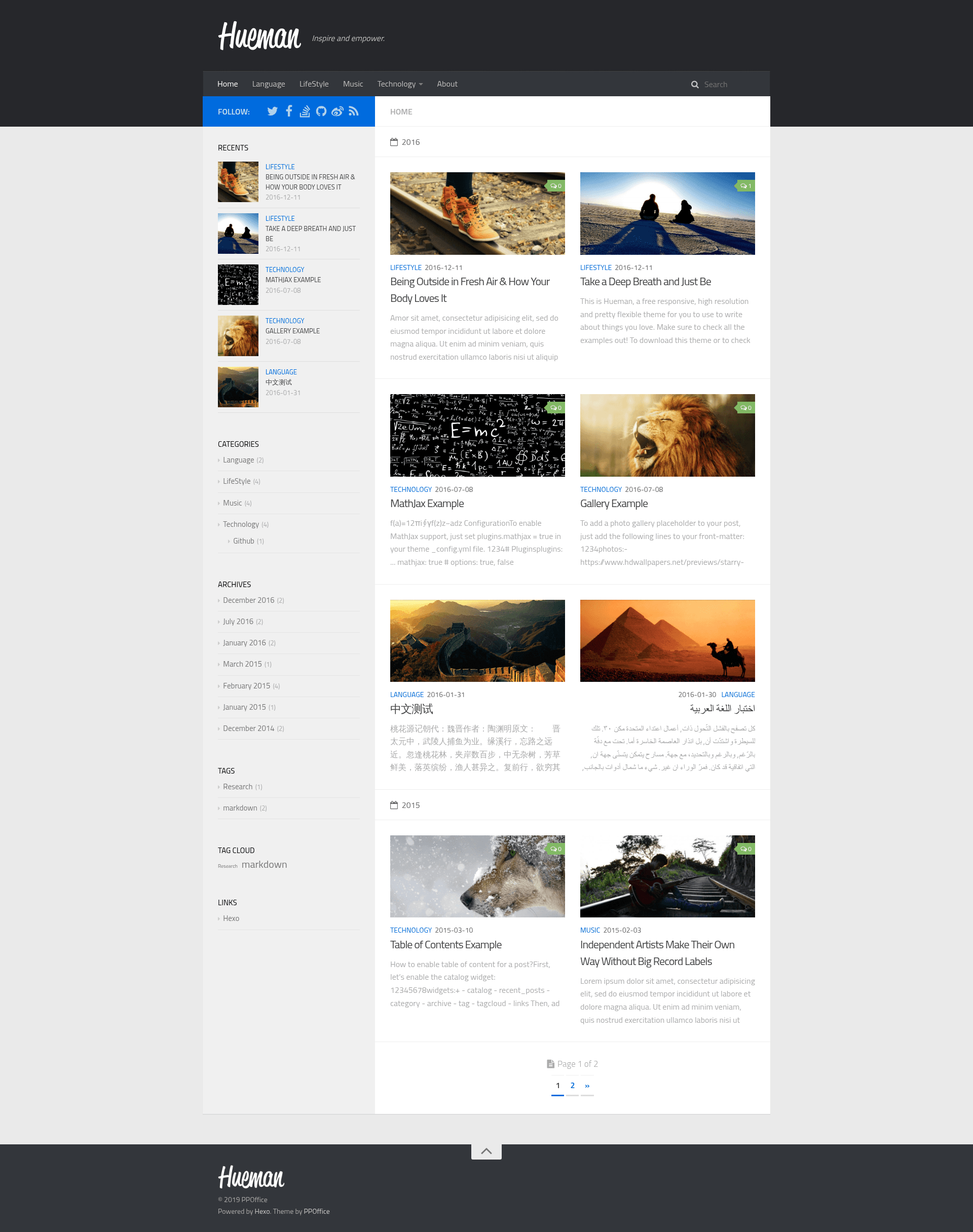
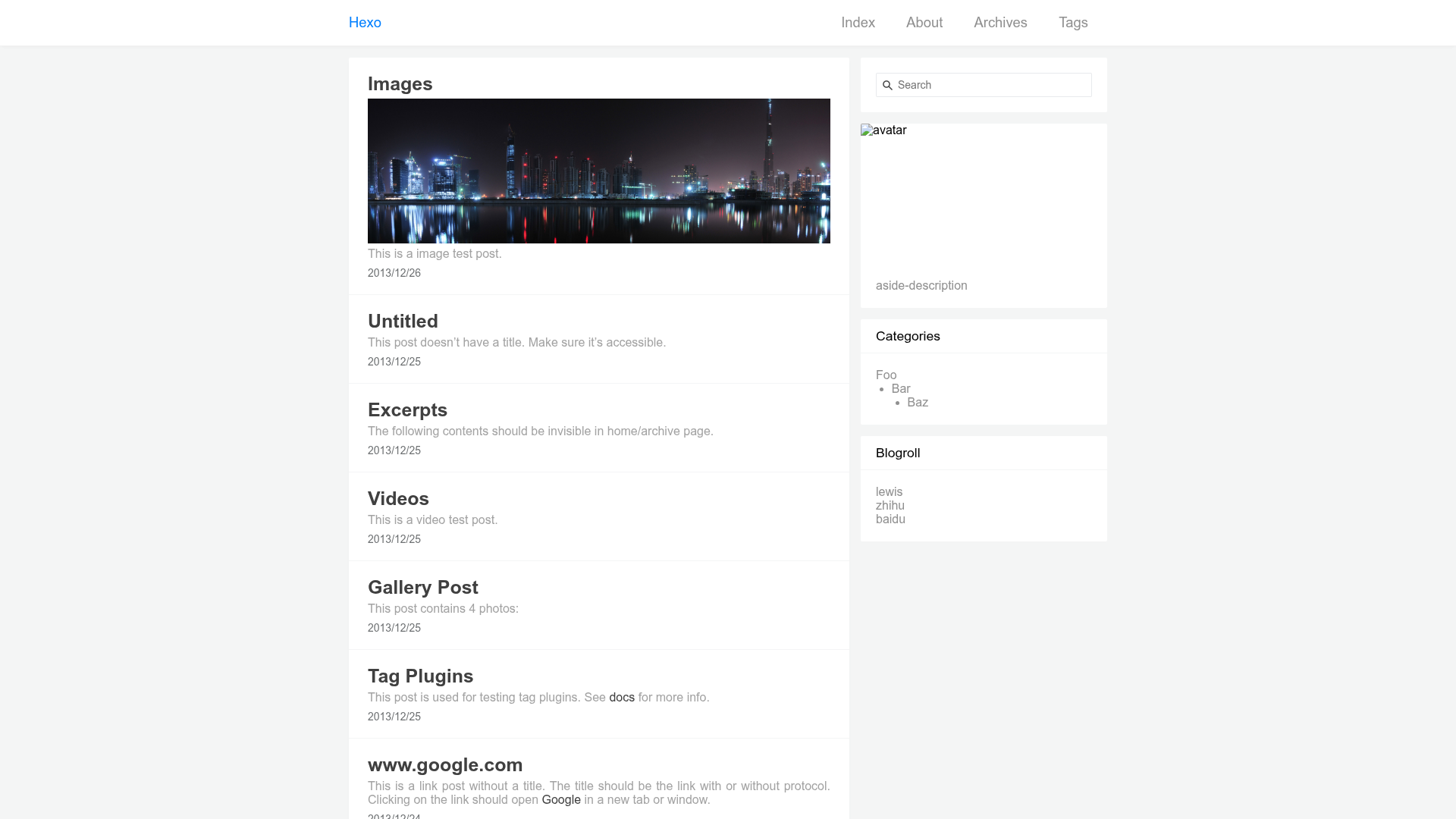
A responsive Hexo theme ported from WordPress' Hueman, featuring insite search, lightgallery, and 9 sidebar widgets.
About this template
Hueman is a responsive, feature-rich Hexo theme ported from AlxMedia's WordPress theme of the same name, designed to turn a Hexo static site into a polished blog with insite search, lightgallery, and nine sidebar widgets.
What is Hueman?
Hueman is a Hexo theme that runs on the Hexo static site generator, taking Markdown posts and front-matter as input and producing a fully styled blog as output. It was ported from AlxMedia's WordPress theme Hueman and is maintained by ppoffice, who also provides a documentation wiki for the theme. The theme repository has over 1,100 stars on GitHub, reflecting its popularity among Hexo users.
While the original WordPress theme was designed for that platform, this port adapts the same visual style to Hexo's templating system, so users get a familiar design with Hexo's static-site workflow.
What makes Hueman stand out?
- Responsive layout — reorganizes the page layout based on the viewer's screen size, adapting between desktop, tablet, and phone viewports automatically.
- Categories in the main menu — inserts your blog's categories directly into the header menu, which can be enabled or disabled via the
menusetting. - Self-hosted insite search — integrates Insight Search, allowing visitors to search the entire site without relying on any third-party search plugin or service.
- Custom comment services — supports multiple comment services, so you can choose how readers interact with your posts.
- Automatic thumbnails — uses the
thumbnailfront-matter field if present; otherwise it picks the first image in the post as the thumbnail, and this behavior is toggled through thethumbnailsetting. - Code highlight — bundles over 60 themes imported from Highlight.js and makes it simple to define a custom highlight theme.
- lightgallery integration — enables lightbox-style photo galleries through lightgallery.js once you turn it on in the configuration.
- Nine built-in sidebar widgets — archives, catalog, category, google_adsense, links, recent_posts, sticky_posts, tag, and tagcloud are all enabled by default and can be edited in the
widgetsetting.
Who should use Hueman?
- Hexo bloggers who want a modern, responsive theme without hand-building layouts or breakpoint styles.
- Developers who prefer self-hosted search over third-party search widgets and want a highlighting system with many presets.
- Photography and portfolio sites that display large images and benefit from the lightgallery viewer and automatic thumbnail extraction.
What can you do with Hueman?
- Personal bloggers: organize posts with category-based navigation in the header and a tag cloud in the sidebar, while keeping the site fully static.
- Content-heavy sites: use the built-in catalog widget to show a table of contents, making long articles easier to scan.
- Monetized blogs: add Google AdSense directly through the included adsense widget without extra plugins.
FAQ
Does Hueman require a third-party search service?
No. Hueman uses Insight Search, a self-hosted search engine that indexes your site's content on the server side, so no external search service is required.
How does Hueman handle post thumbnails?
Hueman looks for a thumbnail field in the post's front-matter. If absent, it falls back to the first image found in the post body. You can disable this behavior with the thumbnail setting.
What comment services are supported?
The page notes that Hueman supports "custom comment services" and shows a screenshot, but the exact list of services is not detailed in the source. You can refer to the theme's documentation wiki for the supported options.
Can I change the sidebar widgets?
Yes, there are nine built-in widgets — archives, catalog, category, google_adsense, links, recent_posts, sticky_posts, tag, and tagcloud — all enabled by default and configurable via the widget setting.