Template details
JS-Portfolio
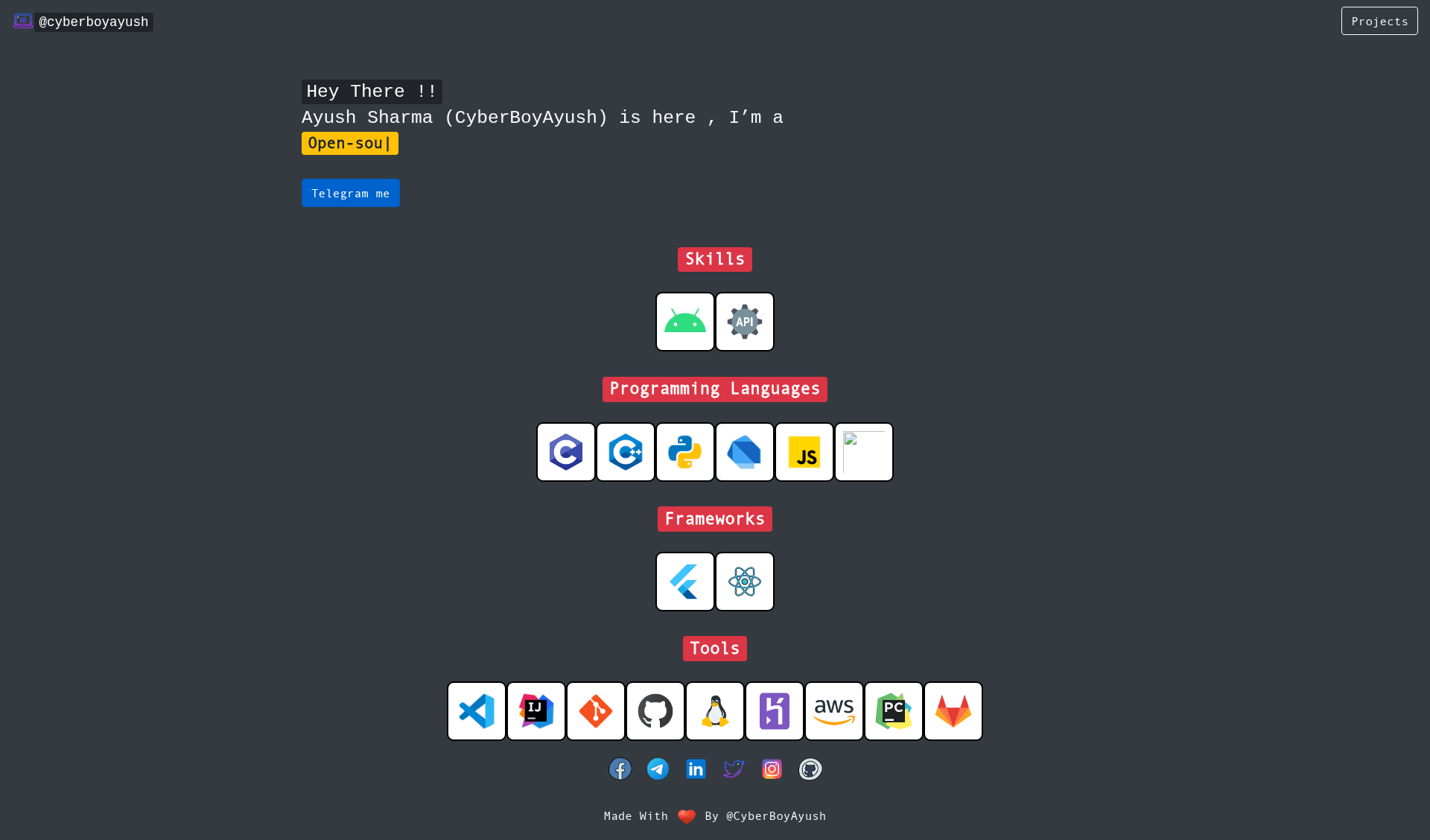
A minimal single-page portfolio template built with Node.js, easy to edit and deploy to Netlify/Vercel.
About this template
JS-Portfolio is a free, open-source single-page portfolio template built with Node.js that loads your GitHub profile data from a single config file and deploys to Netlify or Vercel with one click.
What is JS-Portfolio?
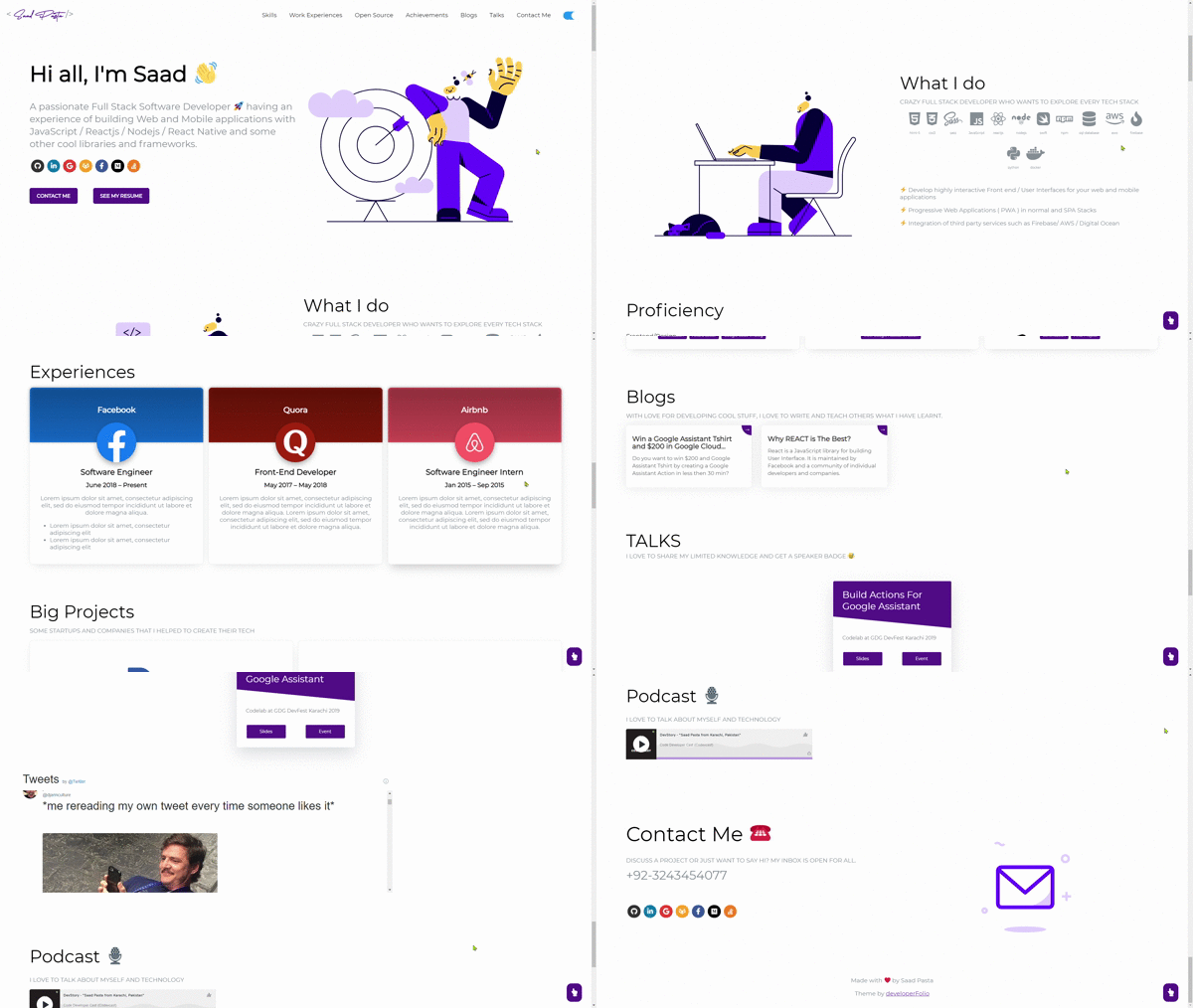
JS-Portfolio is a minimal single-page portfolio template created by CyberBoyAyush (Ayush). It is built with Node.js and uses a single config.js file as the input; editing that file automatically pulls your GitHub username and related data to populate the page. The output is a static portfolio site with a projects section, deployable to Netlify or Vercel. The project is a fork/clone of Aryan Vikash's portfolio repo, with added language support and documented deployment options.
Key Features
- Single-page design — Everything (bio, projects, links) lives on one page, so there's no routing or navigation to maintain.
- Config-driven customization — Edit config.js and replace the author's username with yours; the site fetches your GitHub data automatically.
- Easy local setup — Clone the repo, run
npm install, thennpm run devto preview on localhost. - One-click Netlify deploy — A deploy button in the README starts a Netlify deployment from the GitHub repo directly.
- One-click Vercel deploy — A Vercel Deploy button creates a new project from the template.
- Documented Git workflow — The README includes commands to push your edited code to your own GitHub repository.
- Open source license — Released under GNU GPL v3, so you can use, study, share, and modify it freely.
- 24x7 uptime — Hosting on Netlify or GitHub Pages gives continuous availability.
Who is it for?
- Developers who want a quick portfolio — Clone, edit one config file with your GitHub username, and deploy in minutes.
- Students or freelancers — Set up a personal site without designing from scratch or paying for hosting; use free tiers of Netlify/Vercel.
- Open-source contributors — Since it's GPL-licensed, you can fork, customize, and share your version.
What can you do with JS-Portfolio?
- Job seekers: create a personal landing page that showcases your GitHub repositories and contact links.
- Freelancers: deploy a clean portfolio site with your projects to share with potential clients.
- Devs learning deployment: use the documented Netlify and Vercel one-click buttons to practice deploying a Node.js project.
How does JS-Portfolio work?
The workflow is described in the README: clone the repository, run npm install, run npm run dev to see it on localhost, then edit config.js to swap the username. Push the changes to your own GitHub repo, then either use the Netlify deploy button or the Vercel Deploy button to launch the site live.
Pricing
JS-Portfolio is free. It is open source under the GNU General Public License v3, which permits free use, modification, and redistribution.
FAQ
Is JS-Portfolio free to use?
Yes, it's open source under GPL v3. You can use it commercially, modify it, and share it, as long as derivative works remain under the same license.
How do I customize the content?
Open the config.js file and replace the author's username with your GitHub username. The template then fetches your data automatically. For deeper edits, you can modify the HTML or CSS in the project files.
Can I deploy to Netlify or Vercel?
Yes. The README provides a one-click deploy button for Netlify and a Deploy with Vercel button. Both services have free tiers that make hosting cost nothing.
Do I need to know Node.js to use it?
Basic familiarity helps, but you don't need to write server code. You need Node.js and npm installed locally to run npm install and npm run dev. Deployment through the one-click buttons doesn't require local setup.
Does it fetch data from GitHub automatically?
Yes, after you update config.js with your username, the site pulls your GitHub info (from the public API) to populate the portfolio sections.