Template details
modern-portfolio
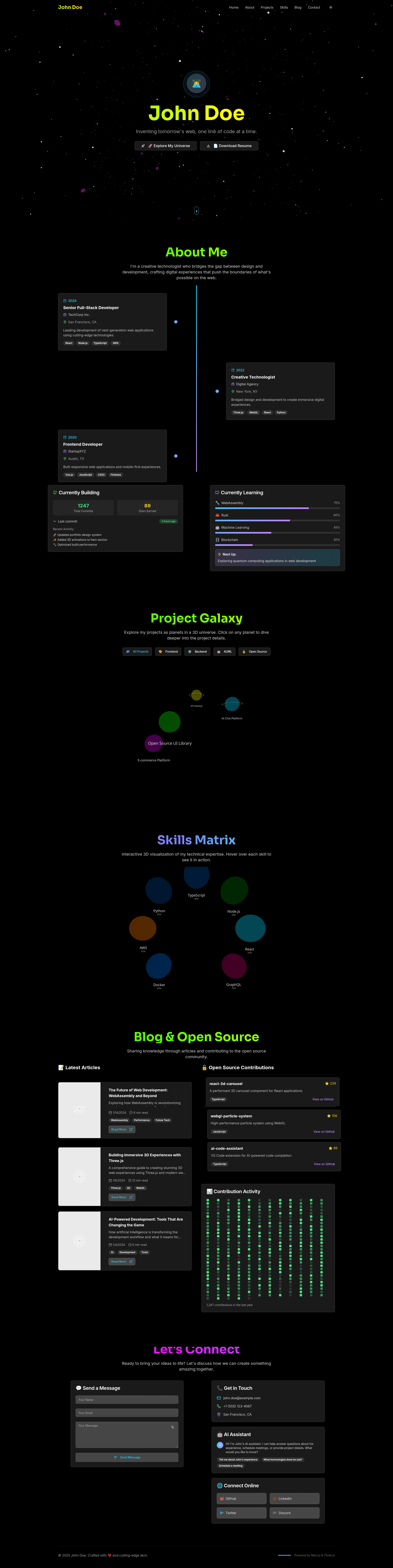
Futuristic 3D developer portfolio template built with Next.js 14, Tailwind CSS, Three.js, and Framer Motion.
About this template
modern-portfolio is an open-source developer portfolio template built with Next.js 14, Tailwind CSS, Three.js, and Framer Motion, designed to turn your projects and skills into an immersive 3D personal website.
What is modern-portfolio?
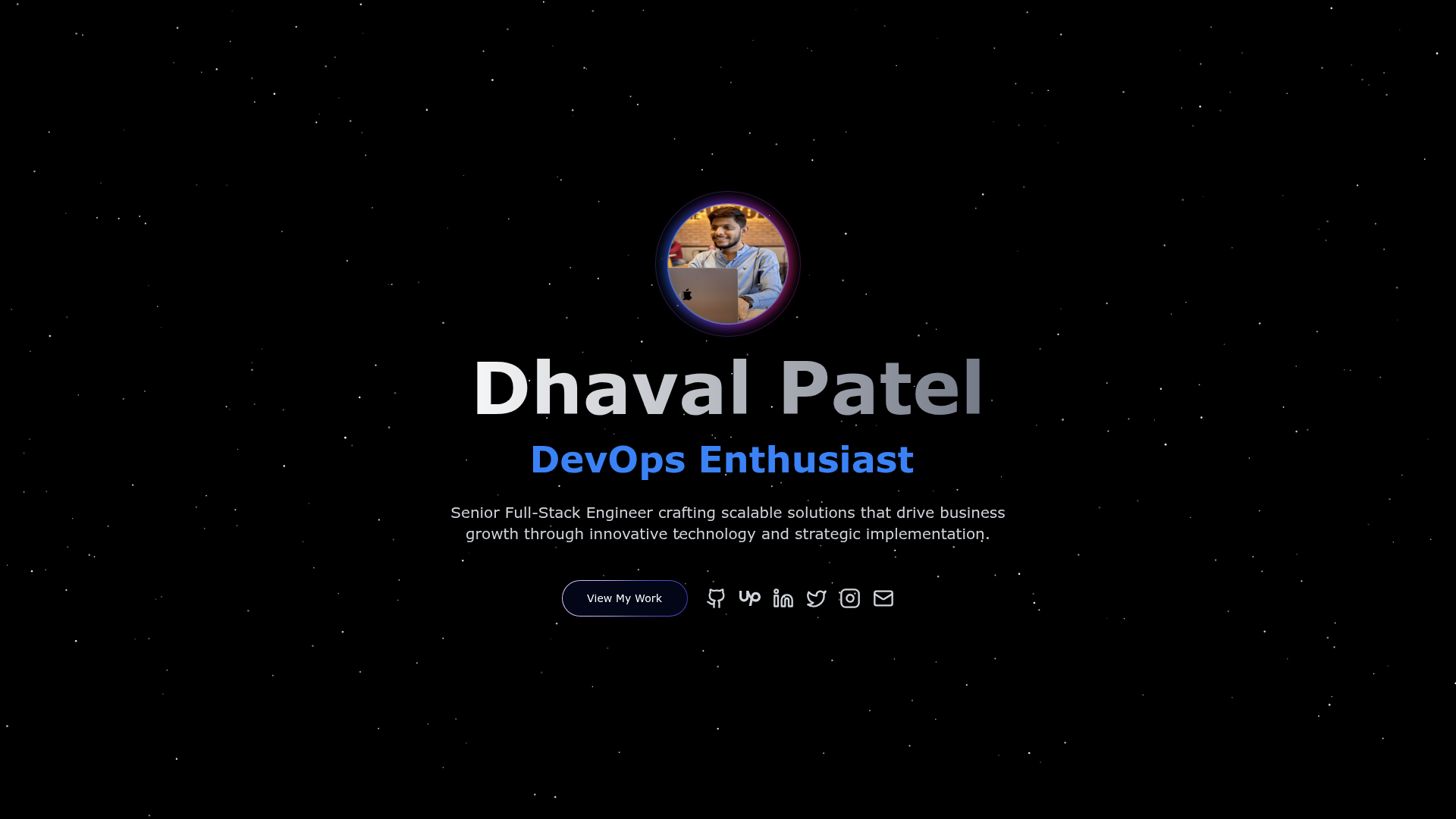
modern-portfolio is a fully responsive developer portfolio template that runs on the Next.js 14 App Router and uses Three.js for an animated 3D background. It takes your projects, skills, and contact details as input and generates a polished, SEO-optimized, PWA-ready portfolio page with dark mode by default and a light mode toggle. The template is open source under the MIT License, created by senotron, and includes a live demo hosted on Vercel. The GitHub repository currently has 23 stars.
Key Features
modern-portfolio stands out with a set of visual and interactive features that go beyond a typical static resume site.
- Animated 3D background — Three.js/WebGL powered backdrop that adds depth to the page.
- Glassmorphism and Neuromorphism — Premium visual effects used for cards, nav, and buttons.
- Dark mode with light toggle — Dark theme by default, with a switch to light mode.
- AI-powered contact chatbot — A chat assistant built into the contact section for visitor questions.
- Gamified 3D galaxy projects showcase — Projects rendered as interactive objects in a 3D galaxy instead of a plain grid.
- Animated skill matrix — Skill bars and tags with hover animations.
- Framer Motion and GSAP animations — Smooth transitions and scroll-triggered effects.
- Radix UI components — Accessible primitives for UI elements like menus and toggles.
- PWA-ready and SEO-optimized — Installable as an app and structured for search engines.
- Clean modular code — Reusable components and a flat structure for easy maintenance.
Who is it for?
modern-portfolio is designed for individuals who want a portfolio that demonstrates technical skill and creativity simultaneously.
- Software developers — To showcase coding projects and technical skills in a visually striking format that stands out to recruiters.
- Freelancers — To present a personal brand with an interactive portfolio that goes beyond a traditional resume.
- Open-source contributors — To use the SEO-friendly and visually appealing template to get noticed in GitHub trending.
- Design-conscious developers — To demonstrate front-end and 3D web development skills in a single project.
What can you do with modern-portfolio?
You can adapt modern-portfolio for several personal branding and job-search scenarios.
- Job seekers: Replace a static resume with a 3D interactive portfolio that includes a contact chatbot and live project demos.
- Freelance developers: Add client testimonials and project case studies directly in the gamified galaxy showcase.
- Tech bloggers: Extend the template to include a blog section alongside the portfolio.
- Students: Use the template as a learning resource for integrating Next.js 14, Three.js, and Framer Motion.
How does modern-portfolio work?
After cloning the repository, install dependencies with npm install and start the development server with npm run dev at http://localhost:3000. The project uses the App Router, so pages live in the app directory, and portfolio content is edited in config files. It can be deployed to Vercel by pushing the repo to GitHub and importing it.
FAQ
Is modern-portfolio free?
Yes, the template is open source and released under the MIT License, so you can use it for personal or commercial projects without any license fees.
What tech stack does it use?
It is built with Next.js 14, Tailwind CSS, Three.js, Framer Motion, and GSAP, with Radix UI for accessible components. It is deployed on Vercel and is PWA-ready.
Can I customize the colors and content?
Yes, the code is modular and clean. Tailwind CSS classes control styling, and portfolio data lives in config files, making it straightforward to change colors, projects, and skills.
Does modern-portfolio support light mode?
Yes, it has dark mode by default and includes a light mode toggle, so visitors can switch themes.
How do I deploy my own version?
Clone the repo, run npm install, then npm run dev to preview. To publish, push the code to GitHub and import the repository into Vercel for automatic deployment.