Template details
Academic Homepage Template
A free Next.js academic homepage template with .bib parsing, dark mode, and Zeabur deployment.
About this template
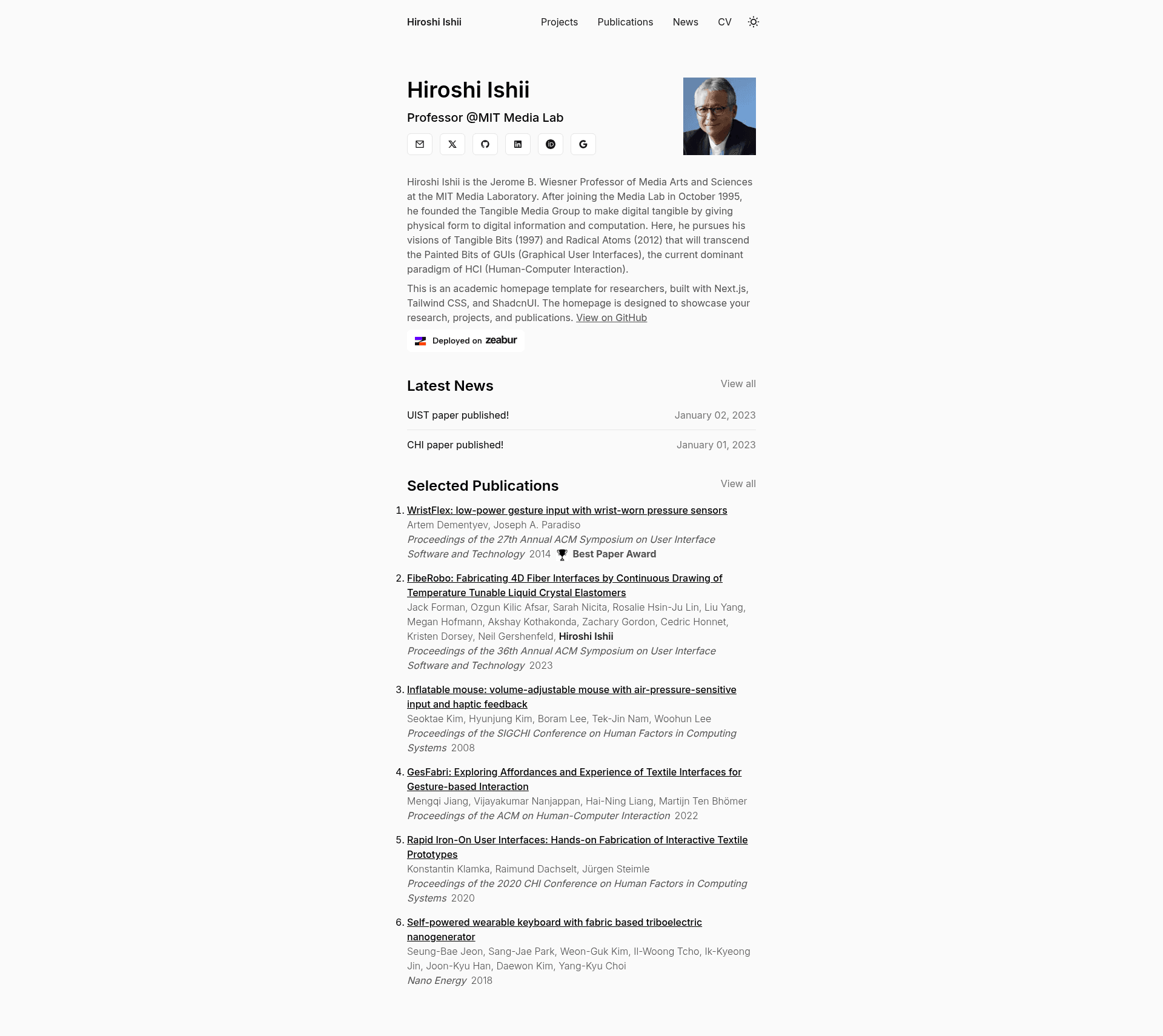
Academic Homepage Template is a free, MIT-licensed Next.js starter for building a personal academic website that automatically renders publication lists from .bib files.
What is the Academic Homepage Template?
Academic Homepage Template is a free, MIT-licensed Next.js starter for building a personal academic website that automatically renders publication lists from .bib files. It takes Markdown/MDX content, a BibTeX file, and a configuration object as input, and produces a responsive, dark-mode-ready homepage with news, projects, and publications. The template is developed by GitHub user anxndsgn and explicitly supports deployment to Zeabur.
Key Features
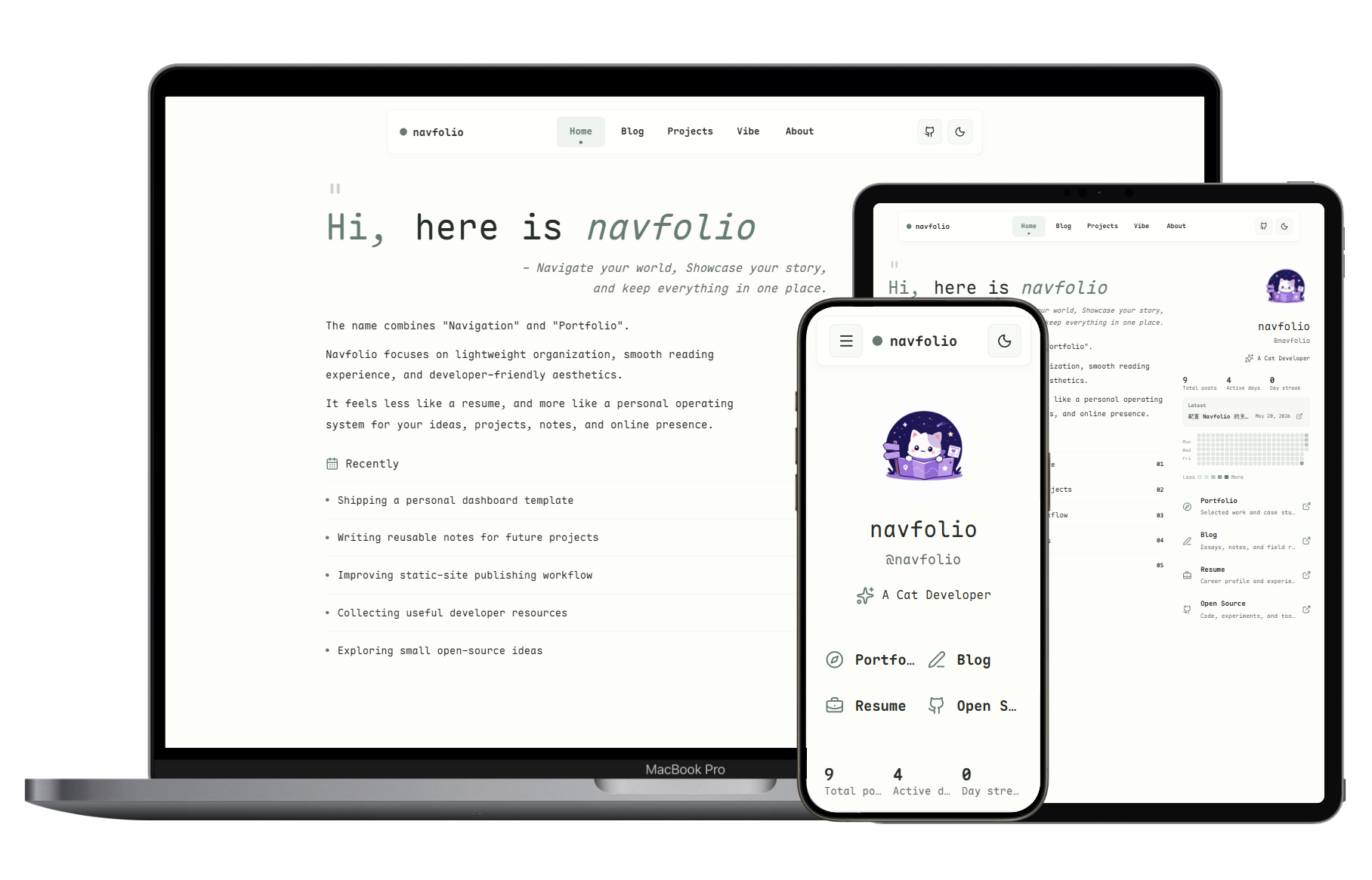
- Minimalistic design — Clean, modern interface built for academic portfolios, with a neutral layout that keeps publications and research front and center.
- Markdown and MDX content — All textual content is written as .mdx files; news and project pages use YAML frontmatter with title, date, and (for projects) an image field.
- Bib file parsing — Drop a BibTeX file named
Publications.biborSelectedPublications.bibinto thedata/publicationsdirectory and the template parses it into a formatted publication list; entries can include anawardfield for highlights. - Dark mode — Built-in dark theme, toggled without extra configuration.
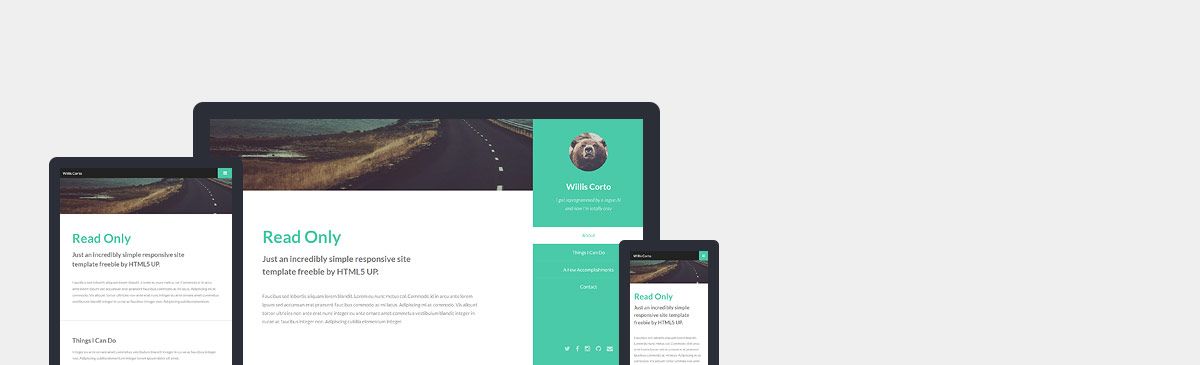
- Responsive layout — Fully mobile-friendly design that adapts to any screen size.
- Zeabur deployment — One-click deployment from GitHub via Zeabur, with a dedicated badge and documentation link in the repo.
- Tech stack — Built with Next.js, styled with Tailwind CSS, and using ShadcnUI components, providing a modern React-based foundation.
Who is it for?
- Academic researchers and professors — Publish a profile page that lists papers, awards, and selected publications parsed from BibTeX.
- PhD students and postdocs — Create a personal homepage with news updates, project showcases, and a CV hosted in the
publicfolder. - Graduate students applying for jobs — Stand up a clean portfolio site in minutes to present research, projects, and publications to potential employers.
What can you do with the template?
- Researchers: Display your publication list automatically by placing a
.bibfile indata/publicationsand annotate award-winning papers with anawardkey in the BibTeX. - Students: Write project pages in MDX with frontmatter for title, description, date, and an image stored in
public, and link them from your homepage. - Academics: Post news items by creating MDX files in
data/newswith the required title and date frontmatter.
How does it work?
The template splits your data into three locations: public for images and your CV, data for MDX content and .bib files, and data/website.config.js for personal information and social media links. To run it locally, clone the repository, install dependencies with pnpm using pnpm i, and start the development server with pnpm run dev at localhost:3000.
FAQ
How do I add my publications?
Place a BibTeX file named Publications.bib or SelectedPublications.bib in the data/publications directory. The template parses it automatically and displays the entries on the publications page.
What frontmatter do I need for news and projects?
News MDX files require a title and date in frontmatter. Project MDX files also require a description and an image path to an image stored in the public folder.
Is the template free?
Yes, the repository is open source under the MIT License, so you can use and modify it freely.
What Node.js version is required?
The prerequisites state Node.js version 14.x or higher, along with pnpm as the package manager.
Alternatives
- al-folio — a Jekyll-based academic portfolio template that runs on GitHub Pages rather than Next.js.
- Hugo Academic (Wowchemy) — a Hugo-based academic website generator with a large theme ecosystem.
Pricing
The template is free and open source under the MIT License; there are no paid tiers.