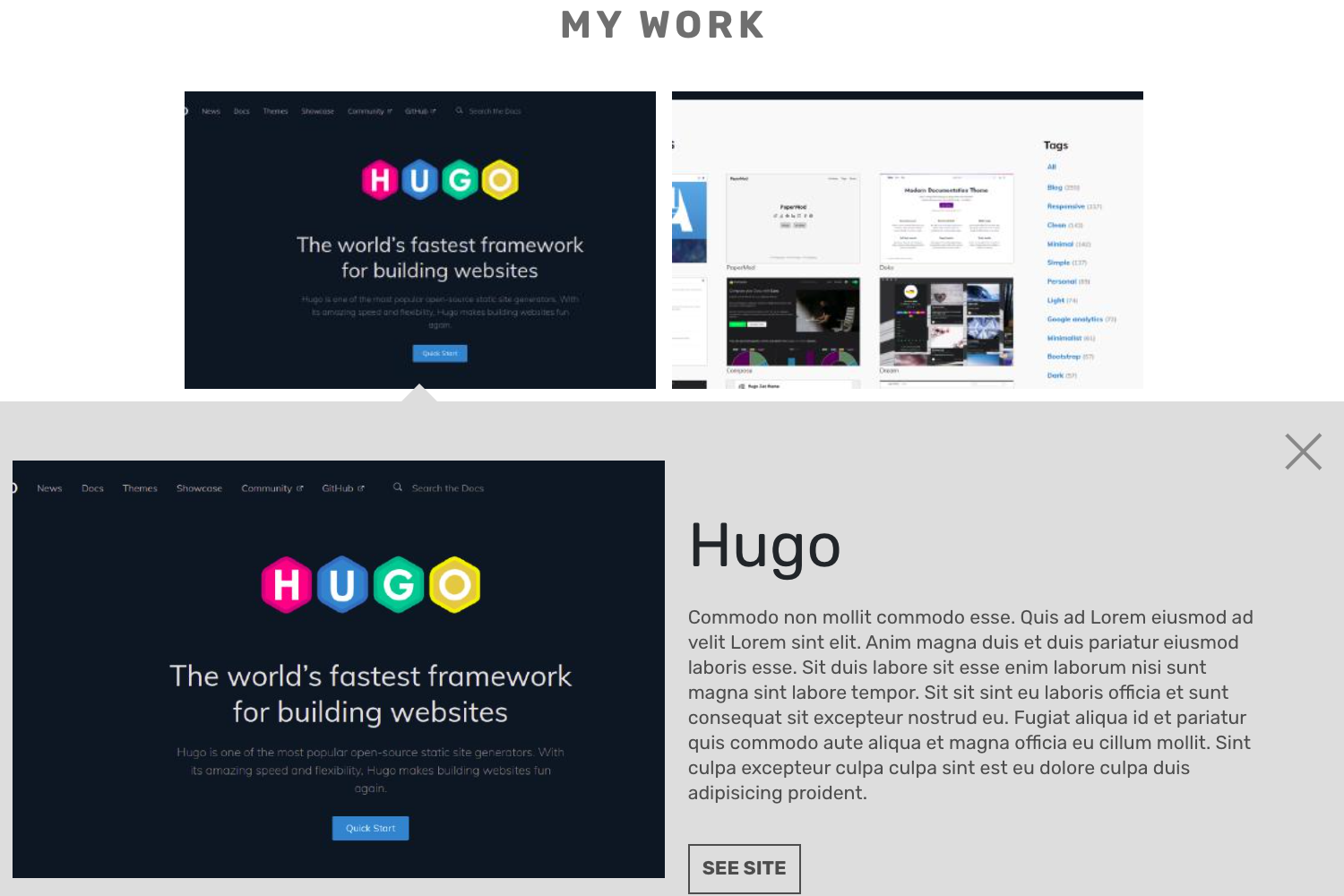
Template details
Elate
A one-page parallax portfolio Hugo theme with a contact form, responsive grid, and four styles.
About this template
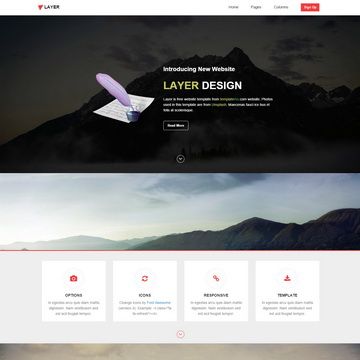
Elate is a Hugo theme that generates a one-page parallax portfolio website for freelancers, designers, developers, and agencies, built as a port of the free Elate HTML5 Bootstrap template by freehtml5.co.
What is Elate?
Elate takes a Hugo site configuration and content files as input and produces a static one-page portfolio site with animated sections. It runs on Hugo, a static site generator written in Go, and is maintained by GitHub user saey55. The theme includes several content sections, a contact form, a responsive portfolio grid with hover effects, and four ready-to-use style variants. It is released under the MIT License.
Key Features
- One-page portfolio layout — All content is presented on a single page with multiple sections, including a contact form and portfolio grid.
- Responsive portfolio grid — Projects are displayed in a grid that adapts to screen sizes and includes hover effects.
- Parallax and animation — Sections use smooth parallax scrolling and animated entrances to enhance visual appeal.
- Four style variants — The theme ships with four built-in color/style options you can switch between.
- Formspree contact form — The contact form works through formspree.io as a proxy, allowing up to 1,000 emails per month free of charge.
- Hugo-based static output — Builds fast static sites with Hugo's template engine and uses a config.toml file for site-wide settings.
- Ported from a Bootstrap template — The theme is based on the free Elate HTML5 Bootstrap template from freehtml5.co, retaining its original design.
Who is it for?
- Freelancers and designers — Showcase a portfolio of projects and add a contact form for client inquiries.
- Developers — Quickly set up a clean one-page personal site with minimal configuration using Hugo.
- Small agencies — Present the agency's work and services on a single scrolling page.
- Hugo users — Anyone already using Hugo as a static site generator who wants a ready-made portfolio theme.
What can you do with Elate?
- Display your projects: Use the responsive portfolio grid to present images and descriptions of your work with hover effects.
- Receive messages: Set up the contact form with your email address and enable it in config.toml to get visitor inquiries forwarded by Formspree.
- Customize the look: Change text and settings in config.toml and pick one of the four included styles to match your brand.
How does Elate work?
After cloning the theme into your Hugo site's themes folder, copy the example config.toml to your site root. Set your email address under the 'email' field, enable the contact form, and run hugo server to preview locally. To make the contact form live, upload the generated site to a server and send a dummy email through the form to activate Formspree's confirmation link.
Pricing
Elate is free and open source. You can download, use, and modify it under the terms of the MIT License; there are no paid tiers or subscription fees.
FAQ
Is Elate free?
Yes, Elate is completely free. It is released under the MIT License, so you can use it for personal or commercial projects without paying anything.
Do I need Hugo to use Elate?
Yes. Elate is a Hugo theme, so you must have Hugo installed to build your site. You also need to run the commands for installation and use the hugo server command for local preview.
How does the contact form work?
The contact form is powered by Formspree. You set your email address in the config.toml file, enable the form, and after uploading your site you confirm your account by clicking the link in an email from Formspree. The free plan allows up to 1,000 emails per month.
Are there pages other than the homepage?
No. Elate is specifically designed as a one-page portfolio theme. All sections, including the portfolio grid and contact form, live on a single page. For a multi-page site you would need a different Hugo theme.