Template details
Adminator
Adminator is a free, vanilla-JS admin dashboard template with token-driven CSS theming, dark mode, and 18 prebuilt pages.
About this template
Adminator is a free, vanilla-JavaScript admin dashboard template by Colorlib, rebuilt as an 18-page HTML/CSS theme with a token-driven design system, real dark mode, and no jQuery or Bootstrap dependencies.
What is Adminator?
Adminator is a free and open-source admin dashboard template for web apps, websites, and services, created by Colorlib and released under the MIT License. It takes a set of static HTML pages with declarative body attributes and produces a complete back-office interface with a shared sidebar, topbar, and footer shell. The v4 codebase is published on npm as adminator-admin-dashboard, ships both source and prebuilt dist/ files, and can also be loaded directly from jsDelivr CDN.
What makes Adminator stand out?
Adminator v4 distinguishes itself by removing Bootstrap and jQuery entirely and building every UI primitive with custom CSS and vanilla JavaScript. Its design system is token-driven: all colors, typography, spacing, and shadows live as CSS variables in _tokens.scss, with separate light and dark values, so changing one variable updates every component. The template maintains a single JavaScript shell, and the three heavy libraries—Chart.js 4.5, FullCalendar 7, and jsvectormap 1.7—are lazy-loaded only on the pages that use them, keeping the common per-page payload at 130 KB (28 KB gzipped) since v4.2.0.
- Token-driven design system — Every visual value is a CSS variable in
_tokens.scsswith light and dark variants; editing one token updates the entire template. - Real dark mode — A single
data-themeattribute on the html element swaps the whole UI, including Chart.js, FullCalendar, and jsvectormap, which re-render via a MutationObserver. - Zero framework CSS — No Bootstrap, no jQuery, and no utility-class framework; buttons, dropdowns, alerts, modals, tabs, accordions, switches, and progress bars are all custom-built.
- Single JS shell — Sidebar, topbar, and footer render from one NAV manifest in Shell.js; a page declares its active nav item and breadcrumbs with
data-activeanddata-crumbsattributes. - Lazy-loaded integrations — Chart.js 4.5, FullCalendar 7, and jsvectormap 1.7 are fetched only by their respective pages, reducing the always-loaded bundle to 130 KB (28 KB gzipped).
- 18 redesigned pages — Dashboard, Email, Calendar, Chat, Compose, Charts, Forms, UI Elements, Buttons, Basic Table, Data Table, Google Maps, Vector Maps, Blank, Sign In, Sign Up, 404, and 500.
- Modern build tooling — Webpack 5 with native ES modules (no Babel), Sass with the modern @use syntax, PostCSS autoprefixing, ESLint 10 and Stylelint 17, and Vitest 4 with jsdom.
Who is it for?
Adminator targets developers and designers who need a functional admin or back-office interface without building the chrome from scratch.
- Freelance web developers — Build client admin panels by copying the page anatomy and editing the NAV manifest instead of writing custom UI code.
- Startups and SaaS teams — Use the prebuilt Dashboard, Charts, Data Table, and auth pages as the starting point for internal tools or customer dashboards.
- UI designers — Prototype admin experiences with a consistent token system and dark/light mode, then hand off the SCSS variables to developers.
- Self-taught developers — Study a clean vanilla-JS codebase that demonstrates modern CSS custom properties, ES modules, and a single-shell architecture.
What can you do with Adminator?
Adminator's 18 prebuilt pages cover several concrete back-office tasks without requiring extra setup.
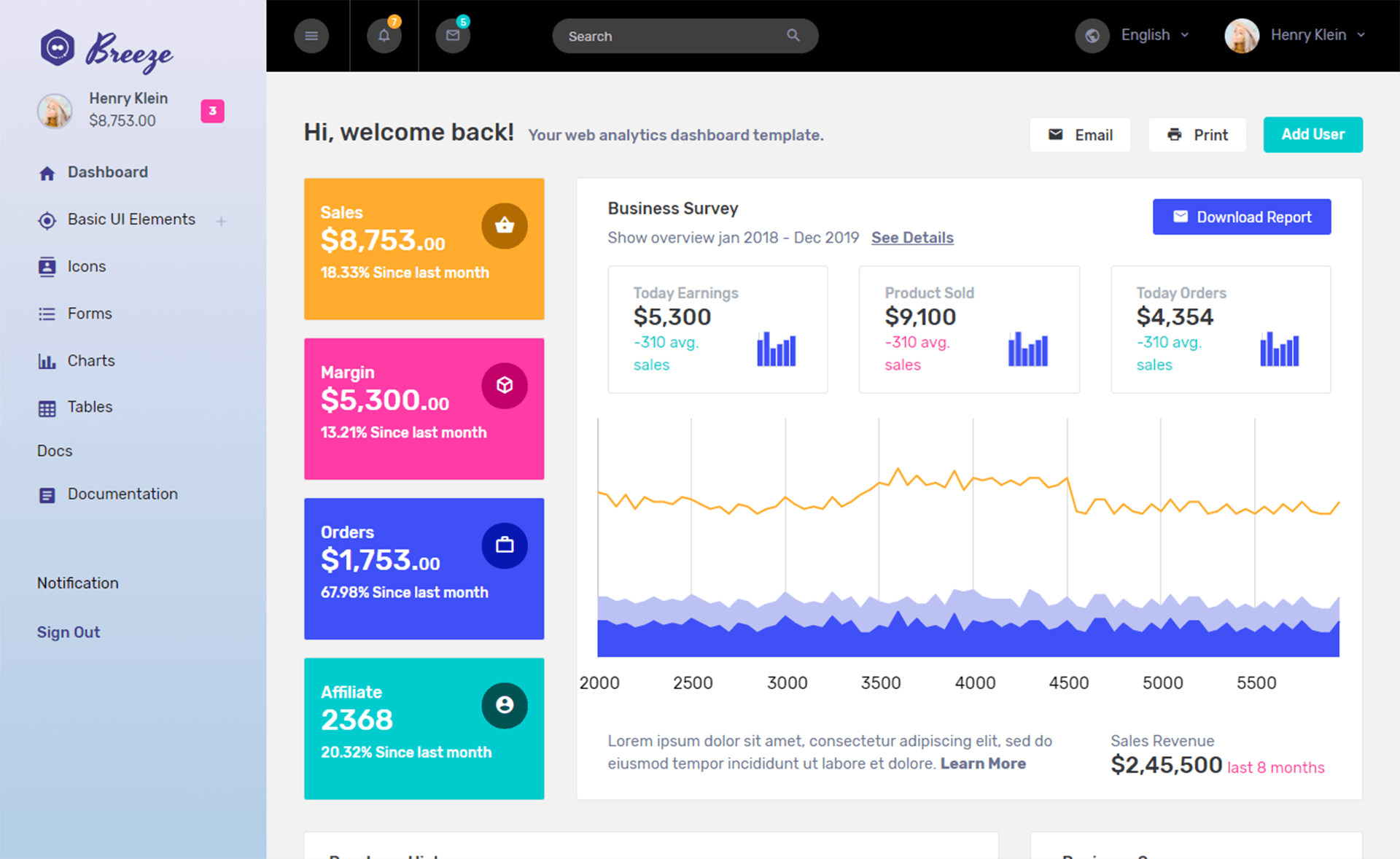
- Operational dashboards — Use the Dashboard page's KPI cards, Chart.js monthly chart, regional stats, todo list, and weather widget to display live or mock data.
- Team inboxes — The Email page offers a 3-pane layout with folders, message list, reader pane, and attachments, and the Compose page adds a rich-text editor with scheduling.
- Event and schedule views — The Calendar page runs full FullCalendar 7 with Day, Week, Month, and Agenda views, seeded with 24 events.
- Geographic data visualization — The Vector Maps page uses jsvectormap with city markers and continent KPIs, and it re-themes automatically when dark mode toggles.
How does Adminator work?
Clone the repository, run npm install, then npm start to launch a development server at http://localhost:4000. Each of the 18 HTML pages uses a body element with data-active and data-crumbs attributes plus three placeholder divs, and Shell.js renders the sidebar, topbar, and footer from a single NAV manifest. For production, run npm run release:minified to generate an extracted, minified build in dist/.
Pricing
Adminator is completely free and open source under the MIT License. There are no paid tiers, and commercial use is permitted as long as Colorlib is credited as the original author. The project's README also promotes premium templates from DashboardPack, but those are separate paid products.
Alternatives
Adminator competes with other free open-source admin dashboards. AdminLTE, a Bootstrap-based admin dashboard with a long history, and CoreUI, which offers free and paid templates in Bootstrap, Angular, React, and Vue, are the main alternatives.
Pros and cons
Adminator has the following clear strengths and limitations.
- Pro: MIT-licensed and free for commercial use.
- Pro: Small common bundle size of 130 KB (28 KB gzipped) thanks to lazy-loaded chart, calendar, and map libraries.
- Pro: Real dark mode that re-themes third-party libraries automatically.
- Con: v4 is a ground-up rewrite; existing v3 projects must copy content into the new shell rather than upgrade in place.
- Con: Internet Explorer 11 is not supported; only modern evergreen browsers (last two versions of Chrome, Firefox, Safari, Edge) work.
FAQ
Is Adminator free?
Yes, Adminator is free and open source under the MIT License. You can use, copy, modify, merge, publish, distribute, sublicense, and sell copies as long as you credit Colorlib as the original author.
Does Adminator use jQuery or Bootstrap?
No. Since v4.0.0, Adminator has been a ground-up rewrite with no jQuery, no Bootstrap, and no utility CSS framework. All UI primitives are custom-built using vanilla JavaScript and CSS custom properties.
How do I add a new page to Adminator?
Create an HTML file with the shared shell anatomy—data-active, data-crumbs, and three placeholder divs—then add a title in webpack/plugins/htmlPlugin.js, add a sidebar entry to the NAV manifest in Shell.js, and restart the dev server. The new page appears in the sidebar automatically.
Which browsers are supported?
Adminator targets the last two versions of Chrome, Firefox, Safari, and Edge. It uses CSS custom properties, color-mix(), and aspect-ratio, and it does not support IE11 or older browsers.
Can I install Adminator from npm?
Yes, the current v4 line is published as adminator-admin-dashboard on npm. The package includes both src/ and a prebuilt dist/, so you can import the CSS and HTML directly or serve the dist folder statically.