Template details
Vue Dashboard
A dashboard scaffolding based on Vue.js 3.0 & Vite, with TypeScript, Vuex, Vue Router, Naive UI, and a mocked API server.
About this template
Vue Dashboard is a free, open-source dashboard scaffolding template built on Vue.js 3.0 and Vite, providing a ready-made admin panel start point with authentication and a mocked API server.
What is Vue Dashboard?
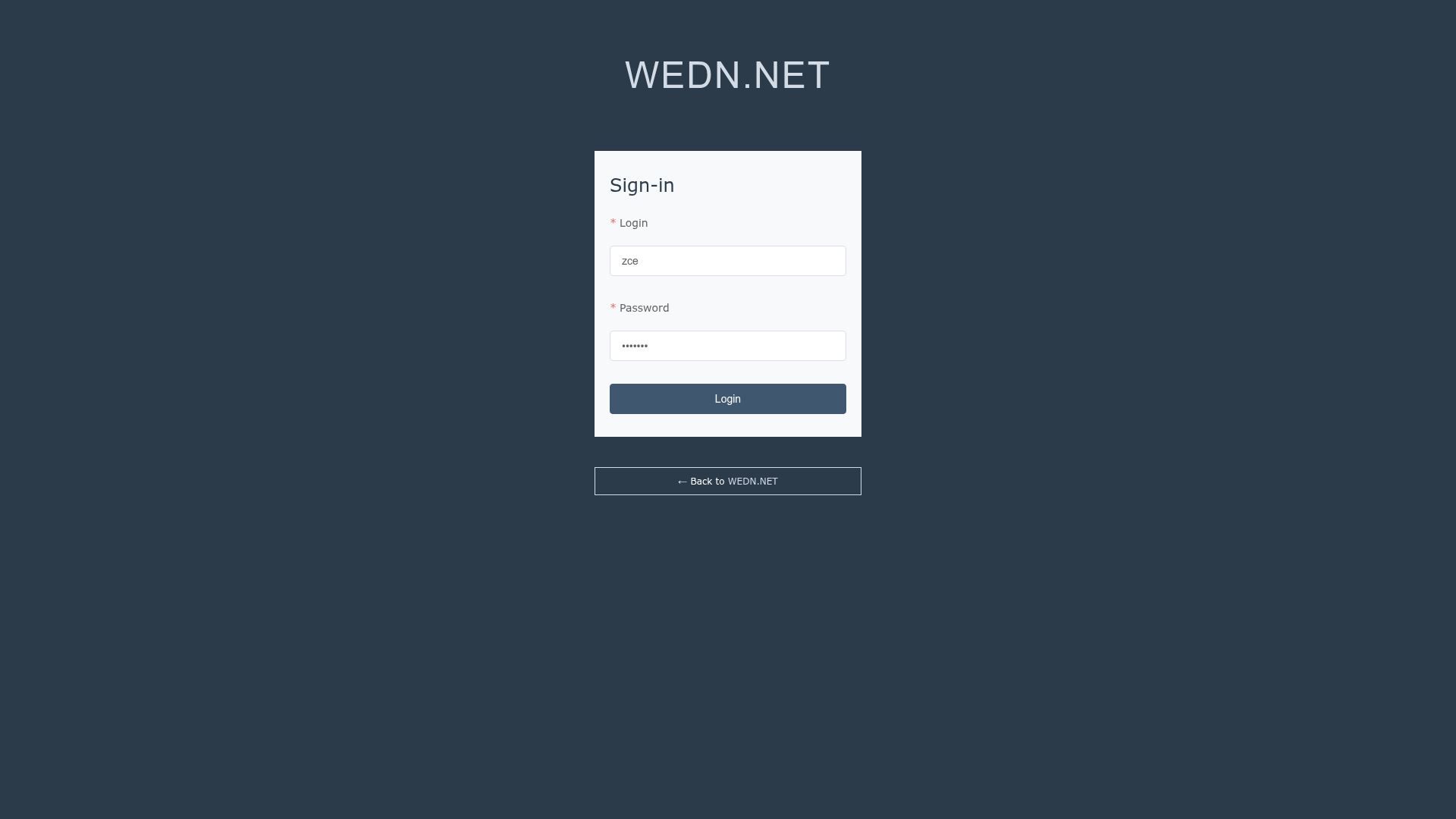
Vue Dashboard is a GitHub-hosted starter project created by Wang Lei (zce) and WEDN.NET. It takes a minimal Vue 3 codebase and outputs a functional single-page admin application with a login screen, list views, route guards, and a Vuex store. The template runs on Node.js (version 10.12 or higher, 12.10 preferred) and uses Vite 2.x as its build tool. It is distributed under the MIT license and includes an online demo at https://dashboard.zce.me accessible with username 'zce' and password 'wanglei'.
Key Features
- Modern Vue.js ecosystem — Ships with Vue 3.x, Vuex 4.x, and Vue Router 4.x preconfigured.
- TypeScript 4.x — The entire project is strongly typed.
- Vite 2.x build tool — Provides fast development server and production builds.
- Ky HTTP client — Uses the ky library based on the Fetch API instead of axios.
- Naive UI 2.x — A customizable UI component library integrated into the scaffold.
- Engineering workflow — Configures ESLint 7.x, Husky 7.x, lint-staged 11.x, and commitlint 13.x.
- Mock API server — Includes an Express 4.x based fake server for local development.
- Authentication and authorization — Implements access tokens, refresh tokens, automatic token refresh, and role-based authorization.
Who is it for?
Vue.js developers who want a pre-configured admin dashboard rather than starting from zero. Frontend teams that need a consistent project structure with Vuex modules, API services, and route interception. Developers learning Vue 3 and TypeScript who want to study a complete, working example with CI/CD setup.
What can you do with Vue Dashboard?
- Admin panel developers: Use the provided login, dashboard layout, and role-based access control to start building a custom admin product immediately.
- Prototypers: Quickly stand up a clickable dashboard with the mocked Express API server, then swap in a real backend by changing the VUE_APP_API_BASE environment variable.
- Open-source learners: Explore a real-world codebase that combines Vue 3, Vuex 4, Vue Router 4, TypeScript, ESLint, and GitHub Actions for a complete workflow.
How does the fake API server work?
Clone the separate dashboard-server repository, run npm install and npm start to launch a local Express server, then set the VUE_APP_API_BASE environment variable in the .env.development or .env.production file to point to your local URL. The README also points to a hosted Vercel version of the API at https://dashboard-server.now.sh for online testing.
Pros and cons
- Pros: Free and open source under MIT; includes authentication, role-based access control, a local mock server, and deployment configs for GitHub Actions and Vercel.
- Cons: The README lists unfinished TODOs, including compatibility issues and migration to Composition APIs, so some advanced use cases may need extension.
Pricing
Vue Dashboard is free to use under the MIT license. No paid tiers or licensing fees are mentioned.
Alternatives
Other popular Vue admin templates include vue-element-admin, which is built on Vue 2 and Element UI; this template differs by using Vue 3, Vite, and Naive UI.
FAQ
Is Vue Dashboard free?
Yes, Vue Dashboard is open source under the MIT license, which means you can use it for personal and commercial projects without paying a license fee.
What Node.js version do I need?
The prerequisites list Node.js version 10.12 or higher, with 12.10 preferred, along with npm 6.x+ or yarn 1.20+ and Git 2.20+.
Does Vue Dashboard include a real backend?
No, it includes a mocked API server built with Express 4.x for local development. You can also use the hosted Vercel server at https://dashboard-server.now.sh or clone the dashboard-server repo to run your own.
Which UI library does Vue Dashboard use?
The current version uses Naive UI 2.x as its customizable UI component library. The README also mentions a custom Element UI theme in an earlier feature list, but the main stack is Naive UI.
How do I access the online demo?
The online demo is at https://dashboard.zce.me with the username 'zce' and password 'wanglei' as shown in the README.