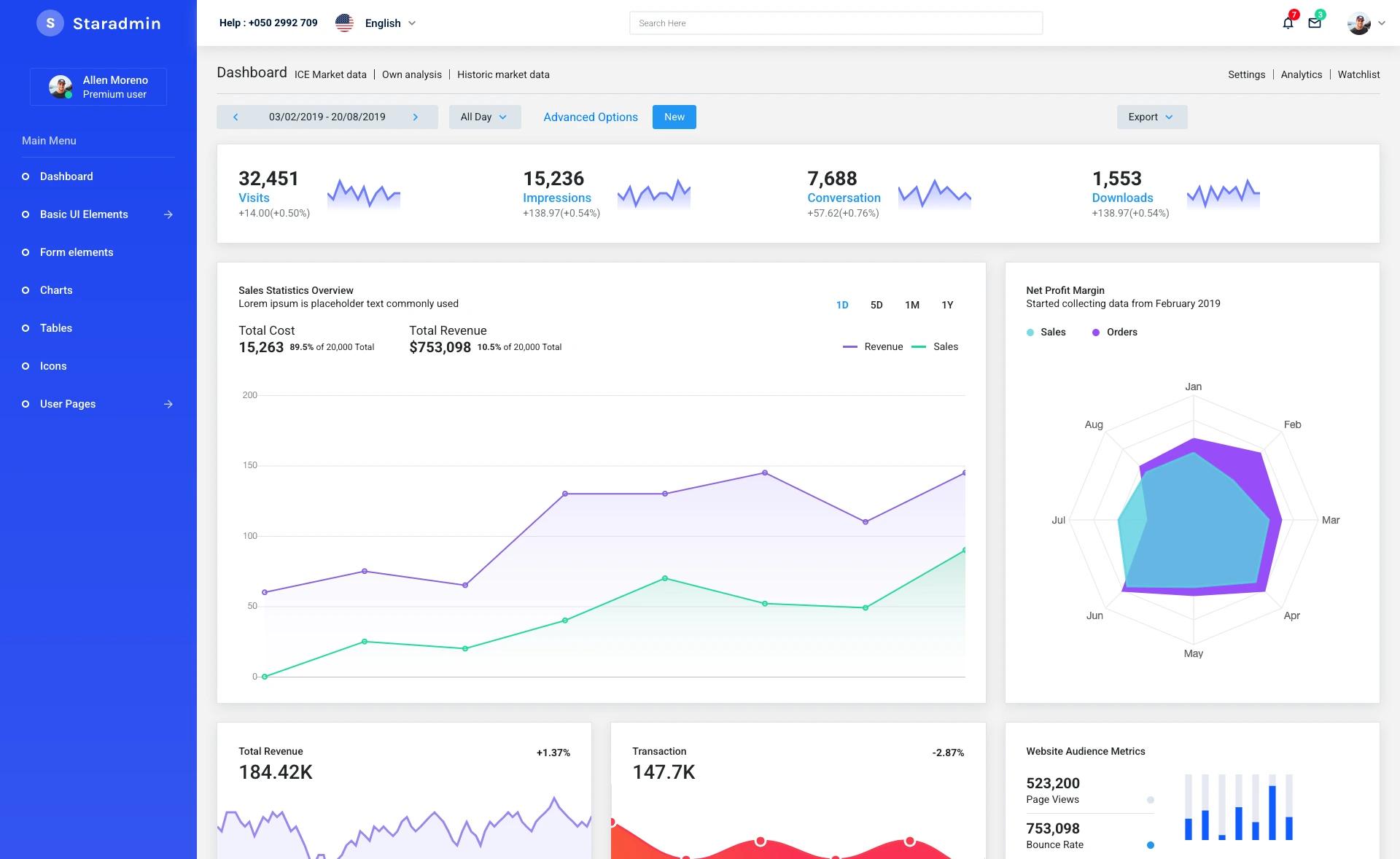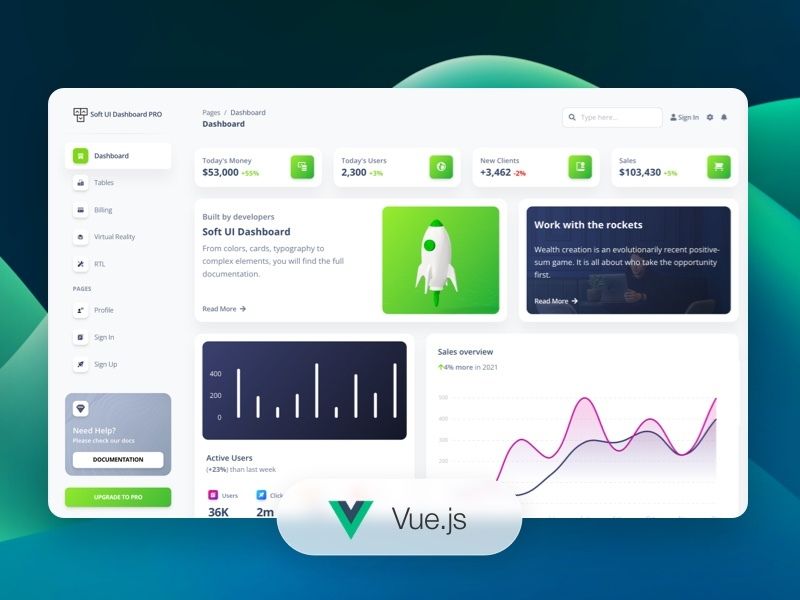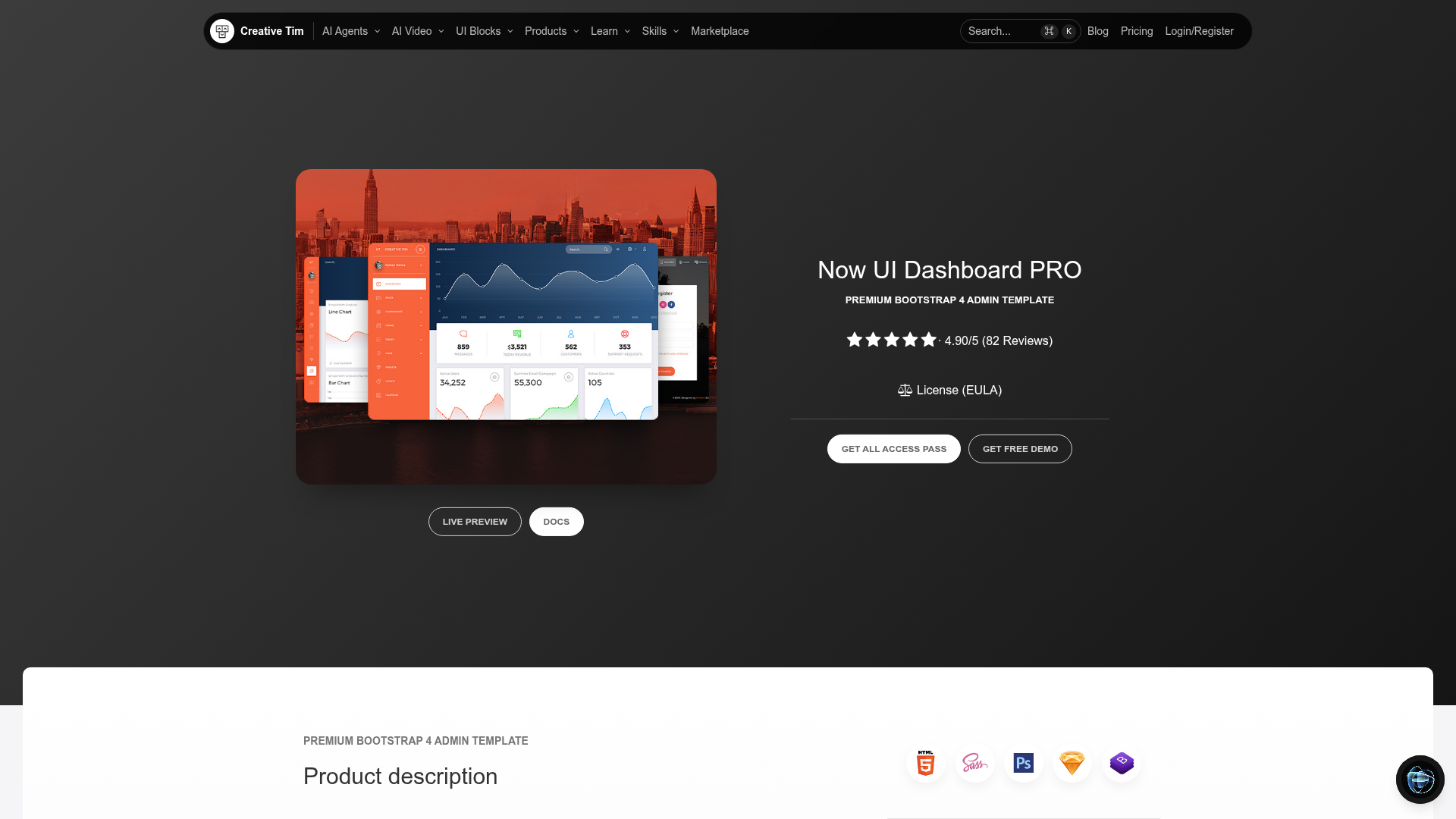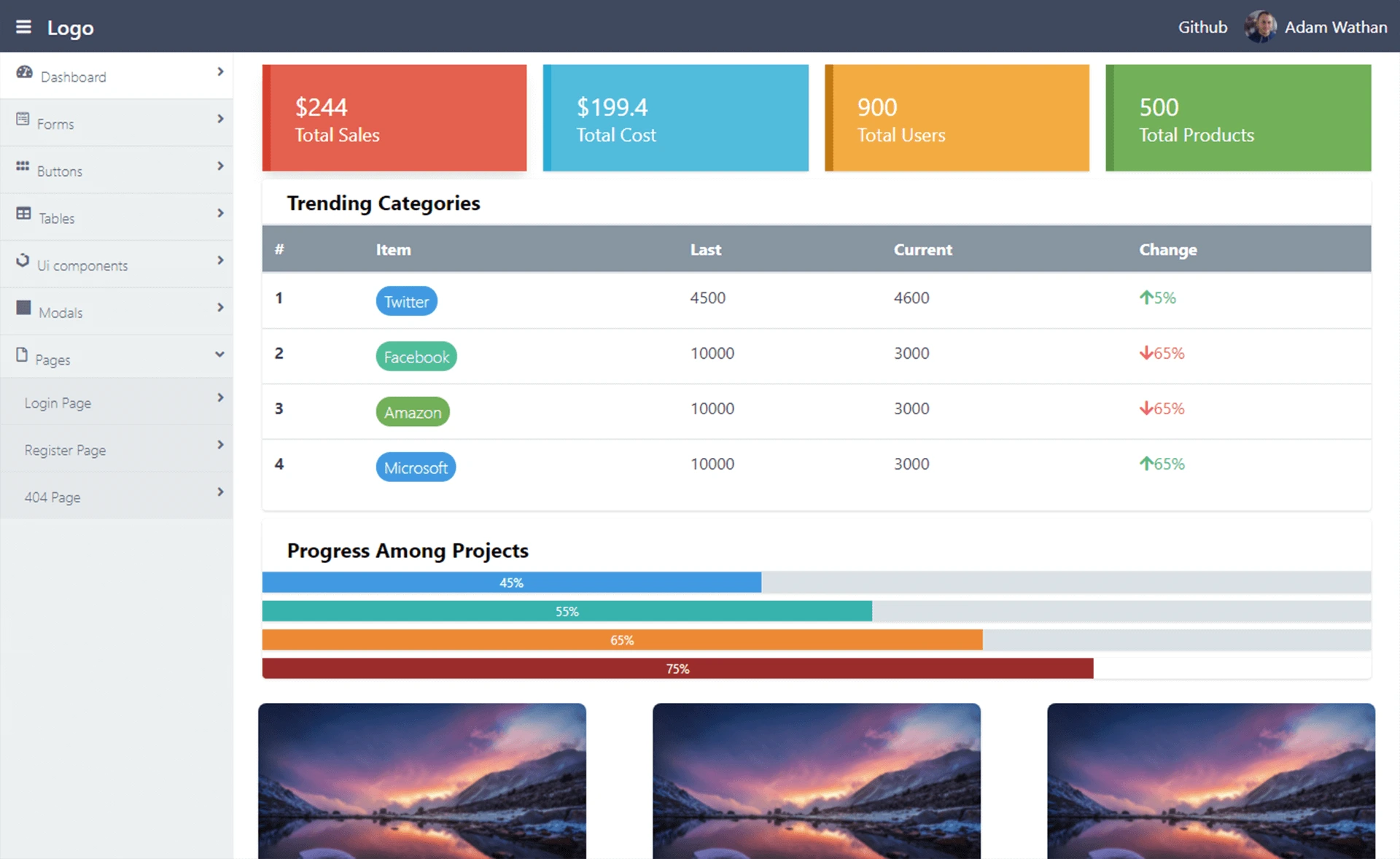
Template details
Administrate
A Rails engine that helps you put together a super-flexible admin dashboard.
About this template
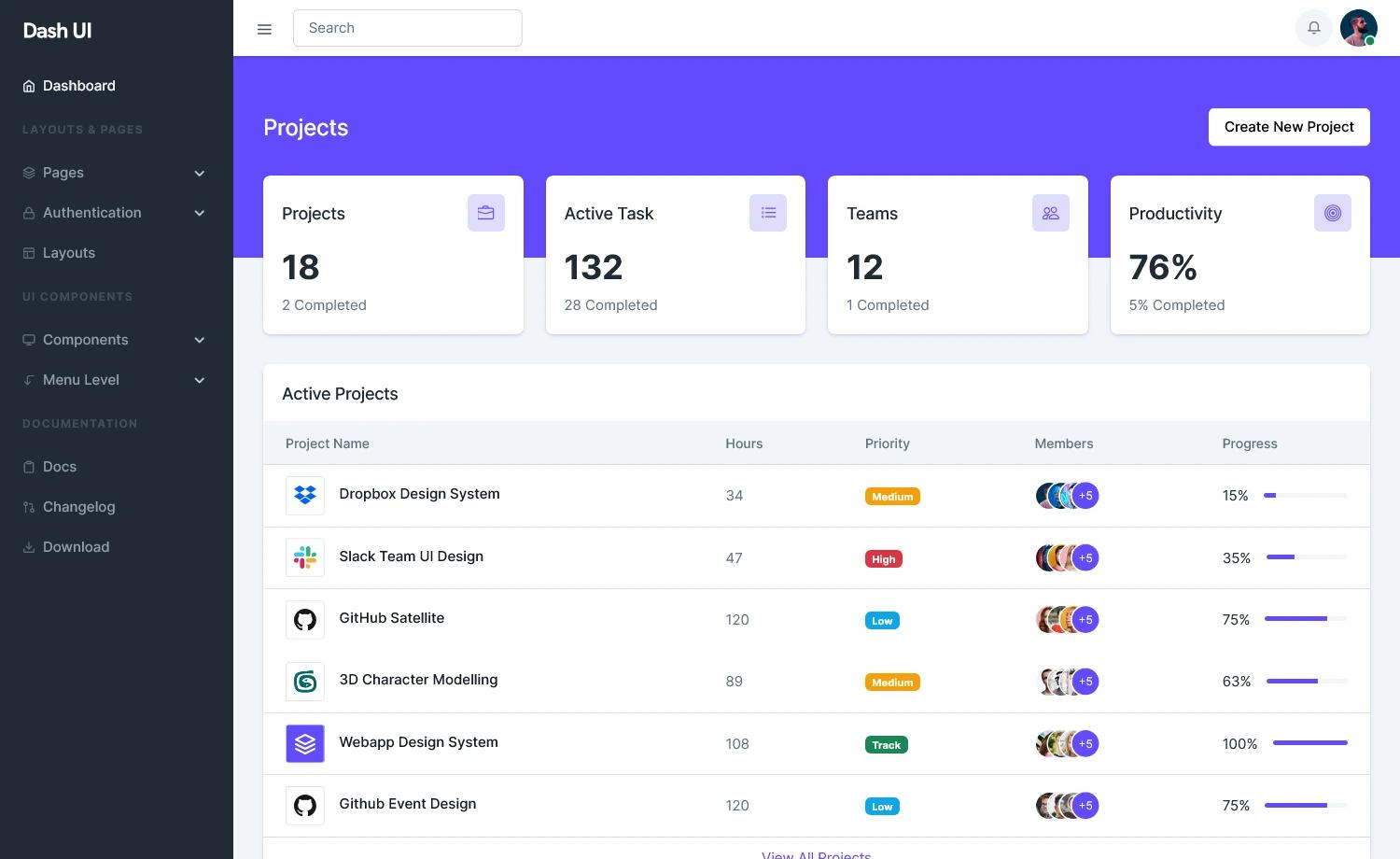
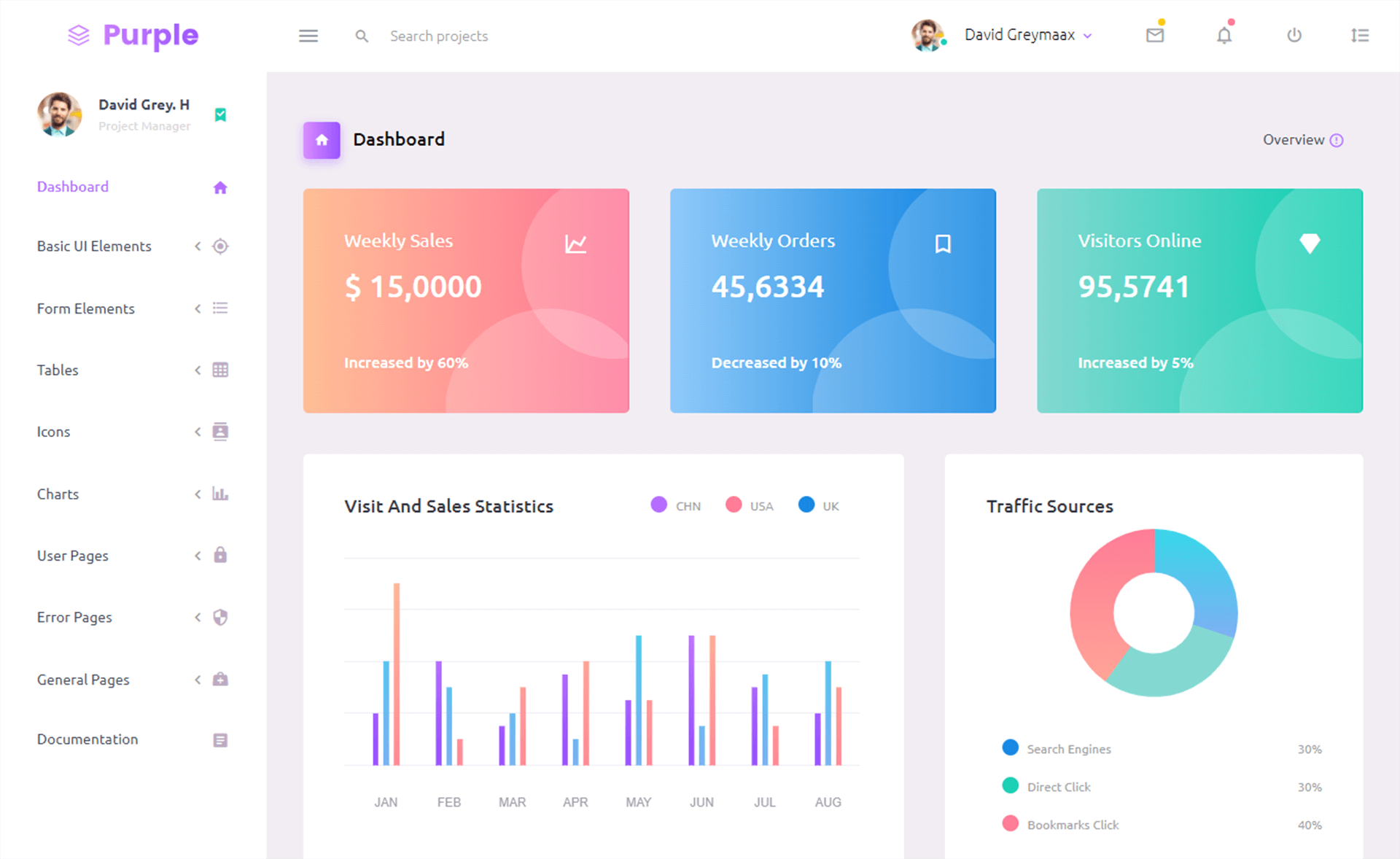
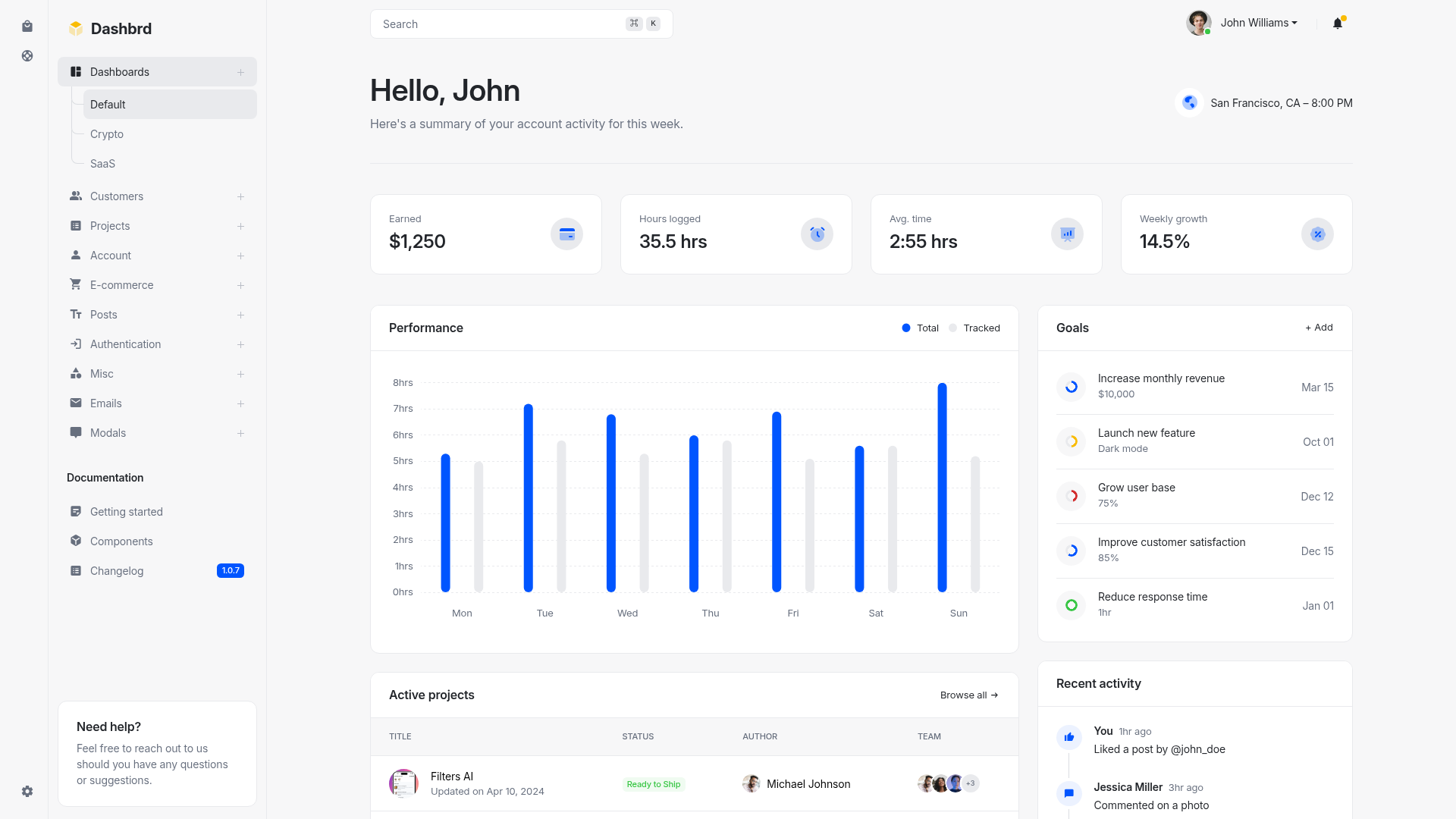
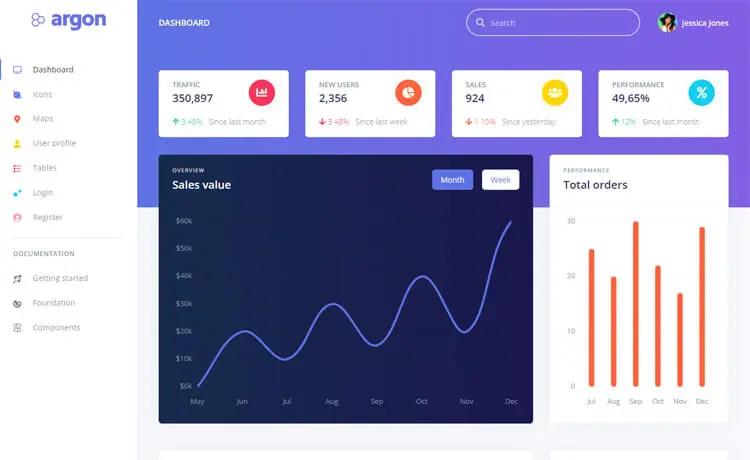
Administrate is a Rails engine that auto-generates admin dashboards for any model in a Rails application, providing create, edit, search, and delete interfaces out of the box. It is an open-source Ruby gem maintained by thoughtbot, designed to stay as close to standard Rails as possible while remaining flexible for customization.
What is Administrate?
Administrate is a library for Rails that generates admin dashboards. It takes the models in your application and produces a clean web interface for managing those records—users can create, edit, search, and delete entries without any hand-written CRUD code. The engine runs on Rails, and the generated output consists of standard Rails controllers, views, and routes that you can override with plain Rails tools. The project was originally written by Grace Youngblood and is now maintained by Nick Charlton, with contributions from the open-source community.
Key Features
- Automatic CRUD generation — Administrate builds the complete dashboard for each of your models, including list, show, new, edit, and destroy actions, so you don't write boilerplate code.
- Search functionality — Dashboards include search so users can quickly find records among large datasets.
- Standard Rails overrides — Because the generated code is plain Rails, customization uses familiar controllers and views rather than a proprietary DSL, keeping the Administrate-specific footprint small.
- Plugin-oriented architecture — The library is split into core components and plugins, so each piece stays small and maintainable, and you can extend it with custom field types.
- Guides and documentation — The project publishes guides for customizing appearance, behavior, and contents, available in the docs directory of the repository and on the demo application.
- Live demo — A running demo at administrate-demo.herokuapp.com/admin lets you explore the default admin interface before integrating it. There is also a prerelease demo for upcoming documentation.
- Flexible design philosophy — Administrate prioritizes supporting the simplest use cases first and lets you override defaults with standard tools, which keeps the learning curve low for Rails developers.
Who is it for?
- Rails developers who need an admin panel for their application and want to avoid writing repetitive CRUD controllers, views, and routes by hand.
- Startup teams that need a clean, usable admin interface quickly and plan to customize it later using their existing Rails knowledge.
- Maintainers of internal tools who want a solution that stays close to Rails conventions and can be extended with custom field types and plugins.
What can you do with Administrate?
- Developers: generate an admin dashboard for a new model in your Rails app, then customize the generated controllers and views to match your branding and workflows.
- Product teams: evaluate the default user experience through the live demo to decide on field placement and UI details before development begins.
- Open-source contributors: add custom field types or write plugins that extend the dashboard, following the library's core/plugin split.
FAQ
Is Administrate free?
Yes. Administrate is free software released under the MIT license, so you can use it in commercial and personal projects without licensing fees.
What does Administrate do?
Administrate generates admin dashboards for Rails applications. It creates interfaces for managing records of any model, allowing users to create, edit, search, and delete data, and it produces output you can customize with standard Rails controllers and views.
Who maintains Administrate?
Administrate is maintained by thoughtbot, a software consultancy. The original author is Grace Youngblood, and the current maintainer is Nick Charlton. It receives contributions from the open-source community via GitHub.
Does Administrate work with other frameworks?
No. Administrate is specifically built for Ruby on Rails. It relies on Rails conventions such as ActiveRecord models, controllers, and routes, so it does not work with other web frameworks.
How can I customize an Administrate dashboard?
You can customize the appearance, behavior, and contents by following the guides published in the docs directory or on the demo site. Because the generated code is standard Rails, you can override any controller or view with plain Rails code.