Template details
Vue Soft UI Dashboard
Free and open-source Vue.js 3 & Bootstrap 5 admin dashboard from Creative Tim with over 70 components, prebuilt pages, and SASS theming.
About this template
Vue Soft UI Dashboard is a free, open-source admin dashboard template built with Vue.js 3 and Bootstrap 5 by Creative Tim, designed to accelerate the creation of soft-design admin panels and back-office interfaces.
What is Vue Soft UI Dashboard?
Vue Soft UI Dashboard is a free, open-source admin dashboard template built with Vue.js 3 and Bootstrap 5, created by Creative Tim. It accepts a Vue project scaffold and produces a visually complete dashboard interface featuring over 70 coded components, example pages, and SASS-powered theming. The template is distributed through the Creative Tim website and GitHub repository.
It includes a full src directory with reusable components such as SoftAlert, SoftButton, SoftInput, SoftPagination, SoftProgress, and SoftTextarea, plus view files for Dashboard, Profile, Billing, Tables, Virtual Reality, Sign In, Sign Up, and RTL layout. The project is wired with Vue Router and a central store, making it a ready-to-run foundation for any Vue 3 admin application.
Key Features
Vue Soft UI Dashboard provides a large set of built-in components and utilities out of the box.
- Over 70 coded components — Buttons, inputs, navbars, nav tabs, cards, alerts, avatars, badges, checkboxes, pagination, progress bars, radio buttons, switches, and textareas are all implemented as Vue components with color variations.
- Soft UI design language — The template applies the trending Soft UI aesthetic with soft shadows, rounded shapes, and pastel-friendly colors, and includes a dedicated RTL-supporting view.
- Prebuilt example pages — The download includes Dashboard, Profile, Billing, Tables, Virtual Reality, Sign In, and Sign Up pages that can be used directly or adapted to client projects.
- SASS theming — Component colors and styles are controlled through SASS files and CSS classes, so global changes can be made from a few variables rather than editing each element.
- Nepcha Analytics integration — Nepcha is already connected to the template, letting you capture traffic source insights without building an analytics layer from scratch.
- One-click deployment to Genezio — A deploy button in the repository lets you push your own version to Genezio's cloud hosting directly from the GitHub page.
- Documentation and learning lab — Each component and page is documented on Creative Tim's learning lab, with real code snippets and examples.
- Cross-browser support — Officially supports the last two versions of Chrome, Firefox, Edge, Safari, and Opera.
Who should use Vue Soft UI Dashboard?
The template suits a wide range of developers and teams looking for a polished Vue 3 and Bootstrap 5 starting point.
- Front-end developers — Use the template as a jumpstart for admin panel projects, leveraging the existing components and routing instead of building UI elements from scratch.
- Freelancers and agencies — Deliver branded dashboards quickly by restyling the SASS variables and swapping example pages for client-specific data tables, billing views, or profile screens.
- Product teams and startups — Prototype internal tools and analytics dashboards within hours, using the prebuilt pages and charts to communicate feature ideas without a full design sprint.
- Students and open-source contributors — Learn Vue 3 and Bootstrap 5 composition by reading the template's component, router, and store files, or use it as a base for contributions to other dashboard projects.
What can you do with Vue Soft UI Dashboard?
The example pages and components enable several common dashboard scenarios without extra work.
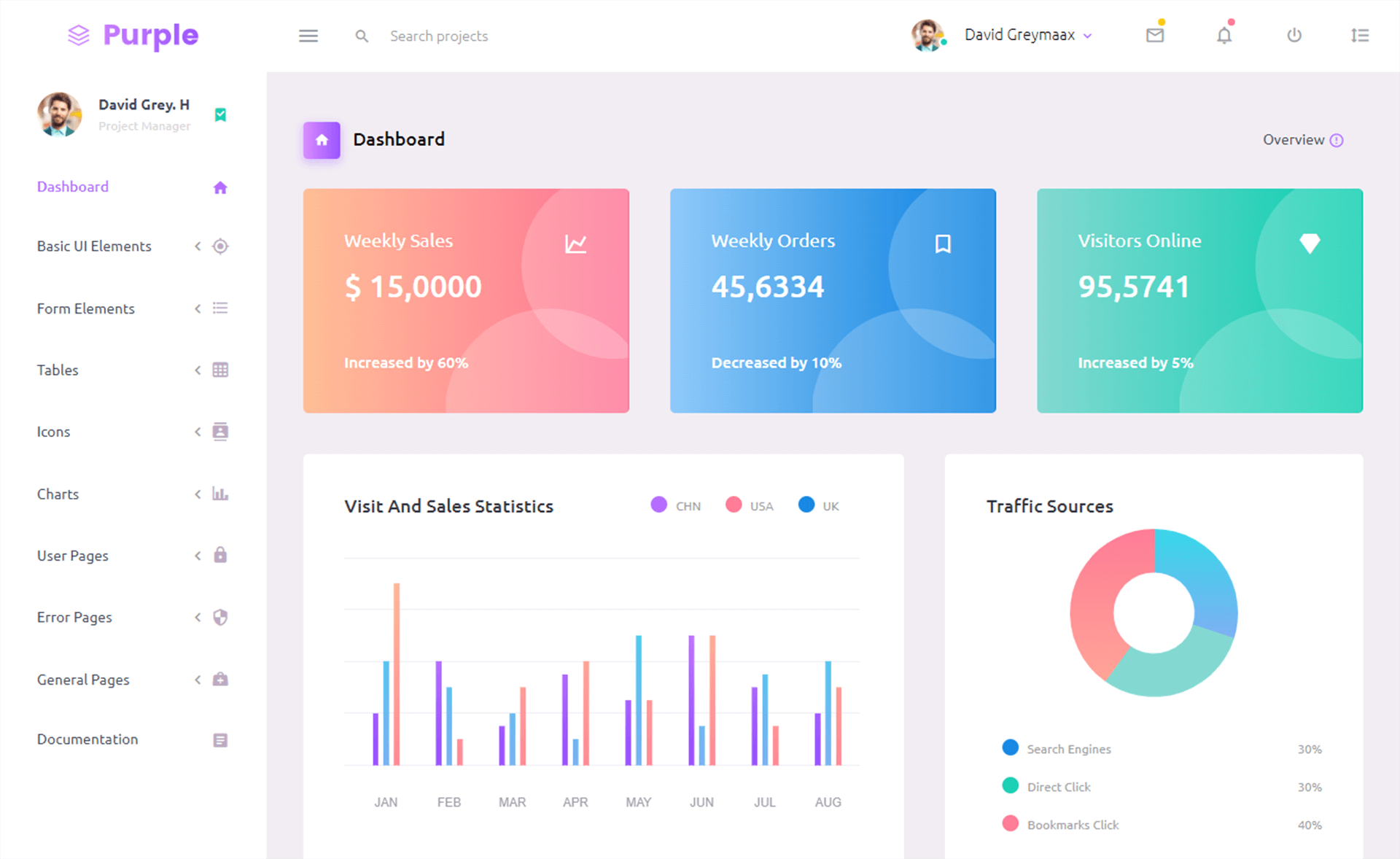
- Build a project analytics dashboard — Use the Dashboard and Tables views to display KPIs, traffic sources, and data tables, with Nepcha analytics already wired in.
- Assemble a customer or subscription portal — The Billing page provides a starting layout for invoices, payment methods, and subscription details, ready for backend integration.
- Showcase a product or virtual environment — The Virtual Reality view offers a distinct page concept for immersive web experiences, and the RTL page demonstrates right-to-left support for international products.
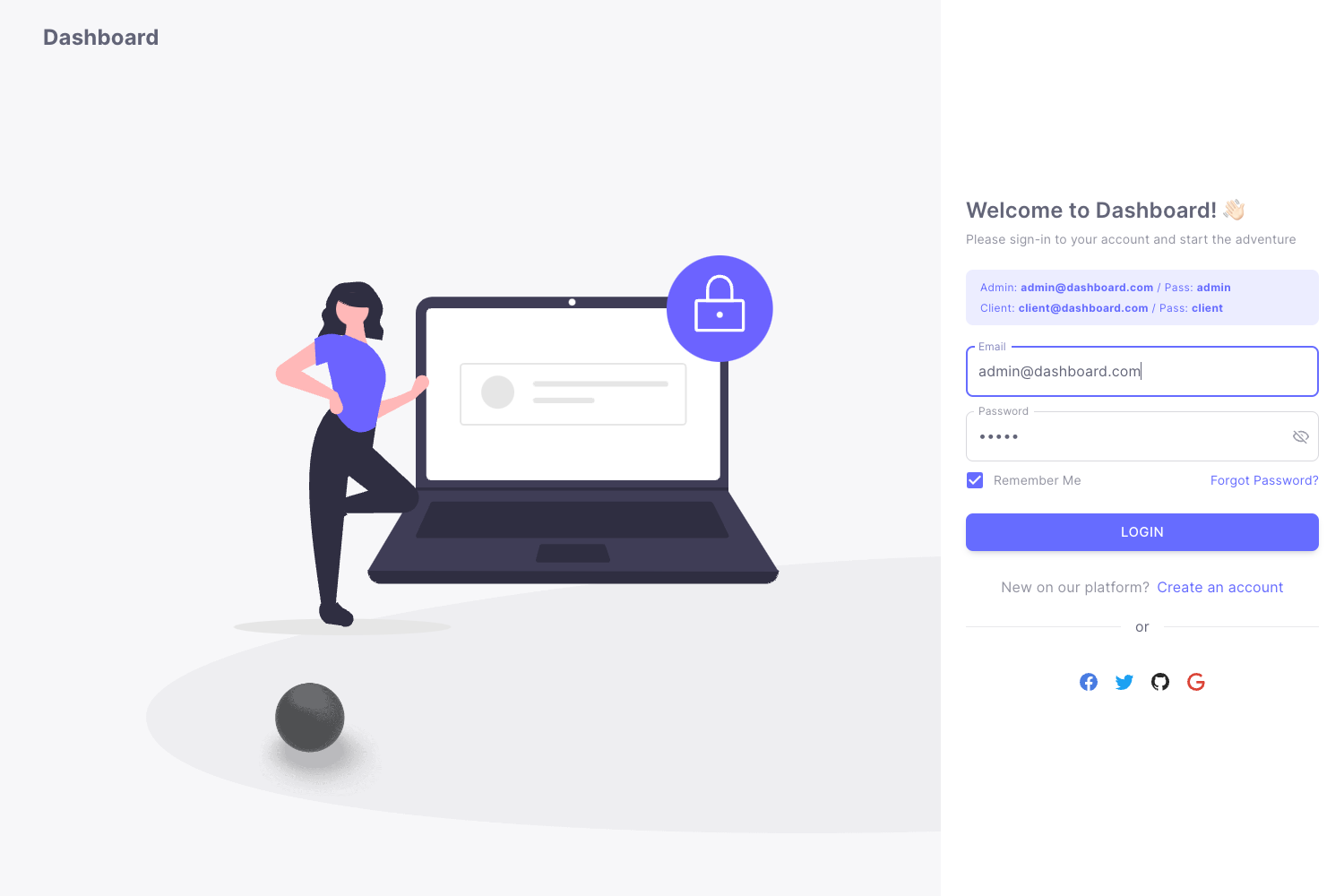
- Create authentication flows — The included Sign In and Sign Up pages provide form designs with validation-ready inputs, so you can connect them to any auth service.
How does Vue Soft UI Dashboard work?
Setup follows the standard Vue CLI workflow: download, install dependencies, and run the dev server.
To get started, download the template from Creative Tim or clone the GitHub repository, install Node.js LTS, and run npm install in the project's root directory. The project uses a standard Vue CLI layout: src/components holds reusable Soft UI components, src/views contains the example pages, src/router defines routes, and src/store manages shared state. After dependencies are installed, the app runs as a regular Vue development server and all example pages are accessible through the router.
Pricing
Vue Soft UI Dashboard is free to download and use under the Creative Tim free license.
The product page also references a PRO version of Soft UI Dashboard available for purchase, which adds more components and features.
FAQ
Here are answers to common questions about the template.
Is Vue Soft UI Dashboard free?
Yes, the full dashboard is free and open-source. You can download it from the Creative Tim product page or fork the GitHub repository, and the license allows use in both personal and commercial projects.
What version of Vue and Bootstrap does it use?
Vue Soft UI Dashboard is built on Vue.js 3 and Bootstrap 5. The latest release at the time of the README is version 3.0.0, and it uses SASS for styling customization.
Does it include example pages?
Yes. The template ships with pages for Dashboard, Profile, Billing, Tables, Virtual Reality, Sign In, Sign Up, and an RTL layout, all connected through Vue Router so you can navigate between them immediately.
Can I customize the colors and design?
Colors and general styling are controlled by SASS files, so you can edit global variables to change the palette and adjust component styles across the entire dashboard. Many components also accept color utility classes for on-the-fly changes.
Does Vue Soft UI Dashboard include customer support?
Creative Tim offers support through their contact page and the GitHub issues tracker for bug reports. The documentation in their learning lab covers each component and page with examples.