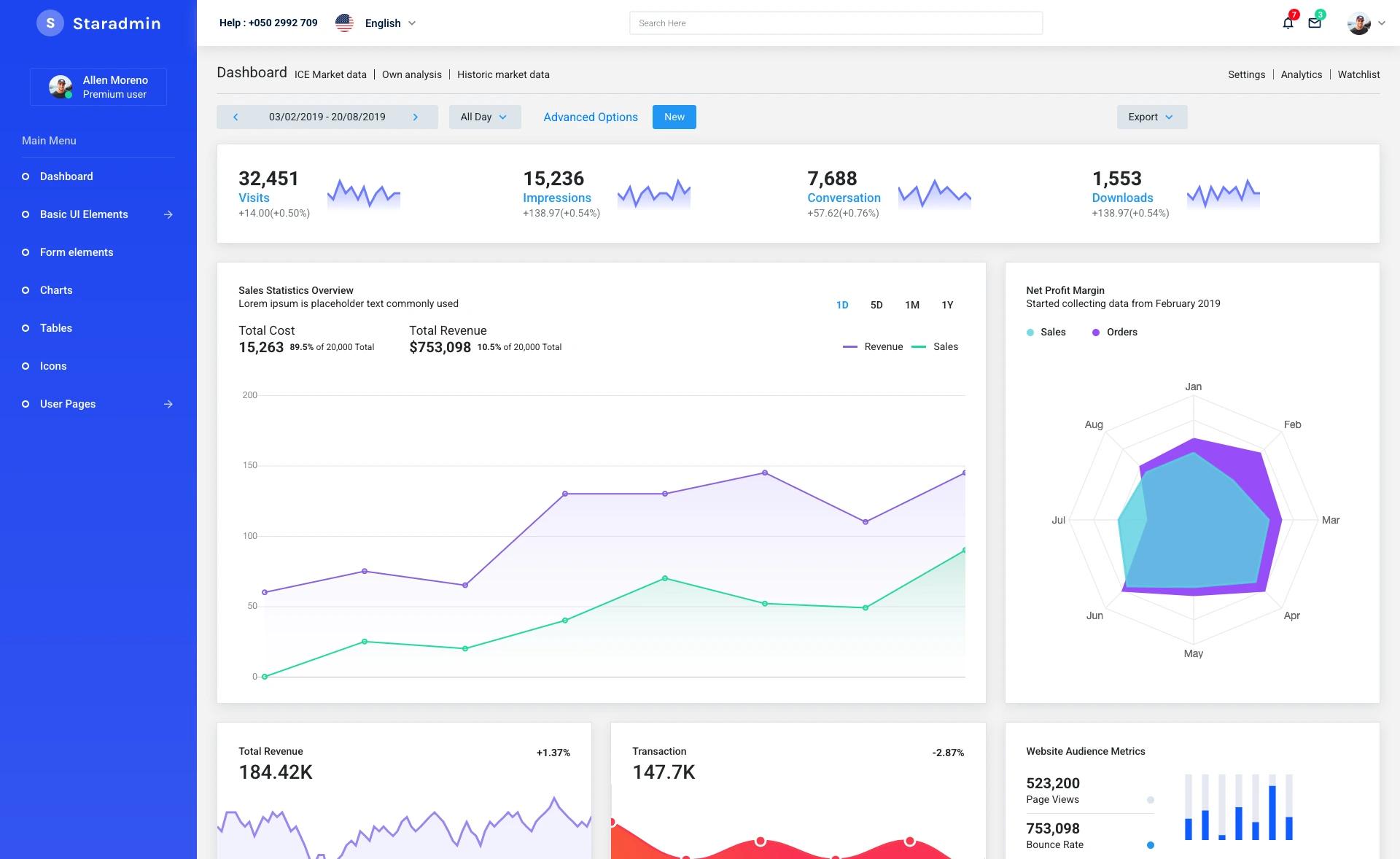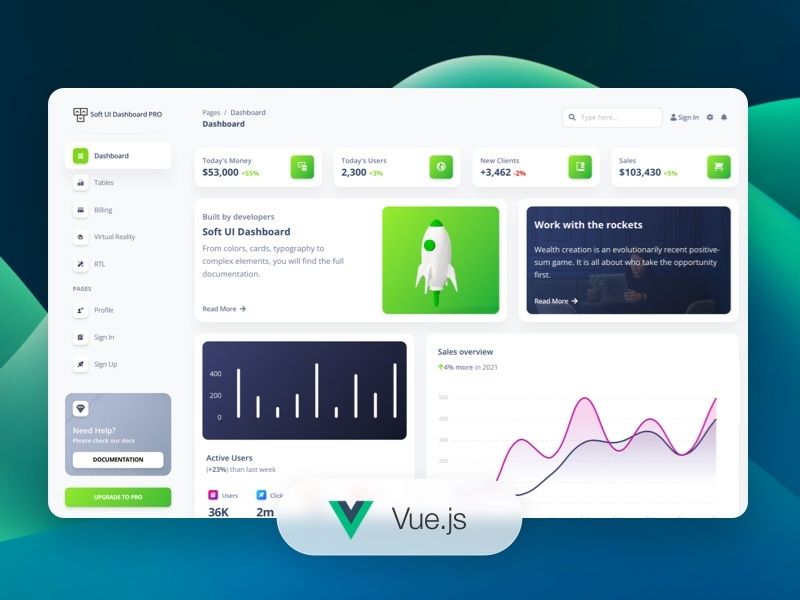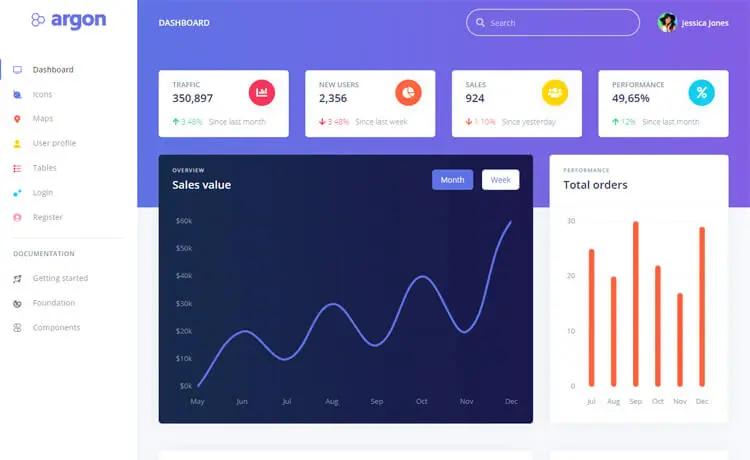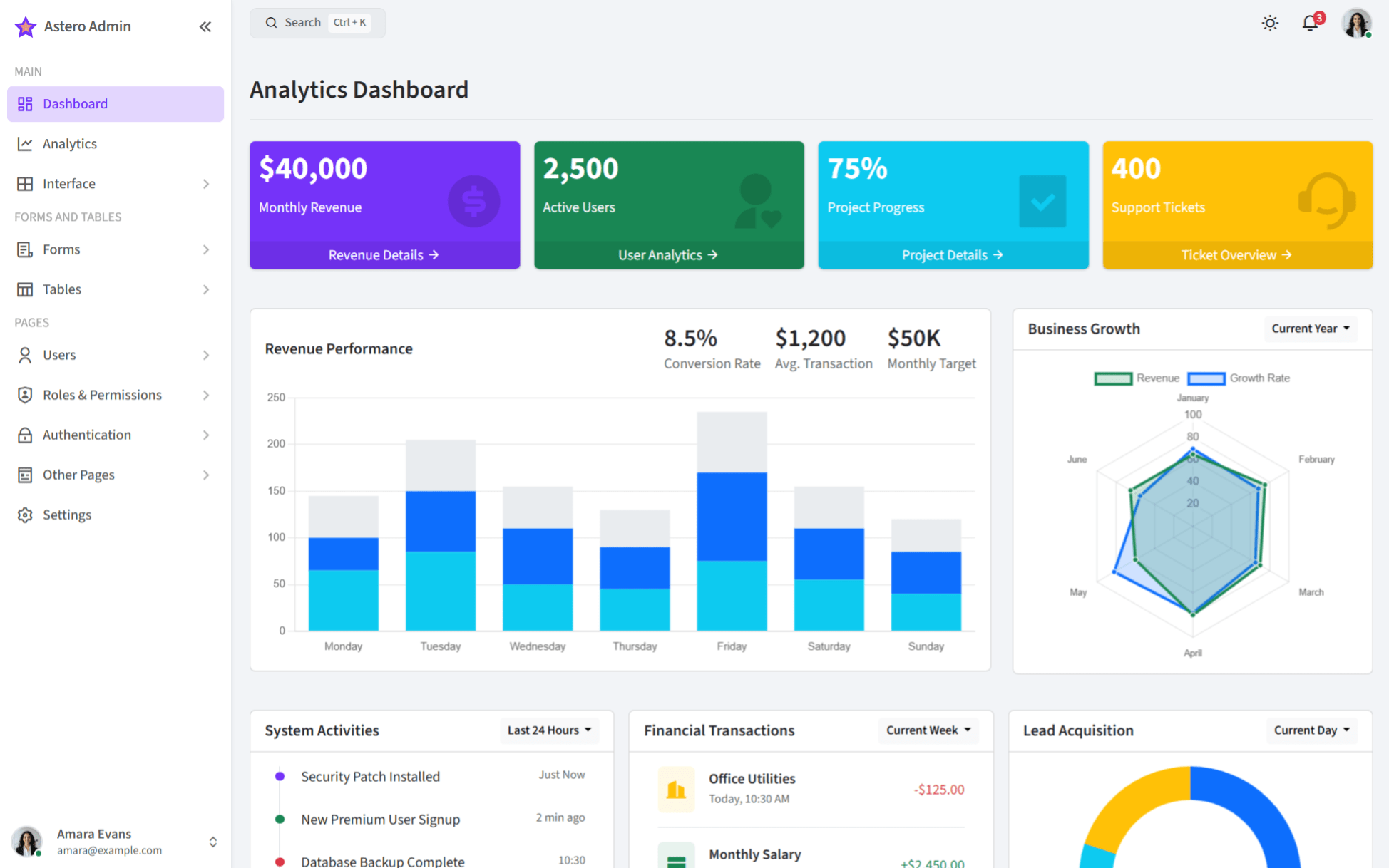
Template details
Dashbrd
Bootstrap admin dashboard template for web apps and SaaS projects, distributed via npm with compiled assets and source files.
About this template
Dashbrd is a Bootstrap-based admin dashboard template for building web application and SaaS admin interfaces, distributed as an npm package with precompiled CSS/JS and a full source repository.
What is Dashbrd?
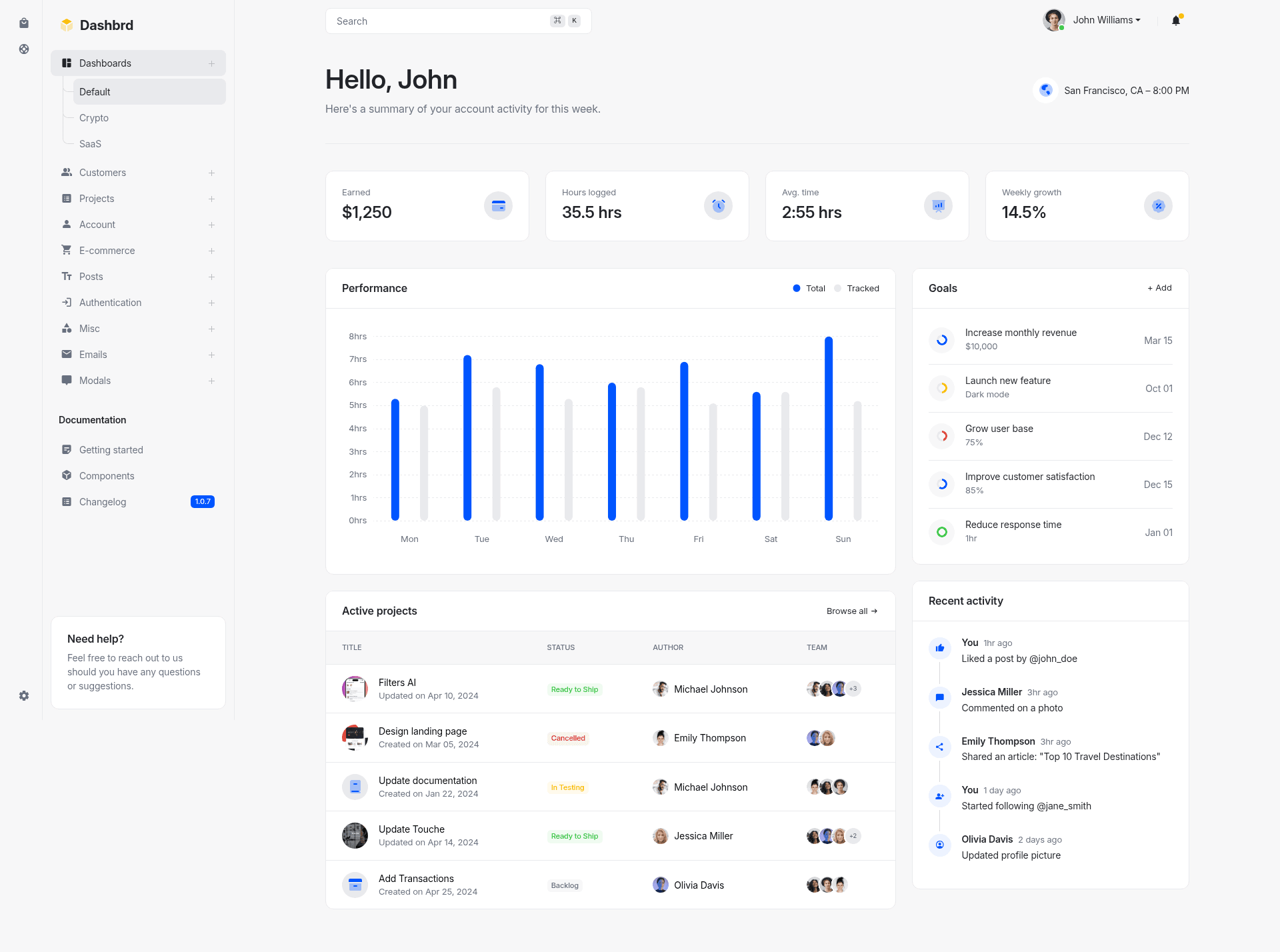
Dashbrd is a Bootstrap-based admin dashboard template designed to serve as the UI foundation for web applications and SaaS projects. It takes Bootstrap components and adds a dashboard layout, then delivers both compiled assets (theme.bundle.css and theme.bundle.js) and source SCSS/JavaScript that developers can install in an existing project or run as a standalone repository. The project lives on GitHub in the simzikov/dashbrd repository and is maintained there.
Key Features
- Bootstrap-based styling — The template uses Bootstrap as its core framework; the source stylesheet is imported from
dashbrd/src/scss/theme.scssand the JavaScript fromdashbrd/src/js/theme.js. - Precompiled assets — The package ships with
dist/assets/css/theme.bundle.cssanddist/assets/js/theme.bundle.js, so you can link them directly fromnode_moduleswithout any build step. - npm distribution — Run
npm install dashbrdto add the template to an existing project, then either reference the compiled files or import the source files. - Full development setup — Cloning
https://github.com/simzikov/dashbrd.git, runningnpm install, and startingnpm startgives you a local dev server that compiles the assets. - Built-in documentation — A Getting Started guide at https://simzikov.github.io/dashbrd/docs/getting-started.html and a Components reference at https://simzikov.github.io/dashbrd/docs/components.html are included.
- Live preview — The rendered dashboard can be viewed at https://simzikov.github.io/dashbrd/ before installation.
Who is it for?
- Front-end developers who need a ready-made dashboard shell for a web application; they can drop in the compiled bundle or import the SCSS/JS source.
- SaaS product teams that want a Bootstrap-based admin UI for analytics, user management, settings, and other logged-in screens.
- Developers already using Bootstrap who prefer to stay within the Bootstrap grid, components, and utilities instead of adopting a separate framework.
What can you do with Dashbrd?
- Spin up an admin dashboard: Link the compiled theme bundle from
node_modulesinto an HTML page and get a styled dashboard layout without additional build steps. - Customize via SCSS: Import
theme.scssinto your own Sass pipeline and adjust variables before compiling the styles. - Build a full project: Clone the repository, run
npm start, and modify the source files, with the bundled docs explaining component usage.
How does Dashbrd work?
Dashbrd works in two ways. As an npm package, installing it via npm install dashbrd gives you access to the compiled assets in dist/assets or the importable source in src. As a full project, cloning the repo, running npm install, and executing npm start boots a local development environment that compiles the assets and lets you iterate on the template.
FAQ
How do I install Dashbrd?
Run npm install dashbrd, then reference the compiled CSS and JS files from node_modules/dashbrd/dist/assets/. Alternatively, import the source SCSS and JavaScript if your project has a build pipeline.
Does Dashbrd require a build tool?
No. If you use the compiled bundle, you only need to include the two asset files in your HTML. If you import the SCSS/JS source, your project must have a Sass and JavaScript build process.
Is Dashbrd only for Bootstrap users?
Yes, it is built directly on Bootstrap, so it expects familiarity with Bootstrap's grid, components, and utilities. It does not include framework-specific wrappers for Vue, React, Angular, or similar libraries.
What documentation is included?
Two pages are included: a Getting Started guide and a Components reference, both hosted on GitHub Pages at the URLs listed in the Key Features section.