Template details
Agnes
Free Hugo landing page theme, a port of Cruip's Tailwind template with intro, features, and pricing sections.
About this template
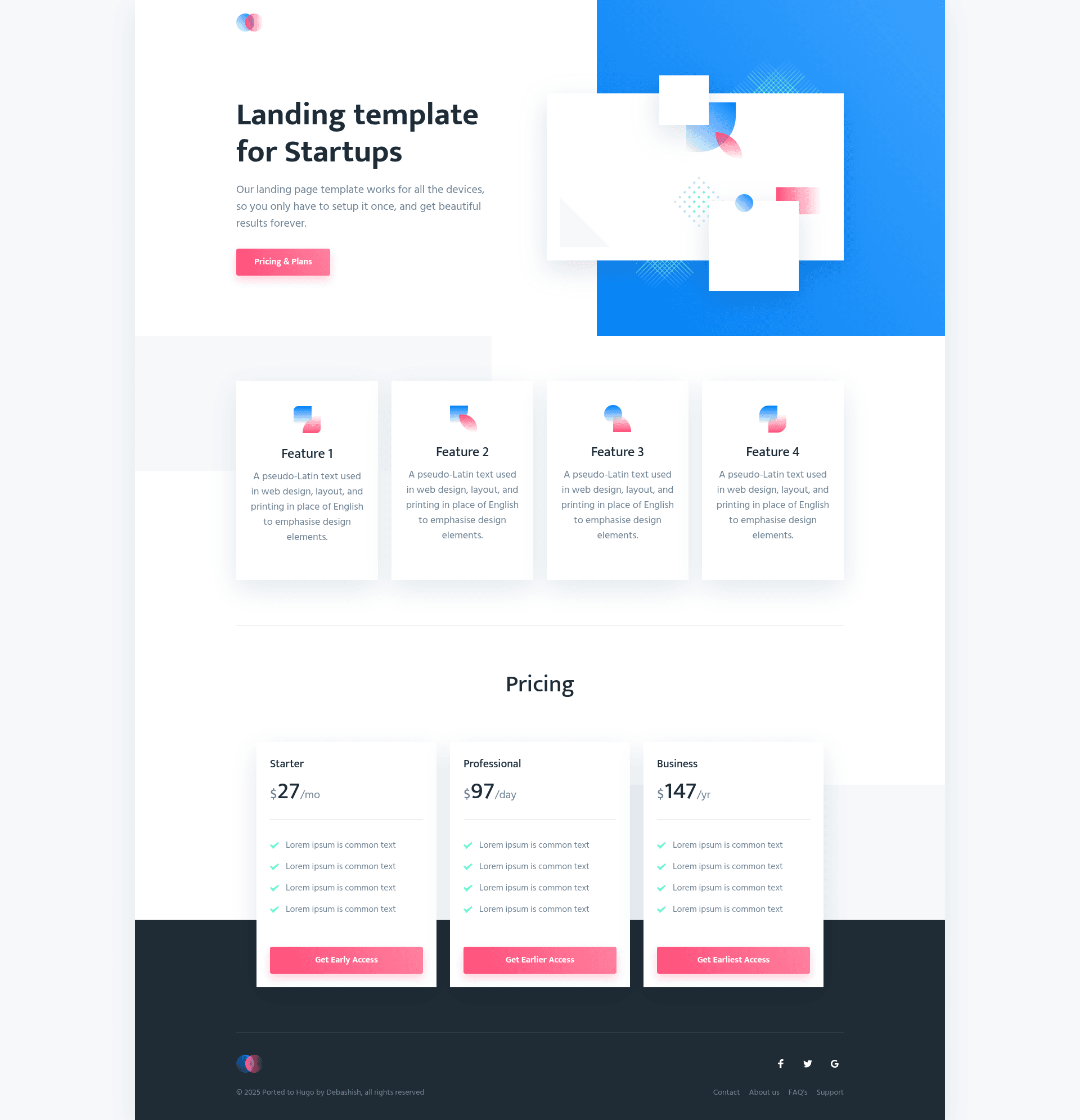
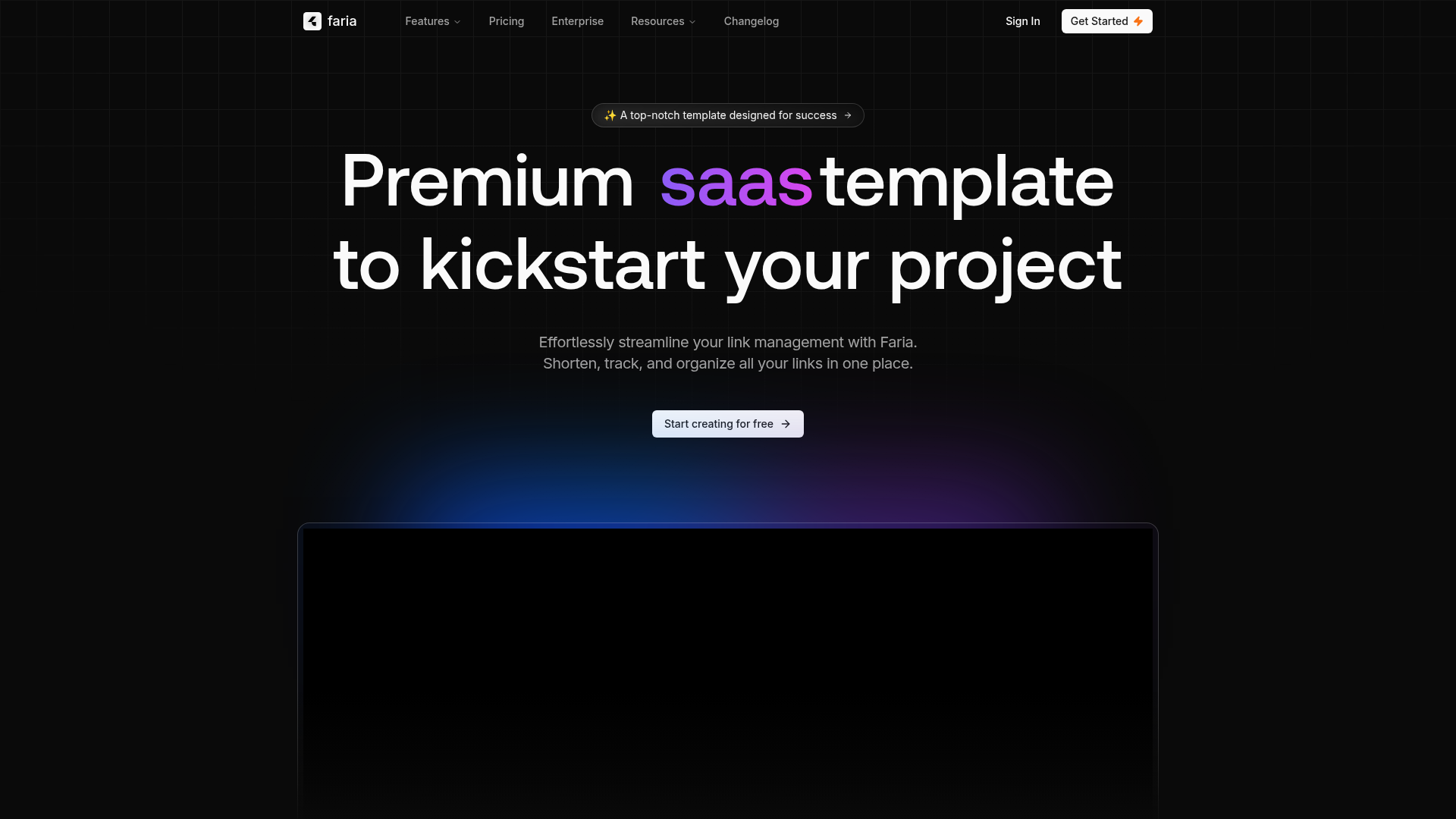
Agnes is a free landing page theme for Hugo that ports the Cruip 'Agnes' Tailwind CSS template into a static site with an intro preview, product list, and three-tier pricing table.
What is Agnes?
Agnes is a Hugo theme that builds a single-page landing website. It takes content authored through TOML configuration and markdown files and produces a static HTML site generated by Hugo. The theme is created by Debashish Chakrabarty and distributed under the GPL-3.0 license. It is a direct port of a free HTML template by Cruip, a marketplace for Tailwind CSS templates, so the layout uses Tailwind-based styling without requiring a separate build step.
Key Features
- Three-section layout — The landing page includes an intro screenshot preview, a product or service list, and a three-tier pricing table, all defined in the theme's template structure.
- Hugo native — Builds with the standard Hugo static site generator; works with config.toml and hugo.toml configuration files, as shown in the example site's config.toml.
- Cruip design — The visual design comes from the free Cruip HTML template, giving a modern, minimal Tailwind CSS look that is ready to use as-is.
- Example site included — The repository ships an exampleSite folder with a sample config.toml and content you can copy and adapt to start a new site immediately.
- Two installation methods — Users can install by downloading a ZIP and copying files into the themes folder, or by cloning the Git repository and adding it as a submodule via git submodule.
- Local dev server — Running
hugo serverstarts a live preview at http://localhost:1313 during development.
Who is it for?
- Independent developers — Anyone who wants a clean, pre-designed landing page for a product or service without hand-coding CSS, since the theme handles layout and styling.
- Small businesses — Teams that need a straightforward one-page marketing site with a pricing section to present their offering quickly on static hosting.
- Hugo newcomers — People learning Hugo can use the example site as a reference for how a theme is structured and how configuration files control page content.
What can you do with Agnes?
- Launch a product page — Use the intro section to show a screenshot of your app and the product list to describe its main benefits.
- Present pricing tiers — The three-tier pricing table lets you display Basic, Pro, and Enterprise (or your own labels) plans in a standard comparison layout.
- Publish a company service page — Replace the placeholder content to list services and include a call-to-action, then deploy the generated static site to Netlify or any static host.
How does Agnes work?
Agnes works like any Hugo theme: you create a new Hugo site, copy the theme into the themes folder, and set theme = 'Agnes' in your config file. The example site demonstrates the content structure, so you edit its config.toml and markdown sections to match your product. Running hugo server generates a local preview, and hugo produces the final static files for deployment.
FAQ
Is Agnes free to use?
Yes, Agnes is released under the GPL-3.0 license, and the repository is public on GitHub. Users can download the ZIP or clone the repo without paying a license fee.
Does Agnes require Tailwind CSS knowledge?
No. The theme bundles the Tailwind-styled layout already; you write content in markdown and TOML. You do not need to compile Tailwind yourself.
Can I use Agnes for commercial projects?
The GPL-3.0 license lets you use the theme for commercial sites, but any derivative theme code you distribute must also be GPL-3.0 licensed. Using it for your own product landing page is allowed.
How do I change the pricing table?
The pricing table content is defined in the site configuration file (or the theme's data files, depending on the version). Check the exampleSite config.toml to see the exact keys; editing the plan names and prices there updates the page.