Template details
Faria
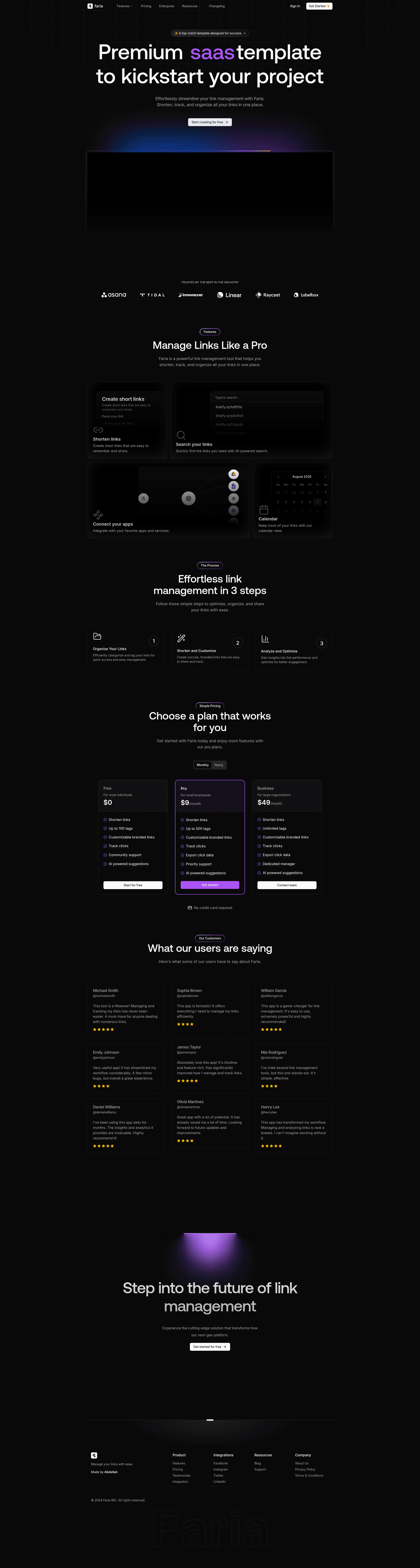
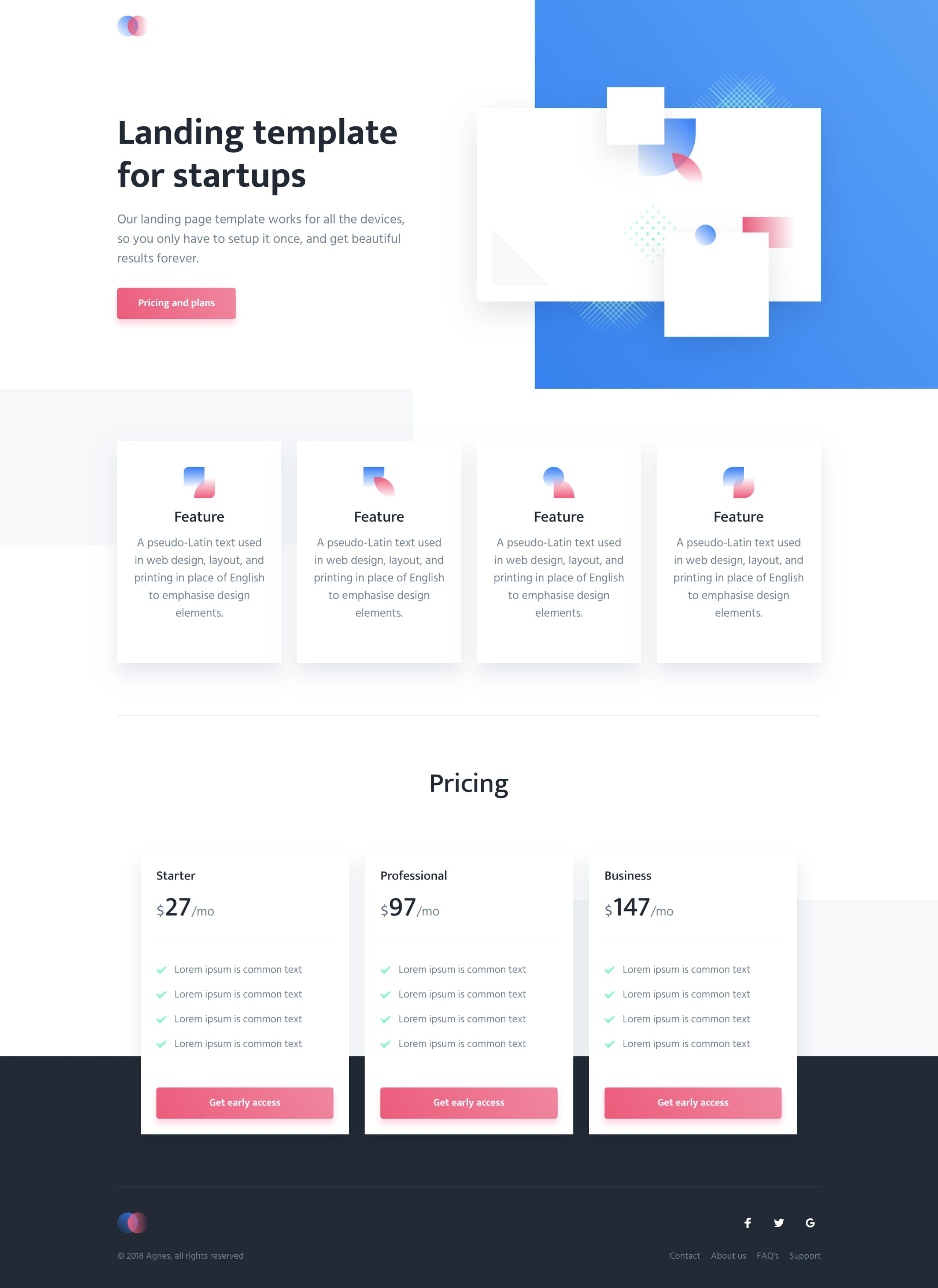
Premium SaaS landing page template built with Next.js, Tailwind CSS, Framer Motion, and Shadcn UI for fast, polished marketing sites.
About this template
Faria is a premium SaaS landing page template built on Next.js that provides a fully customizable, static marketing page foundation for SaaS products and startups.
What is Faria?
Faria is a premium SaaS landing page template engineered as a Next.js starter, designed to help developers and founders launch a polished marketing page for a SaaS product without starting from scratch. The template is built with Next.js, Tailwind CSS, Framer Motion, and Shadcn UI, and includes pre-built components for navigation, animations, and icons. It requires no backend and can be deployed to Vercel or Netlify. The template is licensed for personal and commercial use, but redistribution or resale is prohibited.
Key Features
- Fully responsive design — The layout adapts across all device sizes with no extra configuration.
- Static content generation — Faria ships as a frontend-only site with no backend, enabling fast builds and simple hosting on static platforms.
- Framer Motion animations — The
components/animationsfolder contains motion components that deliver smooth, interactive page transitions and scroll effects. - Shadcn UI components — Reusable building blocks like buttons, modals, and navbar live in
components/ui, giving you clean, accessible markup to restyle. - Tailwind CSS styling — Global styles in
styles/globals.cssand theme tokens intailwind.config.jslet you change colors, fonts, and layouts quickly. - Lucide React icons — Lightweight, consistent icons are already wired into the template for pricing, features, and testimonials sections.
- SEO-optimized structure — Includes
public/robots.txt, custom_document.tsx, and best-practice meta tags to help search engines index the page. - Well-organized codebase — A modular folder structure separates animations, icons, UI components, and utility helpers so edits stay localized.
Who is it for?
- Startup founders — Launch an MVP landing page in under an hour by cloning the repo, editing copy, and deploying to Vercel.
- Front-end developers — Customize the Next.js and Tailwind stack to match a brand, using the existing component library to speed up UI work.
- Designers — Use Faria as a foundation for client marketing sites, swapping in custom fonts, colors, and visuals through the Tailwind config.
- Indie hackers — Create a lead-generation page for a side project without paying for a designer or building UI from scratch.
What can you do with Faria?
- SaaS marketing pages: Assemble a landing page with feature grids, pricing tables, and call-to-action sections using the bundled Shadcn and Framer Motion components.
- Brand customization: Replace the logo in
public/images, update the favicon inpublic/favicon.ico, and change the<title>inpages/_document.tsx. - Rapid deployment: Build with
npm run buildand push to GitHub, then import the repository into Vercel or Netlify to go live. - Future backend integration: Because the template is static and frontend-only, you can later hook it up to a separate API or CMS without architectural changes.
How does Faria work?
Getting started is straightforward: clone the repository, run npm install, and start the development server with npm run dev; the site runs at http://localhost:3000. To customize, edit the Tailwind theme in tailwind.config.js, swap components in components/ui, and add new sections by creating components and importing them into pages/index.tsx. Deployment is a two-step process: build locally, then deploy the output to a static host.
Pros and cons
Pros
- Fast, static site with no backend requirements.
- Modern animation library (Framer Motion) pre-integrated.
- Clean component structure using Shadcn and Tailwind.
- Includes SEO essentials like
robots.txtand custom document.
Cons
- No backend or content management system included — you add your own.
- Requires Node.js 16 or higher and familiarity with Next.js and Tailwind CSS.
Pricing
Faria is a paid template. The purchase grants the right to use it across multiple personal or client projects, but redistribution or resale of the template itself is prohibited. No specific price is listed in the repository.
FAQ
Can I use Faria for multiple projects?
Yes, the license that comes with Faria explicitly permits use for multiple personal or client projects.
Is backend functionality included?
No, Faria is a static, frontend-only template. To add dynamic features, you would integrate an external backend or API.
Can I request support for customization?
Yes, the repository provides a contact email for support-related inquiries about customizing the template.
What are the system requirements?
You need Node.js version 16 or higher, plus npm, yarn, or pnpm for package management, and a working knowledge of Next.js and Tailwind CSS.