Template details
AI SDK Python Streaming
Next.js starter streaming AI chat completions from a FastAPI Python backend using Vercel's Data Stream Protocol.
About this template
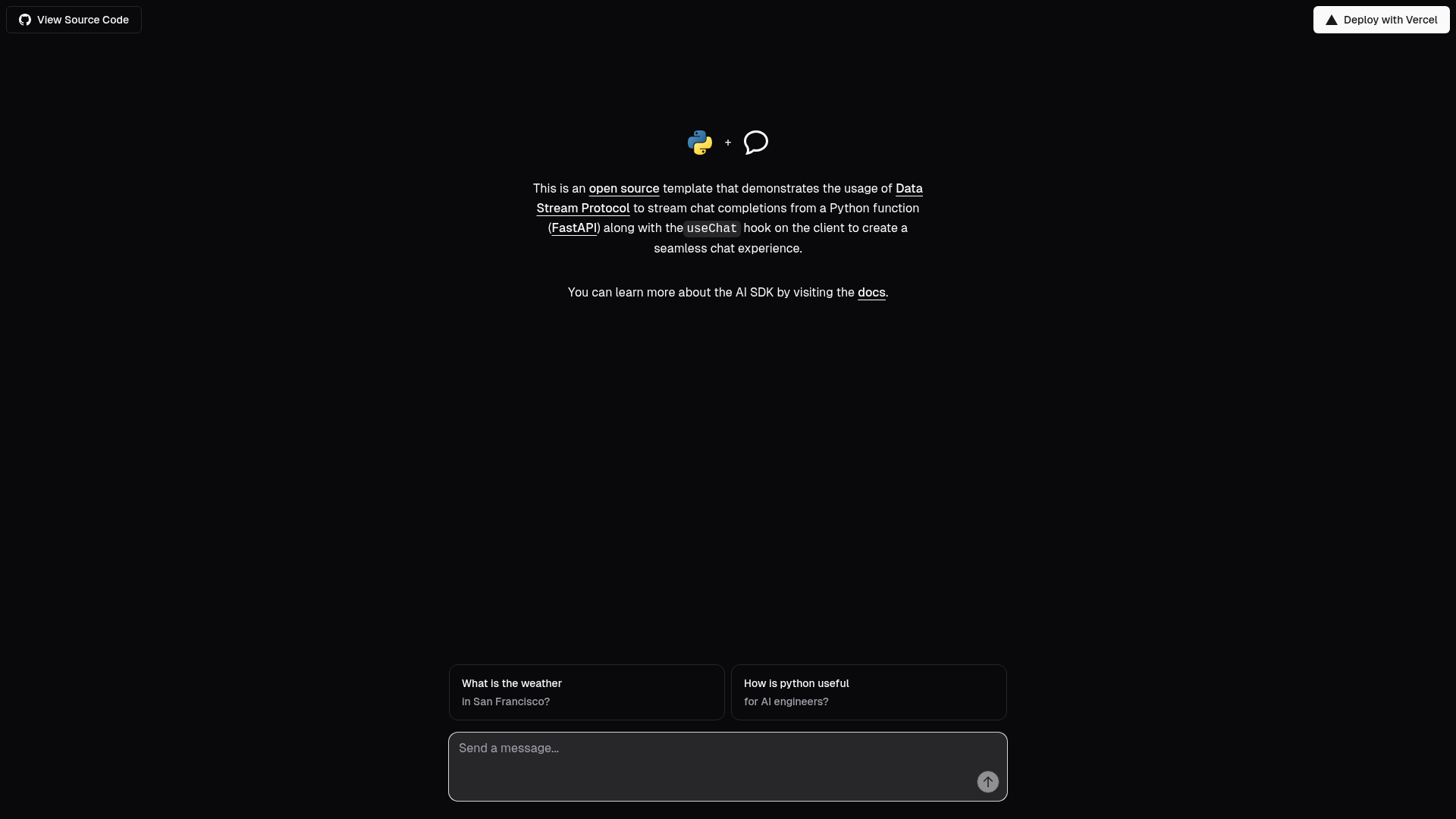
The AI SDK Python Streaming template is a Next.js starter that demonstrates streaming AI chat completions from a FastAPI Python backend using Vercel's Data Stream Protocol and the AI SDK's useChat hook.
What is the AI SDK Python Streaming template?
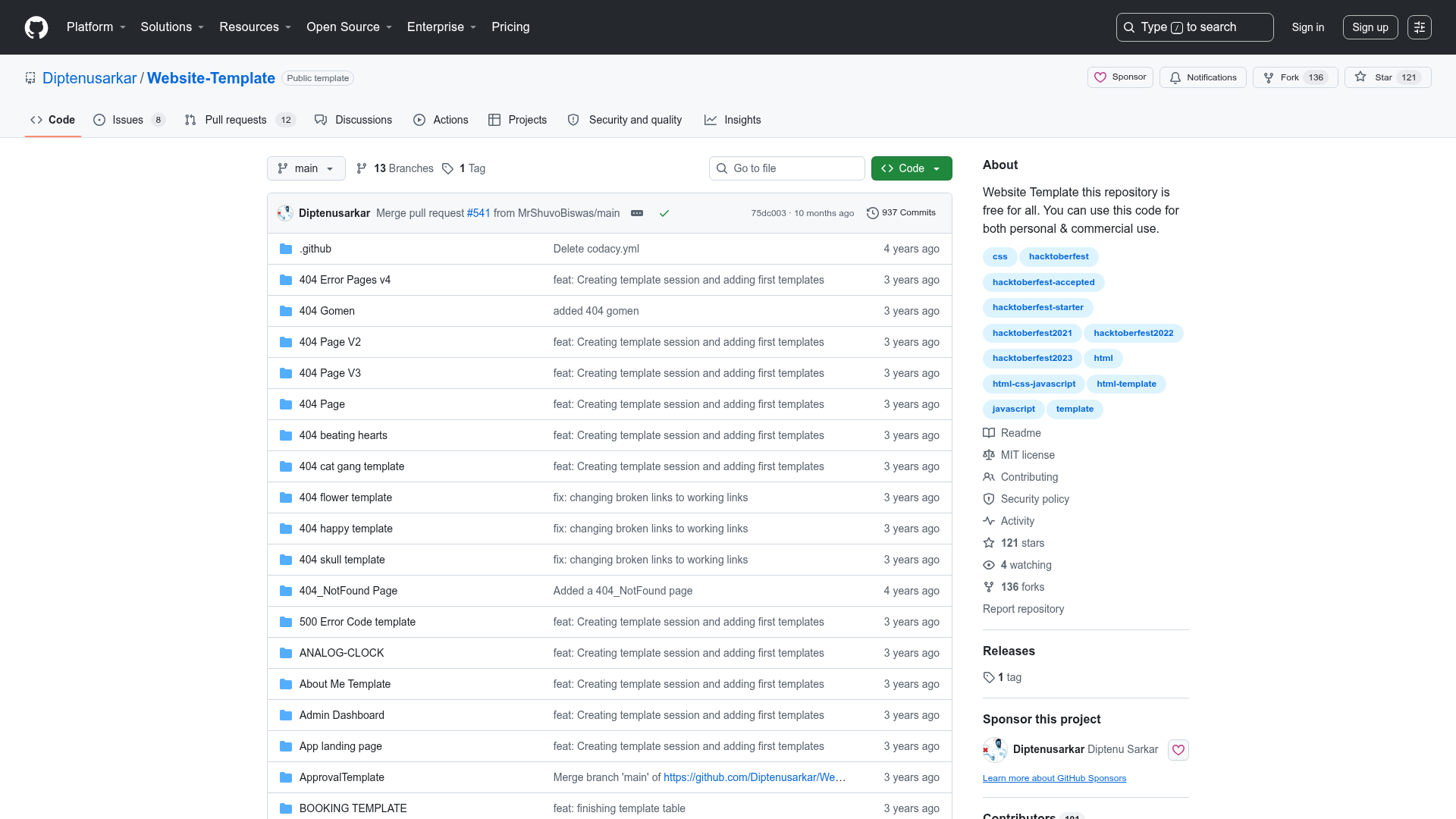
This template, published by Vercel Labs, shows how to stream chat completions from a Python endpoint built with FastAPI and render them in a Next.js application using the useChat hook from the AI SDK. It takes API keys for AI providers as environment variables and produces a chat interface where user messages are streamed token-by-token from the backend. The repository is available on GitHub under vercel-labs/ai-sdk-preview-python-streaming.
Key Features
- Data Stream Protocol — Uses Vercel's Data Stream Protocol to define a binary format for streaming AI responses from the Python backend to the frontend.
- FastAPI backend — A Python FastAPI endpoint serves as the server for streaming chat completions, rather than the usual Node.js route.
- useChat hook — The Next.js frontend consumes the stream with the useChat hook from the AI SDK, providing message history and streaming status.
- One-click deployment — A "Deploy with Vercel" button creates a new project directly from the GitHub repository URL.
- Multiple AI providers — Setup allows for accounts with providers such as OpenAI and Anthropic; API keys are set via a .env file copied from .env.example.
- Local development workflow — Commands are provided for npm, Yarn, and pnpm to bootstrap the example, plus virtualenv and pip for Python dependencies.
Who is it for?
- Full-stack developers — building a chat interface that uses a Python backend for AI logic while keeping the frontend on Next.js.
- Backend engineers — wanting to expose a Python AI service through FastAPI while reusing the AI SDK's frontend streaming hooks.
- Prototyping teams — using the example as a starting point for a production AI chatbot that streams responses in real time.
What can you do with it?
- Build a streaming chatbot: wire any AI provider supported by the backend to a Next.js chat UI that updates as tokens arrive.
- Create a Python-powered AI assistant: pair a FastAPI endpoint with the AI SDK so your Python code handles prompts while the frontend stays on Vercel's stack.
- Experiment with the Data Stream Protocol: observe how the protocol packs streaming messages by inspecting the example's frontend and backend code.
How does it work?
The example relies on a Next.js route that communicates with the Python FastAPI server. After you enter API keys in environment variables, the useChat hook sends user messages to the FastAPI endpoint, which streams back chat completions using the Data Stream Protocol. The frontend decodes that stream and renders message content incrementally.
FAQ
Which AI providers does this template support?
The README names OpenAI and Anthropic as examples. To use a provider, you need an account and an API key, which you store in a .env file based on the provided .env.example.
Do I need to set up both Node and Python environments?
Yes. The frontend uses pnpm (or npm/Yarn) to install Node dependencies, and the backend requires a Python virtual environment with dependencies installed via pip from requirements.txt.
Can I deploy this without a local setup?
Yes. The project includes a "Deploy with Vercel" button that clones the repository into a new Vercel project; environment variables still need to be configured in the Vercel dashboard.