Template details
Website-Template
Free GitHub collection of 125+ HTML/CSS/JS website templates for personal and commercial use.
About this template
Website-Template is a free, community-maintained GitHub repository that bundles over 125 ready-to-use website templates — from 404 error pages and admin dashboards to restaurant sites and browser games — available for both personal and commercial use.
What is Website-Template?
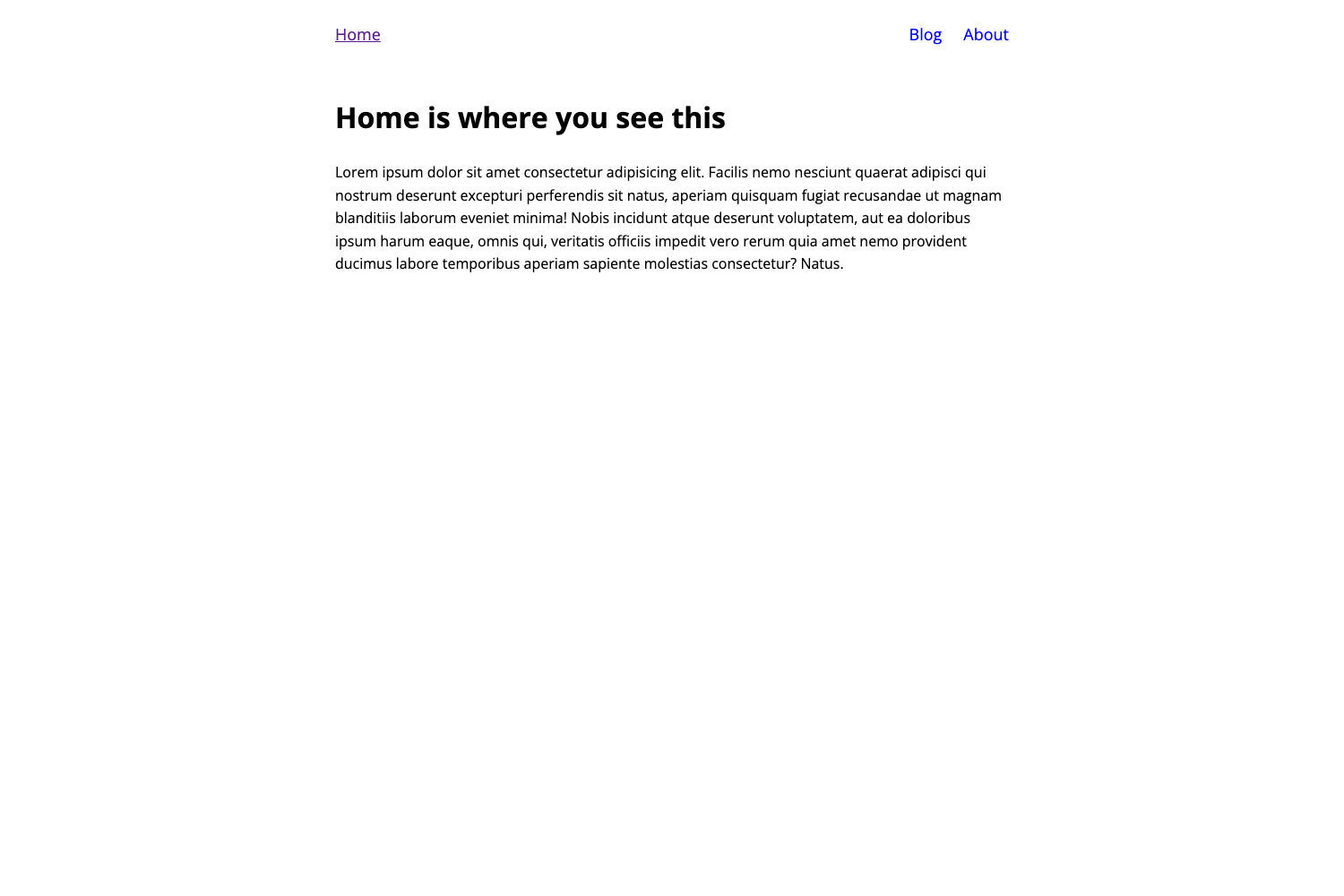
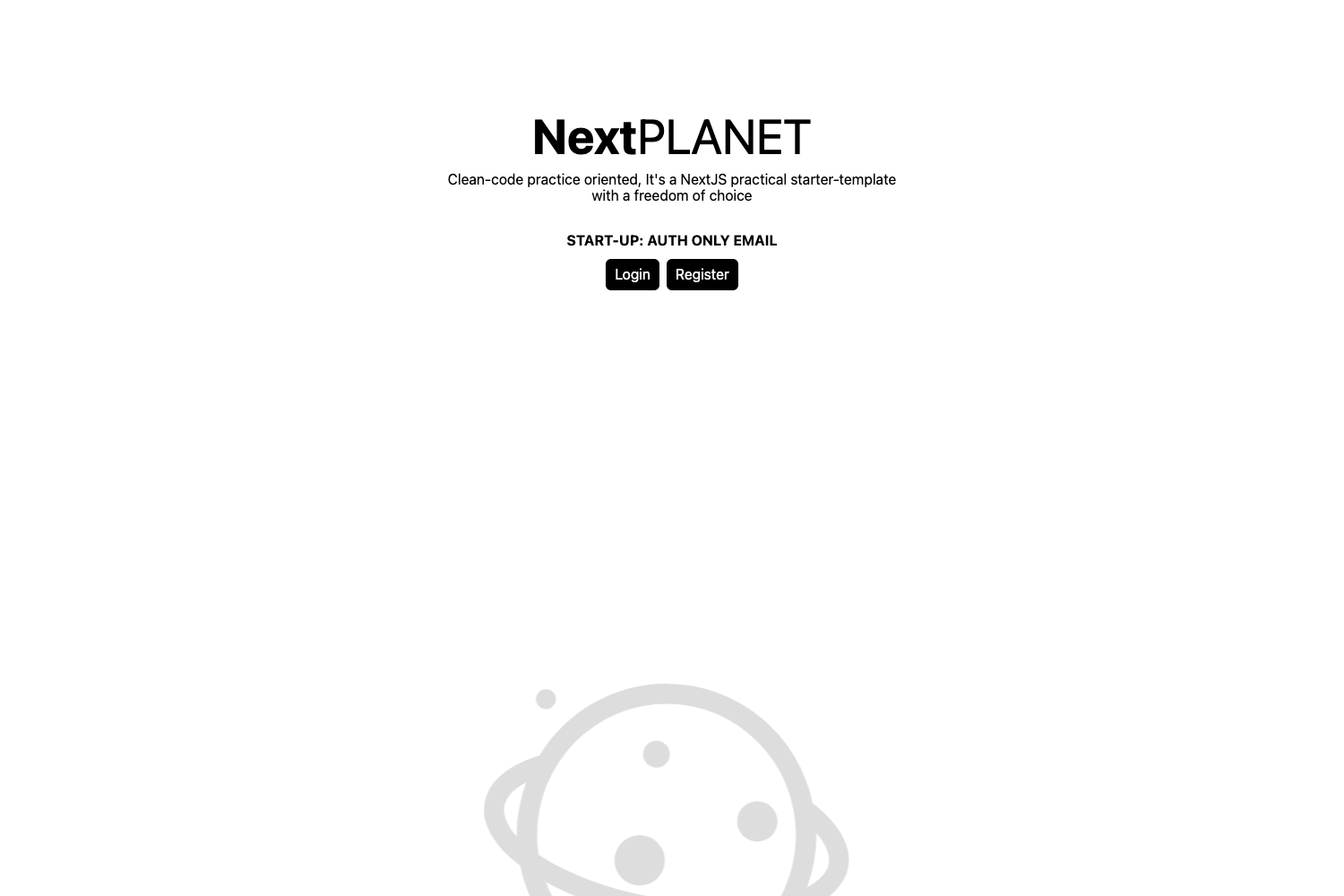
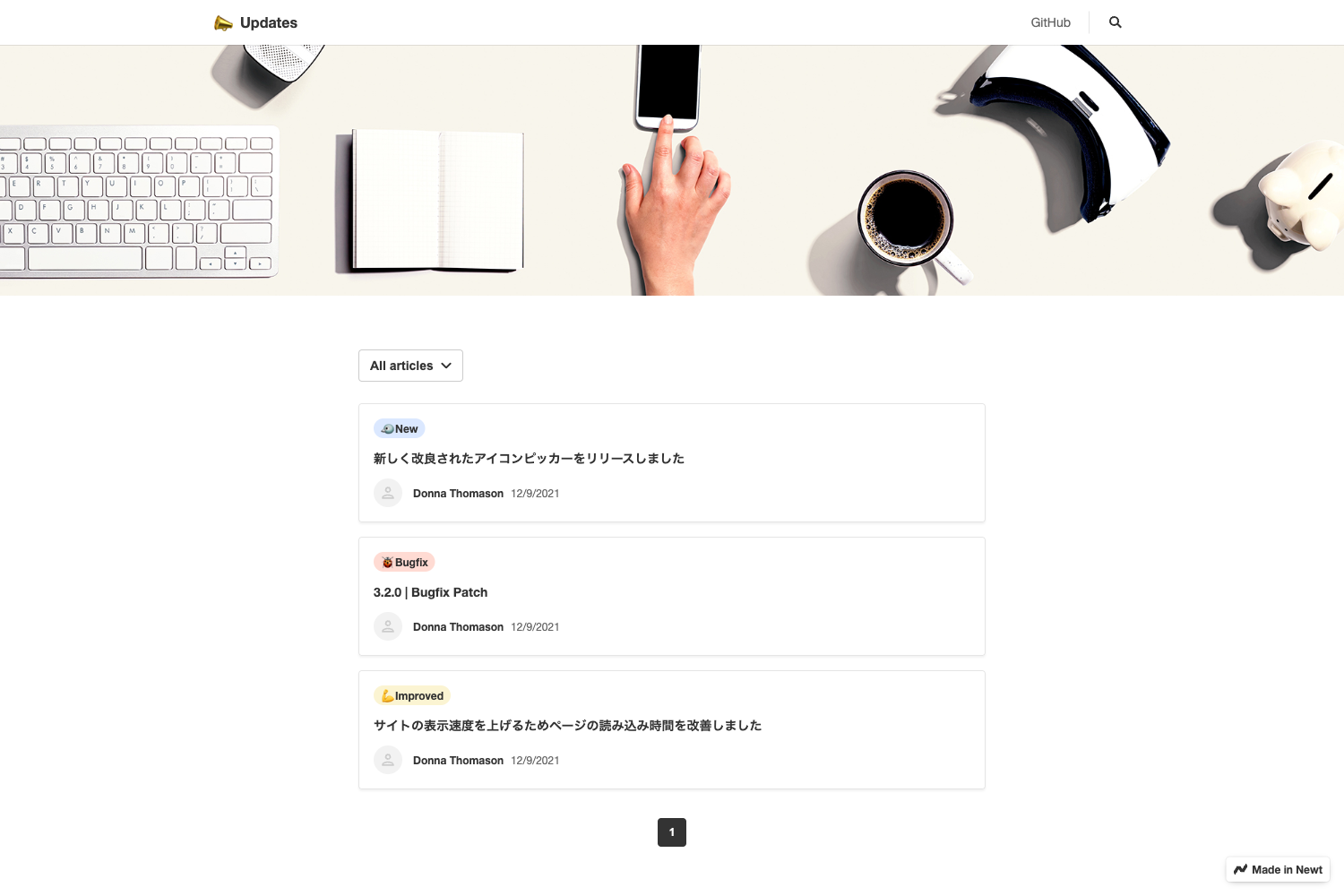
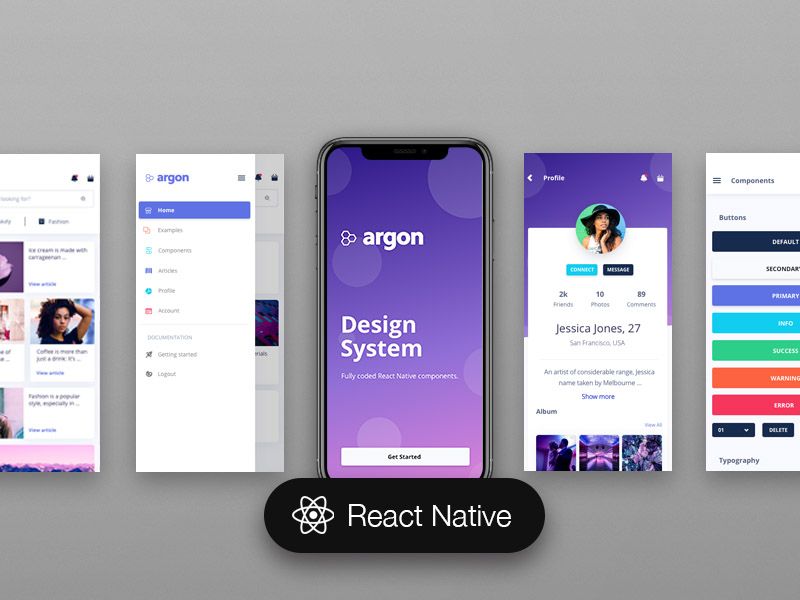
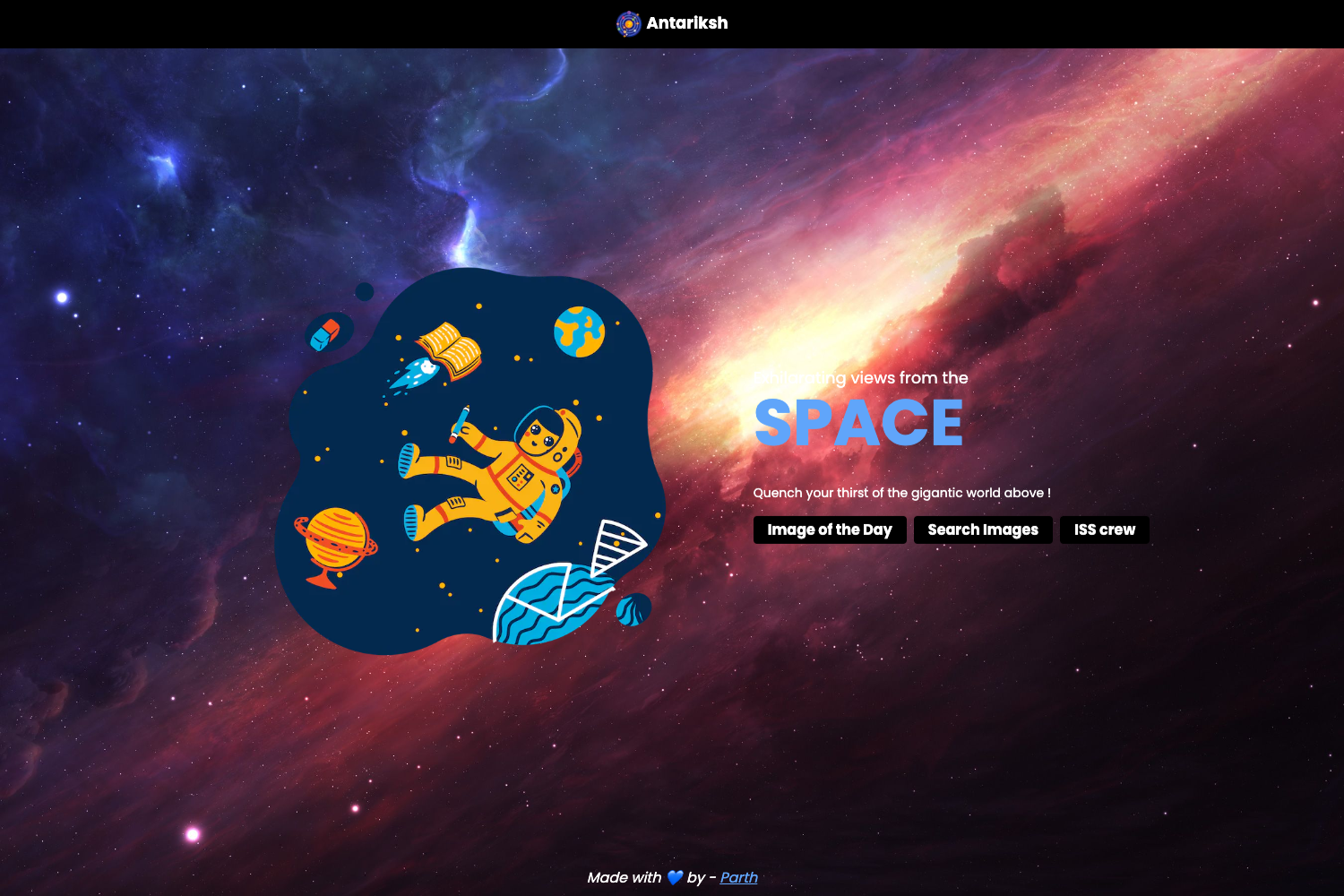
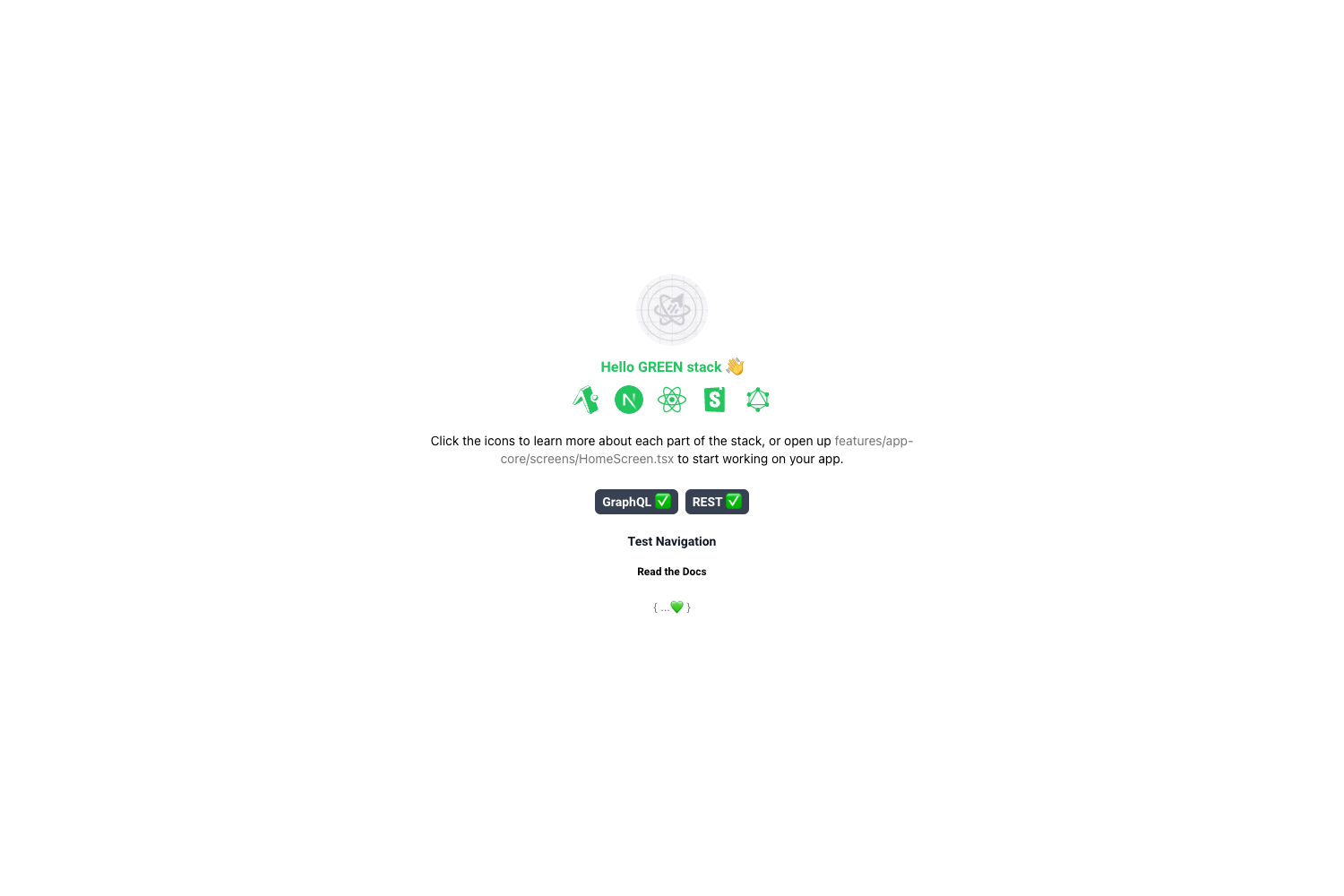
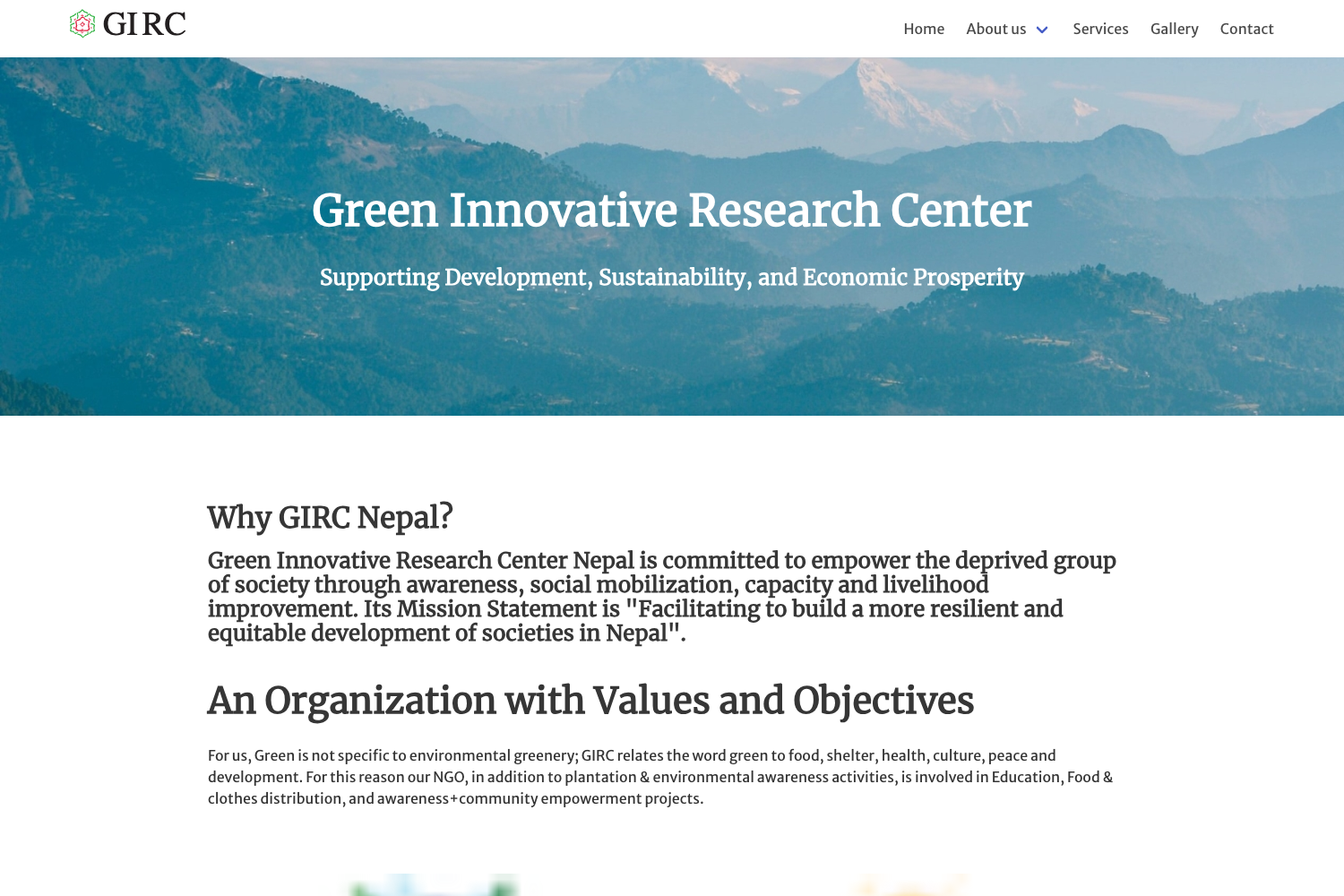
Website-Template is a GitHub repository created by Diptenusarkar that collects 125 free website templates, each stored in its own folder with source code and an example preview image. The templates take the form of plain HTML, CSS, and JavaScript projects, with some builds using React, Bootstrap, Tailwind CSS, Next.js, or Firebase. The repository's README table lists every template with a numbered entry and a direct "Example" link to its preview screenshot, so you can quickly evaluate a design before copying the code.
Key Features
- 125 categorized templates — Includes 404 error pages, admin dashboards with dark and light modes, login and registration forms, booking pages, restaurant sites, portfolios, and small games like Tic Tac Toe, Flappy Bird, and Hangman.
- Free for personal and commercial projects — The permissions section states you can use the templates for both personal and commercial use, but you cannot claim the templates as your own work.
- Preview screenshots for most templates — Nearly every folder contains an image or GIF showing the template in action, linked directly from the README table.
- Stack variety — The collection spans plain HTML/CSS/JavaScript, Bootstrap grid layouts, Tailwind CSS responsive navbars, React-based projects, an Express template, a Firebase auth example, and a Next.js template.
- Multi-language documentation — The README is available in English, Brazilian Portuguese, and Spanish.
- Hacktoberfest contribution flow — The repo is tagged for Hacktoberfest and documents an 11-step Git workflow for contributors to add their own original templates.
Who is Website-Template for?
- Front-end developers — use the 404 pages, login forms, or admin dashboards as a base to quickly ship a client request without coding common UI from zero.
- Students and self-taught learners — study or modify compact projects like the Calculator, Drum Kit, Gradient Generator, or Dice Game to practice JavaScript and DOM skills.
- Hacktoberfest participants — follow the project's contribution guide to fork the repository, create a new template folder, and submit a pull request with an original design.
- Small business owners — start with the Restaurant Template, Medical Template, or Travel Blog to prototype a website before hiring a developer.
What can you do with Website-Template?
- Freelance developers: clone the repository locally and pull out the Payment Form, Booking Template, or Admin Dashboard to use as boilerplate for client sites at no licensing cost.
- Educators: use the Theme Clock, Memory Game, or Wikipedia Search templates as classroom exercises for teaching HTML structure, CSS styling, and JavaScript logic.
- Startup teams: combine the ComingSoonTemplate and App Landing Page to stand up a pre-launch page in minutes.
How does Website-Template work?
For users, each template lives in its own directory, and the README table gives a one-click link to the template's preview image. For contributors, the project documents an 11-step flow: fork the repository, clone your copy, add the upstream remote, create a new branch, add your template folder, stage changes, commit, push to your fork, and open a pull request.
FAQ
Is Website-Template free?
Yes. The repository is explicitly "free for all," and its permissions section states you can use the templates for both personal and commercial use. You may not, however, claim the templates as your own, and if you contribute code you must give others permission to use 100% of your code.
What kinds of templates are included?
The collection includes 125 templates: 404 error pages, 500 error pages, login and signup forms, admin dashboards, restaurant and medical websites, a blog, a portfolio, e-commerce and booking pages, and games like Tic Tac Toe, Brick Breaker, and a Drum Kit.
Which technologies do the templates use?
Most templates are built with plain HTML, CSS, and JavaScript. Others use Bootstrap, Tailwind CSS, React, Next.js, Express, Firebase, and GraphQL code generation. Some templates, such as the Admin Dashboard and Grid Layouts, come in multiple visual variants like dark mode or light mode.
How do I add my own template to the repository?
The contributing guide lists steps: fork the repo, clone it, add the upstream remote, create a new branch, add your template folder, commit, push, and make a pull request. You must own the full code and design, and you give others permission to use your code by contributing.