Template details
AllFood
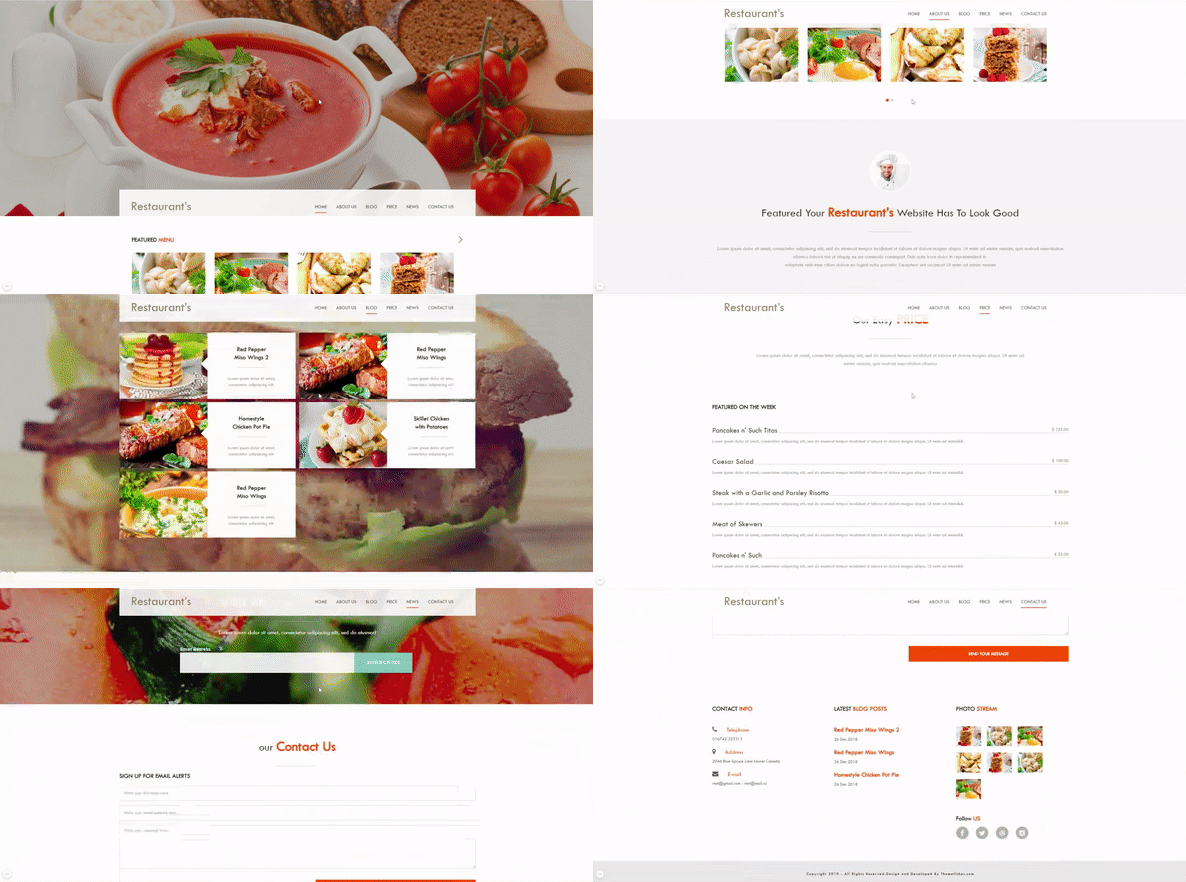
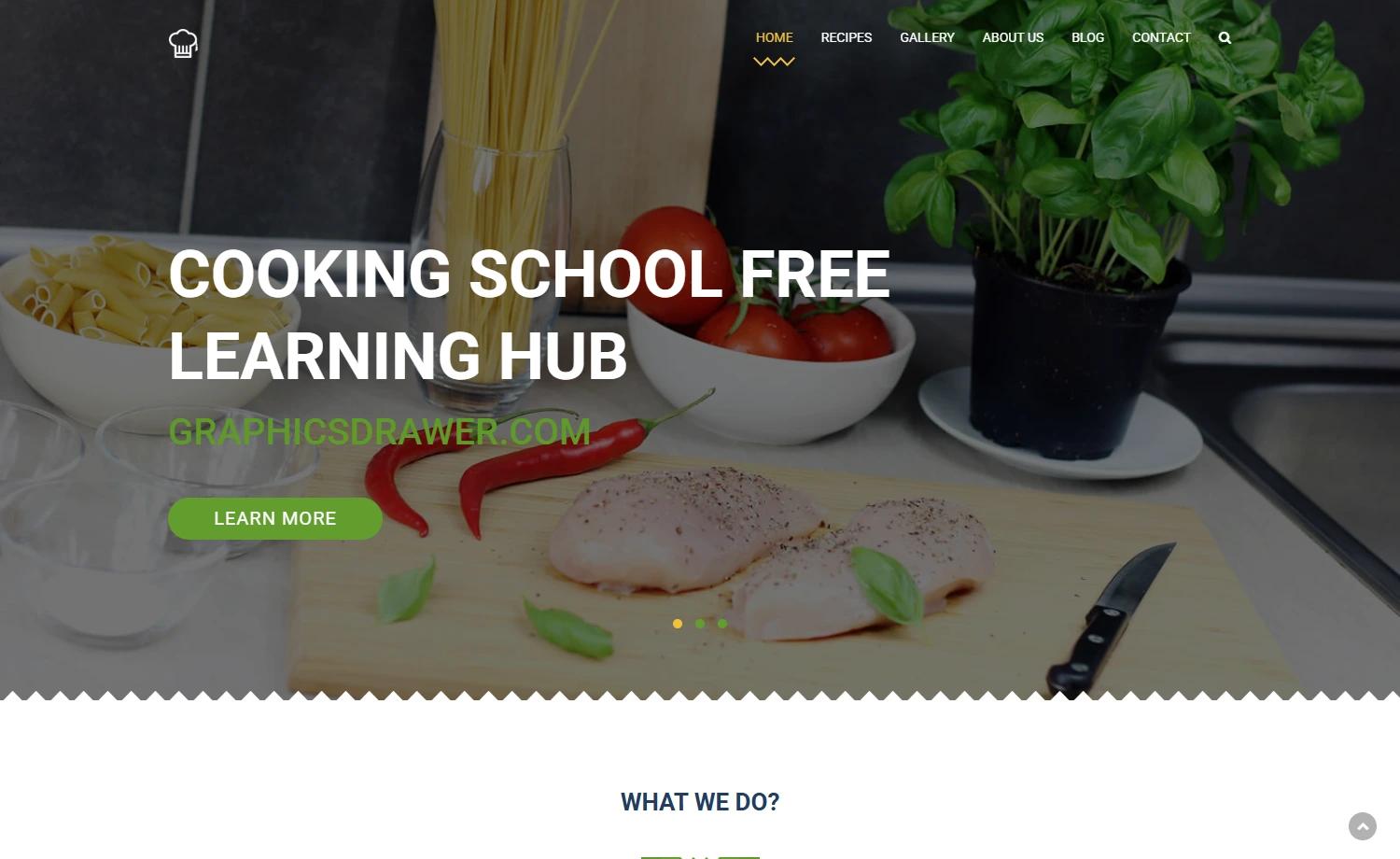
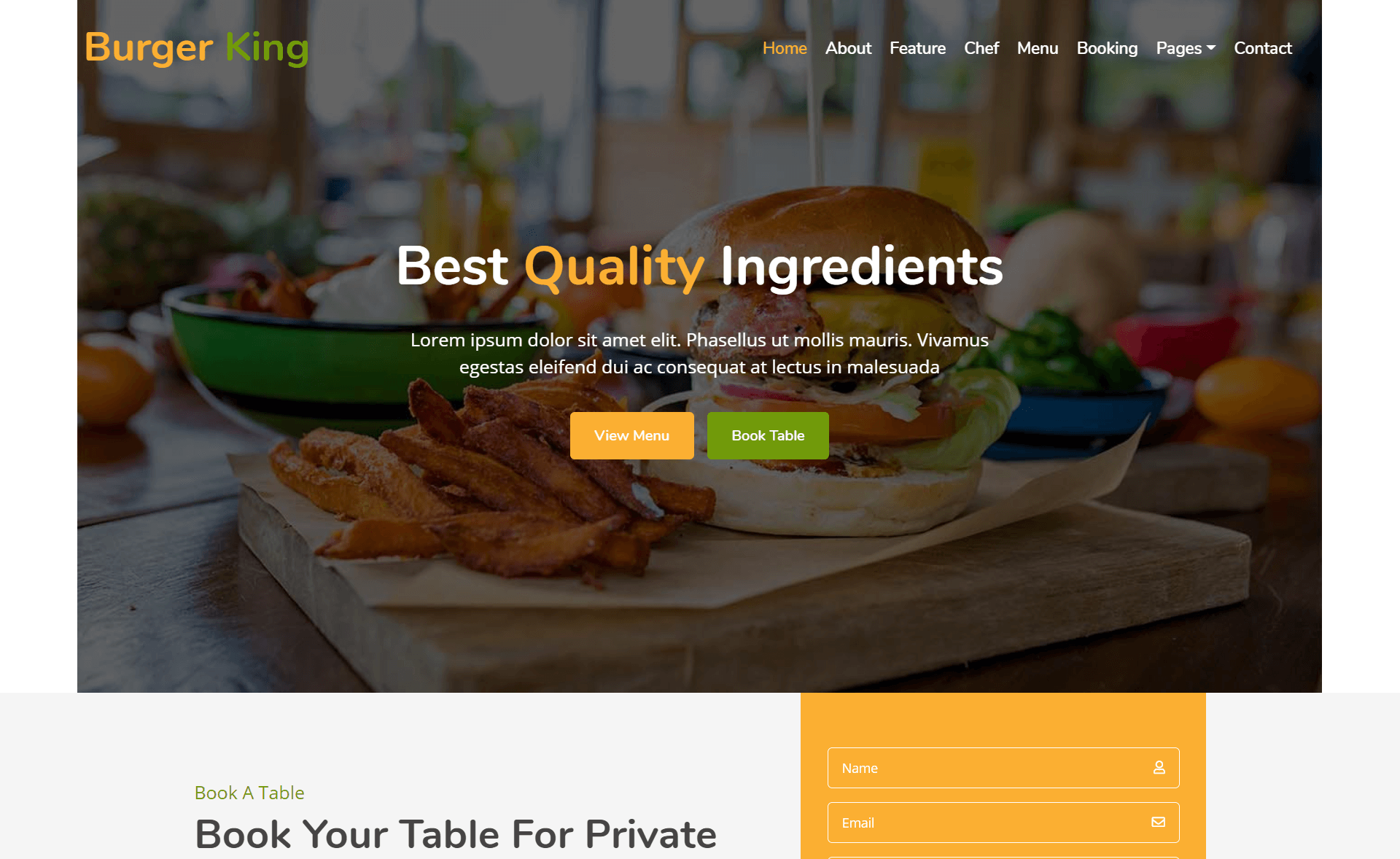
Free responsive Bootstrap 4 HTML5 restaurant website template with menu grid, booking form, Google Maps, and 8 HTML files.
About this template
AllFood is a free, multi-page Bootstrap 4 HTML5 restaurant website template distributed by ThemeWagon, built to give cafes, food shops, and catering businesses a complete marketing site with a hero header, sorted menu grid, booking form, and Google Maps integration.
What is AllFood?
AllFood is a responsive restaurant website template built on Bootstrap v4.1.3 with HTML5 and CSS3, created by Colorlib and published on ThemeWagon. It is a multi-page template that includes 8 HTML files, 1 PHP file, CSS and SCSS source files, JavaScript files, font icons, and extensive documentation. The template is open source, free for commercial use, and receives lifetime free updates, making it a ready-to-deploy website package for food-related businesses.
Key Features
AllFood ships with a long list of UI and layout features, and the front end is built on Bootstrap 4 with jQuery and several open-source plugins.
- Bootstrap v4.1.3 framework — Responsive grid and UI components that are fully cross-browser compatible with Chrome, Edge, Firefox, Opera, Safari, and mobile browsers.
- Restaurant-specific sections — Hero header, sorted menu grid with hover effects, pricing table, booking form, blog section, and 10+ UI elements built specifically for food service sites.
- Navigation and interactions — Sticky top navigation bar, drop-down menu, content slider, call-to-action button, and back-to-top button for smooth visitor flows.
- Lead-generation forms — Newsletter subscription form wired through Ajax Mailchimp, plus a working contact form and comment form UI included in the package.
- Location and social proof — Embedded Google Maps and an Instagram Feeds section to show the business location and live social content.
- Search and pagination — Search option with filters and pagination UI to help visitors browse menu items or blog posts.
- Design extras — CSS3 preloader, clean and minimal design, hover effects, and FontAwesome font icons throughout.
- Tools and plugins — Includes jQuery, Magnific-popup, Slick, Owl Carousel, Masonry, Flaticon, Pexels, and Themify icons, all documented in the package.
Who is it for?
AllFood suits anyone running a food-related business or building a website for one.
- Restaurant and cafe owners — Launch a professional multi-page site with menu, booking, and map sections to attract and inform local customers.
- Food shops and catering services — Use the newsletter form and Instagram feeds to promote specials, grow an email list, and showcase dishes.
- Web developers and designers — Customize the well-structured HTML5, CSS3, SCSS, and JavaScript source files for client restaurant projects; the commercial-use license allows paid deployments.
What can you do with AllFood?
The template's concrete components support several practical uses for a food business.
- Cafe owners: Display a searchable, filterable menu grid with pricing and hover effects so customers can browse dishes before visiting.
- Restaurant marketers: Embed Instagram feeds and Google Maps to show social proof and physical location, encouraging foot traffic.
- Freelance developers: Use the documentation, SCSS files, and pre-built components as a starting point for commercial restaurant website builds.
Pricing
AllFood is free to download from ThemeWagon. The license is open source, permits use in commercial projects, and includes lifetime free updates.
Alternatives
ThemeWagon's download page lists three other free restaurant templates in the same category: The Venue, Green Special, and Steakshop.
FAQ
Potential users most often ask about the license, included files, and browser support.
Is AllFood free?
Yes, AllFood is free to download from ThemeWagon and is open source. The license permits use in commercial projects, and the template receives lifetime free updates.
Is AllFood responsive?
Yes, AllFood is 100% responsive and compatible with Chrome, Edge, Firefox, Opera, Safari, and mobile browsers, so the layout adapts to any screen size.
What files are included in the download?
The package includes all demo images, 8 HTML files, 1 PHP file, CSS and SCSS files, documentation, JavaScript source files, font icons, and library/plugin files.
Does AllFood have a contact form?
Yes, the template includes a working contact form and also provides a newsletter subscription form powered by Ajax Mailchimp. A commented form UI is part of the blog section.
What plugins does AllFood use?
AllFood integrates Bootstrap 4, jQuery, Magnific-popup, Slick, Owl Carousel, Masonry, Flaticon, Pexels, Themify icons, and Ajax Mailchimp.