Template details
NextJS Tourist House
Open-source Next.js and Chakra UI template for tourist house and mountain lodge websites with pre-built sections and MIT license.
About this template
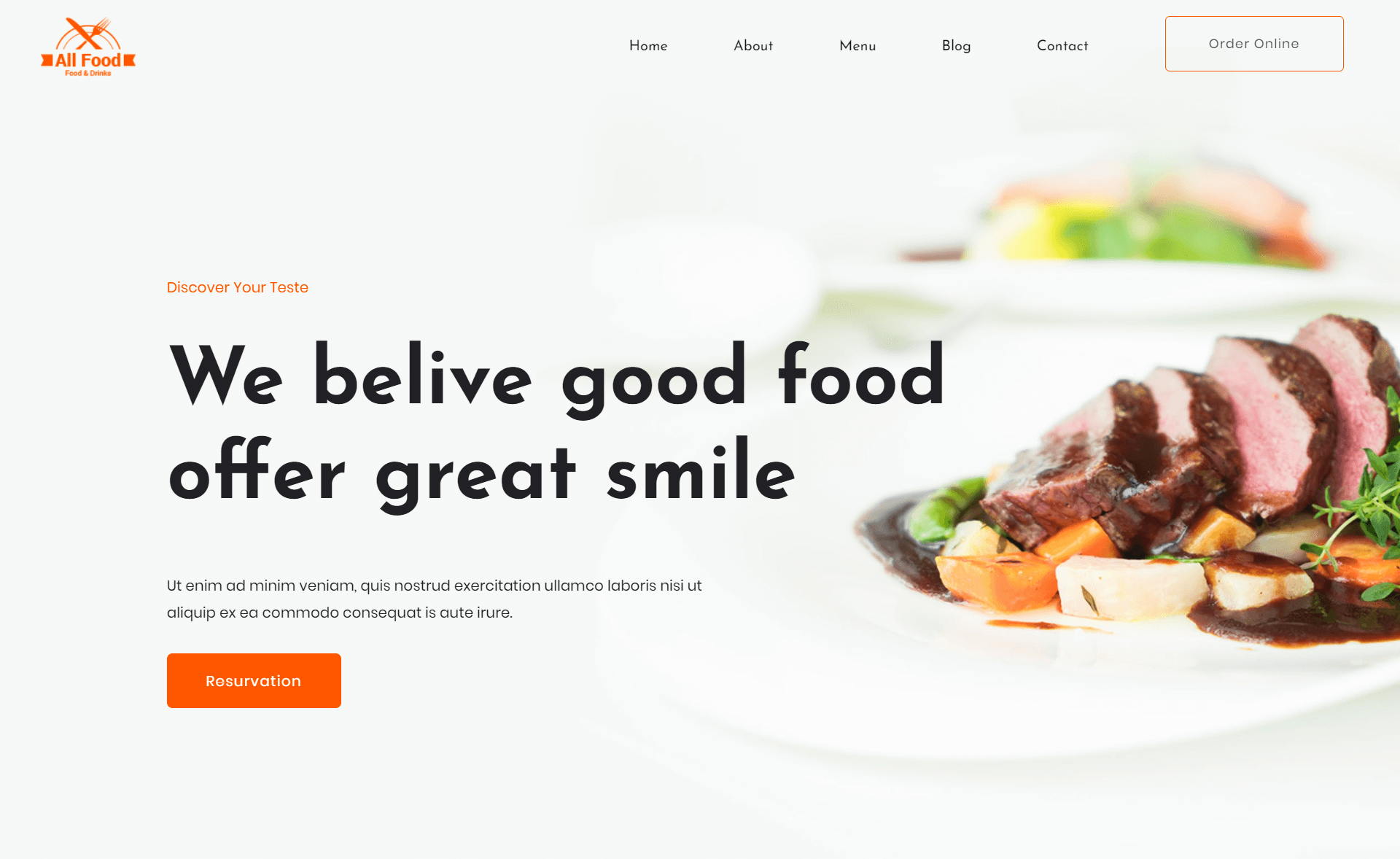
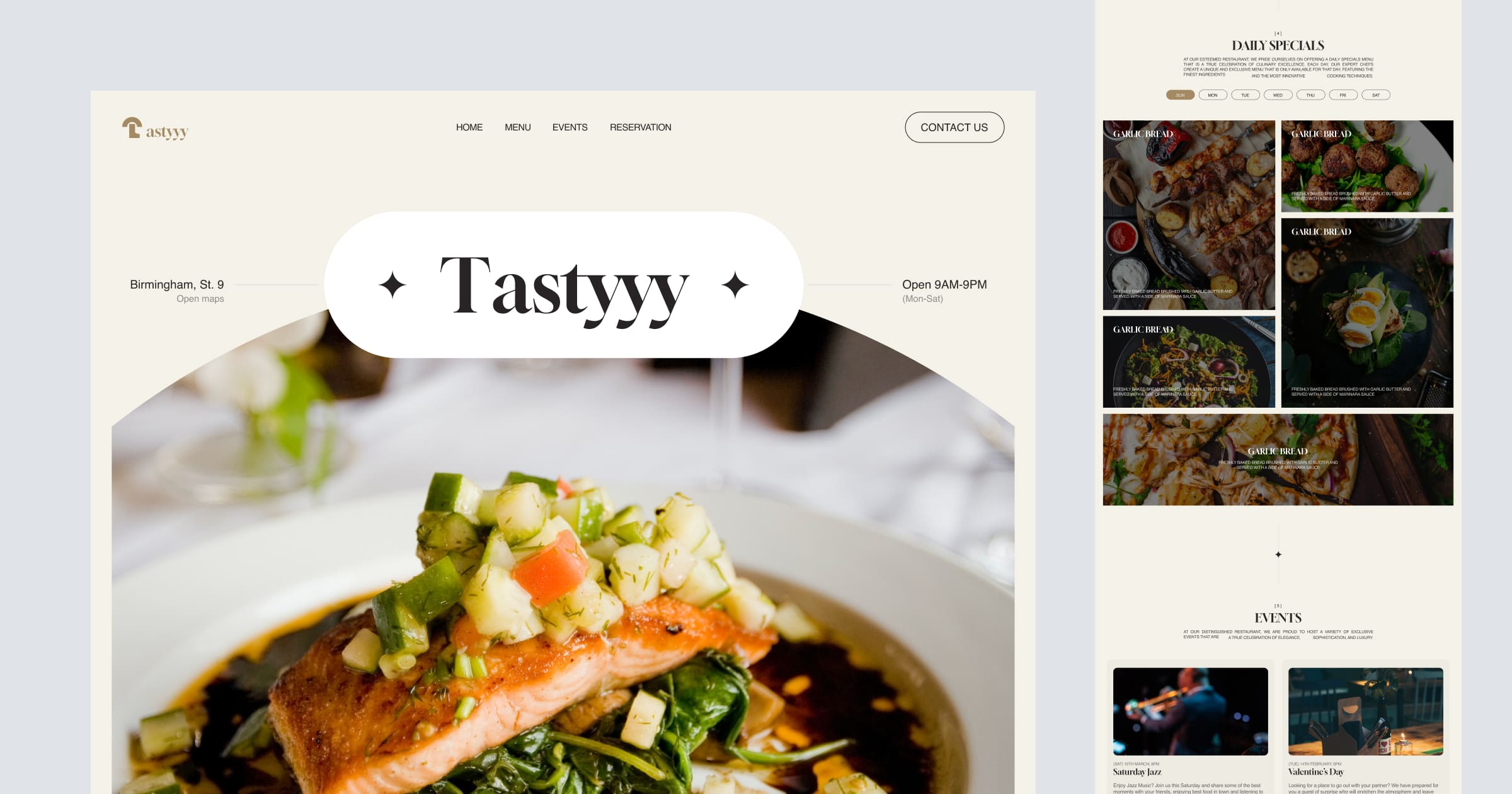
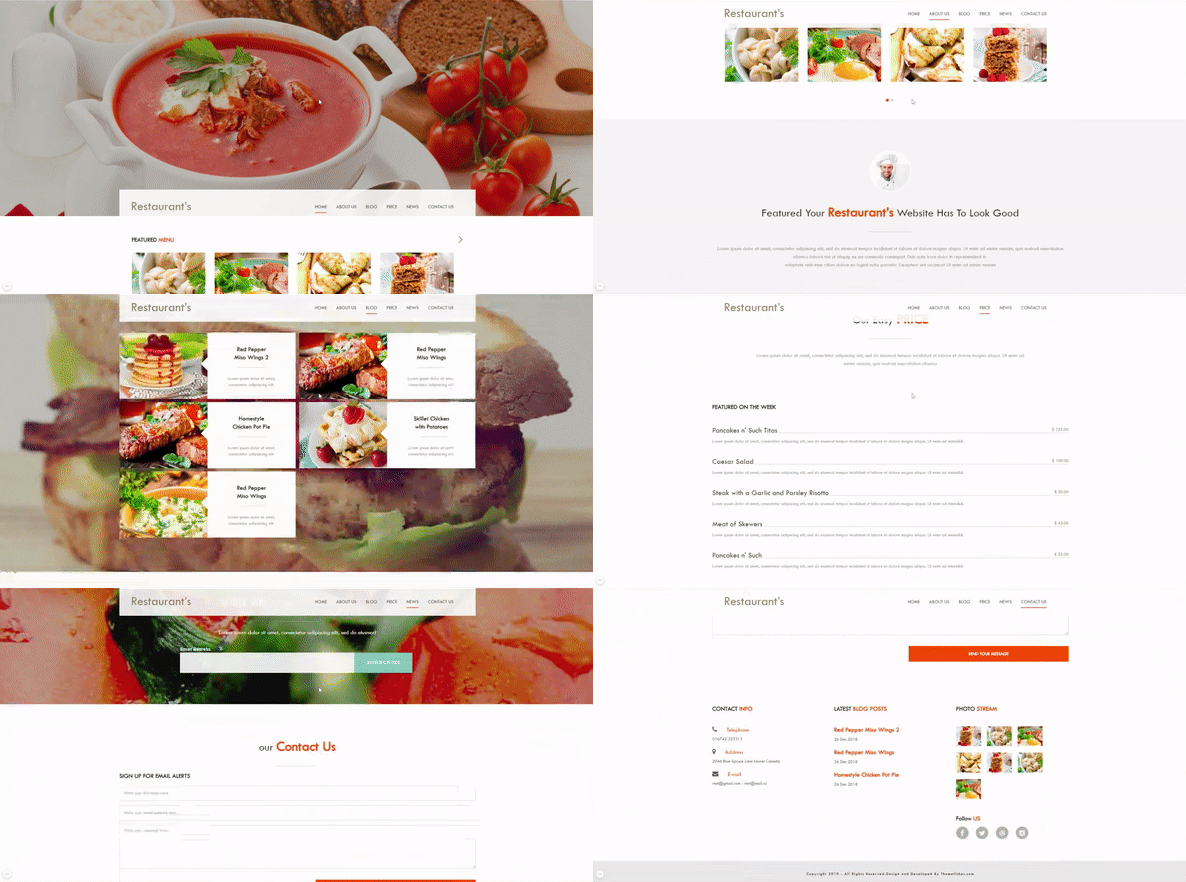
NextJS Tourist House is an open-source Next.js and Chakra UI template for building tourist lodging and mountain house websites, developed and maintained by AppSeed. It provides a complete single-page layout with pre-built sections and a mobile-responsive design.
What is NextJS Tourist House?
NextJS Tourist House is a front-end website template built with the Next.js framework and the Chakra UI component library. It takes a single-page design composed of Hero, Services, Gallery, CTA, and Footer sections and outputs a static, production-ready website that can be exported as HTML files. The project is maintained by AppSeed (appseed.us) and released under the MIT license.
Key Features
- Tech Stack — Built with Next.js (React framework) and Chakra UI (component library) for styling, layout, and responsive behavior.
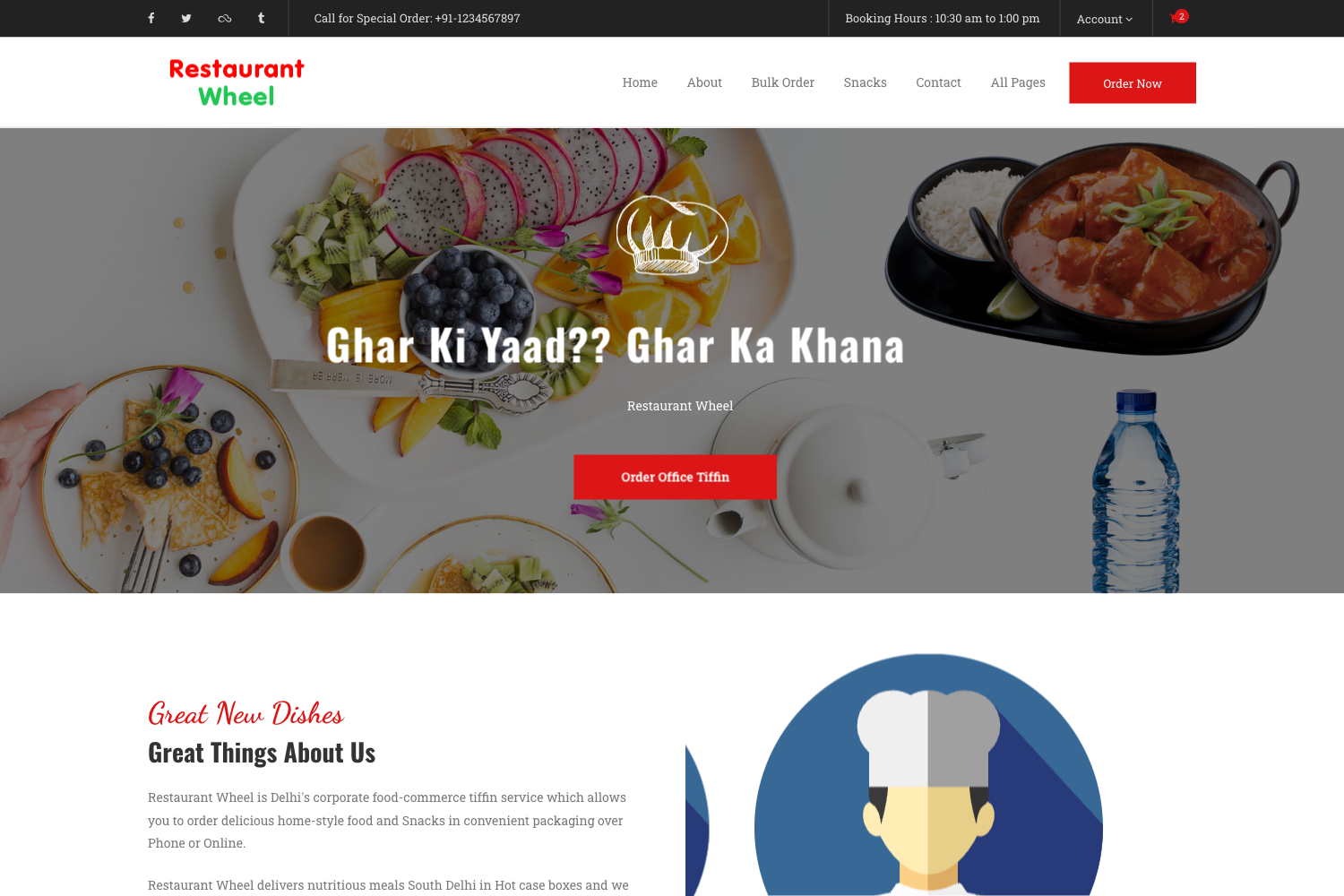
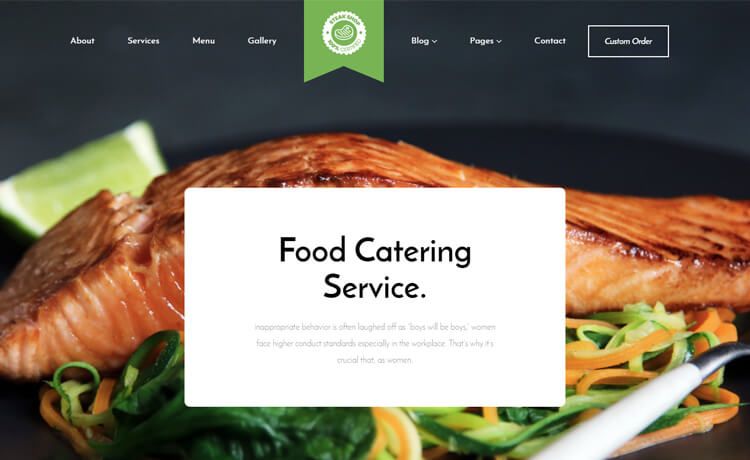
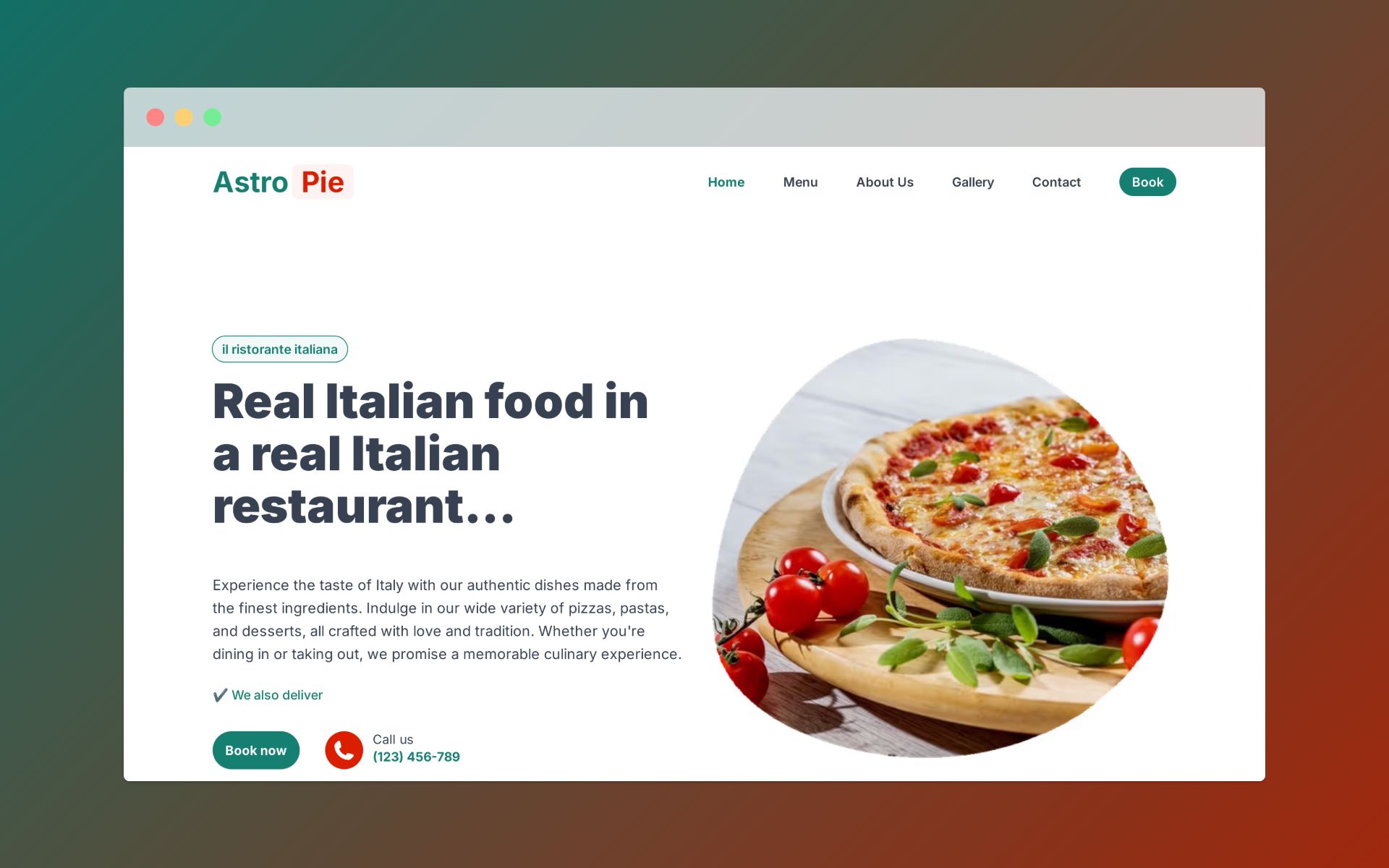
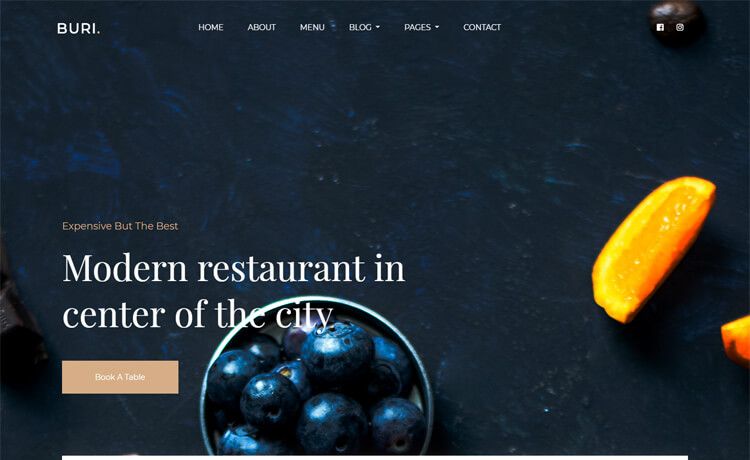
- Hero Section — A top-of-page hero that introduces the tourist house with a headline, subtext, and call-to-action.
- Services Section — A pre-built grid to display offerings like rooms, tours, or amenities.
- Gallery Section — An image gallery layout for showcasing the property and surrounding landscape.
- CTA Section — A call-to-action block to encourage bookings or inquiries.
- Footer Component — A structured footer with links and branding.
- Mobile Burger Menu — A collapsible navigation menu for small screens.
- MIT License — The code is free to use, modify, and redistribute, including for commercial projects.
- Figma Design File — A paid companion Figma file is available for $19 via Gumroad to help with design customization.
Who is it for?
- Independent tourist house owners — use the template to quickly launch a professional one-page website to showcase their property and attract guests.
- Web developers and freelancers — use the pre-built Next.js + Chakra UI codebase as a starting point for client projects, saving time on setup and design.
- Designers working with Figma — use the companion Figma file to iterate on the layout and branding before the code is generated.
What can you do with NextJS Tourist House?
- Launch a property website — deploy the static export to any hosting service (e.g., Netlify, Vercel, Render) to create an online presence for a tourist house or mountain lodge.
- Customize sections — edit the Services, Gallery, and CTA content directly in the Next.js components to match your specific offerings and images.
- Export static files — run
yarn buildandyarn exportto generate a static site in theoutdirectory that can be hosted anywhere without a server.
How does NextJS Tourist House work?
The template is developed in two modes. For development, run yarn to install modules and yarn dev to start the local development server. For production, run yarn build and then yarn export to generate static files in the out directory.
Pricing
The NextJS Tourist House code template is free to use under the MIT license. AppSeed also sells the original Figma design file as a one-time purchase for $19 via Gumroad, which includes access to the design source for easier customization.
FAQ
Is NextJS Tourist House free?
Yes, the NextJS Tourist House template is open-source and released under the MIT license, so it is free to download, use, and modify, including in commercial projects.
What tech stack does NextJS Tourist House use?
The template is built on Next.js, a React framework, and uses Chakra UI for styling and responsive components. No other CSS framework or UI library is required.
What sections are included in the template?
The template includes a Hero section, Services section, Gallery section, CTA section, and a Footer component, plus a burger menu for mobile navigation.
How do I run the template locally?
To run it locally, install the dependencies with yarn and start the development server with yarn dev. For a production build, use yarn build and then yarn export to generate static files.
Can I customize the design without coding?
AppSeed offers a companion Figma file for $19 that lets you customize the design visually before implementing it in code. The code itself is also structured for easy customization via Chakra UI components.