Template details
Alt Image Generator
Generate one-sentence alt text for any image URL using Salesforce BLIP on Replicate with a Next.js API route.
About this template
Alt Image Generator is a Next.js boilerplate from Vercel's official examples that generates a one-sentence alt text description for any image URL using the Salesforce BLIP machine learning model running on Replicate.
What is the Alt Image Generator?
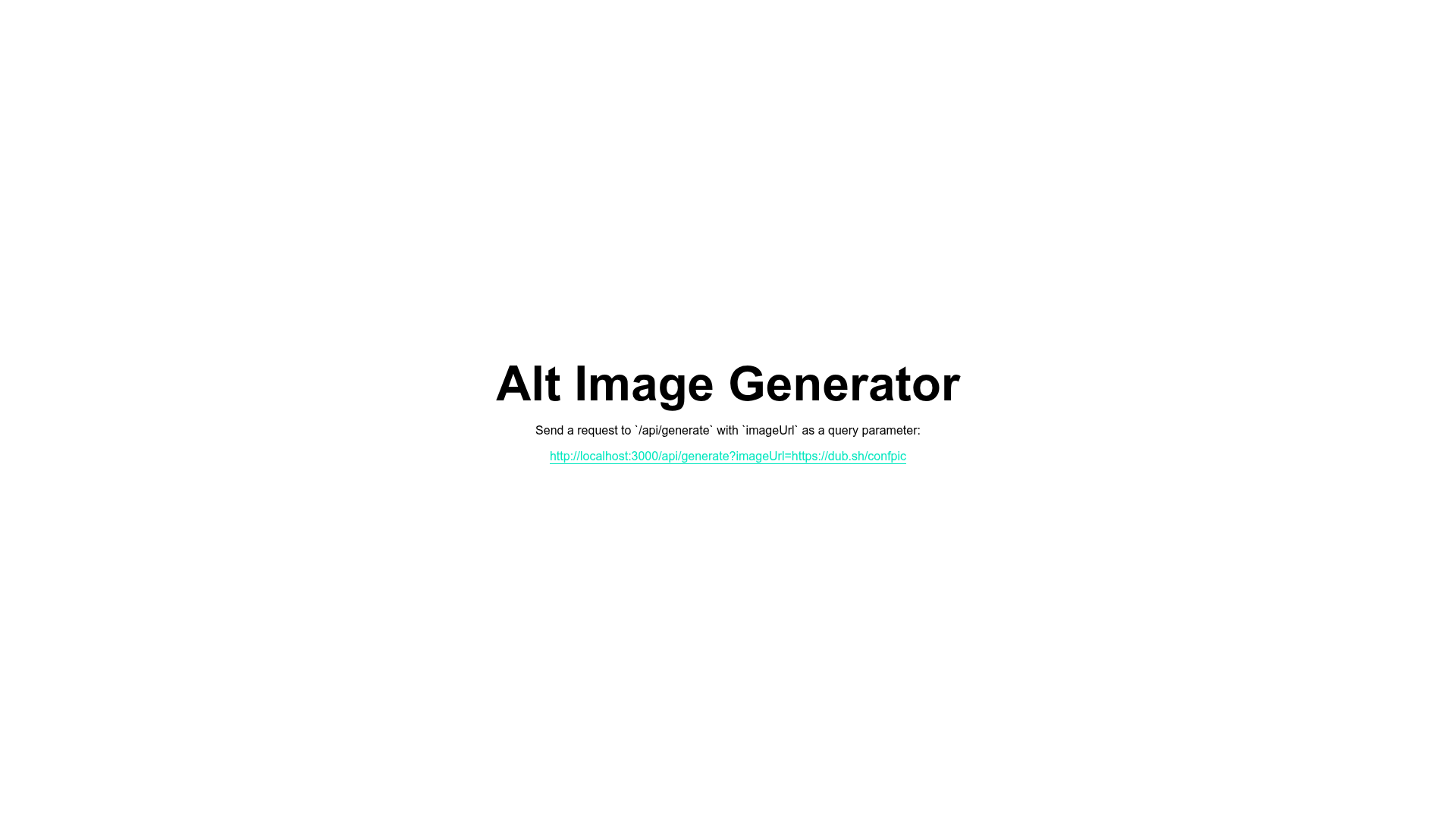
The Alt Image Generator is a reference template that exposes a Next.js API route at /api/generate which takes an imageUrl query parameter and returns a one-sentence description of that image. It is part of the Vercel examples repository, a curated collection of examples and solutions. The template uses Salesforce's BLIP model through Replicate, meaning you get an AI image captioning service without managing your own ML infrastructure. The output is plain text suitable for use as an HTML alt attribute.
Key Features
- Next.js API route — A single endpoint at
/api/generatethat accepts an image URL via theimageUrlquery parameter and returns a description. You can call it from the browser or with curl. - Salesforce BLIP model — The template uses the BLIP image captioning model from Salesforce, a model specifically designed to understand images and produce natural-language descriptions.
- Replicate integration — The model is hosted on Replicate; you only need to provide your own
REPLICATE_API_TOKENin a.env.localfile. - One-click Vercel deploy — A deploy button is included that clones the repository and prompts you to set the
REPLICATE_API_TOKENenvironment variable. - Local setup with pnpm — Bootstrap the project using
create-next-appwith the pnpm package manager, then runpnpm devto start the development server onhttp://localhost:3000. - Example request — The README includes a curl command to test the route:
curl http://localhost:3000/api/generate?imageUrl=https://dub.sh/confpic. - Part of Vercel examples — The repository has 5,146 stars and is maintained as a pattern for building robust and scalable applications.
Who is it for?
- Web developers who need to add AI-generated image descriptions to their Next.js apps and want a minimal, working reference.
- Accessibility and SEO specialists who want to automate the creation of alt text for content-heavy sites.
- Product engineers who are prototyping an upload feature that automatically captions user-submitted images.
What can you do with the Alt Image Generator?
- Developers: integrate the API route into an image upload flow to auto-generate
alttext for every uploaded image, improving accessibility compliance without manual work. - Content teams: send a batch of image URLs to the route and collect the returned descriptions to use as alt text or social media captions.
- Educators and researchers: use the template to experiment with the BLIP model's captioning behavior on different types of images by swapping the
imageUrlparameter.
How does it work?
First, clone the template with pnpm create next-app --example https://github.com/vercel/examples/tree/main/solutions/alt-tag-generator. Then create a Replicate account and put your API key in .env.local. Run pnpm dev to start the server, then hit the API route with a curl command or by pasting the URL into a browser. The route sends the image URL to the BLIP model on Replicate and returns the generated sentence in the response.
FAQ
What model does the Alt Image Generator use?
It uses Salesforce's BLIP (Bootstrapping Language-Image Pre-training) model, which is a machine learning model built for image captioning. The model is accessed through Replicate's hosted API, so you do not need to install or run the model yourself.
Do I need a Replicate account to use the template?
Yes. The template relies on Replicate to run the BLIP model. After creating an account, you must place your API token in a .env.local file as REPLICATE_API_TOKEN before the API route can respond to requests.
How can I test the API route locally?
After running pnpm dev, open your browser at http://localhost:3000/api/generate?imageUrl=https://dub.sh/confpic or run the curl command from the README. You can replace https://dub.sh/confpic with any direct image URL to see a different caption.
Can I deploy this template to Vercel?
Yes. The README includes a one-click deploy button that creates a new Vercel project from the template, asks you to provide the REPLICATE_API_TOKEN environment variable, and spins up a live version of the API route.
Is the template free to use?
The template itself is open source and free to clone. The Replicate API is a paid service beyond its free tier, so you will need to cover the cost of model inference based on Replicate's pricing.