Template details
Twitter 2.0 Clone
Twitter 2.0 with REACT.JS! (Next.js, Sanity CMS, Typescript, SSR, Tailwind, GoogleAuth, Dark Mode & Light Mode & Twitter Profile)
About this template
Twitter 2.0 Clone is an open-source Twitter clone web application built with Next.js, TypeScript, and Sanity CMS that recreates core Twitter features including posting tweets, Google authentication, dark and light mode, and a profile page.
What is Twitter 2.0 Clone?
Twitter 2.0 Clone is a full-stack web template that mimics the Twitter interface using Next.js with server-side rendering, Sanity CMS as the content backend, and Firebase for Google authentication. It takes Sanity content documents (tweets) and Firebase user sessions as inputs, and renders a responsive Twitter-like feed, profile, and theme toggle in the browser. The project is maintained by Sashen Jayathilaka, with a live demo deployed at https://twitterclone-gamma.vercel.app.
Key Features
- Full-stack Next.js setup — Built with Next.js and TypeScript via create-next-app, including SSR and API routes under pages/api, so you get both frontend and lightweight backend in one project.
- Tailwind CSS styling — Utility-first styling with tailwindcss, postcss, and autoprefixer, plus tailwind-scrollbar-hide for clean custom scrollbars in the feed.
- Sanity CMS integration — Uses next-sanity to pull tweet data from a Sanity project, configured through SANITY_API_TOKEN, NEXT_PUBLIC_SANITY_PROJECT_ID, and NEXT_PUBLIC_SANITY_DATASET environment variables.
- Firebase Google Authentication — Sign-in with Google via firebase-auth and react-firebase-hooks; requires NEXT_PUBLIC_FIREBASE_API_KEY, NEXT_PUBLIC_FIREBASE_AUTH_DOMAIN, NEXT_PUBLIC_FIREBASE_PROJECT_ID, NEXT_PUBLIC_FIREBASE_STORAGE_BUCKET, NEXT_PUBLIC_FIREBASE_MESSAGING_SET, NEXT_PUBLIC_FIREBASE_APP_ID, and NEXT_PUBLIC_BASE_URL.
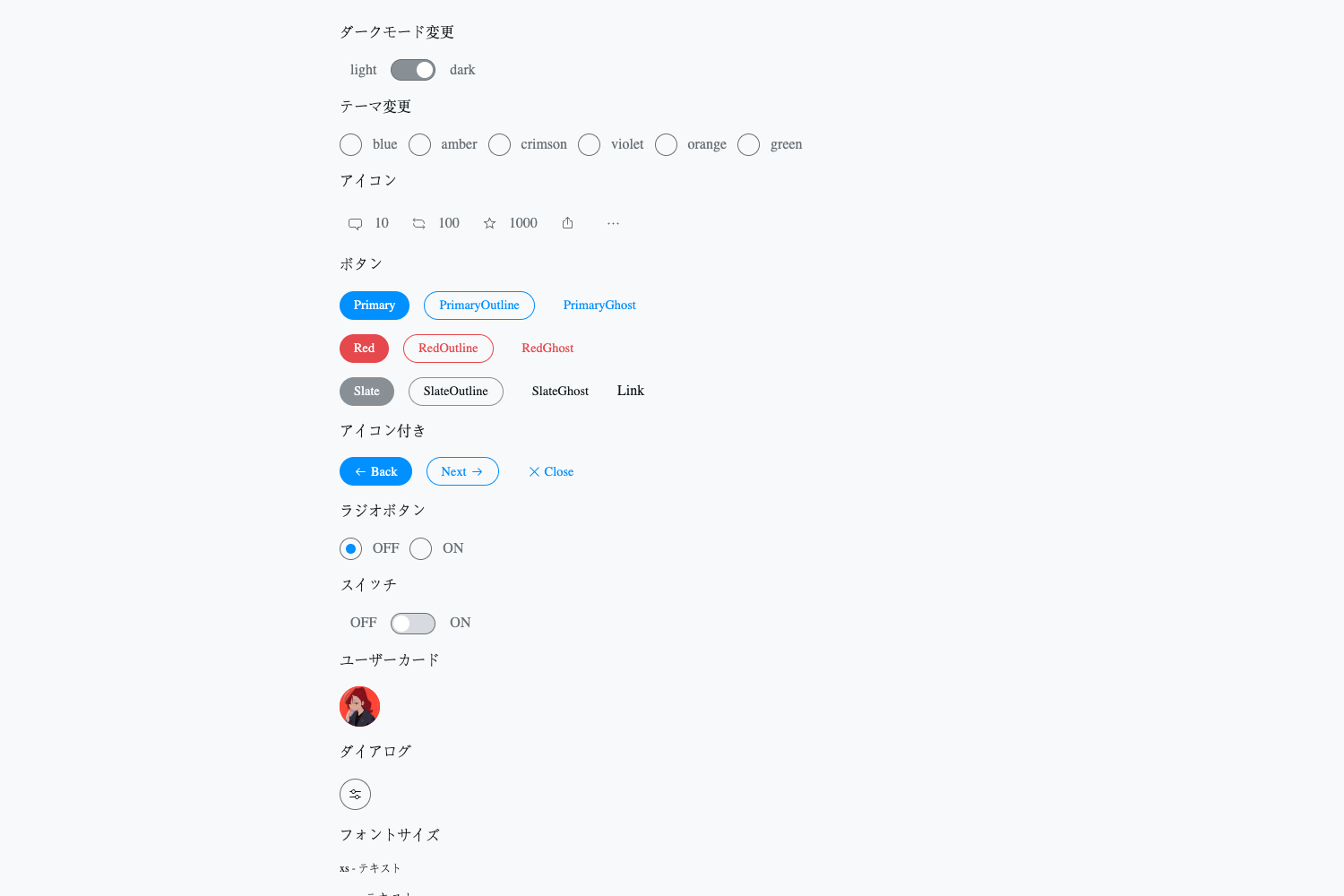
- Dark Mode & Light Mode — Theme switching powered by next-themes, letting users toggle between light and dark UI.
- Twitter Profile page — Includes a dedicated profile view as part of the clone, matching the description "Twitter Profile".
- Utility libraries bundled — Uses framer-motion for animations, react-time-ago for relative timestamps, heroicons-react for icons, and lodash for data manipulation.
Who is it for?
- Next.js developers — Use the codebase to learn how to structure a real-world social feed app with SSR, API routes, Sanity CMS, and Firebase auth.
- Frontend learners — Study how TypeScript, Tailwind CSS, and React hooks (like react-firebase-hooks) combine in a production-style project.
- Startup builders — Deploy a functional Twitter-like microblogging prototype to Vercel quickly, then customize branding and features.
- UI/UX designers — Reference a working dark/light mode implementation and responsive layout built entirely with Tailwind utility classes.
What can you do with it?
- Create a social feed app: Post and display tweets powered by Sanity CMS, with Google sign-in for users.
- Build a themed web app: Switch between dark and light mode using next-themes to test theme-dependent styling.
- Learn integration patterns: See how environment variables pass credentials to Sanity and Firebase in a Next.js project.
How does it work?
Clone the repository, install dependencies with npm install, and start the dev server with npm run dev. Before running, you must create a Sanity project and a Firebase app, then fill in the ten environment variables listed in the README. The app then fetches tweets from Sanity, handles authentication through Firebase, and renders the UI with Tailwind CSS.
Pros and cons
- Pros: Full-stack TypeScript codebase, modern styling with Tailwind, established third-party services (Sanity and Firebase) for content and auth, and a live demo for reference.
- Cons: Requires setting up external Sanity and Firebase accounts and configuring 10 environment variables before the app runs; no built-in database or auth, so you depend on those services.
FAQ
Is Twitter 2.0 Clone free to use?
The source code is publicly available on GitHub and can be cloned and used for free. You will need to pay for any Sanity or Firebase usage beyond their free tiers, as those services handle your data and authentication.
What environment variables do I need to configure?
The README lists ten variables: SANITY_API_TOKEN, NEXT_PUBLIC_SANITY_PROJECT_ID, NEXT_PUBLIC_SANITY_DATASET, NEXT_PUBLIC_FIREBASE_API_KEY, NEXT_PUBLIC_FIREBASE_AUTH_DOMAIN, NEXT_PUBLIC_FIREBASE_PROJECT_ID, NEXT_PUBLIC_FIREBASE_STORAGE_BUCKET, NEXT_PUBLIC_FIREBASE_MESSAGING_SET, NEXT_PUBLIC_FIREBASE_APP_ID, and NEXT_PUBLIC_BASE_URL.
How do I run the project locally?
Clone the repository, run npm install, then npm run dev. The app runs at http://localhost:3000 and auto-reloads as you edit pages.
Does the template support dark mode?
Yes, dark mode and light mode are both supported through the next-themes library, and the UI can switch between them dynamically.
What tech stack does this project use?
It uses Next.js, React, and TypeScript on the frontend, Tailwind CSS for styling, Sanity CMS for content, Firebase Authentication for Google sign-in, and Vercel for deployment.