Template details
Nuxt Prismic Showcase
Showcase of Nuxt.js + Prismic.io CMS
About this template
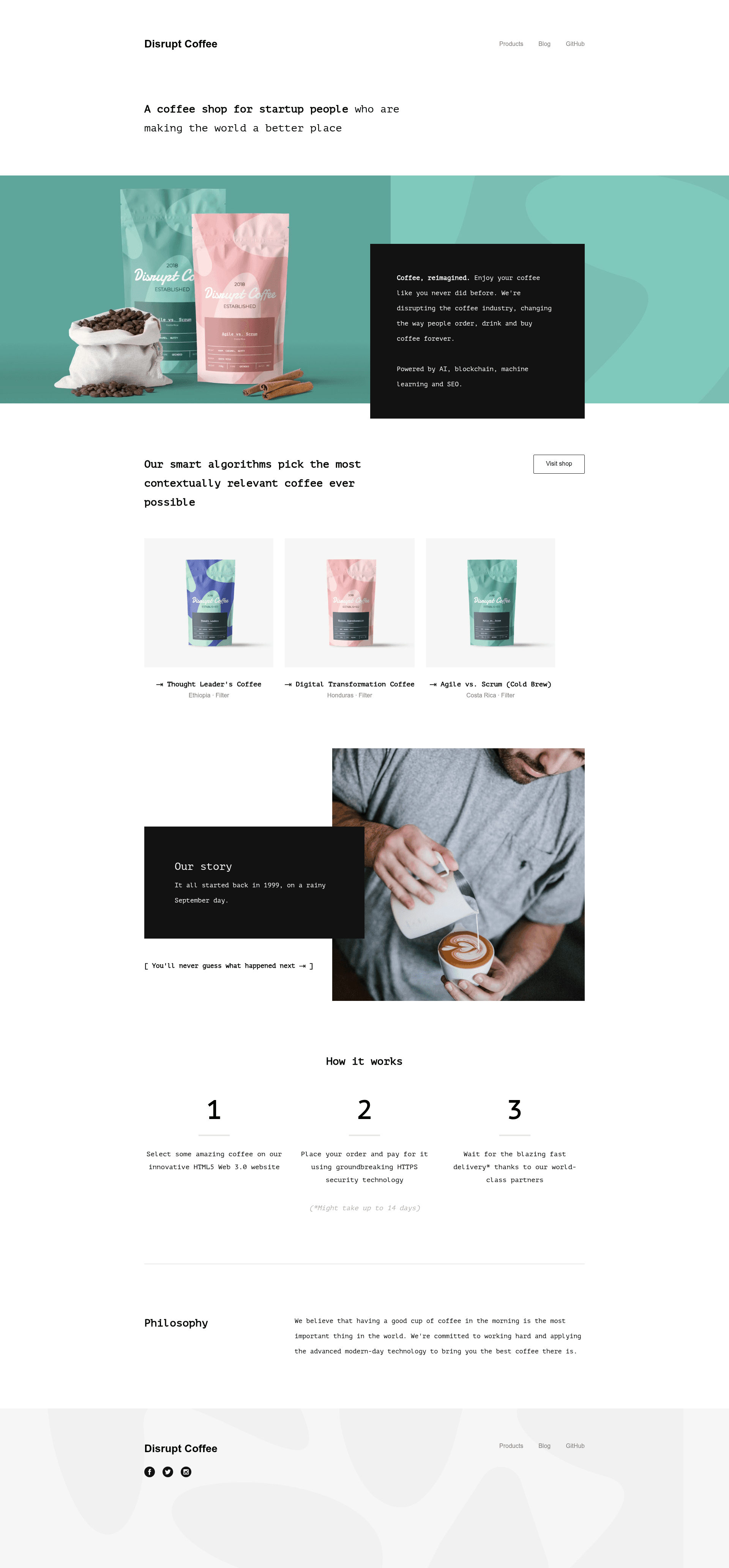
Nuxt Prismic Showcase is a boilerplate Nuxt.js project that demonstrates integrating the Prismic.io headless CMS into a content-driven website, with support for SSR, SPA, and static generation.
What is Nuxt Prismic Showcase?
Nuxt Prismic Showcase is a GitHub repository with 48 stars that pairs the Nuxt.js framework with the Prismic.io headless CMS through the @nuxtjs/prismic module. It takes a Prismic endpoint and a link resolver configuration, and outputs a complete Nuxt.js application with editable content, preview mode, and a Prismic toolbar. The project is maintained by Atinux and includes a live demo at nuxt-prismic.surge.sh.
Key Features
- All Nuxt.js modes — Supports ssr, spa, and static generated modes from the same codebase, so you can choose a Node.js server or a static host.
- @nuxtjs/prismic integration — Uses the official Prismic Nuxt module to connect your Prismic repository to Nuxt's data layer.
- Prismic Toolbar — Displays the Prismic editing toolbar on the rendered site, letting editors click to edit content directly.
- Prismic Preview mode — Includes the configuration needed for Prismic previews, so unpublished content can be viewed before going live.
- Live demo — A working deployment is hosted at nuxt-prismic.surge.sh, showing the boilerplate in action.
- Simple configuration — Only two files need changes: the Prismic endpoint in
nuxt.config.js(line 38) and thelink-resolver.jsfile. - Static export — Running
yarn generateproduces a./distfolder that can be uploaded to Netlify, Surge.sh, or GitHub Pages.
Who is it for?
- Nuxt.js developers — who want a reference implementation for adding a headless CMS like Prismic to their projects, including preview and toolbar setup.
- Content-driven site owners — who need a starting point for a blog or marketing site where content is managed in Prismic rather than hard-coded.
- Front-end architects — who want to evaluate how Nuxt and Prismic interact in SSR versus static modes before committing to a larger build.
What can you do with it?
- Build a content-managed blog: Connect your own Prismic repository, update the endpoint and link resolver, and get a blog that editors can update from the Prismic interface.
- Deploy a static marketing site: Use
yarn generateto create a fully static site and host it on Netlify, Surge.sh, or GitHub Pages without a Node.js server. - Test Prismic previews: Run the project locally or on a server to see how the Prismic toolbar and preview mode behave for draft content.
How does it work?
Setup follows a standard Nuxt.js workflow: install dependencies with yarn install, change the Prismic endpoint in nuxt.config.js, update link-resolver.js, then start developing with yarn dev at localhost:3000. For production, yarn build and yarn start run the project on a Node.js host, while yarn generate outputs a static ./dist directory for deployment to any static hosting service.
FAQ
Is Nuxt Prismic Showcase free?
Yes, the source code is publicly available on GitHub, so you are free to clone it and use it as the foundation for your own Nuxt.js and Prismic project. There are no license restrictions mentioned in the repository.
How do I connect my own Prismic repository?
Open nuxt.config.js and replace the Prismic endpoint with your repository's API endpoint (line 38). Then update app/prismic/link-resolver.js to match your custom content types so links resolve correctly.
Can I deploy the generated site to a static host?
Yes. Run yarn generate to create the ./dist folder with fully static files, then upload it to services like Netlify, Surge.sh, or GitHub Pages. You do not need a Node.js server for static mode.
What hosting works for the server-rendered version?
For SSR mode, run yarn build and yarn start on any Node.js-capable hosting such as Heroku, Now, or CleverCloud. The README explicitly recommends these platforms.
Does the project support Prismic preview mode?
Yes, preview mode is a built-in feature, and there is a video tutorial linked in the README that demonstrates how it works. The Prismic toolbar also appears on the site for quick editing.