Template details
Norage Dashboard
A dashboard built with Next.js to manage NoRage database
About this template
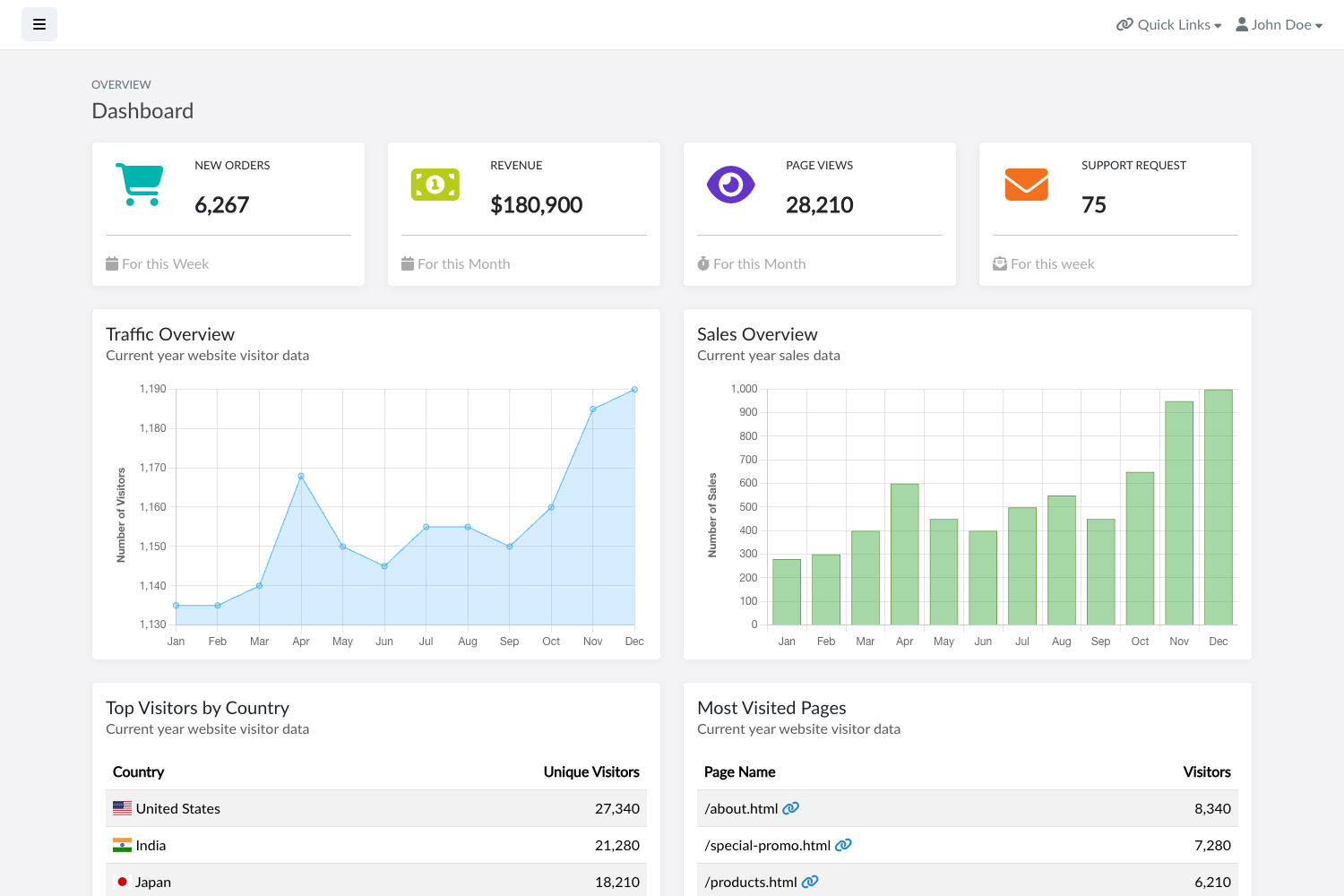
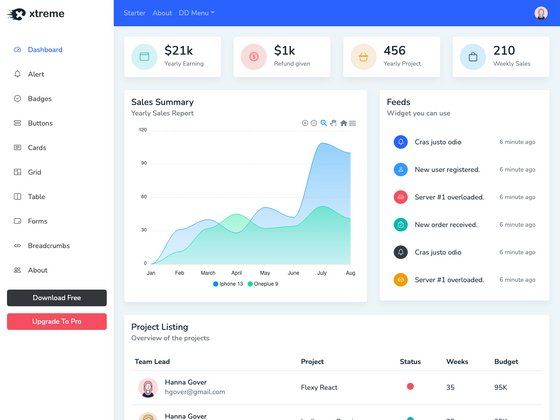
Norage Dashboard is a Next.js dashboard template bootstrapped with create-next-app, built to manage the NoRage database through a web interface. The repository is tagged with topics including dashboard, discord, mongodb, nextjs, and restapi, so it is positioned as an admin panel that talks to MongoDB and exposes or consumes a REST API.
What is Norage Dashboard?
Norage Dashboard is a starting point for a dashboard application that runs on Next.js, the React framework from Vercel. It uses the App Router folder structure and a single main route at app/page.tsx, which auto-updates when you edit the file. The template is configured with Tailwind CSS and PostCSS, as shown in the repository's source tags, and uses next/font to load the Inter typeface automatically.
Key Features
- Next.js App Router scaffold — The project is created with create-next-app and uses the app directory, with the main page in app/page.tsx.
- Tailwind CSS and PostCSS — The repository metadata lists Tailwind and PostCSS as the styling tools used by this template.
- Font optimization — next/font automatically optimizes and loads Inter, a Google Font, so there is no extra download or layout shift.
- Hot-reload development — Run npm run dev, yarn dev, pnpm dev, or bun dev to start the server at localhost:3000 with live updates on save.
- Vercel deployment ready — The README links directly to the Vercel Platform with a template-specific deployment flow, and to the Next.js deployment documentation.
- Database-oriented purpose — The repository topics include mongodb, discord, and restapi, indicating this dashboard is intended to manage NoRage database content, likely for Discord-related data.
Who is it for?
- Developers who need a quick dashboard shell — they can clone the template, modify app/page.tsx to add views, and connect it to their NoRage database via REST API.
- Next.js beginners — the README embeds direct links to the official Next.js documentation and an interactive tutorial, making it easy to learn the framework while building.
- Teams using the NoRage platform — this template provides the web front-end for managing records stored in MongoDB, which is listed among the repository topics.
What can you do with Norage Dashboard?
- Manage NoRage database records: create a dashboard that lists, edits, and deletes entries in MongoDB through the REST API.
- Build an admin panel for Discord integrations: because the repo is tagged with discord, this dashboard can serve as the management UI for a Discord bot's data.
- Explore REST API patterns: use the template as a base for adding API routes in Next.js, since restapi is one of the repository's topics.
How does Norage Dashboard work?
After cloning or deploying the template, you start the development server with one of the package manager commands. The app runs at http://localhost:3000, and the home page is generated from app/page.tsx. You can edit that file to add dashboard widgets, tables, and forms that talk to your backend database.
FAQ
How do I run Norage Dashboard locally?
Run npm run dev from the project root, then open http://localhost:3000 in your browser. You can also use yarn dev, pnpm dev, or bun dev.
What framework is Norage Dashboard built on?
It is built with Next.js, the React-based web framework from Vercel, using the App Router introduced in create-next-app's modern template.
Where can I deploy Norage Dashboard?
The template is designed for the Vercel Platform, and the README points to a one-click deployment link and the official Next.js deployment docs.
How do I change the dashboard content?
Edit app/page.tsx. The README notes that the page auto-updates as you save the file, so you can immediately see your changes.
Does Norage Dashboard come with a database?
The repository topics list mongodb, but the README itself does not document database connection setup, so you will need to add your own MongoDB client and REST API routes.