Template details
Angular Vercel
A minimal Angular app template that deploys to Vercel with zero configuration.
About this template
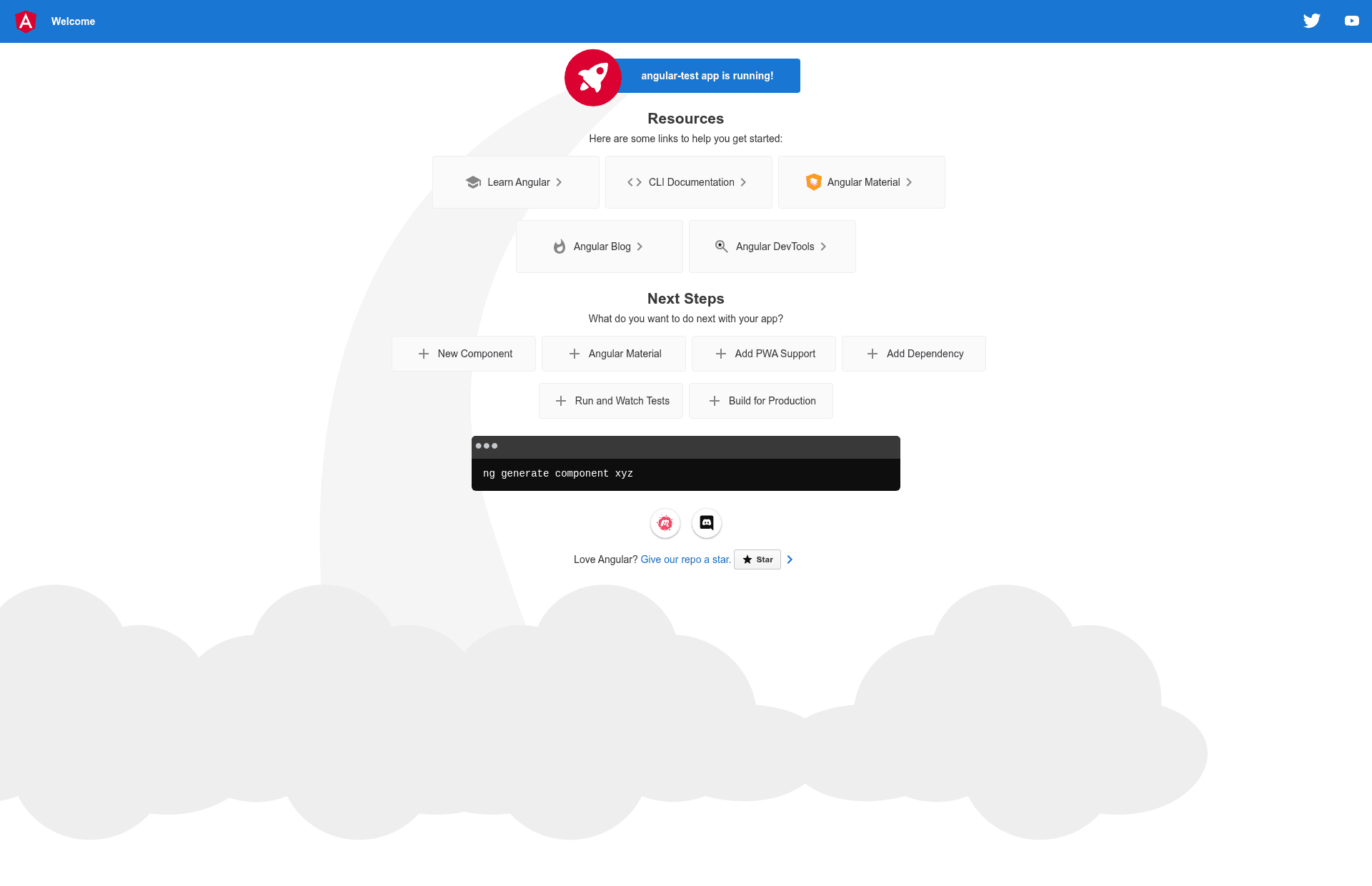
Angular Vercel is a minimal Angular application template, generated with Angular CLI version 13.1.3, that deploys to Vercel with zero configuration. The template provides a standard Angular project structure with local development, testing, and build tooling, and is published by Vercel as part of its examples directory (repository: https://github.com/vercel/vercel/tree/main/examples/angular). A live demo is available at https://angular-template.vercel.app.
What is the Angular Vercel template?
This template is a starter Angular app that you can deploy to Vercel without writing any deployment configuration. It takes a source Angular project and produces a live website via Vercel's build system. The project was generated with Angular CLI 13.1.3, so it includes the standard set of files and scripts (angular.json, package.json, src/, etc.) you would get from a fresh Angular CLI install. Vercel provides the template as an example in its GitHub repository.
What makes the Angular Vercel template stand out?
- Zero-configuration deployment — Clicking the "Deploy with Vercel" button clones this example and creates a new Vercel project with a live URL, with no manual build configuration needed.
- Angular CLI 13.1.3 — The template pins Angular CLI version 13.1.3, giving you access to the full command suite: ng serve, ng build, ng test, ng generate, and ng e2e.
- Local development server — Running ng serve starts a development server at http://localhost:4200/ that automatically reloads when you change source files.
- Code generators — The Angular CLI's ng generate command works out of the box for creating components, directives, pipes, services, classes, guards, interfaces, enums, and modules.
- Production builds — The ng build command outputs compiled files to the dist/ directory, ready for deployment.
- Unit testing with Karma — The ng test command runs unit tests via the Karma test runner.
- End-to-end testing hook — The ng e2e command is available, though you must add a testing package (such as Protractor or Cypress) before using it.
Who should use the Angular Vercel template?
- Angular developers who want a canonical, minimal project to start a new app and deploy it to Vercel immediately.
- Developers new to Vercel who need a concrete Angular example to see how Vercel handles a framework build without configuration.
- Frontend teams that want a reference project for Angular best practices, with built-in testing tooling and standard CLI commands.
What can you do with the Angular Vercel template?
- Deploy an Angular app to Vercel — Use the Deploy button to create a new Vercel deployment and get a public URL in minutes.
- Run a development environment — Use ng serve for hot-reloading local development at localhost:4200.
- Scaffold new Angular entities — Use ng generate to add components, services, and other code to the project.
- Execute unit tests — Run ng test to verify your code with Karma.
- Build production bundles — Run ng build to get an optimized bundle in the dist/ directory.
How does the Angular Vercel template work?
The template is a standard Angular CLI project. To deploy, you can click the "Deploy with Vercel" button, which redirects to Vercel's new-project flow using this example's repository URL, or you can connect a fork of this repository to your Vercel account. Vercel automatically detects the Angular CLI and runs the build command, then serves the output.
FAQ
How do I run the development server?
Run ng serve in the project root, then open http://localhost:4200/. The server watches your source files and automatically reloads the page when they change.
How do I build the project for production?
Run ng build. The generated artifacts are placed in the dist/ directory at the project root.
How do I add a new component to this template?
Run ng generate component component-name. The Angular CLI will create the component files and update the module. You can also generate directives, pipes, services, classes, guards, interfaces, enums, and modules.
Does this template include end-to-end testing?
The ng e2e command is configured, but you must first add a package that implements end-to-end testing capabilities, as noted in the README. No e2e runner is installed by default.
Where can I get more help with Angular CLI?
Run ng help for inline help, or visit the Angular CLI Overview and Command Reference at https://angular.io/cli.