Template details
Next.js GitHub Pages Template
A Next.js starter template intended for deploying to GitHub Pages, created with create-next-app.
About this template
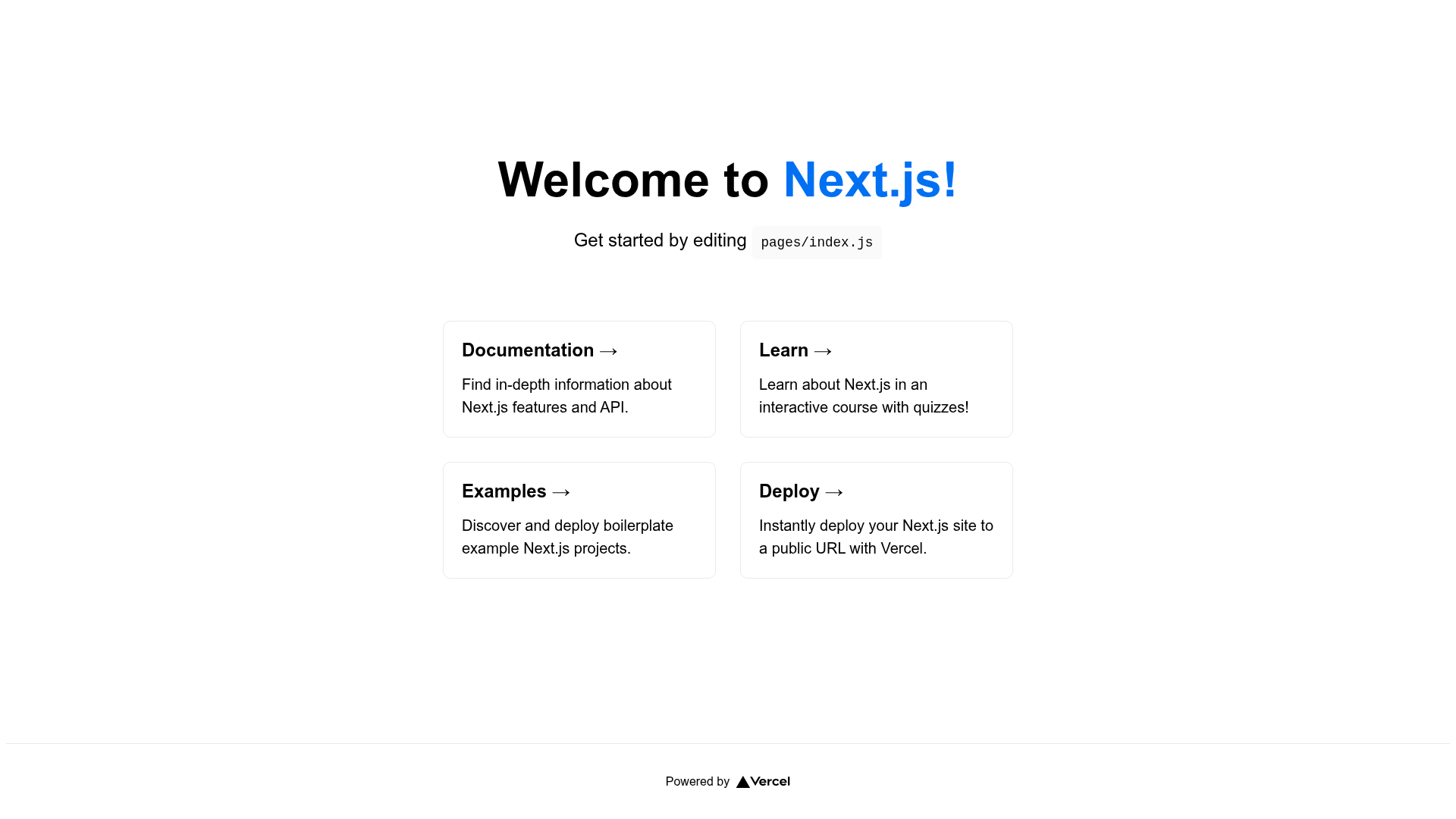
Next.js GitHub Pages Template is a minimal Next.js application bootstrapped with create-next-app, designed for deploying React-based sites to GitHub Pages. It uses the standard Next.js pages router and includes a working API route example, making it a compact starting point for projects that need both pages and serverless endpoints without a custom server.
What is Next.js GitHub Pages Template?
Next.js GitHub Pages Template is a starter project built on the Next.js React framework. Its core function is to provide a ready-to-run application skeleton that you can edit and then publish to GitHub Pages, as stated in the repository description. The input is the source code you modify, and the output is a static Next.js site that GitHub Pages can host, along with a local development server for previewing changes. The template is published as a public GitHub repository with a star count of 1 at the time of this analysis, and it is not tied to any commercial vendor.
Key Features
- create-next-app base — The project is generated with
create-next-app, giving you the default Next.js file structure withpages/index.jsas the homepage. - Development server — Running
npm run dev(oryarn dev) starts a local server athttp://localhost:3000; the page updates automatically as you edit files. - API routes — Files inside
pages/apiare treated as API routes and mapped to the/api/*URL path; the starter includespages/api/hello.js, which you can access athttp://localhost:3000/api/hello. - React and Next.js stack — The template uses React components with Next.js, supporting both client-rendered pages and serverless API functions.
- GitHub Pages target — The repository description explicitly describes this as a template for deploying Next.js to GitHub Pages, though the README itself contains only the standard Next.js boilerplate text and links to Vercel deployment documentation.
- Learning resources — The README links to the official Next.js documentation, the interactive Learn Next.js tutorial, and the Next.js GitHub repository, making it useful for developers new to the framework.
Who is it for?
- Developers who want free static hosting — Use this template when you plan to deploy a personal site, portfolio, or small application to GitHub Pages instead of a paid platform.
- Hobbyists learning Next.js — The minimal create-next-app layout gives beginners a small codebase to experiment with pages, API routes, and React components while following the linked tutorial.
- Open-source project maintainers — The template can serve as the foundation for a project's landing page or documentation site that lives alongside the repository on GitHub Pages.
What can you do with Next.js GitHub Pages Template?
- Create a static site: Replace the contents of
pages/index.jsto build a homepage, and deploy the output to GitHub Pages for a zero-cost online presence. - Prototype API functionality: Add new files under
pages/apito test serverless endpoints locally; the includedhello.jsdemonstrates the pattern. - Learn Next.js conventions: Use the provided example and documentation links to understand routing, API routes, and deployment options in Next.js.
How does it work?
The template follows the standard create-next-app workflow. After installing dependencies, you run npm run dev to start the development server at http://localhost:3000. The server watches the pages directory, so changes to pages/index.js are reflected immediately. API routes under pages/api are served at the corresponding /api URLs, for example pages/api/hello.js resolves to http://localhost:3000/api/hello. For production deployment, the README points to the Vercel platform, while the template's stated goal implies using GitHub Pages with additional static export configuration.
Pros and cons
- Pros: Simple, minimal structure with no additional UI libraries or styling dependencies; automatic reload during development; built-in API route support; well-known create-next-app layout.
- Cons: The README does not provide specific instructions for configuring GitHub Pages deployment, so users need to consult external Next.js documentation; the template includes no example components or styling beyond the default boilerplate.
FAQ
How do I run this template locally?
Install the dependencies, then run npm run dev or yarn dev in the project directory. Open http://localhost:3000 in your browser to see the app, and any edits to files in the pages folder will trigger an automatic reload.
Does this template include API routes?
Yes. The pages/api directory is mapped to /api/*, and files there are treated as API routes. The template ships with pages/api/hello.js, which you can visit at http://localhost:3000/api/hello to see a sample JSON response.
Is this template free to use?
The repository is public on GitHub, and the code is the standard MIT-licensed Next.js starter (implied by the create-next-app origin). There is no pricing mentioned anywhere in the README, so you can freely use, modify, and deploy it.
Can I deploy this to GitHub Pages as intended?
The repository description says it is a template for deploying Next.js to GitHub Pages. However, the README only includes Vercel deployment links. To use GitHub Pages you would generally need to enable Next.js static export (for example, with output: 'export') and adjust the base path, which is not covered in the README.
Where can I find Next.js documentation?
The README links to the official Next.js documentation at nextjs.org/docs, an interactive tutorial at nextjs.org/learn, and the Next.js GitHub repository for contributions and feedback.