Template details
Apache Pulsar Manager
Web-based GUI for managing and monitoring Apache Pulsar clusters, with multi-environment support.
About this template
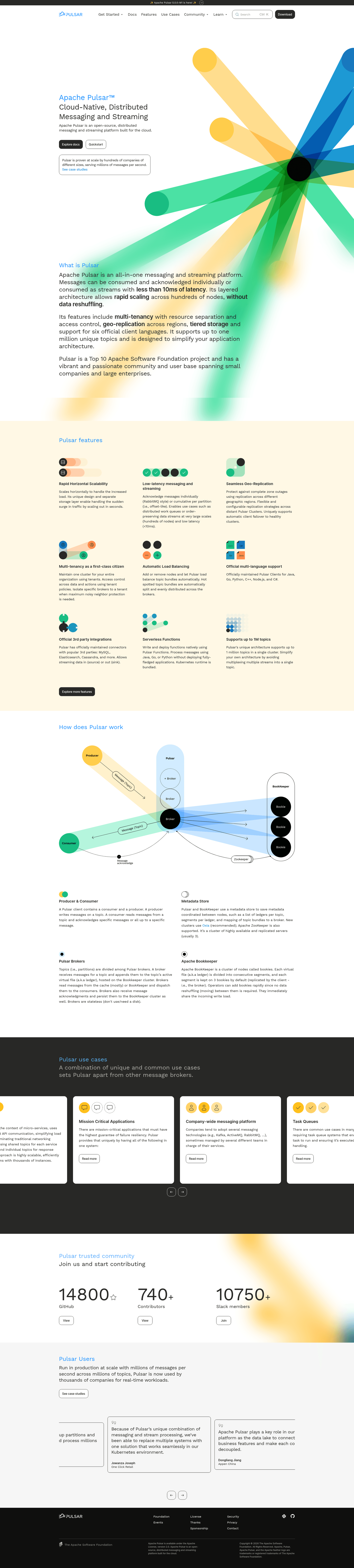
Apache Pulsar Manager is an open-source, web-based GUI management and monitoring tool for Apache Pulsar, built by the Apache Pulsar project, that lets operators administer multiple Pulsar clusters from one dashboard.
What is Apache Pulsar Manager?
Apache Pulsar Manager is a web-based GUI for managing and monitoring Apache Pulsar clusters. It takes admin requests and metric collections from a frontend and forwards them through a backend to Pulsar brokers and bookies. The project is maintained by the Apache Pulsar community, and its source code lives in the apache/pulsar-manager GitHub repository. It is deployed in the same network as the Pulsar clusters it manages so the backend can reach brokers and bookies directly.
Key Features
- Tenants, Namespaces, Topics, and Subscriptions management — full CRUD operations for core Pulsar resources through the UI, with dedicated management pages for each.
- Brokers and Clusters management — view and manage broker and cluster configuration across environments.
- Multiple environments — define each Pulsar instance or group of clusters as an "Environment" and switch between many environments from a single Manager instance.
- Topics monitoring — monitor topics and subscriptions with visual metrics displays in the dashboard.
- JWT authentication — built-in token management for authenticating against Pulsar, with a dedicated token management page.
- Casdoor SSO integration — connect Casdoor as an external identity provider for single sign-on by configuring properties in both backend and frontend config files.
- Deployment options — run via Docker, Docker Compose, Kubernetes (through the official Pulsar Helm Chart), binary package, or build from source with JDK 1.8, Node.js 16+, and npm 8+.
Who is it for?
- Pulsar cluster operators — manage tenants, namespaces, topics, subscriptions, brokers, and clusters through a GUI instead of using CLI tools or raw admin REST calls.
- Platform/SRE teams — monitor topic and subscription metrics and configure multiple environments to keep an eye on dev, staging, and production clusters.
- Organizations adopting Pulsar — use the dashboard as an administrative front-end for day-to-day operations, with SSO integration through Casdoor for team access.
What can you do with Apache Pulsar Manager?
- Operators: create and manage tenants, namespaces, topics, and subscriptions from the dashboard without writing CLI commands.
- Administrators: set up multiple Pulsar environments and manage brokers and clusters across them in one place.
- Uptime monitoring: observe topic and subscription metrics to spot issues in Pulsar workloads.
- Security management: generate and manage JWT tokens for Pulsar authentication through the UI.
How does Apache Pulsar Manager work?
The Manager runs as two components: a frontend that serves the GUI and a backend that communicates with Pulsar brokers and bookies. After deployment, you access the UI and log in with a super-user account. Then you create an Environment by providing a name, a Service URL (the Pulsar admin service URL, e.g. http://pulsar-standalone:8080), and a Bookie URL (e.g. http://pulsar-standalone:6650). Once an environment is configured, all admin operations and metrics are routed through the backend to that cluster.
FAQ
Is Apache Pulsar Manager free?
Apache Pulsar Manager is an open-source project under the Apache License. The source code is publicly available on GitHub and there is no paid tier; you deploy and host it yourself.
What are the default login credentials?
For Pulsar Manager version 0.1.0, the default account is "pulsar" and the password is "pulsar". When running from the latest code, you create a super-user via a curl command against the backend service's CSRF token endpoint.
Does Pulsar Manager require the same network as the Pulsar cluster?
Yes. The backend interacts directly with Pulsar brokers and bookies, so the Manager must be deployed in the same network as your Pulsar clusters. Docker instructions use --link to connect the Manager container to a Pulsar standalone container.
Can I use an external database for Pulsar Manager?
Yes. Pulsar Manager bundles JDBC drivers for HerdDB and defaults to an embedded in-memory HerdDB database. You can adjust the JDBC URL in application.properties to point to a standalone HerdDB service or a cluster that uses ZooKeeper and BookKeeper.
How do I enable the BookKeeper visual manager?
Optional; set "bkvm.enabled" to "true" in the bkvm.conf file. When enabled, the BookKeeper visual manager is available at http://localhost:7750/bkvm.