Template details
Apps Play
React + Tailwindcss with daisyui
About this template
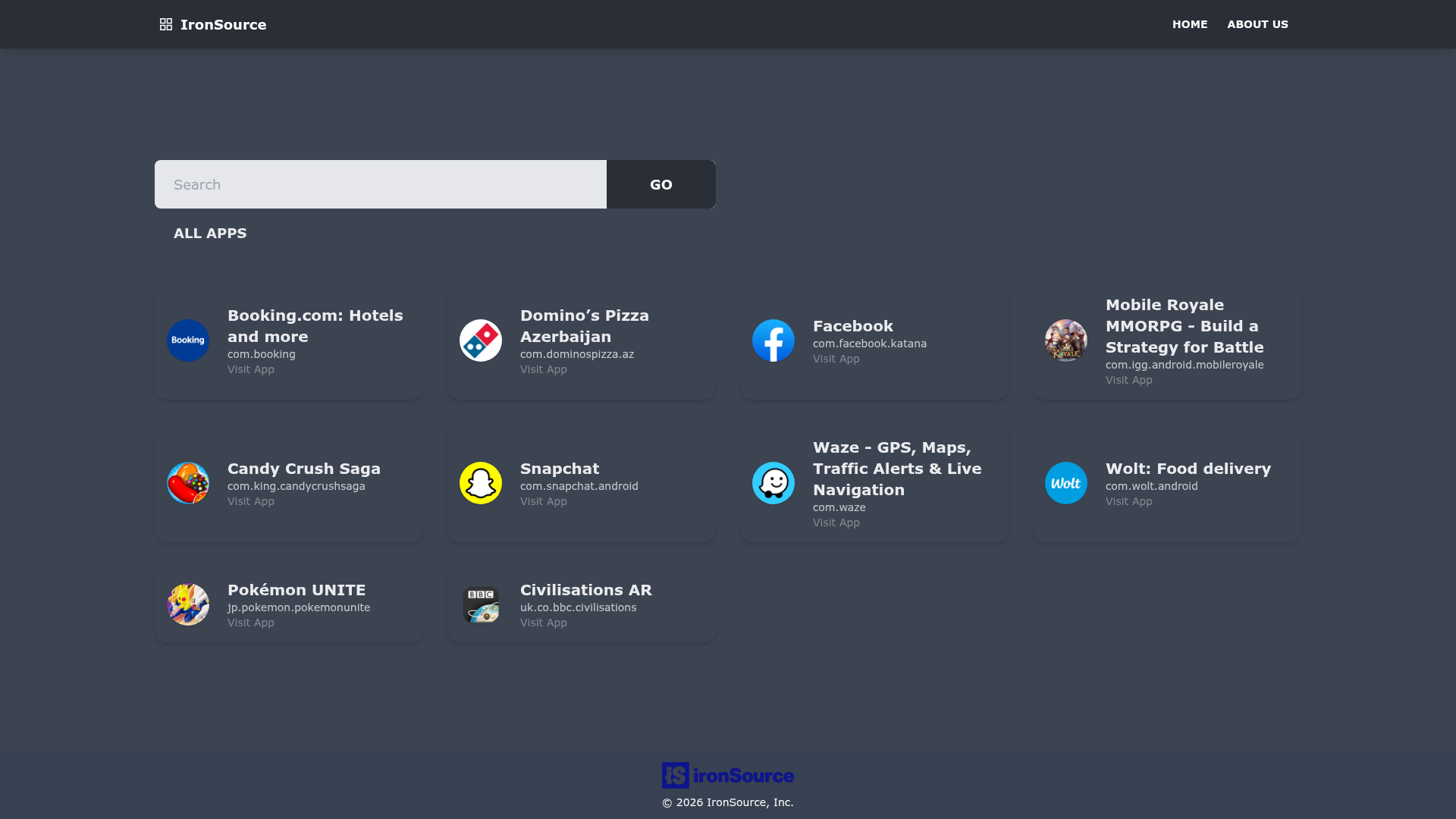
Apps Play is a React starter template that combines Create React App, Tailwind CSS, and daisyUI to scaffold responsive web interfaces.
What is Apps Play?
Apps Play is a React boilerplate project bootstrapped with Create React App (CRA), with the repository description confirming "React + Tailwindcss with daisyui". It builds on CRA's default configuration, so it includes the standard npm scripts for development, testing, and production bundling. Its output is a minified, hash-named bundle in the build folder that can be deployed to platforms such as Vercel, which is listed as a topic on the repository.
Key Features
What makes Apps Play stand out is the precombined toolchain of React, Tailwind CSS, and daisyUI.
- Create React App foundation — Built on CRA, giving you a single build dependency and a curated feature set for small and middle deployments.
- Tailwind CSS integration — The repository metadata explicitly lists Tailwind CSS alongside React, so utility-first styling is available from the start.
- daisyUI components — The project topics include daisyui, meaning you get prebuilt, customizable UI components that work with Tailwind classes.
- Optimized production build —
npm run buildbundles React in production mode, minifies output, and includes content hashes in filenames for caching. - Development server with live reload —
npm startruns the app at localhost:3000 and reloads the page when you make changes, also surfacing lint errors in the console. - Interactive test runner —
npm testlaunches the test runner in watch mode for running and debugging Jest tests. - Eject for full configuration control —
npm run ejectcopies all configuration files and transitive dependencies (webpack, Babel, ESLint) into your project for direct editing. - Vercel deployment readiness — A Vercel topic on the repository indicates this template is set up for easy deployment to Vercel's static hosting.
Who should use Apps Play?
Apps Play fits developers who want a React project already wired for Tailwind CSS and daisyUI without spending time on setup.
- React developers — Use it to skip the manual integration of Tailwind and daisyUI into a fresh CRA app.
- Front-end teams working with utility CSS — Get a consistent baseline with Tailwind's utility system plus daisyUI's component classes for buttons, cards, and forms.
- Anyone deploying to Vercel — The template's Vercel topic suggests straightforward deployment of the production build.
What can you do with Apps Play?
Apps Play supports these concrete tasks using the built-in scripts and toolchain.
- Start a new React interface — Scaffold a project with
npm startand immediately style components using Tailwind utilities and daisyUI classes. - Run test suites — Use
npm testto verify component behavior in an interactive watch mode. - Produce a deployable bundle — Build the app with
npm run buildand host the resulting static files on any web server or CDN, with Vercel as a listed option. - Customize the build tooling — If the default configuration is not enough,
npm run ejectexposes the underlying webpack, Babel, and ESLint setups.