Template details
Arcjet Next.js Example App
A Next.js example app demonstrating Arcjet security features like bot detection, rate limiting, email verification, and attack protection.
About this template
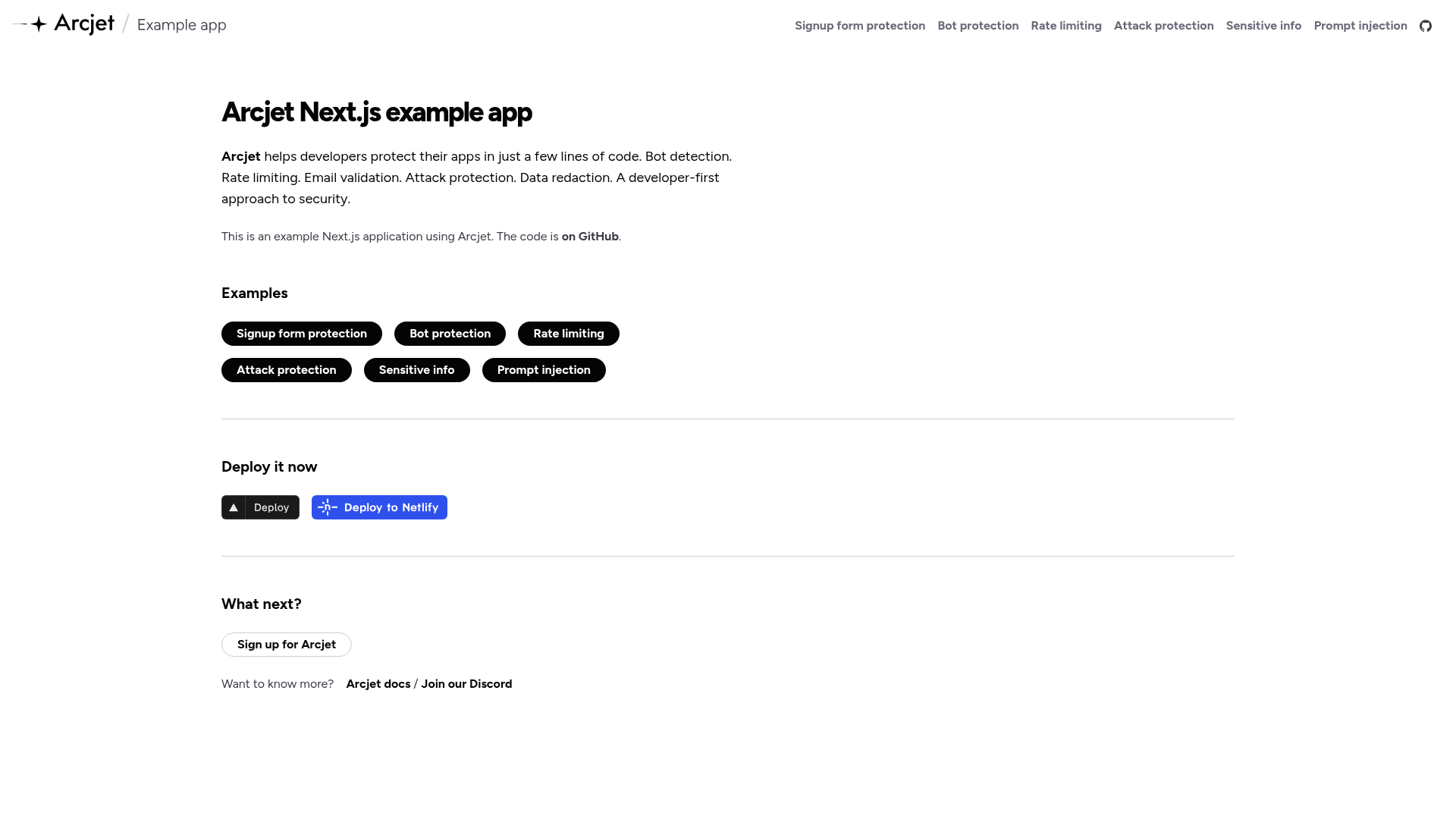
Arcjet Next.js Example App is an open-source boilerplate Next.js application that demonstrates how to integrate Arcjet's server-side security features — bot detection, rate limiting, email validation, attack protection, sensitive info detection, and prompt injection detection — into a working web app.
What is the Arcjet Next.js Example App?
This is a reference implementation of the Arcjet security SDK, built with Next.js and deployed live at example.arcjet.com. It takes a standard Next.js project and adds Arcjet integrations, producing a demo where each security feature is isolated on its own page. The repository is maintained by Arcjet and offers one-click deployment to Vercel and Netlify.
Key Features
- Signup form protection — Uses Arcjet's server-side email verification to block disposable email providers and validate that domains have a valid MX record, combined with rate limiting and bot protection.
- Bot protection — Protects a page from automated clients with Arcjet's bot detection analysis.
- Rate limiting — Shows different rate-limit configurations based on authentication state; logged-in users can make more requests than anonymous users.
- Attack protection — Demonstrates Arcjet Shield, which detects suspicious behavior such as SQL injection and cross-site scripting attacks.
- Sensitive info detection — Blocks clients from sending personally identifiable information (PII) the app does not intend to handle.
- Prompt injection detection — Analyzes user prompts for jailbreaks, role-play escapes, and instruction overrides.
- Stack and integrations — Built on Next.js, uses React Hook Form for form handling and Zod for client-side validation, and runs locally with npm.
Who should use this example app?
Developers who want to see Arcjet's SDK in action before adding it to their own projects. It is for Next.js engineers evaluating Arcjet's security features, backend developers looking for concrete code samples for rate limiting and bot protection, and teams building signup flows that need email verification patterns.
Use cases
- Evaluating Arcjet — Clone the repository, run the pages, and see how each feature behaves before committing to a security provider.
- Learning security patterns — Read the page-specific code to learn how to implement email MX record validation, rate limiting per user, and bot detection in Next.js.
- Internal reference — Use the included configurations as a starting point for adding Arcjet to your own Next.js routes and API endpoints.
How does it work?
The README explains the local workflow: register a free Arcjet account, install dependencies with npm ci, rename .env.local.example to .env.local and add your Arcjet key, start the dev server with npm run dev, then open http://localhost:3000. Each example page runs the relevant Arcjet middleware in the Next.js request lifecycle.
FAQ
Is the Arcjet Next.js Example App free?
The example application is open source and can be cloned freely. To run it you register for a free Arcjet account to obtain an API key, and the project does not state any paid requirement for this demo.
What do I need to run it locally?
You need Node.js and npm, plus an Arcjet API key. After installing dependencies, you copy .env.local.example to .env.local and fill in the key, then start with npm run dev.
What pages are included?
The app includes pages for signup form protection, bot protection, rate limiting, attack protection, sensitive info, and prompt injection detection, each linked from the demo homepage.
Can I deploy it without my own server?
Yes, the repository includes one-click deploy buttons for Vercel and Netlify. The Arcjet checks run in the serverless functions those platforms provide.
What is Arcjet Shield?
Arcjet Shield is the attack protection feature demonstrated in the example's attack page. It detects suspicious behavior such as SQL injection and cross-site scripting attempts before they reach the application.