Template details
A/B Testing with ConfigCat
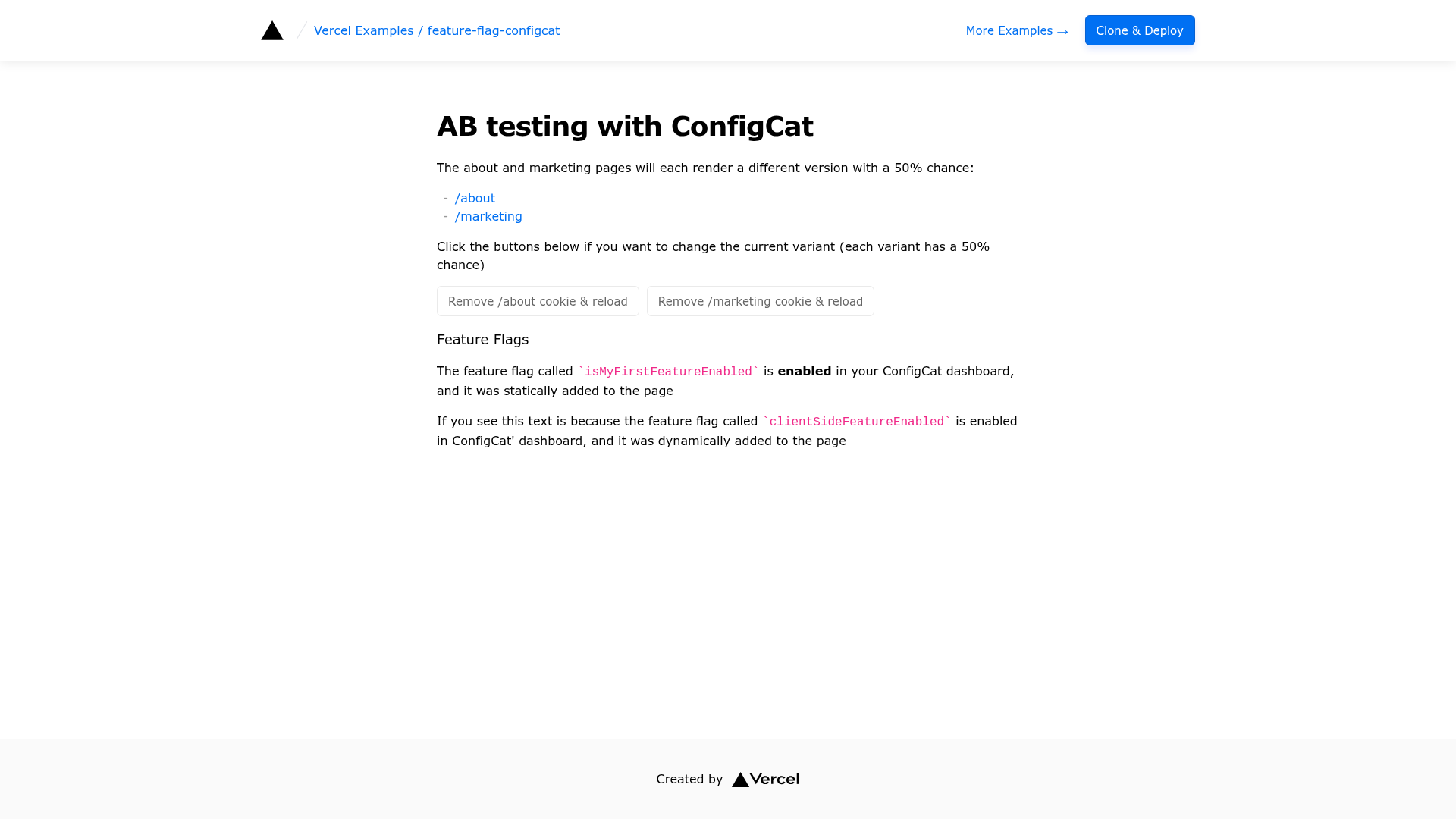
ConfigCat is a service for feature flag and configuration management. In this template you'll be able to use feature flags at the edge.
About this template
A/B Testing with ConfigCat is a Next.js template that runs feature-flag-driven A/B tests at the edge using ConfigCat's feature flag service.
What is A/B Testing with ConfigCat?
A/B Testing with ConfigCat is an official example from Vercel's examples repository, designed to demonstrate how to use ConfigCat feature flags inside Next.js edge middleware. It takes a ConfigCat SDK key and feature flag configurations as input, and produces A/B-tested pages served from the edge, which reduces layout shift and shrinks JavaScript bundles compared to client-only experimentation. The template is built with Next.js and styled with Tailwind CSS, and it deploys to Vercel. A live demo is available at https://edge-functions-feature-flag-configcat.vercel.app.
Key Features
- Edge middleware A/B testing — Uses
_middleware.tsfiles in the/aboutand/marketingroutes to evaluate different ConfigCat feature flags and serve the appropriate variant directly from the edge. - Same-path A/B testing on the index page — The home page (
pages/index.tsx) demonstrates how to run A/B tests under a single URL using both server-side rendering and client-side logic. - Build-time feature flag caching — A script (
scripts/configcat.js) fetches feature flags and saves them as JSON at build time, so no data fetching happens at the edge. - Two example pages included — The template ships with
/aboutand/marketingpages, each wired to its own ConfigCat feature flag (FEATURE_FLAG_ABOUT_PAGEandFEATURE_FLAG_MARKETING_PAGE). - One-click Vercel deployment — Deploy directly by cloning the repository with the required environment variables preset, or use the "Deploy with Vercel" button.
- Next.js and Tailwind CSS stack — Built on Next.js with Tailwind CSS for styling, ideal for developers already using these tools.
Who is it for?
- Next.js developers who want to add server-side A/B testing to their applications without adding heavy client-side experiment libraries.
- Teams using ConfigCat for feature management who need a reference implementation for edge evaluation.
- Performance-minded web engineers who want to reduce layout shift from client-loaded experiments and slim down their JS bundles.
What can you do with it?
- Marketing teams: A/B test different headlines or call-to-action variations on the marketing page by toggling the
FEATURE_FLAG_MARKETING_PAGEflag in ConfigCat. - Product teams: Experiment with content or layout on the about page using the
FEATURE_FLAG_ABOUT_PAGEflag. - Developers: Learn how to combine Next.js edge middleware with a third-party feature flag service and cache flag values at build time.
How does it work?
To use the template, clone it with create-next-app, create a ConfigCat account, copy .env.example to .env.local, and paste your SDK key. Add the required feature flags in the ConfigCat dashboard, run pnpm dev, and deploy to Vercel. The middleware reads the flags and renders the correct variant for each request at the edge.