Template details
Argon Dashboard 2 Tailwind
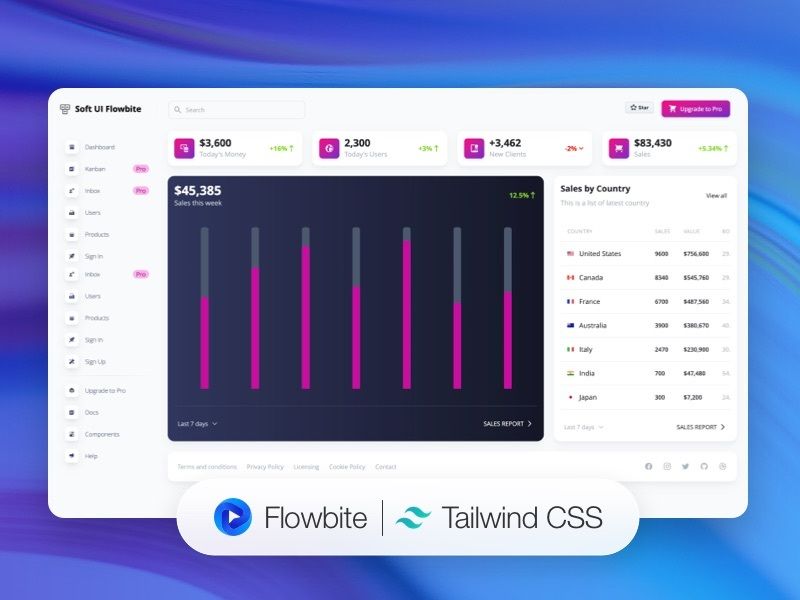
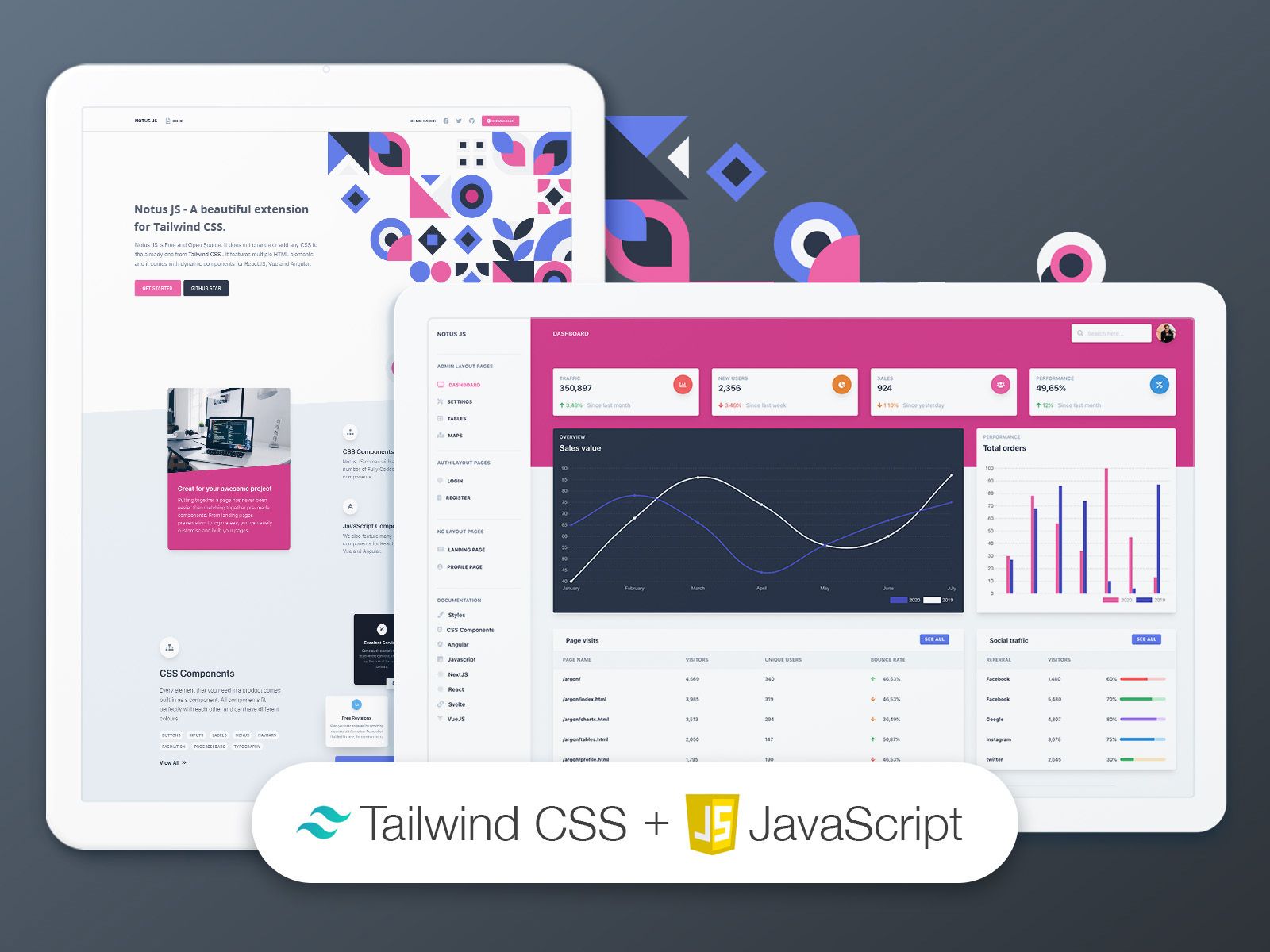
Free open-source TailwindCSS admin dashboard by Creative Tim with 70+ components, example pages, and SASS customization.
About this template
Argon Dashboard 2 Tailwind is a free, open-source admin dashboard template built with Tailwind CSS by Creative Tim, providing 70+ UI components and pre-designed pages for rapid web app development.
What is Argon Dashboard 2 Tailwind?
Argon Dashboard 2 Tailwind is an HTML/CSS dashboard template built on the Tailwind CSS framework and created by Creative Tim. It includes fully coded example pages such as dashboard, profile, sign-in, and sign-up, along with a component library of over 70 elements like buttons, inputs, navbars, cards, and alerts. The template ships with a build folder containing compiled CSS and JavaScript files, a source folder with styles.css, and a tailwind.config.js for customization. It depends on TailwindCSS and Popper.js, and is distributed as a free download on Creative Tim's website with source code on GitHub.
Key Features
- 70+ frontend components — Buttons, inputs, navbars, navtabs, cards, and alerts are included, with color variations that can be modified using SASS files and classes.
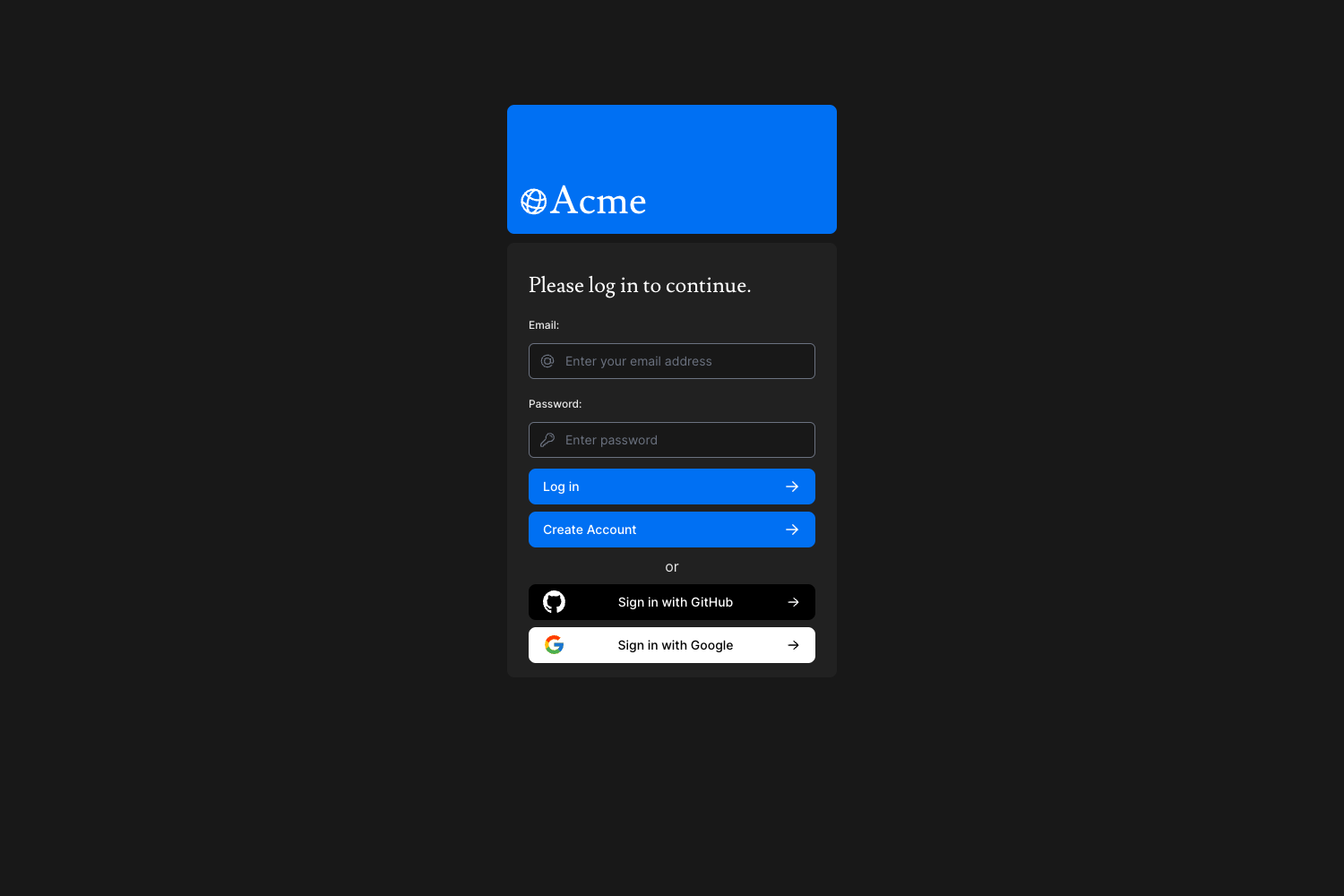
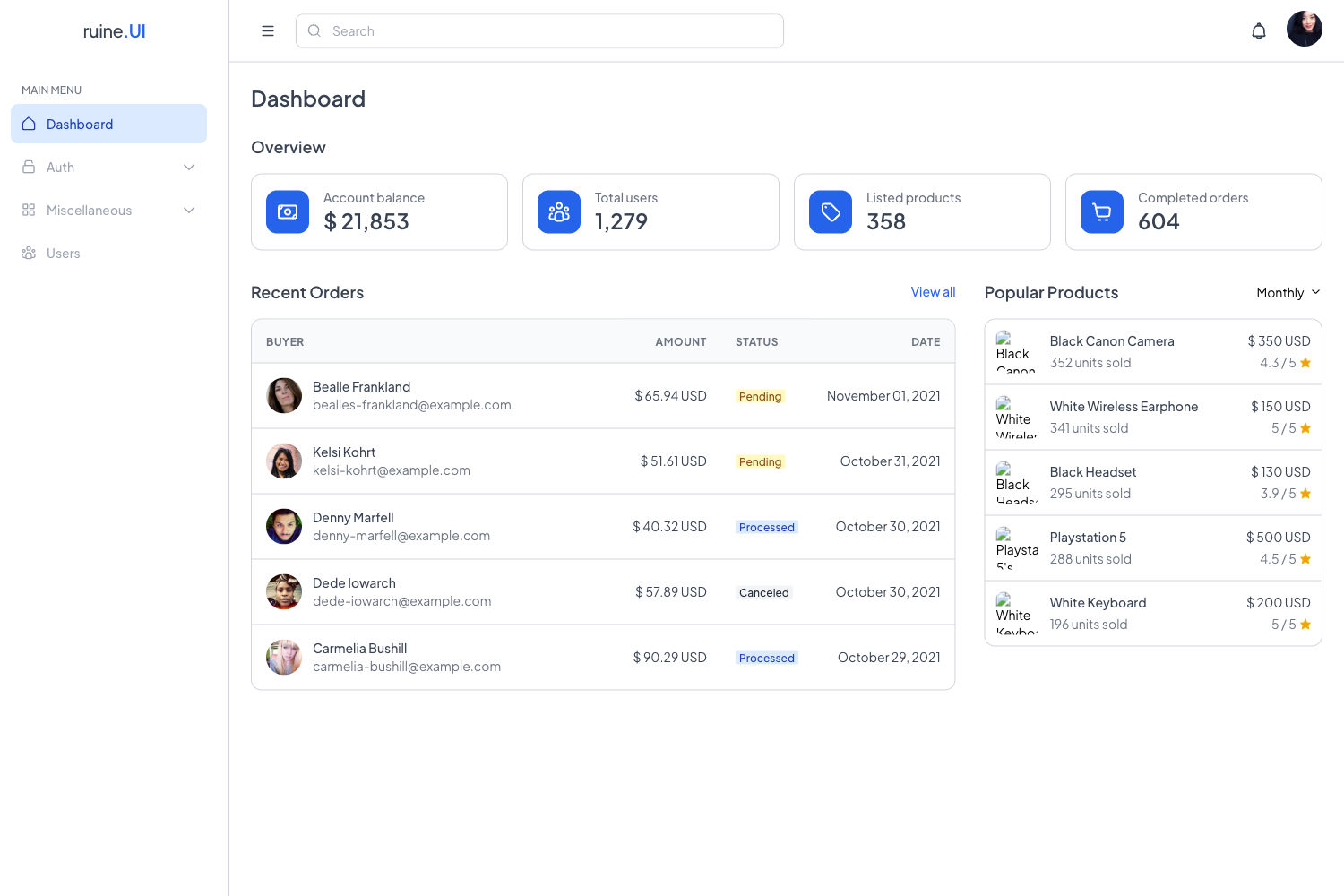
- Prebuilt example pages — Dashboard, profile, sign-in, and sign-up pages are provided, plus options for basic, illustration, or cover designs.
- Tailwind CSS based — Styling is built on TailwindCSS, an open-source front-end framework, with a
tailwind.config.jsfile for theme adjustments. - Documentation — Each component is documented on Creative Tim's learning lab, including a quick start guide and component references.
- One-click deployment — The GitHub repository includes a deploy button for Genezio, allowing you to deploy the template without manual setup.
- Open source — The source is available on GitHub with version 1.0.1, and issues are tracked publicly.
Who is it for?
- Web developers building admin panels or internal tools can use the pre-coded pages and components to skip the front-end setup and integrate their backend.
- Startups and small teams that need a free, professional-looking dashboard for a product prototype can download the template and customize it via SASS.
- UI designers who want to hand off coded components and demo pages to developers can use the template as a starting point for a design system.
What can you do with Argon Dashboard 2 Tailwind?
- Developers: Use the dashboard, profile, and authentication pages as the foundation for a web app, then modify colors and styles through
tailwind.config.jsand SASS files. - Agencies: Present the example pages directly to clients to demonstrate the visual direction before building out a full custom front end with the 70+ components.
How does Argon Dashboard 2 Tailwind work?
After downloading the template from Creative Tim or cloning the GitHub repository, navigate to the root directory and run npm install to install local dependencies. The compiled output lives in the build folder, while src/styles.css and tailwind.config.js hold the source for editing. The browser support targets the last two versions of Chrome, Firefox, Edge, Safari, and Opera.
Pricing
The template is free to download from Creative Tim and is open source on GitHub. No pricing tiers are mentioned on the page; a Creative Tim license governs usage.
FAQ
Is Argon Dashboard 2 Tailwind free?
Yes, Argon Dashboard 2 Tailwind is free to download from Creative Tim, and its source code is publicly available on GitHub. Usage is covered by the Creative Tim license.
What CSS framework does it use?
The template is built entirely with Tailwind CSS, an open-source utility-first framework. It also uses Popper.js for managing popper tooltips and popovers.
Can I customize the colors and components?
Yes, all components accept color variations by editing SASS files and classes, and the tailwind.config.js file allows theme-level customization.
Which browsers are supported?
The template officially supports the last two versions of Chrome, Firefox, Edge, Safari, and Opera.