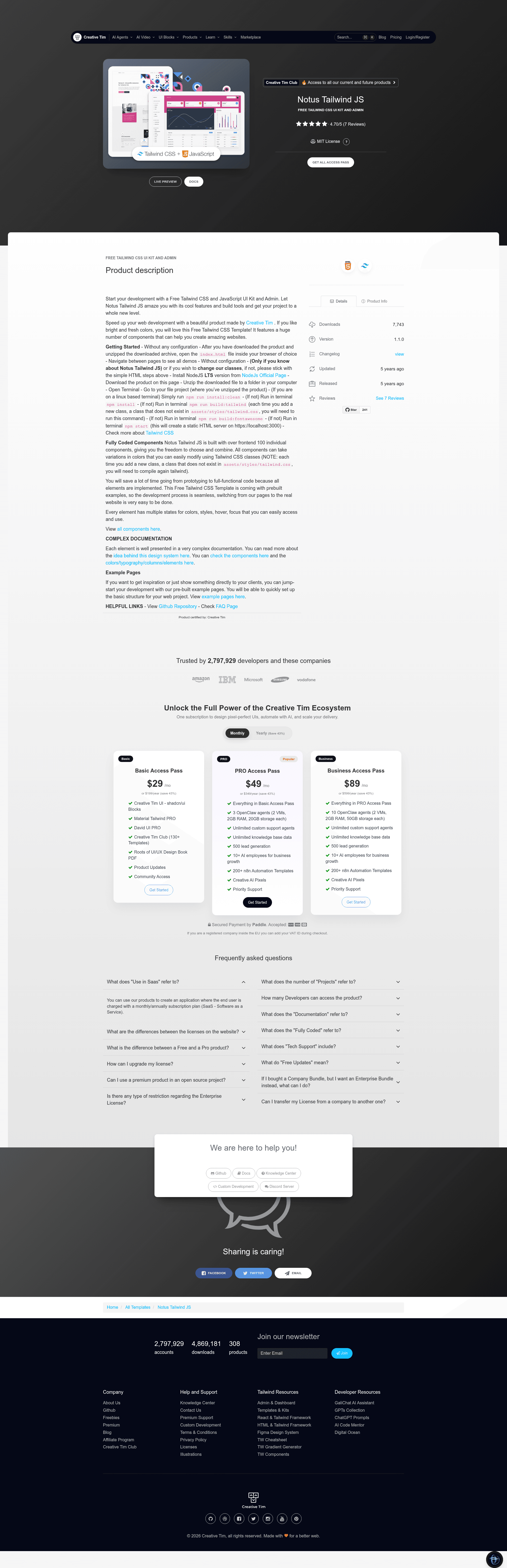
Template details
Notus Tailwind JS
Notus JS: Free Tailwind CSS UI Kit and Admin
About this template
Notus Tailwind JS is a free, open-source UI kit and admin dashboard template from Creative Tim, built on Tailwind CSS and vanilla JavaScript, that ships with over 120 pre-coded CSS components, 18 dynamic JavaScript components, and 9 example pages.
What is Notus Tailwind JS?
Notus Tailwind JS is a static HTML/CSS/JS template for building websites and admin interfaces with the Tailwind CSS utility framework. It takes a plain HTML file structure as its input — you edit the existing index.html, pages/, and assets/ files — and produces a ready-to-host static site that can be served by any web server or opened directly in a browser. It was created by Creative Tim and is based on their Tailwind Starter Kit, with both presentation pages and admin dashboard pages included.
Key Features
- 120+ fully coded CSS components — Alerts, buttons, inputs, modals, navbars, and more, each with multiple color states and hover/focus styles accessible through Tailwind utility classes.
- 18 dynamic JavaScript components — Dropdowns, menus, modals, navbars, popovers, tabs, and tooltips powered by Popper.js, all written in plain Vanilla JS with no framework dependency.
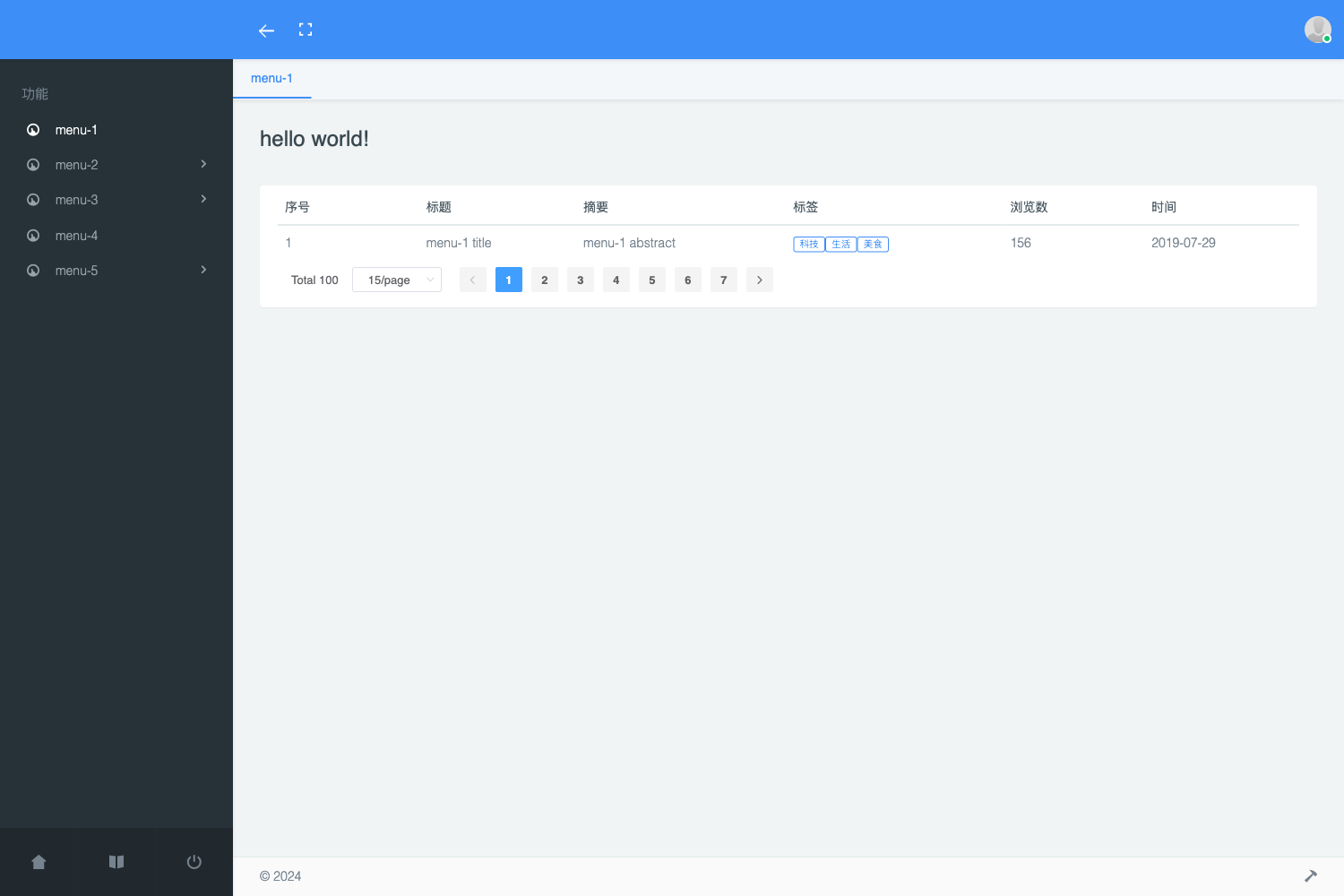
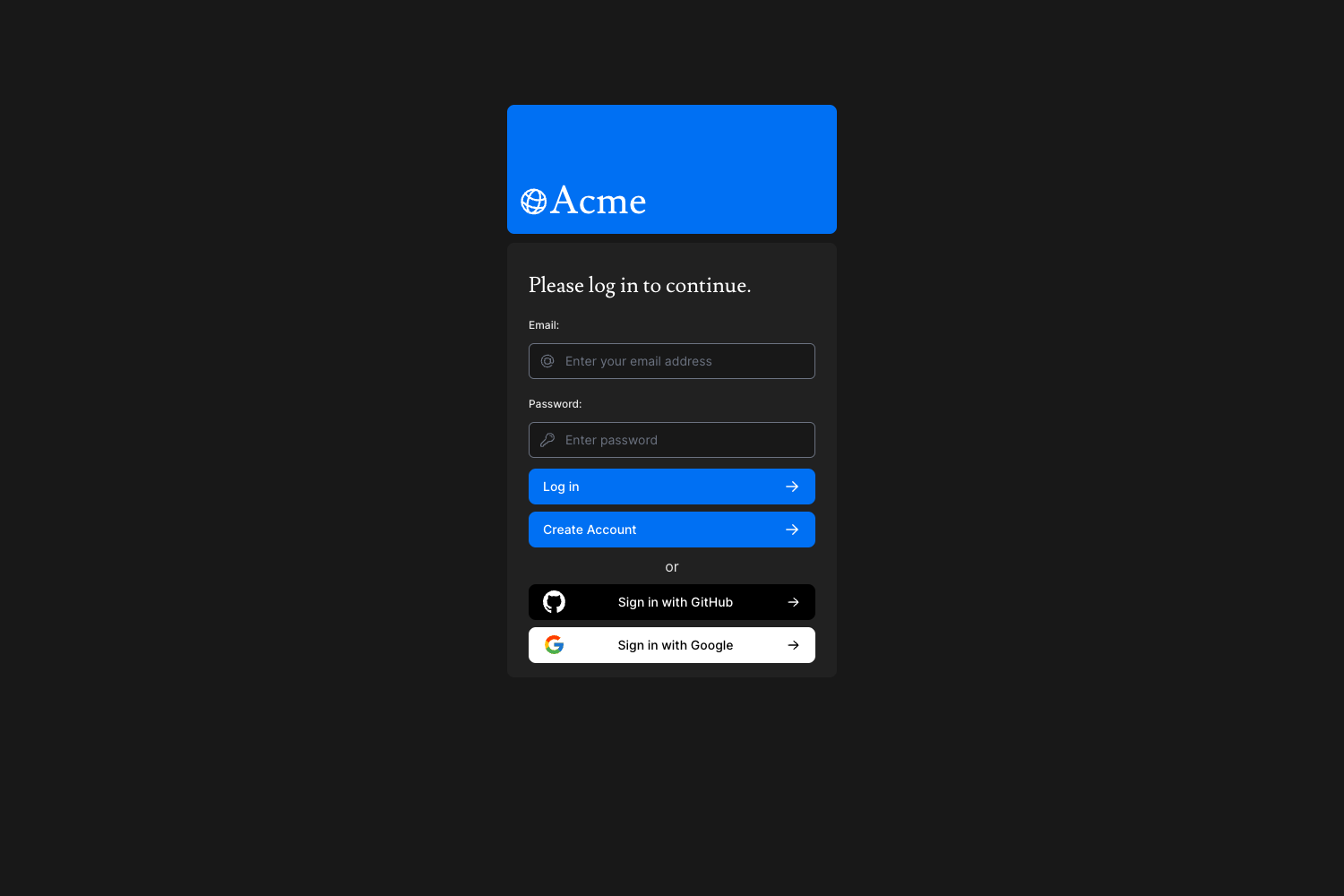
- 9 prebuilt example pages — Admin samples (dashboard, settings, tables, maps), authentication samples (login, register), and presentation samples (landing, profile, and the base presentation page).
- Tailwind CSS styling workflow — New Tailwind classes not present in
assets/styles/tailwind.cssrequire recompiling vianpm run build:tailwind; the project includes atailwind.config.js. - Font Awesome icons included — The vendor folder contains Font Awesome Free CSS and webfonts so icons work out of the box.
- MIT open-source license — Free to use, modify, and deploy for personal or commercial projects.
- Cross-browser support — Officially supports the last two versions of Chrome, Firefox, Edge, Safari, and Opera.
- Framework variants available — The same design is published as Notus Angular, Notus React, Notus NextJS, Notus Svelte, and Vue Notus.
Who is it for?
- Frontend developers who want a free, dependency-light starting point for a Tailwind CSS project without picking a JavaScript framework.
- Startup teams that need an admin dashboard or marketing landing page quickly and want pre-built HTML they can customize with Tailwind classes.
- Designers and prototypers who use vanilla JS and want interactive components like modals and tooltips already implemented.
- Creative Tim users who are evaluating the Notus design system and want to compare its HTML version against the React, Angular, Vue, Svelte, or NextJS variants.
What can you do with it?
- Web developers: Swap the demo content in
landing.htmlto create a product marketing page with Tailwind styling and no build step required. - Startups: Rapidly stand up an admin area using the dashboard, tables, settings, and maps pages under
pages/admin/. - Hobbyists: Learn how Tailwind CSS components are structured by reading the source of the 120+ CSS components and the compiled
assets/styles/tailwind.css.
How does it work?
After downloading and unzipping the archive, you can open index.html directly in a browser — no configuration needed. For Tailwind class customization, install NodeJS LTS, run npm install, then npm run build:tailwind (each time you add a class not already in tailwind.css), npm run build:fontawesome, and npm start to serve the site at https://localhost:3000.
Pricing
Notus Tailwind JS is free and open source, released under the MIT license. It is one of the free products from Creative Tim.
FAQ
Is Notus Tailwind JS free?
Yes, Notus Tailwind JS is completely free to use under the MIT license. You can use it for personal and commercial projects, and you can modify the source code freely.
Does Notus Tailwind JS require a JavaScript framework?
No. This version uses Vanilla JavaScript only — dynamic components are built with Popper.js and plain JS, so there is no React, Vue, Angular, or Svelte dependency.
How do I add a new Tailwind CSS class?
Edit the HTML and add the class, then run npm run build:tailwind in the project root to regenerate assets/styles/tailwind.css. If you do not recompile, new classes will not appear in the CSS output.
What browsers are supported?
The template officially supports the last two versions of Chrome, Firefox, Edge, Safari, and Opera, as stated in the project README.
Where can I download Notus Tailwind JS?
You can download it for free from the Creative Tim product page at https://www.creative-tim.com/product/notus-js, or clone the GitHub repository at https://github.com/creativetimofficial/notus-js.