Template details
Ruine UI Dashboard
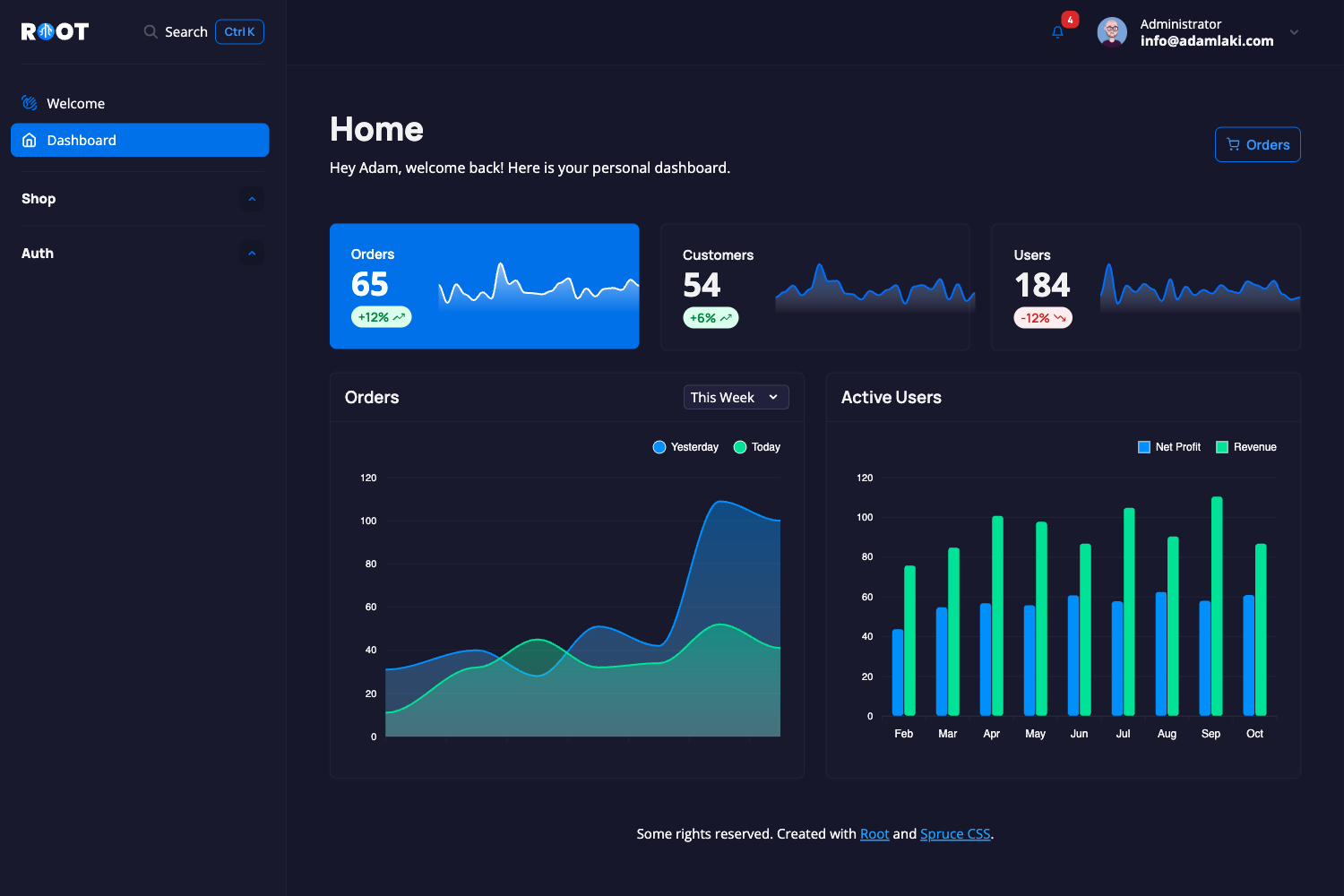
Responsive and accessible HTML Dashboard built using ruine UI, a TailwindCSS based design system, and AlpineJS.
About this template
ruine UI Dashboard is an open-source admin dashboard template that combines nine pre-built pages with 15 UI components, built on the Astro framework with TailwindCSS and AlpineJS.
What is ruine UI Dashboard?
ruine UI Dashboard is a responsive and accessible HTML dashboard template powered by ruine UI, a TailwindCSS-based design system, and AlpineJS for interactive behavior. It is built with the Astro static site generator and ships as an MIT-licensed GitHub repository. The template consumes no build-time dependencies—you clone or download it, then customize the HTML and styles to produce a static dashboard front end.
Key Features
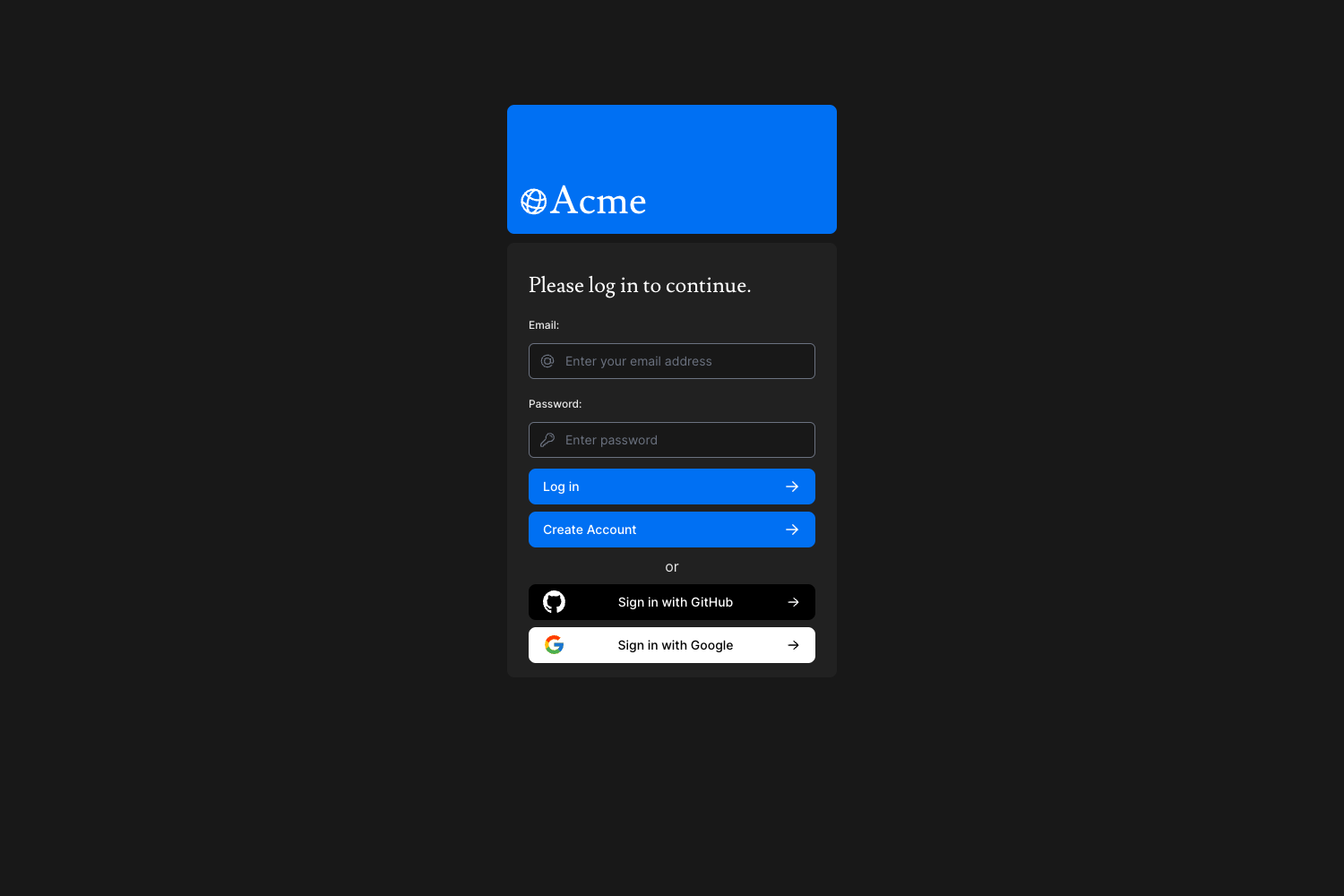
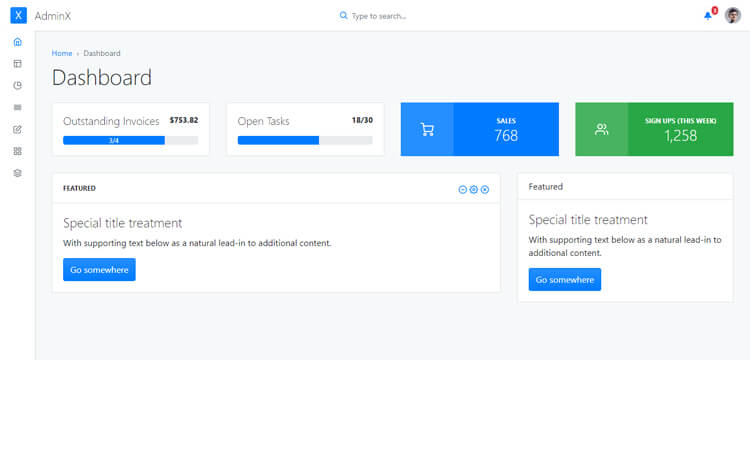
- Nine pages included — The template provides a dashboard page, profile page, user list page, user details page, login page, register page, email verification page, forgot password page, and a 404 page.
- Fifteen UI components — Alert, avatar, badge, button, card, checkbox, dialog/modal, icon box, icon button, input & label, menu/dropdown, pagination, popover, select, and table are all part of the design system.
- Astro-based architecture — Built with Astro, so components are written in Astro's HTML-like syntax and can be built to a static site or server-side rendered.
- TailwindCSS styling — Styling relies on TailwindCSS through the ruine UI design system; a custom Tailwind config and CSS file are included.
- AlpineJS interactivity — Dropdowns, dialogs, popovers, and other dynamic behaviors are handled with AlpineJS, keeping the built output lightweight.
- Two installation routes — You can either clone the repository and run it as an Astro project, or download the compiled release and drop the assets into an existing project by replacing the Tailwind config and CSS file.
- Live demo — A working preview is hosted at https://ruine-dashboard.pages.dev/.
- MIT license — The entire template is released under the MIT License, permitting commercial and personal use.
Who is it for?
ruine UI Dashboard is aimed at developers and teams who need a complete dashboard interface without building UI components from scratch. It is especially useful for anyone already comfortable with TailwindCSS and Astro.
- Frontend developers — get a ready-made responsive dashboard structure they can extend with custom pages and business logic.
- Startup and SaaS teams — use the login, register, email verification, and forgot password pages as the authentication screens for a new product.
- TailwindCSS users — reuse the ruine UI design system and the custom Tailwind configuration to keep styling consistent with their own projects.
What can you do with ruine UI Dashboard?
- Assemble an admin panel quickly — copy or customize the dashboard, user list, and user details pages to manage users, content, or analytics.
- Wire up authentication flows — take the login, register, email verification, and forgot password pages and connect them to any backend auth service.
- Study a clean Astro/Tailwind/Alpine example — inspect how the components and pages are structured to learn or reuse patterns in your own builds.
How does ruine UI Dashboard work?
The template provides two installation methods. You can clone the repository and follow Astro's documentation to run the project; alternatively, you can download the compiled release, move all assets into your project, and replace the Tailwind config and CSS file with the ones this template supplies.
FAQ
Is ruine UI Dashboard free?
Yes, the dashboard is open source under the MIT License. You can use it in personal and commercial projects, modify the code, and redistribute it without paying licensing fees.
What pages are included in ruine UI Dashboard?
The template includes nine pages: a dashboard, profile, user list, user details, login, register, email verification, forgot password, and a 404 page. These cover common admin panel routes.
Which technologies does ruine UI Dashboard use?
It is built with Astro, styled using TailwindCSS through the ruine UI design system, and uses AlpineJS for interactive elements like dropdowns, modals, and popovers. Icons come from Akar Icons.
How do I install ruine UI Dashboard?
Clone the GitHub repository and run it as an Astro project, or download the compiled release from the repository's releases page. The release can be integrated into an existing project by replacing the Tailwind config and CSS file.
Can I customize the template?
Yes, since the source is MIT-licensed and distributed as an Astro project, you can edit the pages and components directly. The included Tailwind config and CSS files let you adjust the design tokens to match your brand.