Template details
Argon Dashboard Angular
Free MIT-licensed Angular admin template with over 100 Bootstrap components and example pages from Creative Tim.
About this template
Argon Dashboard Angular is a free, MIT-licensed admin dashboard template from Creative Tim that combines the Argon design system with Bootstrap and Angular, built with the Angular CLI, and ships with over 100 coded components plus ready-to-use pages.
What is Argon Dashboard Angular?
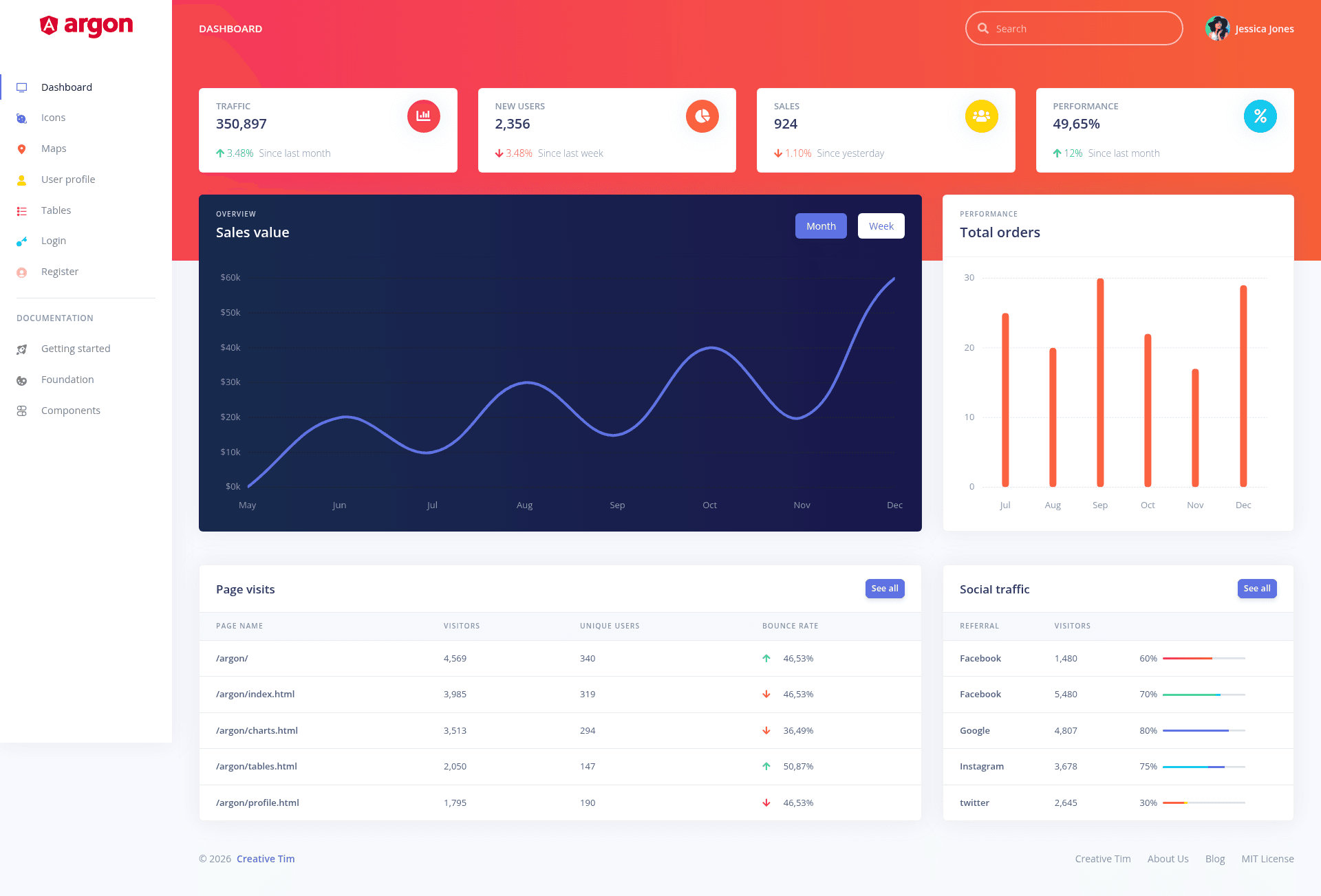
Argon Dashboard Angular is a front-end admin dashboard template created by Creative Tim. It takes the Argon design system—a set of UI components, colors, and typography—and reimplements it as an Angular application using Bootstrap 4 and SASS. The template outputs a complete admin interface with navigation, cards, tables, forms, charts, and authentication pages, ready to be customized and extended.
It includes multiple example pages: a dashboard, icons page, user profile, tables, login, register, and maps. The project structure shows Angular modules for admin and auth layouts, with components for footer, navbar, and sidebar. The styling is managed through a main argon.scss file and additional SCSS core and custom directories.
Key Features
- 100+ coded components — Argon Dashboard Angular includes over 100 individual Bootstrap-based components, each with multiple states for colors, styles, hover, and focus, modifiable through SASS files.
- Multiple example pages — Pre-built pages cover dashboard, icons, user profile, tables, login, register, and maps, so you can jump straight from prototyping to functional code.
- Angular architecture — Built with the Angular CLI, using modules for admin and auth layouts, lazy-loaded routing via app.routing.ts, and separate components for navbar, footer, and sidebar.
- SASS customization — The design tokens and component variations are defined in SCSS files under src/assets/scss, including the main argon.scss file and core/custom directories.
- Multi-framework versions — Creative Tim offers the same Argon Dashboard design for HTML, React, Angular, NodeJS, Laravel, and Sketch, letting you reuse the visual language across stacks.
- One-click deployment — A deploy button is provided on the GitHub README to launch your own instance on Genezio with no manual server setup.
- Browser support — Officially supports the last two versions of Chrome, Firefox, Edge, Safari, and Opera.
Who is it for?
- Angular developers — Build an admin panel quickly by extending the provided components, layouts, and example pages instead of starting from scratch.
- Startups and agencies — Ship a functional dashboard interface for client projects using the free, MIT-licensed foundation and then rebrand it with SASS.
- Product teams prototyping — Use the pre-built dashboard, user profile, tables, and auth pages as a starting point for a minimum viable product.
- Creative Tim users — Teams that already use the Argon design system in HTML, React, or Laravel can adopt this Angular version to keep UI consistent across frameworks.
What can you do with it?
- Launch an admin dashboard — Set up a full backend-agnostic dashboard with sidebar navigation, statistics cards, and a tables page in hours rather than days.
- Add authentication pages — Drop in the included login and register pages, which are pre-wired into the auth layout, to establish user account flows.
- Create a user management screen — Use the user-profile page as a template for editing account details, with avatar, settings, and form elements already styled.
- Show map integrations — The maps page provides a starting point for embedding maps inside your Angular app, useful for location-based services.
Pricing
Argon Dashboard Angular is free and open-source under the MIT license. You can download it from GitHub or Creative Tim without paying a license fee, and use it in personal and commercial projects.
Alternatives
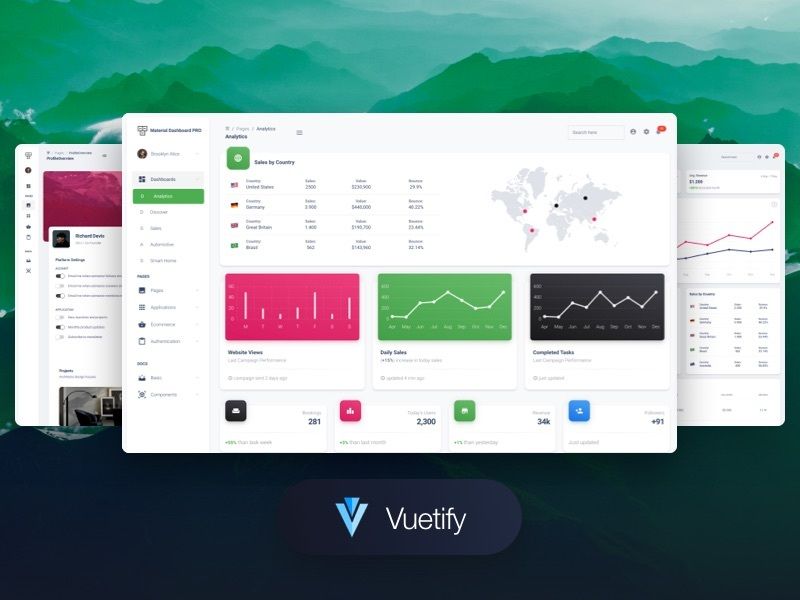
- Material Dashboard Angular — Another free Angular admin template from Creative Tim, based on Material Design rather than the Argon design system.
FAQ
Is Argon Dashboard Angular free?
Yes, the template is free to download and is licensed under the MIT open-source license, which allows commercial use without royalty payments. You can get it from the Creative Tim website or the GitHub repository.
What Angular version does Argon Dashboard Angular use?
The project is built with the Angular CLI and uses the classic module structure with app.routing.ts. The README indicates version 1.5.0 of the template, but the exact Angular version is not listed in the README; you can check the package.json file after download.
Does Argon Dashboard Angular include example pages?
It includes a dashboard, icons page, user profile page, tables page, login page, register page, and a maps page. Each page is implemented as an Angular component under src/app/pages.
What browsers are supported?
The template officially supports the last two versions of Chrome, Firefox, Edge, Safari, and Opera. This is the same support policy Creative Tim applies to all its products.
Can I customize the colors and styles?
Yes, all components take variations in color that you can modify through SASS files. The styling is centralized in the argon.scss file, with core and custom SCSS directories in the assets folder.