Template details
Sleek Dashboard
Free Bootstrap 4 admin dashboard template and UI kit with ecommerce, analytics, chat, contacts, team, and calendar pages.
About this template
Sleek Dashboard is a free, open-source Bootstrap 4 admin dashboard template and UI kit from Themefisher for building admin panels, content management systems, and customer relationship management interfaces.
What is Sleek Dashboard?
Sleek Dashboard is a free, open-source admin dashboard template built on Bootstrap 4 and distributed by Themefisher. It takes HTML, CSS, and JavaScript as its building blocks and produces a responsive admin interface with pre-built pages for ecommerce, analytics, chat, contacts, team, and calendar. The template can be installed via NPM, loaded from CDN, or downloaded from the latest GitHub release, and it is MIT-licensed so it can be used in commercial projects.
Key Features
- Bootstrap 4 foundation — Built on Bootstrap 4, the popular open-source HTML, CSS, and JS framework, with responsive layout utilities and components.
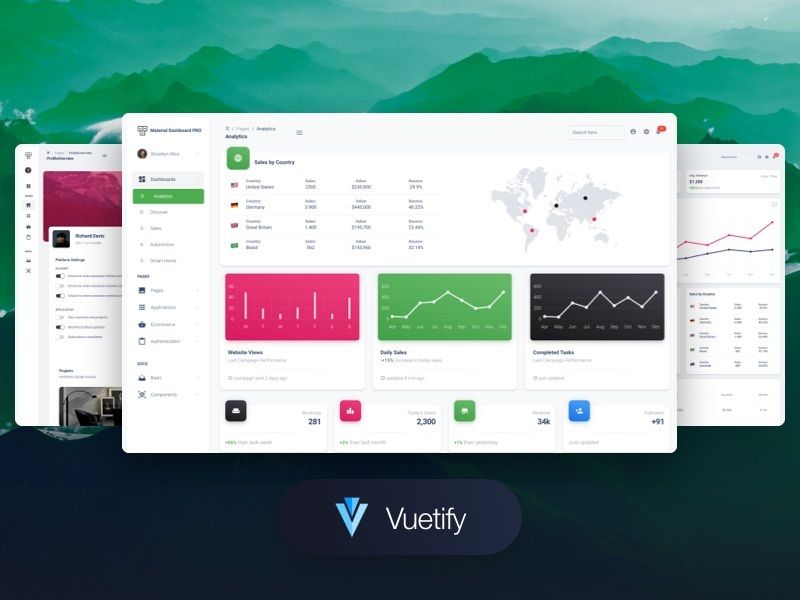
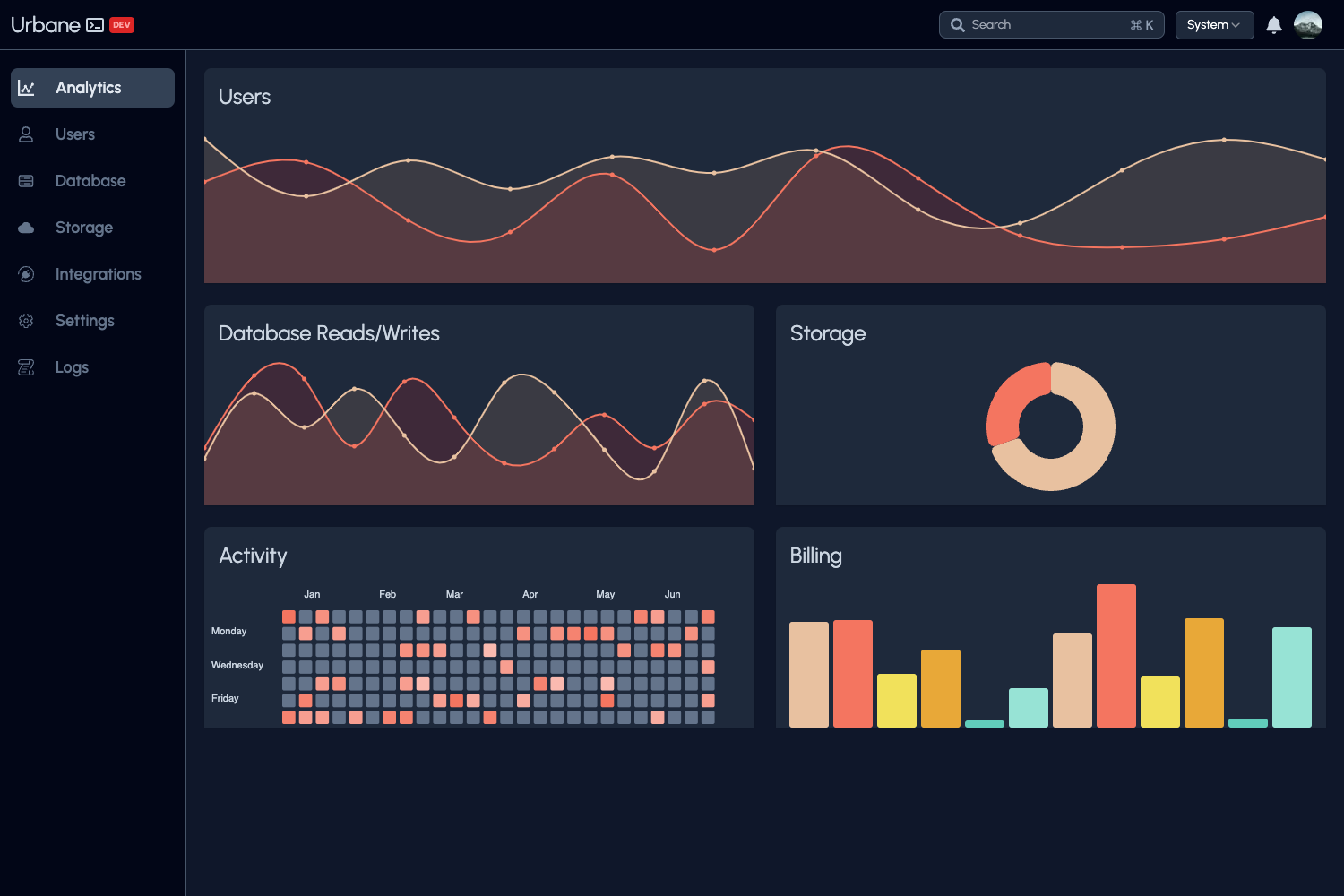
- Pre-built app pages — Includes six demo pages: an ecommerce dashboard, an analytics page with charts, a chat application UI, a contacts app, a team page, and a calendar app.
- Chart.js integration — Bundles Chart.js for rendering interactive charts on the analytics and ecommerce pages.
- Select2 integration — Includes Select2 for enhanced select boxes with search and multi-select support.
- SimpleBar integration — Uses SimpleBar for custom scrollbars on inner containers.
- CDN and NPM distribution — Install with
npm i sleek-dashboard --saveor load the minified CSS and JS directly from unpkg.com. - Local development with Jekyll — The repository uses Jekyll as a static site generator; run
npm startto serve the project at localhost:4000 for hacking. - MIT license — Free to use in personal and commercial projects without paying licensing fees.
Who is it for?
- Web developers and front-end engineers — Get a ready-made admin interface with common sections instead of building dashboard layout from scratch.
- Startup teams — Ship an internal admin panel or MVP dashboard quickly by customizing the included pages and components.
- Freelancers and agencies — Use the MIT license to start client projects like CRMs or CMS backends without buying a premium template.
- Product managers and designers — Explore the demo pages to plan information architecture for dashboard-heavy products.
What can you do with Sleek Dashboard?
- SaaS product builders: Assemble an admin panel with analytics charts, team management, and contact records from the included pages.
- Data analysts: Use the analytics page with Chart.js to visualize business metrics and key performance indicators.
- Internal tool makers: Create a chat-based customer support interface using the chat app page, or a calendar view for scheduling workflows.
- Front-end learners: Study how a real Bootstrap 4 project is structured, including plugin integration and build scripts.
How does Sleek Dashboard work?
Sleek Dashboard can be started in three ways: load the minified CSS and JS from unpkg.com via the CDN links, install the package locally with npm i sleek-dashboard --save, or download the ready-to-use asset bundle from the latest GitHub release. For local development, you need Node.js, npm, and Ruby with Bundler installed. After cloning the repository, run npm install and bundle install, then execute npm start and open http://localhost:4000 to view the project.
Pricing
Sleek Dashboard is free and open source. The code is released under the MIT license, so you can use, modify, and distribute it without cost for personal or commercial projects.
FAQ
Is Sleek Dashboard free?
Yes, Sleek Dashboard is free to use. It is released under the MIT license, meaning you can use it in personal and commercial projects without paying licensing fees.
What Bootstrap version does it use?
The template is built on Bootstrap 4, the fourth major release of the popular front-end component library. It is not the same as the newer Bootstrap 5, so code migration may be needed if you upgrade.
What plugins are included?
Sleek Dashboard bundles Chart.js for charts, Select2 for enhanced dropdowns, and SimpleBar for custom scrollbars. The full plugin list is available in the template documentation.
Which browsers are supported?
The project officially targets Chrome, Firefox, Edge, Safari, and Opera. No support for Internet Explorer is explicitly mentioned.
How do I install Sleek Dashboard?
You can install it from NPM with npm i sleek-dashboard --save, load the CSS and JS from unpkg.com via CDN, or download the files from the latest GitHub release. For development, clone the repository and run the Jekyll-based build system.