Template details
Astro Academia
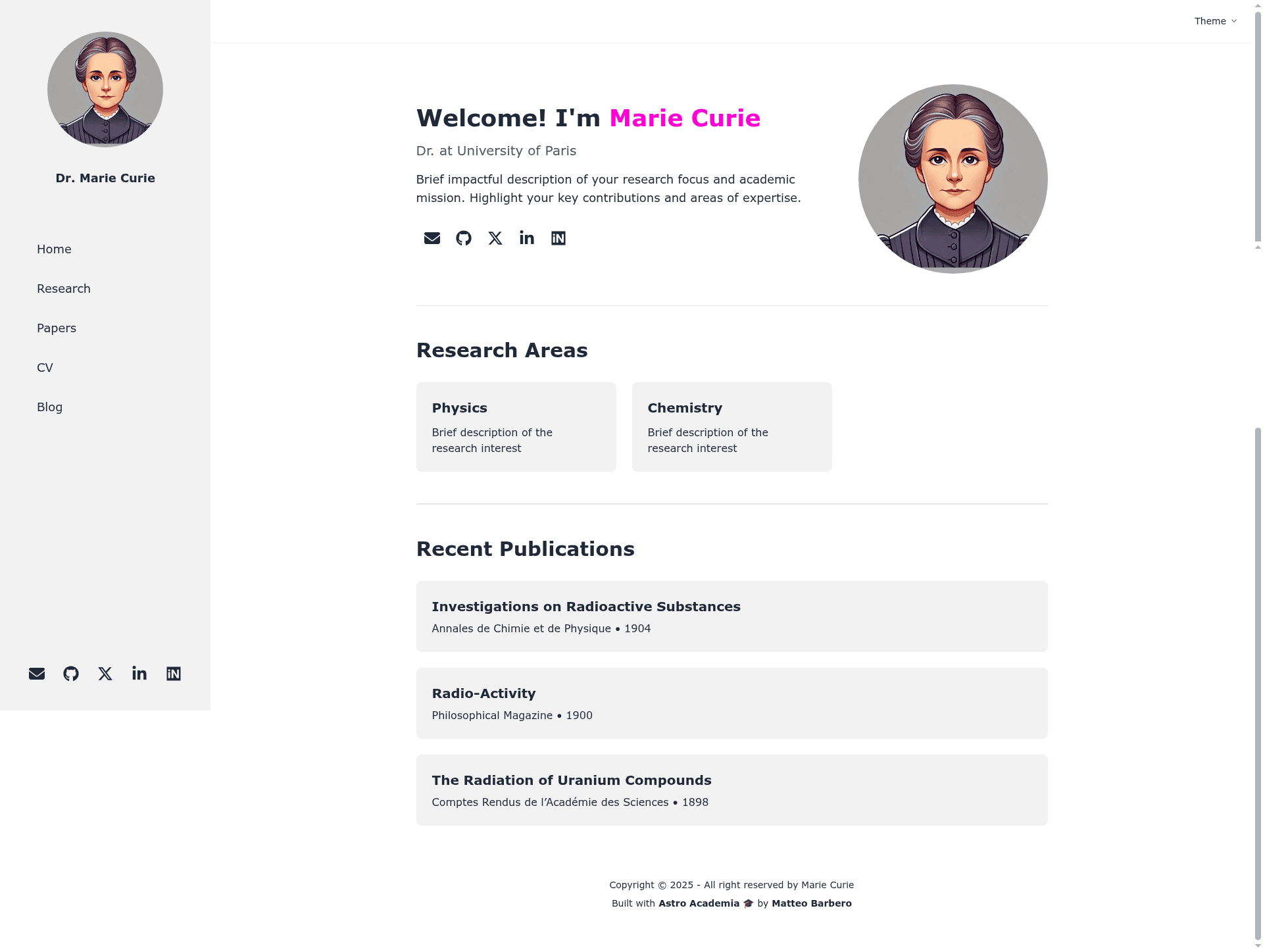
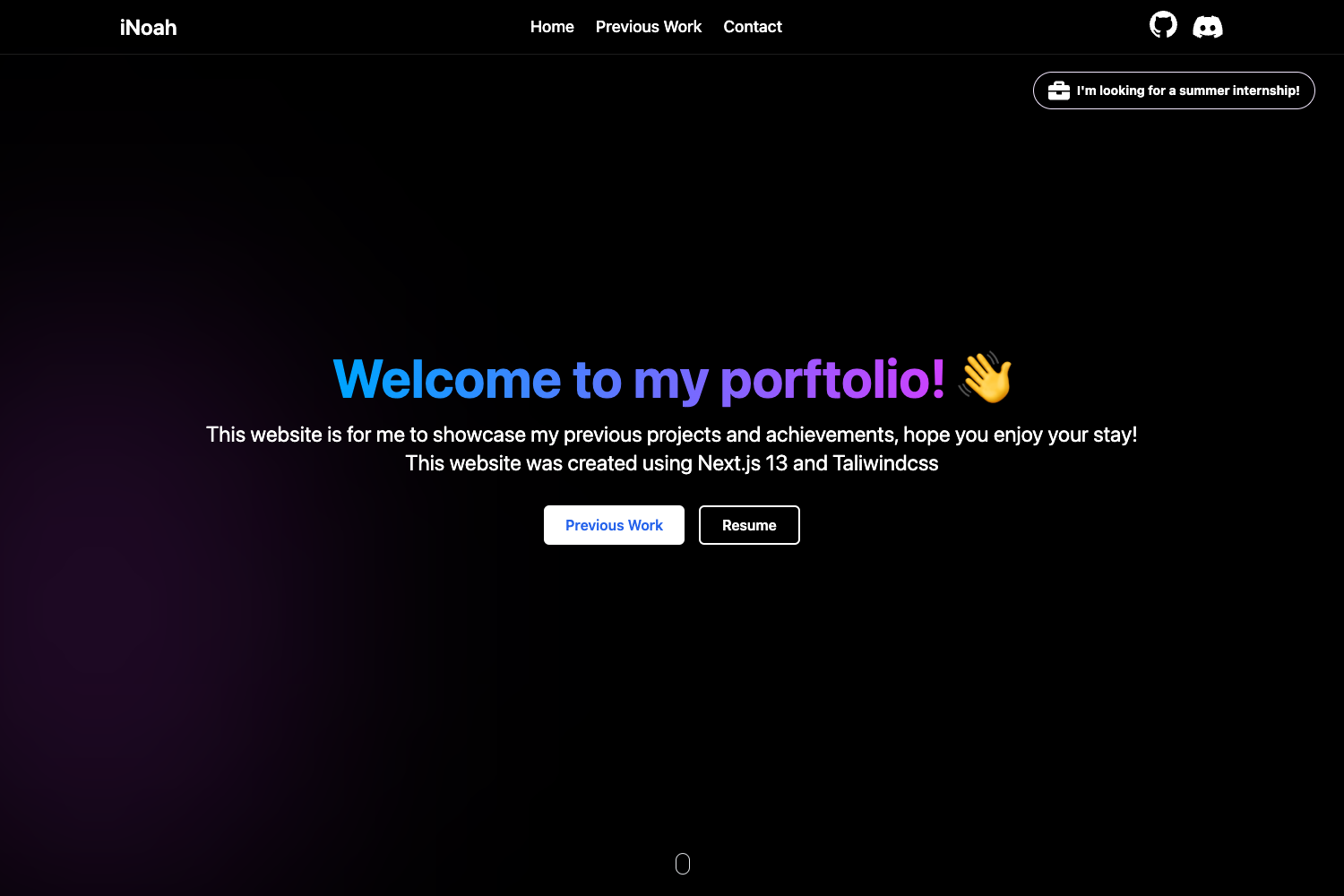
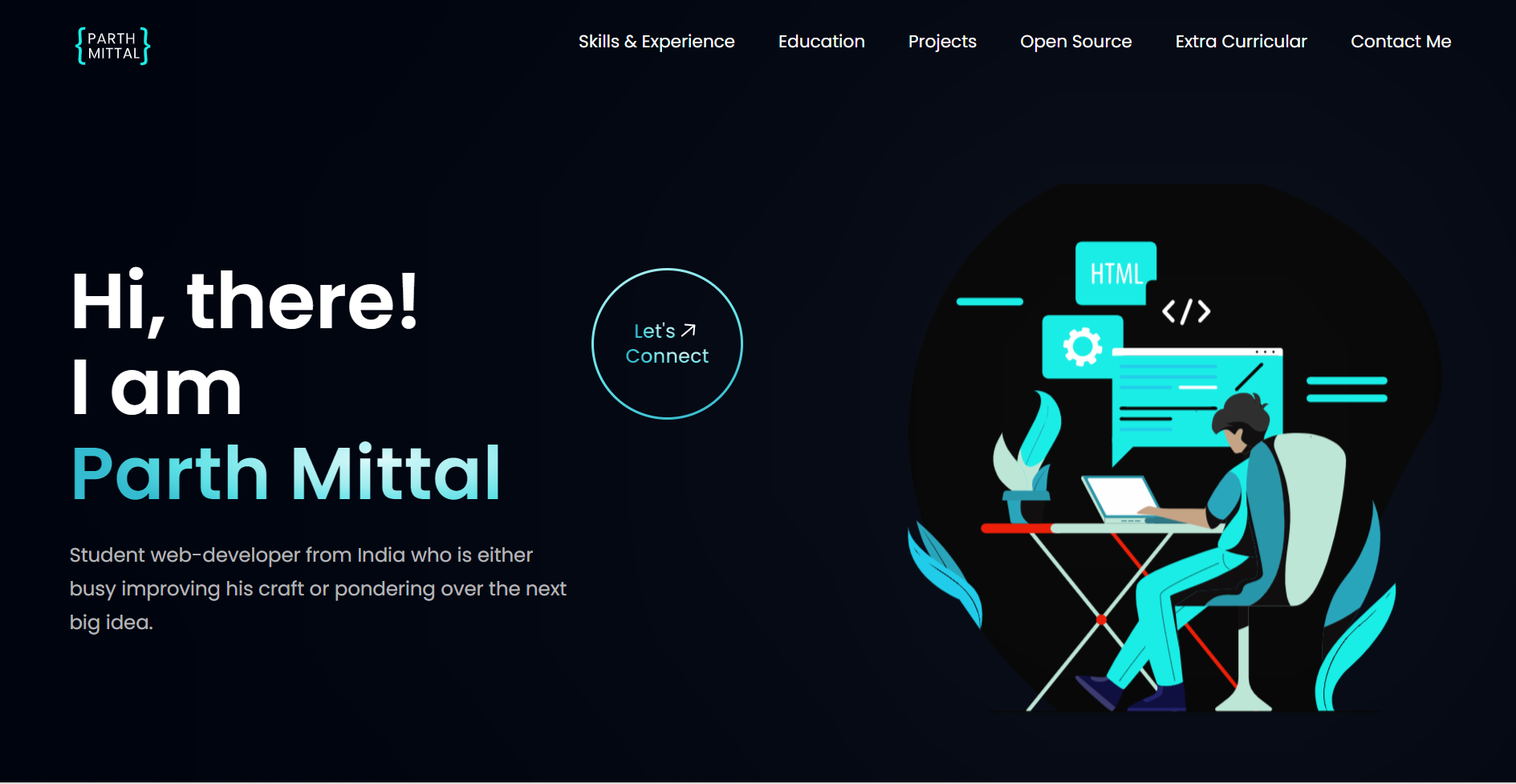
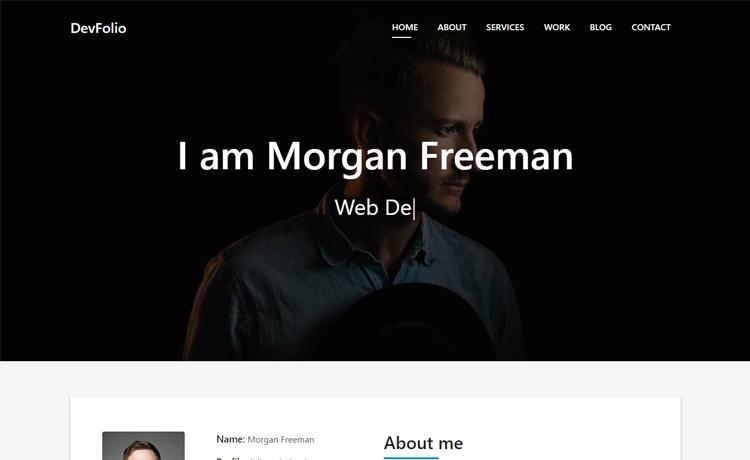
Astro Academia is a starter template for personal academic websites built with Astro, featuring CV, publications, and blog sections.
About this template
Astro Academia is a starter template for personal academic websites built with the Astro static site generator, designed to publish a researcher's CV, research papers, and blog posts as a fast, static site. The template is configured through TypeScript data files and Markdown content, and it ships with a GitHub Actions workflow for deploying the finished site to GitHub Pages.
What is Astro Academia?
Astro Academia is a personal academic website template built with Astro, a modern static site generator that pre-renders pages to HTML for fast loading. It is designed to showcase academic achievements, research papers, blog posts, and a CV, and it produces a static website that can be hosted anywhere, with a provided workflow for GitHub Pages. The maintainer offers a Buy Me a Coffee link for support, indicating it is community-supported open source.
Key Features
- Astro framework — The entire site is generated by Astro, outputting static HTML and requiring no server-side runtime.
- CV from a TypeScript file — The cv.ts file in src/data/ exports an object with education, experience, and publication sections, which is automatically rendered on the CV page.
- Centralized site settings — The settings.ts file in src/ controls the site title, description, and social media links (Twitter, GitHub, LinkedIn) used across the site.
- Markdown blog collection — Blog posts are stored as .md files in src/content/BlogPosts/, each with frontmatter for title, date, tags, and excerpt; adding a new file adds it to the blog page automatically.
- GitHub Pages deployment included — The template provides a GitHub workflow that deploys the site to GitHub Pages as a static website.
Who should use Astro Academia?
Academics and researchers who need a clean, low-maintenance personal website to present their work will find this template a direct fit. PhD students can publish their CV and research blog, professors can list publications and courses, and postdocs can create a portfolio of their research outputs without maintaining a content management system.
What can you do with Astro Academia?
- Researchers: publish a list of publications and research interests, updated by editing the cv.ts file.
- Graduate students: maintain an academic blog by adding Markdown files to the blog collection, with frontmatter controlling metadata.
- Academics who prefer version control: customize the entire site through TypeScript and Markdown files, then deploy from GitHub Actions.
How does Astro Academia work?
To create your site, fork the repository, then edit the src/data/cv.ts file to define your education and experience, adjust src/settings.ts for site-wide configuration, and add Markdown post files to src/content/BlogPosts/ for new blog entries. The included GitHub workflow handles building and deploying the static site to GitHub Pages whenever you push changes.
FAQ
How do I add a new blog post to Astro Academia?
Create a new Markdown file in the src/content/BlogPosts/ directory, using frontmatter to set the title, date, tags, and an optional excerpt, then write the post content in Markdown. The blog page will automatically include the new post after the site is rebuilt.
How do I change the CV content?
Edit the cv.ts file located in src/data/, which exports an object with arrays for education, experience, and other sections. Save your changes and the CV page will be updated during the next build.
Where do I configure the site title and social links?
Open the settings.ts file in the src/ directory and update the siteTitle, siteDescription, and socialLinks values. These settings are applied throughout the site to display the metadata and links.
Does Astro Academia support deployment to other platforms?
The template includes a GitHub Actions workflow specifically for GitHub Pages, but because the build output is static HTML, the generated site can also be hosted on any static file server by adapting the deployment step.