Template details
Freelancer Jekyll Theme
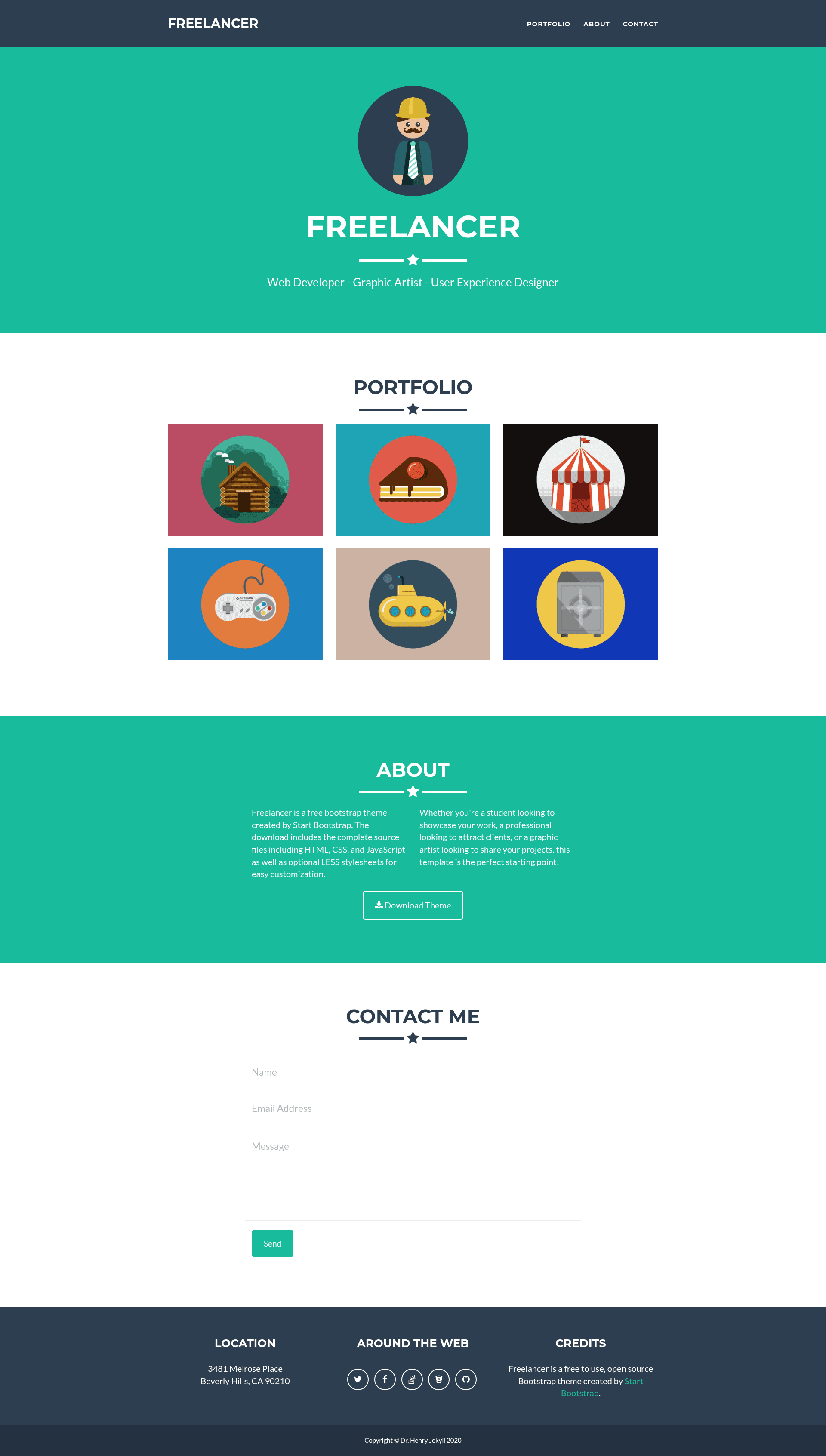
A Jekyll portfolio theme based on Freelancer Start Bootstrap, with a modal project showcase and Formspree contact form.
About this template
Freelancer Jekyll Theme is a Jekyll portfolio theme ported from the Freelancer Start Bootstrap template, built to display projects in a modal-driven grid with a contact form wired through Formspree.
What is Freelancer Jekyll Theme?
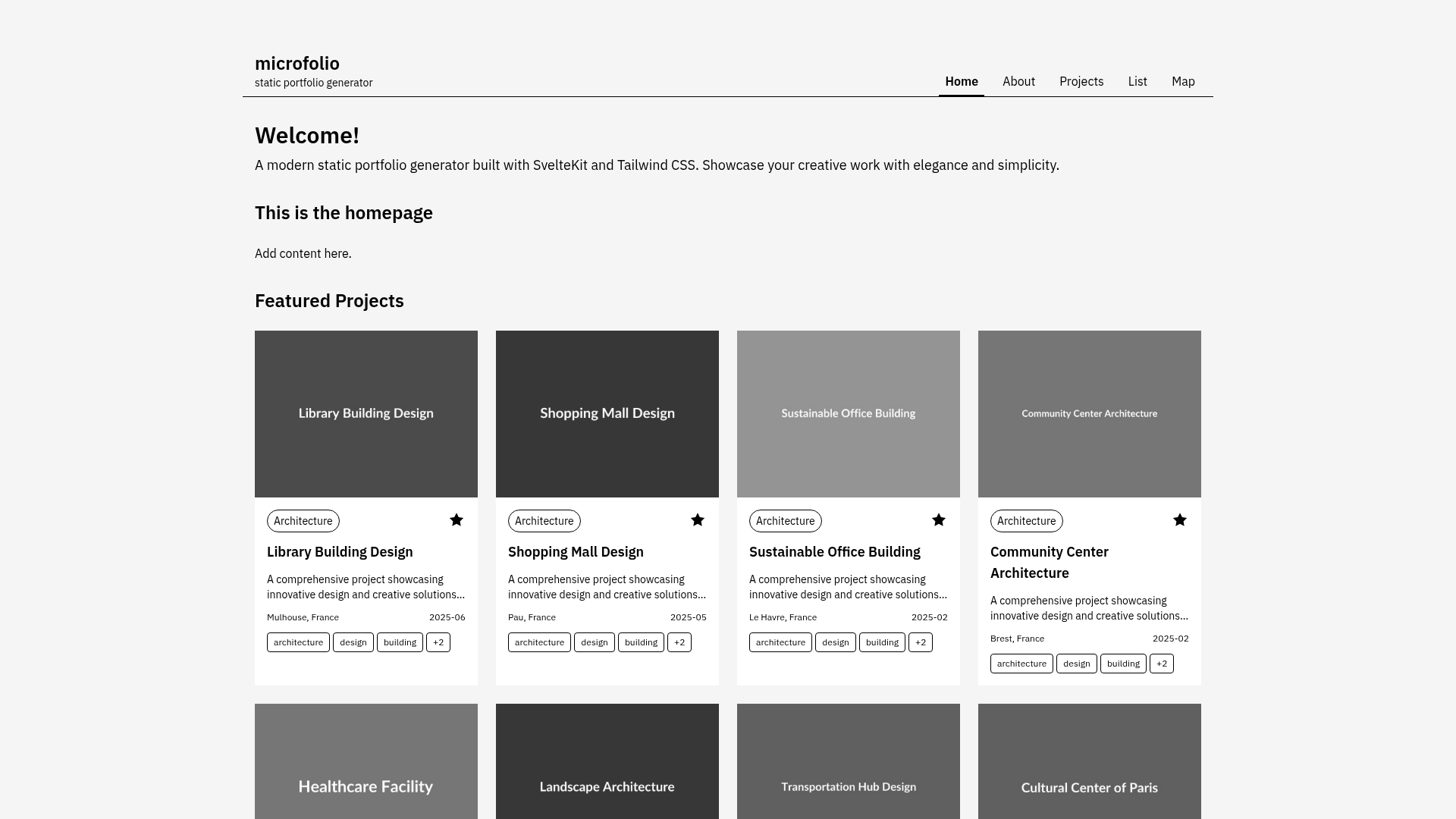
Freelancer Jekyll Theme is a portfolio template for Jekyll static sites, adapted from the Freelancer Bootstrap theme by Start Bootstrap. It takes project posts written in Markdown with YAML front matter and renders them into a grid of image tiles; clicking a tile opens a modal with the project's full details. The theme runs on Jekyll, producing static HTML output. It is maintained by Jérôme Lachaud on GitHub and has earned 1,496 stars on the repository. A live demo is available at jeromelachaud.com/freelancer-theme.
Key Features
- Modal project showcase — Each portfolio item is a Markdown post with front matter fields for image, alt text, project date, client, and category; clicking a tile opens a Bootstrap modal with those details.
- Formspree contact form — Replace the placeholder email in
_config.ymlwith your own address to receive messages through Formspree, a form-to-email service. - Jekyll native — Built as a standard Jekyll theme; posts are written in Markdown with YAML front matter and the whole site compiles to static HTML.
- Bootstrap-based styling — Inherits the responsive layout and components of the original Freelancer Start Bootstrap theme.
- Easy configuration — Site-wide settings such as email live in
_config.yml, and new projects are added by creating posts rather than editing HTML. - Static hosting ready — Because Jekyll outputs plain HTML, the generated site can be deployed to GitHub Pages, Netlify, or any static host.
Who should use Freelancer Jekyll Theme?
- Freelance designers and developers — Present client work with images, client names, project dates, and categories in a polished portfolio grid.
- Jekyll users — Anyone already using Jekyll can drop this theme into their site and manage projects through Markdown posts.
- Creatives looking for a fast portfolio — With no backend required, a portfolio can be launched quickly by filling in front matter and a config file.
What can you do with Freelancer Jekyll Theme?
- Showcase client projects: Add images and front matter to
/img/portfolio/and post files to populate the portfolio grid with modals that describe each project's date, client, and category. - Collect contact inquiries: Point the contact form to your Formspree endpoint by updating the email in
_config.yml, and receive messages without a server. - Build a personal brand site: Structure your homepage around the theme's hero and portfolio sections to create a simple, professional online presence.
How does Freelancer Jekyll Theme work?
The README outlines a three-step workflow: place an image in /img/portfolio/, replace the placeholder email in _config.yml with your own address (referencing Formspree), and create posts with front matter that sets layout to default, plus fields like modal ID, date, image, alt text, project date, client, category, and description. Jekyll then builds the static site, generating the portfolio grid and modal popups.
FAQ
How do I add a project to the portfolio?
Create a new post following the example in the README, with front matter that includes a modal ID, image filename, alt text, project date, client, category, and a description. Place the corresponding image in /img/portfolio/, and Jekyll will add it to the grid.
How do I change the contact email?
Edit _config.yml and replace the placeholder email with your own address. Formspree will route messages sent through the contact form to that address.
Is Freelancer Jekyll Theme free?
The theme is publicly hosted on GitHub, so you can clone or fork the repository and use it for your own site. The README does not mention any paid license or fee.
Does it work with GitHub Pages?
As a Jekyll theme, it works with GitHub Pages, which natively builds Jekyll sites. You can push the theme's source to a repository and enable GitHub Pages to serve your portfolio.