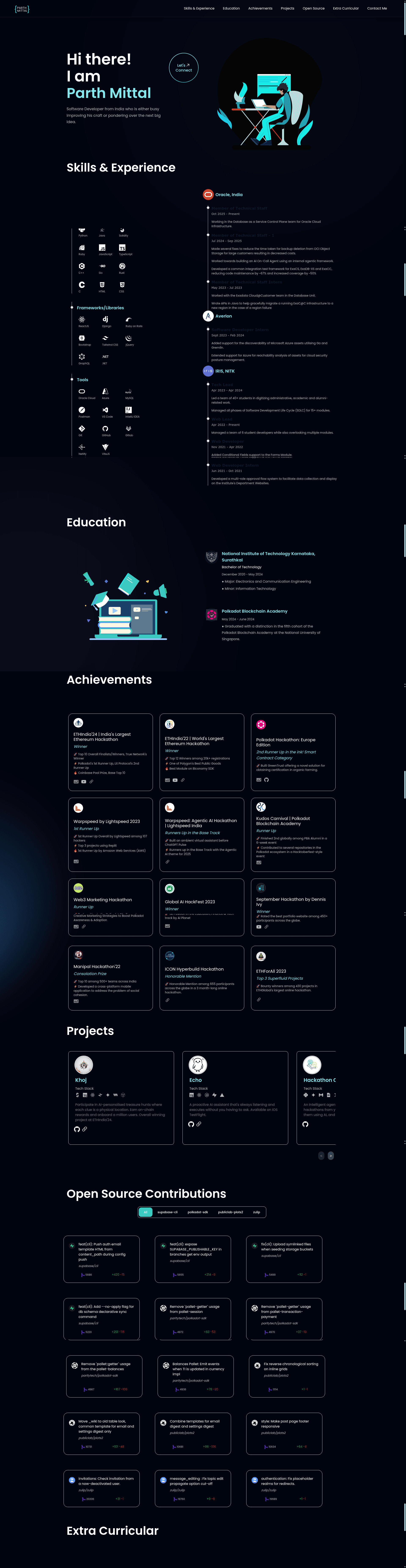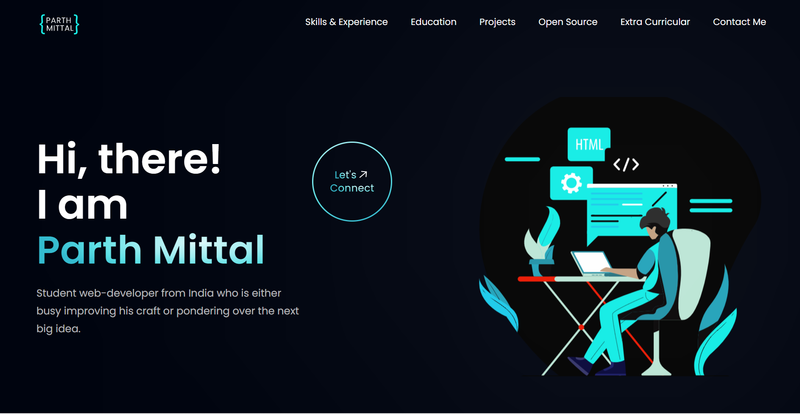
Personal Portfolio is an open-source developer portfolio template for React and Tailwind CSS that converts a LinkedIn data export into a complete personal website with pre-built sections for projects, blogs, and open source contributions. Created by Parth Mittal and hosted on GitHub, the template is designed to be cloned, customized, and deployed to Netlify quickly.
What is Personal Portfolio?
Personal Portfolio is a single-page web template built with ReactJS and styled with Tailwind CSS. It takes your personal data — either hand-edited in a JavaScript constants file or imported automatically from a LinkedIn export — and renders eight site sections: Hero, Skills & Experience, Education, Projects, Blogs, Open Source Contributions, Extra Curricular, and Contact Me. The template uses Vite as its build tool and React Icons for the icon set, and it is distributed as a public GitHub repository with an active contribution guide.
Key Features
- LinkedIn bulk import — Includes a Python script in
snippets/bulk_import_from_linkedin.pythat reads a downloaded LinkedIn export and generatessrc/constants/index-example.js, which you merge into the main configuration file. - Eight ready-made sections — Hero, Skills & Experience, Education, Projects, Blogs, Open Source Contributions, Extra Curricular, and Contact Me are implemented as React components and read from
src/constants/index.js. - Tailwind CSS styling — The interface is built entirely with Tailwind utility classes, supplemented by Meraki UI components for several layout pieces.
- Animation stack — Uses Framer (Framer Motion) for scroll and hover animations and React Lottie for animated illustrations such as the included Coding Lottie and Quiz Mode Lottie.
- GitHub contributions API — An optional GitHub personal access token stored in
.envasVITE_GH_TOKENfetches your open source contributions and displays them in the dedicated section. - Cypress E2E tests — Automated tests run with
npm run cypress:openornpm run cypress:run; pull requests can trigger them by adding therun-testslabel. - Netlify-ready deployment — The README provides step-by-step Netlify deployment instructions, including how to add environment variables in the Netlify dashboard.
- Customization via one data file — All personal information, skills, projects, and social links are defined as JavaScript objects in
src/constants/index.js, with icons imported per item from React Icons.
Who is it for?
- Software developers — Create a professional portfolio page without writing CSS or layout code from scratch; edit the constants file and deploy.
- Job seekers — Present projects, blogs, education, and open source contributions in a single polished page aimed at recruiters.
- Students — Use the Education and Extra Curricular sections to highlight academic background and campus activities.
- Open source maintainers — Showcase GitHub activity automatically through the API integration, reducing manual updating.
What can you do with it?
- Import a LinkedIn export — Download your LinkedIn account data, place it in the
snippetsfolder aslinkedin-export, and run the Python script to auto-generate most of your portfolio's content. - Customize branding — Change the site title and favicon in
index.html, swap React Icons for each skill, and add project images in theassetsfolder. - Deploy a live site — Connect the repo to Netlify, add environment variables, and push to publish the portfolio on a custom domain.
- Run quality checks — Execute the Cypress test suite locally or through GitHub Actions on pull requests to catch regressions.
How does the template work?
After you either manually edit src/constants/index.js or run the LinkedIn import script to generate it, each React component reads this file and renders its section. The GitHub contributions section calls the GitHub REST API using the token from the .env file. Vite bundles the app, and npx netlify dev gives you a local development server while npm run build produces a deployable static site.
Alternatives
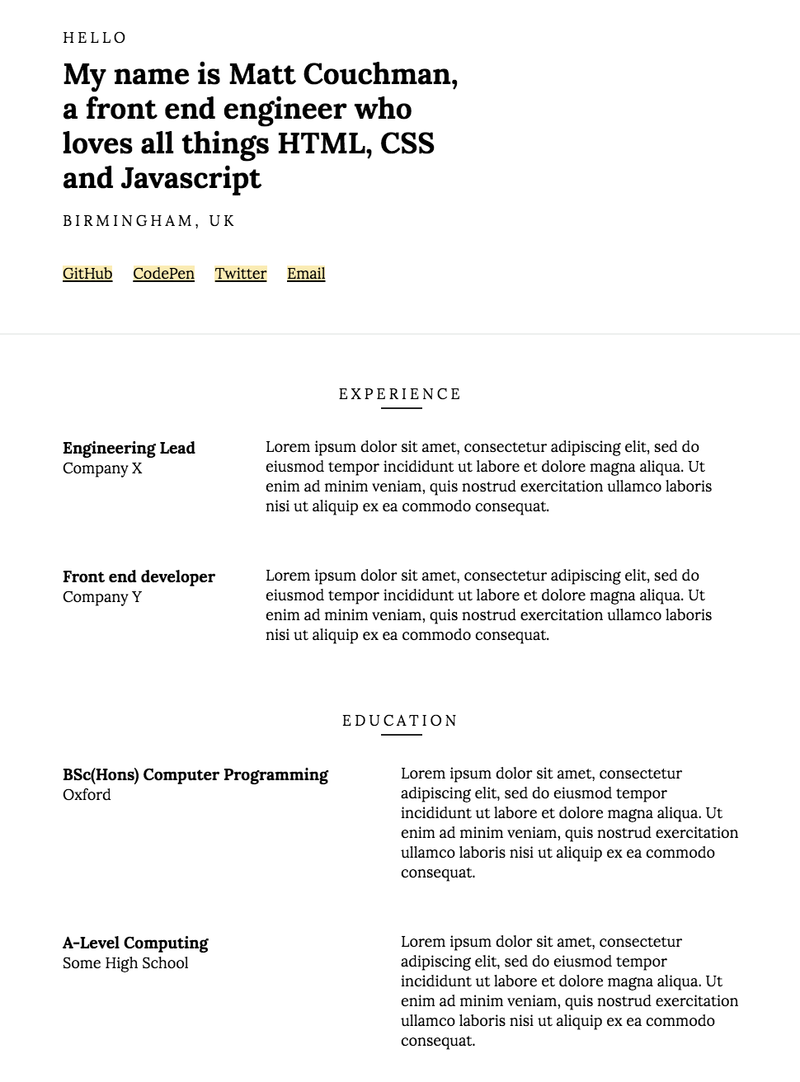
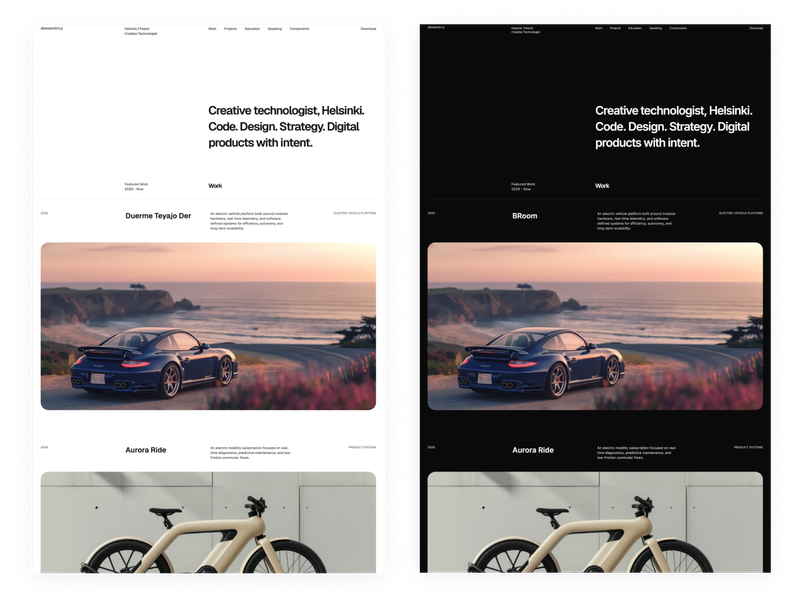
- Developerfolio — A developer portfolio template featured in the JavaScript Mastery tutorial that this project lists as an inspiration; it offers a similar single-page developer profile layout.
- MasterPortfolio — Another open-source React portfolio template with a different visual design and section ordering.
FAQ
Is Personal Portfolio free to use?
Yes, the repository is public on GitHub and welcomes contributions. No pricing or paid tier is mentioned; you can clone, modify, and deploy it for your own portfolio.
How do I import my LinkedIn data?
Download your LinkedIn account data from LinkedIn's settings, extract the ZIP, and move the folder into the snippets directory renamed to linkedin-export. Then run python3 snippets/bulk_import_from_linkedin.py. Review the generated index-example.js, copy it over src/constants/index.js, and adjust icons and images manually.
Do I need a GitHub token?
Only the Open Source Contributions section requires it. Create a classic personal access token with repo:status, public_repo, read:project, and read:org scopes, then store it in .env as VITE_GH_TOKEN. The rest of the portfolio works without this token.
Can I deploy to Netlify?
Yes. The README includes a deployment guide, notes that environment variables must be added in the Netlify UI, and recommends using npx netlify dev for local testing. The template is configured for Netlify out of the box.
What tests are included?
The project uses Cypress for end-to-end testing. You can open the test runner with npm run cypress:open or run headless with npm run cypress:run. Adding the run-tests label to a pull request triggers the tests, and all tests must pass before merging.