Template details
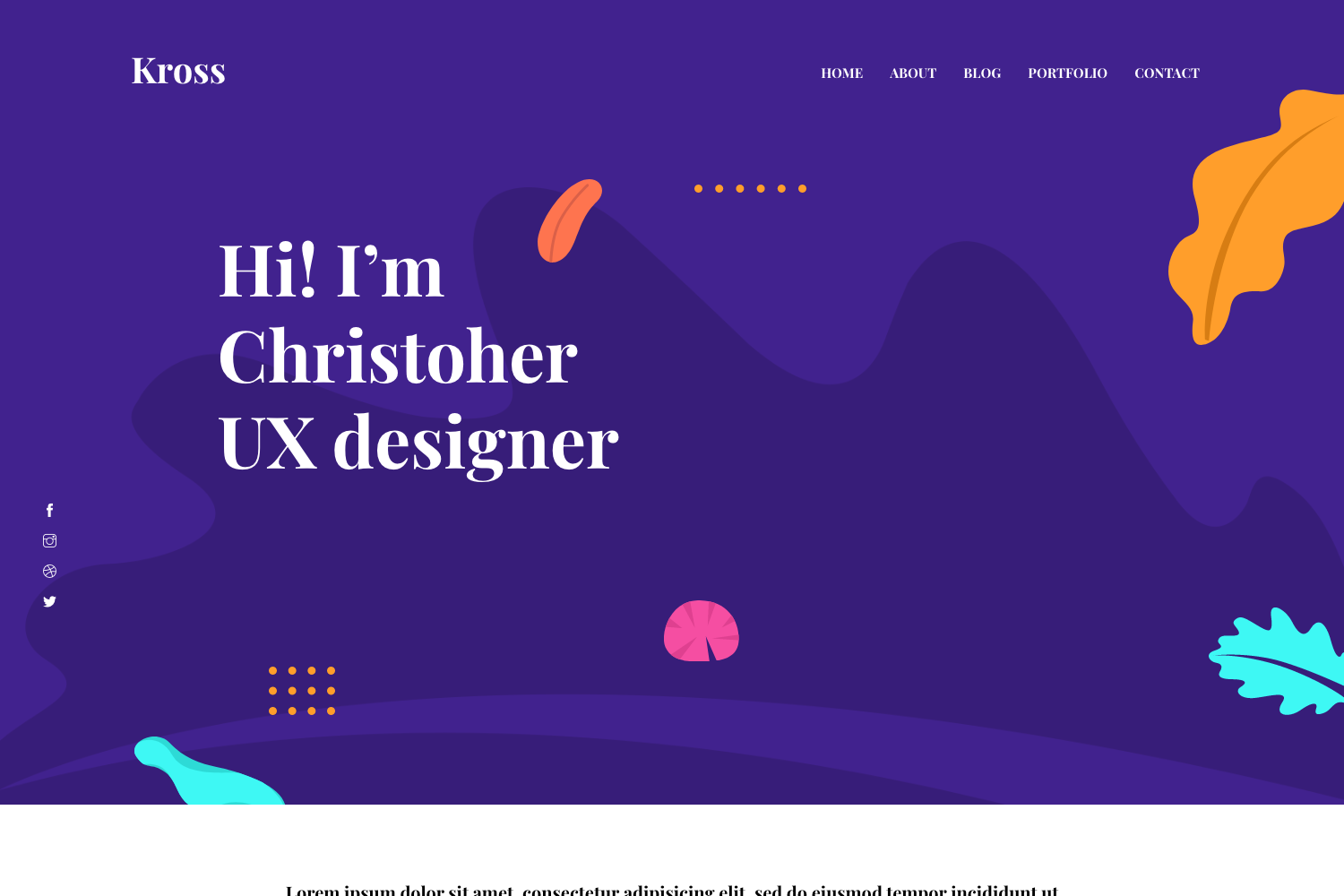
Astro MultiPage Portfolio
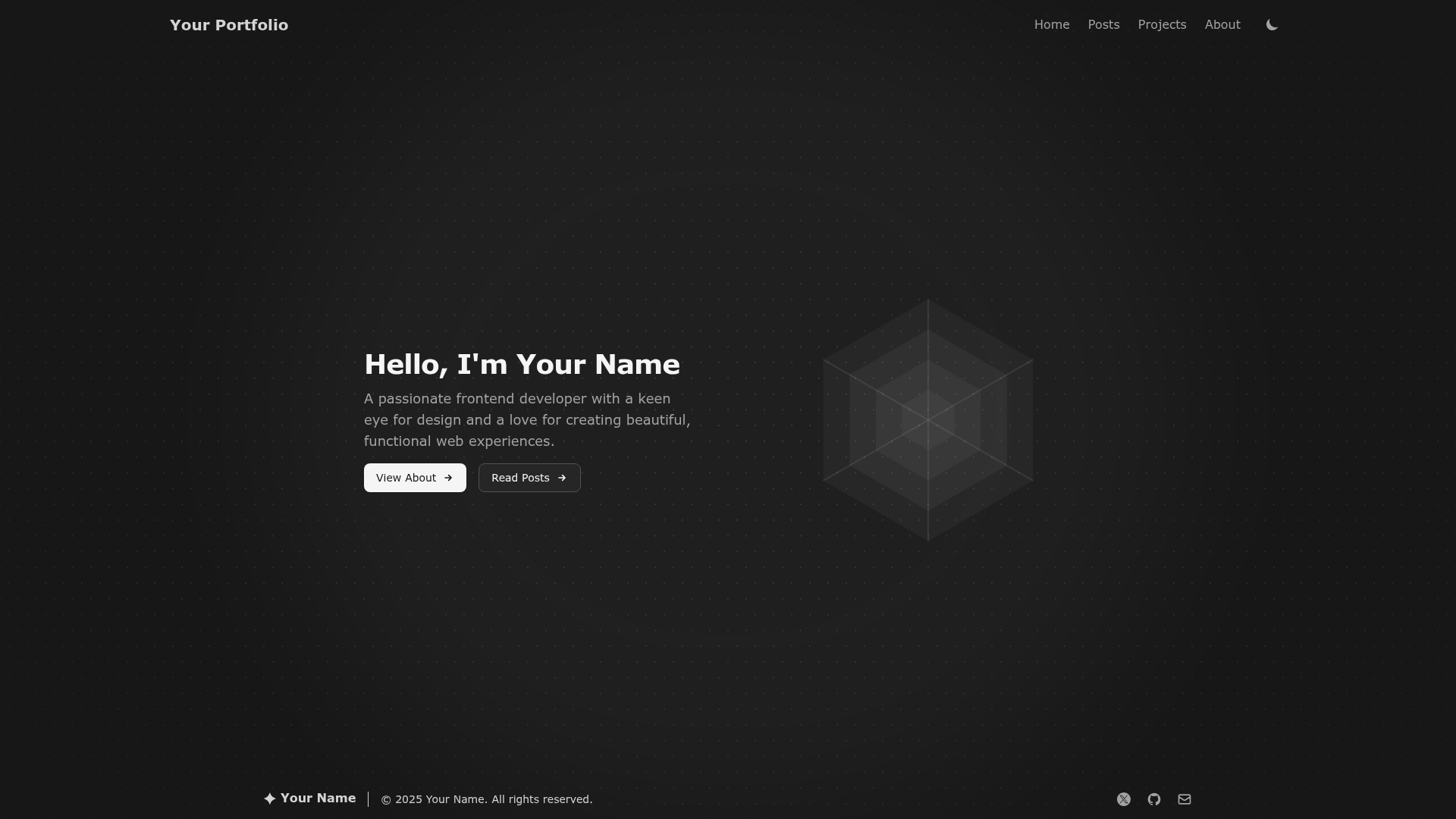
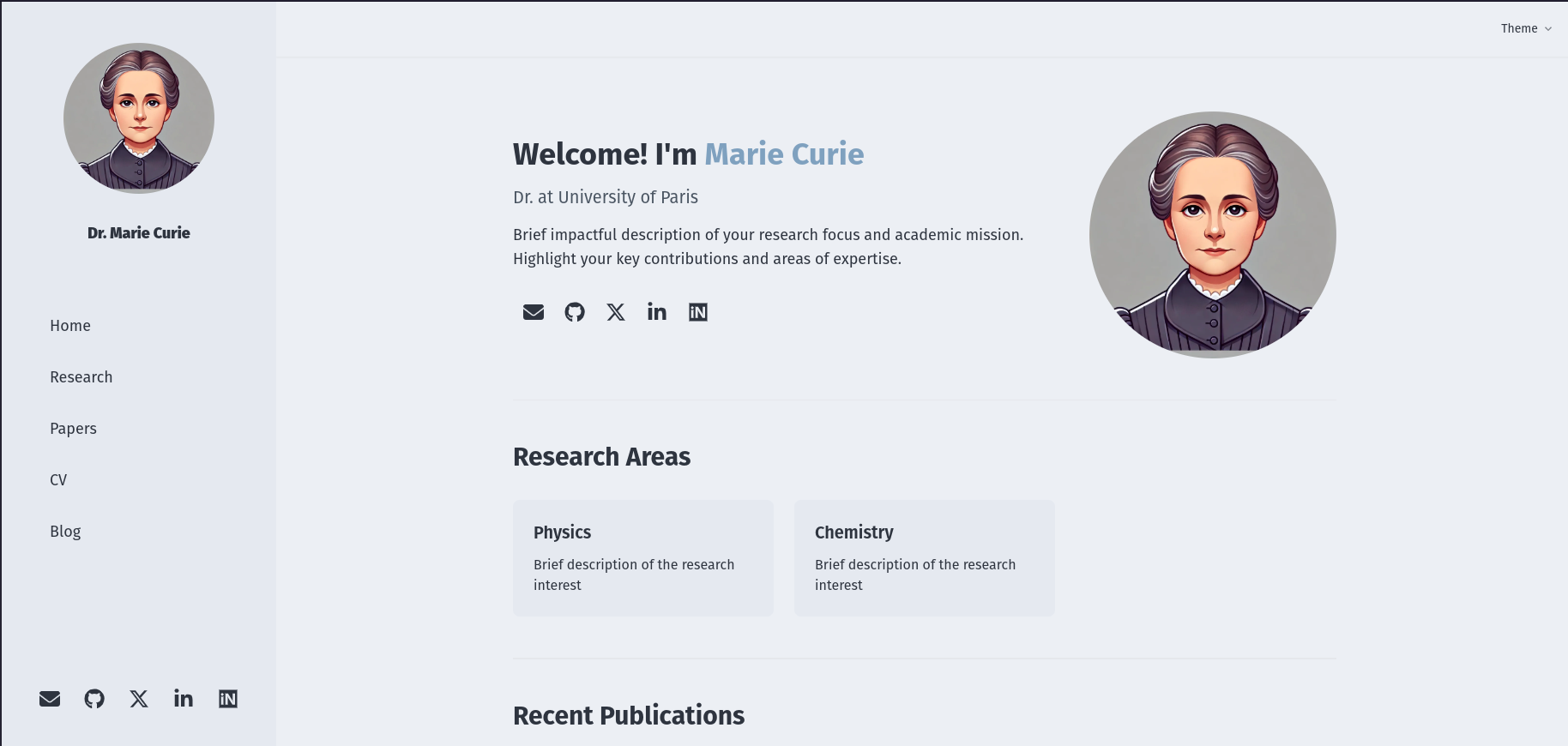
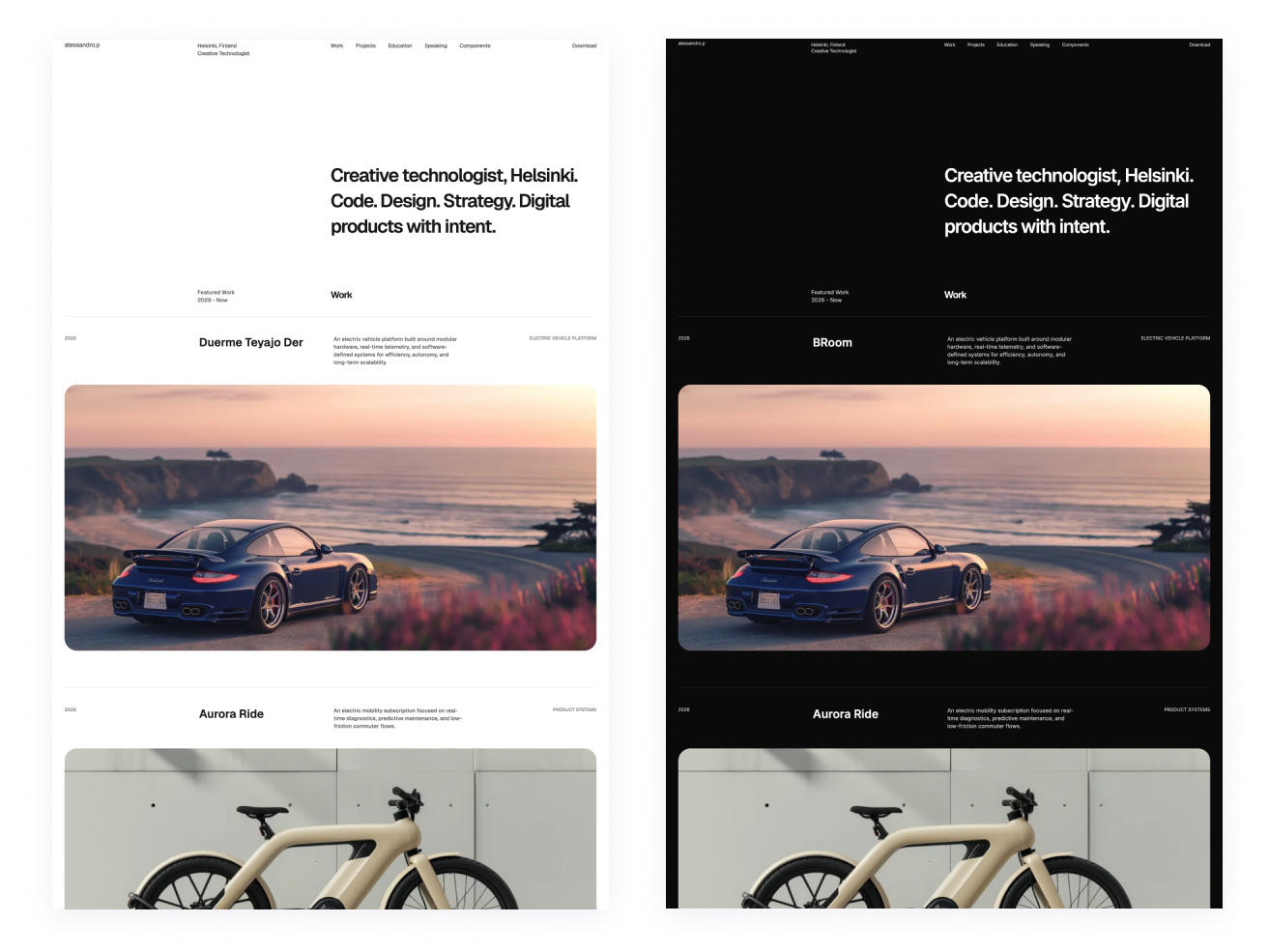
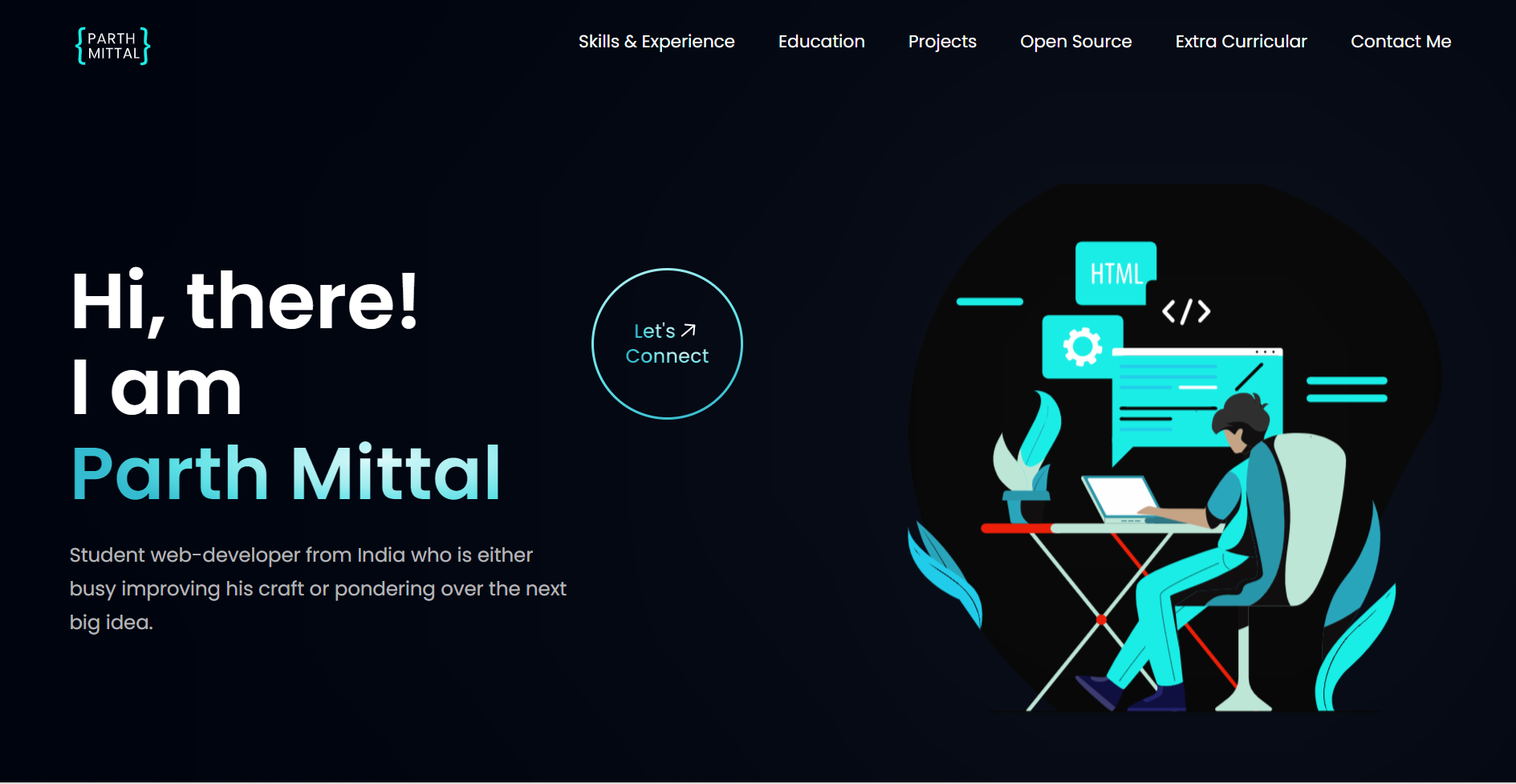
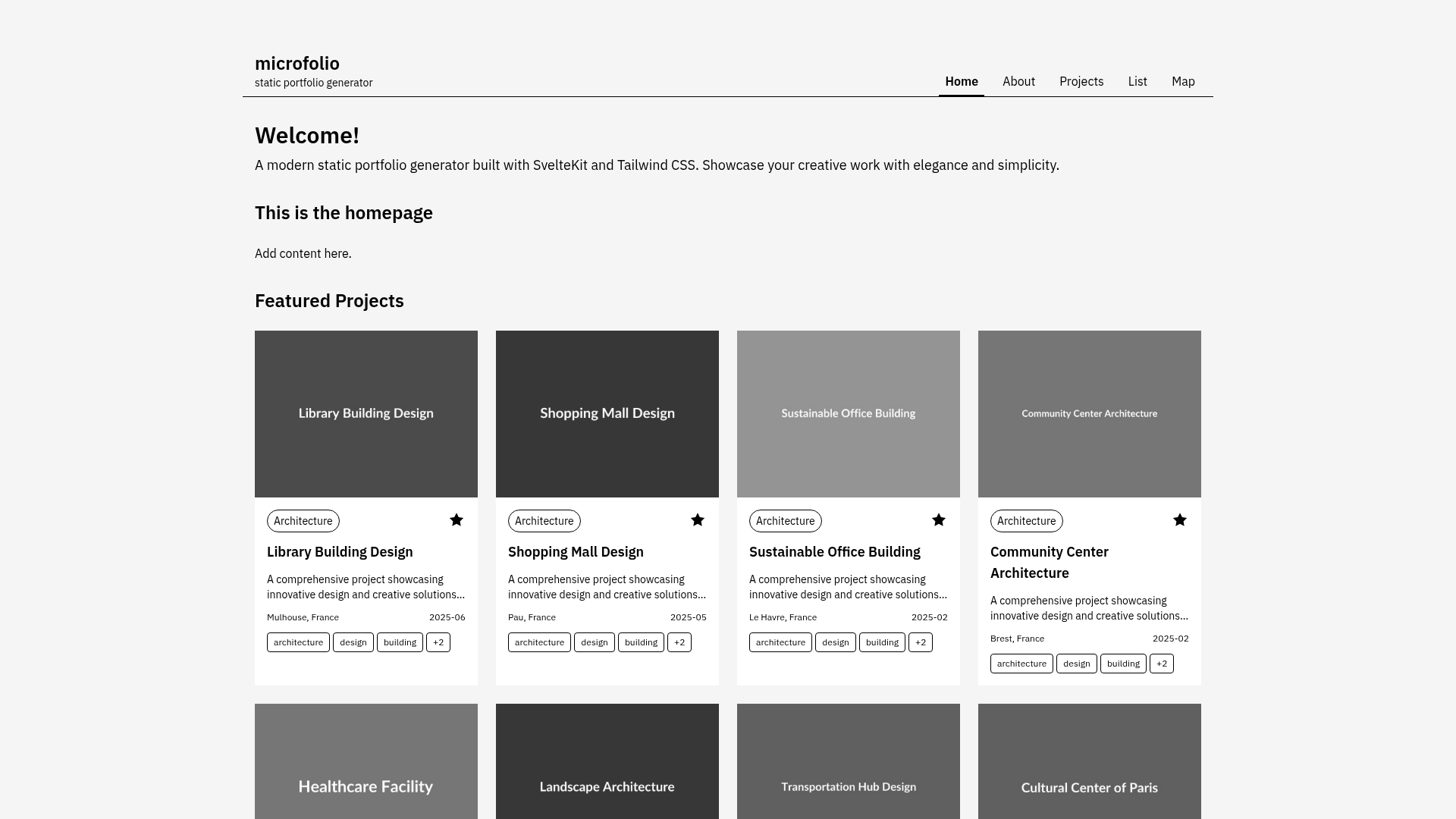
A modern portfolio template built with Astro featuring a blog system, project showcase, and dark/light theme toggle.
About this template
Astro MultiPage Portfolio is a multi-page portfolio template built with Astro 5.x, Tailwind CSS, and TypeScript that produces a static site with a Markdown-powered blog, a projects showcase, and an about page.
What is the Astro MultiPage Portfolio?
Astro MultiPage Portfolio is a static site template that takes Markdown files in src/content/posts and a TypeScript content configuration file as its inputs, and outputs a fully generated portfolio website with blog, projects, and about pages. It runs on Astro 5.x with Vite as the build tool and is written in TypeScript. The template is authored by tomcomtang and released under the MIT license. A live preview is hosted at astro-multiplepage-portfolio-blush.vercel.app, and the project supports one-click deployment to Vercel.
Key Features
- Dark/light mode toggle — visitors can switch between light and dark themes with a built-in toggle, and the current preference is applied across all pages.
- Blog system with Markdown and pagination — blog posts live as Markdown files in
src/content/posts, each with frontmatter fields for title, description, date, and read time; posts are paginated automatically. - Projects showcase — a dedicated page lists portfolio projects, with project data editable in
src/config/content.ts. - SEO optimization — each page is pre-rendered as static HTML with per-page metadata, helping search engines index the content.
- Fully responsive layout — the CSS adapts to mobile, tablet, and desktop viewports without extra configuration.
- Syntax highlighting — code blocks in blog posts are highlighted on the page via the Tailwind Typography plugin.
- Vercel one-click deploy — the repository includes a Vercel deploy button that clones the repo and sets up a new deployment with no manual configuration.
- Tech stack — the template uses Astro 5.x with Content Collections, Tailwind CSS for styling, TypeScript for type safety, and Vite for building; the pre-built pages cover home, about, projects, and blog listing.
Who is it for?
Astro MultiPage Portfolio suits developers and designers who want a clean personal portfolio site without building the frontend from scratch. It is also a practical starting point for bloggers who want to publish Markdown posts and have them automatically paginated, and for anyone who wants a static site that is easy to deploy to Vercel.
What can you do with it?
- Personal portfolio sites — add your own projects and about-page copy by editing
src/config/content.ts, then publish a static site. - Markdown blogging — drop new Markdown files into
src/content/postswith the documented frontmatter to add posts with reading time and syntax-highlighted code. - Theme toggling — demonstrate dark and light presentation without writing new CSS, because the toggle is part of the template.
How does the template work?
Running the template takes five steps after cloning: install dependencies with npm install, start the dev server with npm run dev, add or edit Markdown posts in src/content/posts, adjust site content in src/config/content.ts, and run npm run build to output a production static build. The project structure separates reusable Astro components in src/components, pages in src/pages, and content in src/content.
FAQ
Is the template free to use?
Yes, the repository is released under the MIT license, so you can use and modify it freely, including for commercial purposes.
Does it support dark mode?
Yes, the template ships with a dark/light theme toggle, and the selected mode applies across all pages.
Where do I add my blog posts?
Create Markdown files in src/content/posts and include frontmatter with title, description, date, and readTime fields. The blog page then picks the files up automatically.
How do I customize the site content?
Edit src/config/content.ts to change site metadata, social links, home page content, about page content, and the projects showcase.