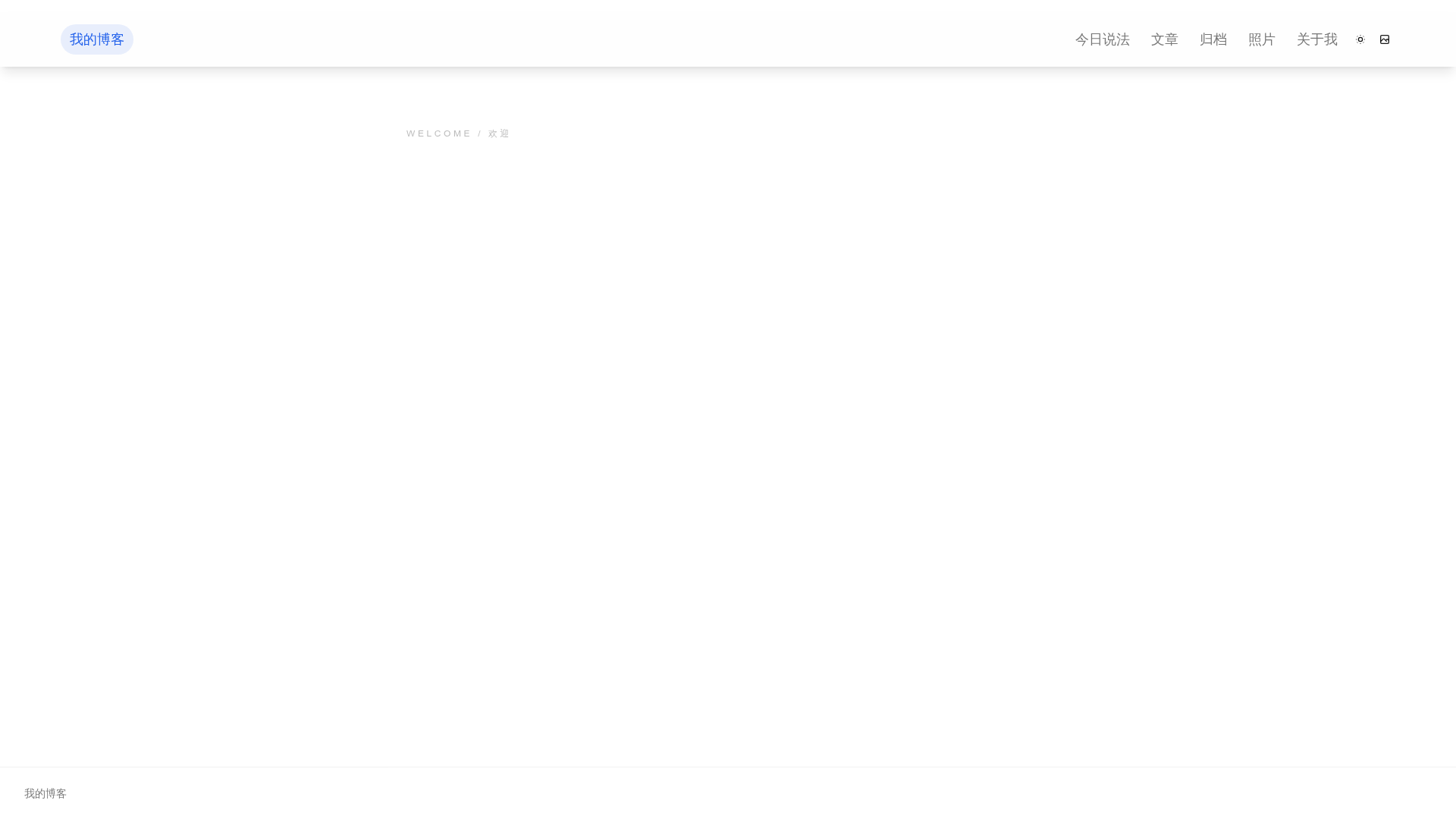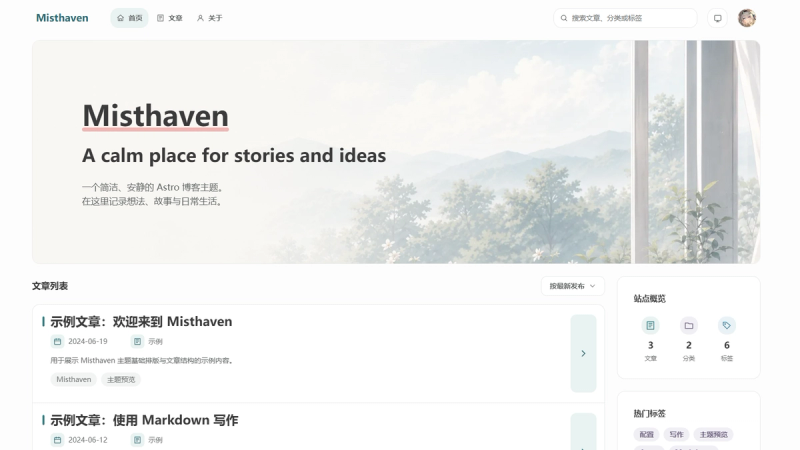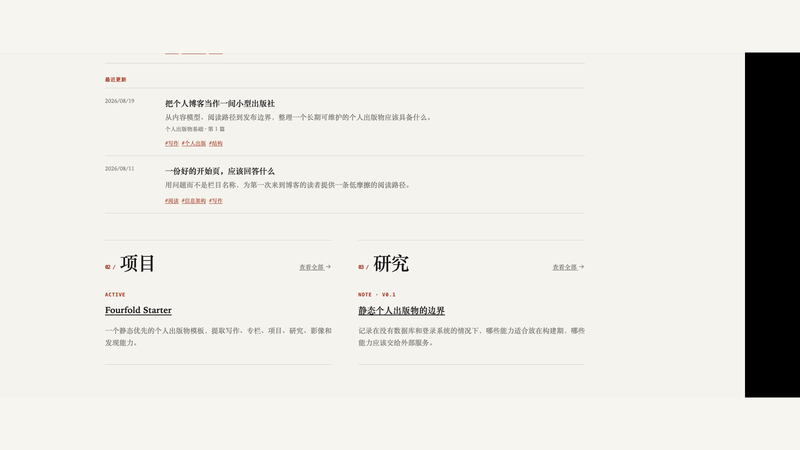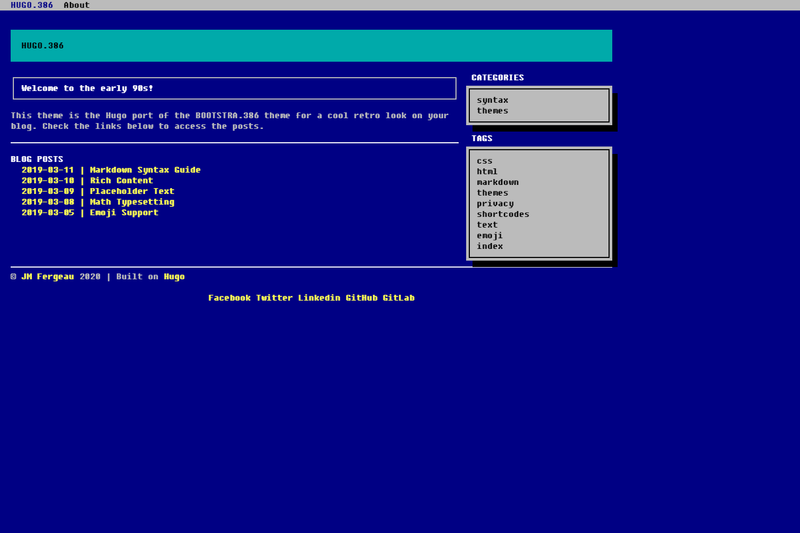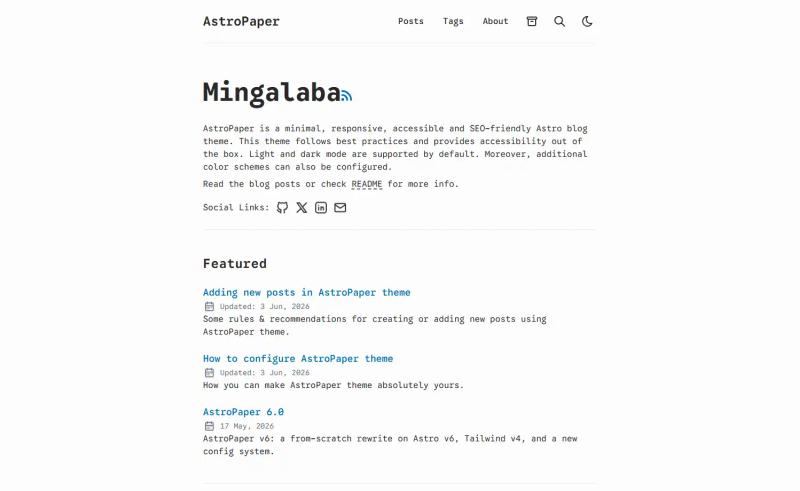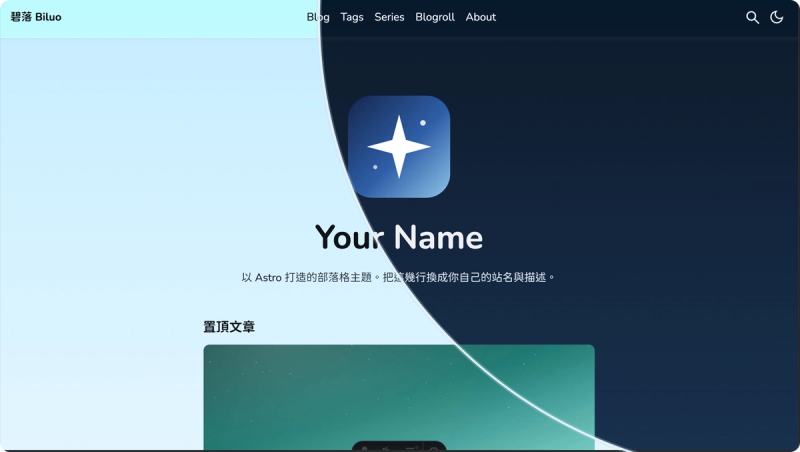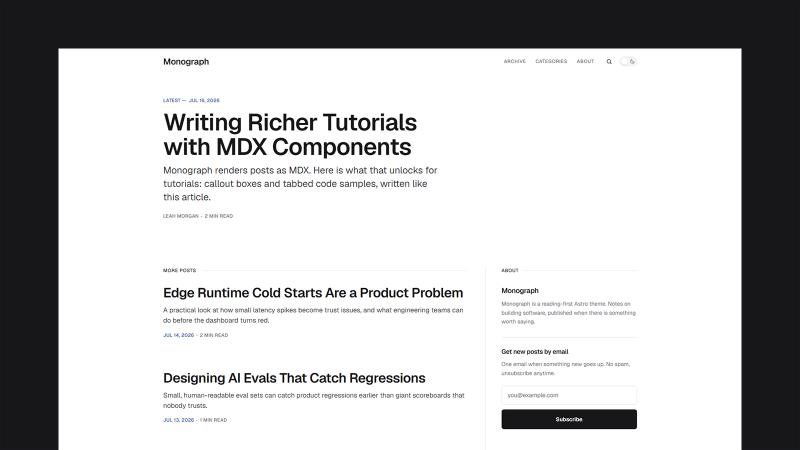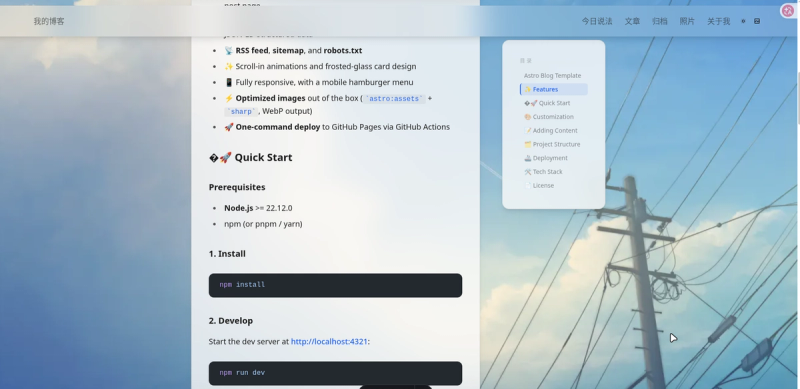
The Astro Blog Template is a static personal blog theme built on Astro 7 and Tailwind CSS 4 that outputs a zero-JavaScript-by-default site into a dist/ folder, with every site setting editable in one TypeScript config file.
What is the Astro Blog Template?
The Astro Blog Template is a personal blog template by ruijieking, released under the MIT license. The template takes Markdown content from three content collections — blog posts in src/content/blog/, short notes in src/content/talk/, and photo folders in src/assets/album/ — and generates a fully static site with RSS, sitemap, robots.txt, and JSON-LD structured data. It requires Node.js 22.12.0 or newer, builds with npm run build, and runs on any static hosting.
Key Features
The template includes a theme switcher, wallpaper system, content collections, archive search, photo albums, table of contents, SEO, and image optimization.
- Zero client JavaScript by default — The site is fully static; default pages ship with no client-side JavaScript, and interactive pieces like the theme toggle are added selectively.
- Dark/light theme with FOUC prevention — The theme switch avoids first-paint flash and remembers the user's choice between visits.
- Wallpaper system with cross-fade — Light and dark themes each load their own wallpaper from src/assets/wallpaper/light and /dark; the file named 默认light.png/默认dark.png or the first image in each folder becomes the default.
- Blog posts via content collections — Markdown frontmatter supports title, description, pubDate, category, and tags, validated by the schema in src/content.config.ts.
- Archive timeline with instant search and multi-tag filtering — Posts are grouped by year and can be filtered by multiple tags at once.
- Photo albums with lightbox — Each folder under src/assets/album/ becomes an album; images get a three-layer stacked cover and a lightbox for large viewing.
- Automatic table of contents — Article headings generate a TOC with smooth scrolling.
- Complete SEO output — Open Graph, Twitter Cards, canonical links, and JSON-LD structured data are generated by the BaseLayout.
- Image optimization — astro:assets with sharp converts images to WebP.
- One-file configuration — src/site.config.ts controls site name, URL, author details, navigation, and the Open Graph image.
Who is the template for?
The template is for individual bloggers who want a fast static site without a CMS, for developers who prefer writing Markdown and editing one config file over maintaining a database, and for photographers and visual writers who want a built-in photo album and a lightweight short-notes section alongside regular posts.
What can you do with it?
Common uses for the template include publishing posts, building photo galleries, and posting short notes.
- Personal bloggers: Publish Markdown posts with categories and tags, and let readers browse them through the year-grouped archive with instant search.
- Photo enthusiasts: Drop images into a new folder in src/assets/album/ and the template builds a gallery with stacked covers and a lightbox automatically.
- Minimalist writers: Post short thoughts in src/content/talk/ without creating a full blog article; each entry needs only an update timestamp.
How does it work?
The setup workflow is: install Node.js 22.12.0 or newer, run npm install, then npm run dev for a local server at localhost:4321. Running npm run build outputs the static site to dist/, and npm run preview serves that production build locally. For GitHub Pages, the included .github/workflows/deploy.yml rebuilds automatically on every push to main, and the repository settings need the Pages source set to GitHub Actions.
FAQ
What Node.js version is required?
The template requires Node.js 22.12.0 or newer. You can use npm, pnpm, or yarn as the package manager.
How do I add a blog post?
Create a new Markdown file in src/content/blog/ with frontmatter containing title, description, and pubDate, and optionally category and tags. The content collection schema in src/content.config.ts validates these fields.
Does the template support GitHub Pages deployment?
Yes. The repository includes a GitHub Actions workflow at .github/workflows/deploy.yml that builds on every push to main. In the GitHub repository settings, set Pages Source to GitHub Actions, and the site publishes automatically.
Can I change the default wallpaper?
Yes. Put your own images in src/assets/wallpaper/light and src/assets/wallpaper/dark. A file named 默认light.png or 默认dark.png, or the first image in each folder, is used as the default wallpaper.
Is the template free to use?
The template is released under the MIT license, so you can use, modify, and redistribute it freely. No attribution is required by the license.