
Template details
Monograph
Free text-first Astro 7 blog theme for essays, notes, and long-form writing with static output, search, and dark mode.
About this template
Monograph is a free, MIT-licensed Astro blog theme focused on essays, notes, and long-form writing, delivering a text-first reading-list front page and a fully static site. It is built on Astro 7 with Tailwind CSS 4 and TypeScript, and it generates all pages at build time so there are no JavaScript islands to hydrate.
What is Monograph?
Monograph is a developer-oriented blog starter that turns Markdown or MDX posts into a static website with category archives, author pages, search, RSS, sitemap, Open Graph, and JSON-LD metadata. Posts live in src/content/posts as folders containing an index.md or index.mdx file plus an optional cover.jpg, and Astro content collections validate frontmatter fields such as title, excerpt, category, date, author, cover, featured, and draft. The theme runs on Node.js 22.12.0 or newer with npm, and the build output is plain HTML and CSS.
Key Features
- Text-first front page — The homepage leads with a large latest post, a whitespace-separated feed with no thumbnails, and a sticky sidebar containing an about blurb, subscribe form, featured posts, and categories with post counts.
- Focused reading view — Article pages use a single 720px centered column, a byline reading "By author in category", a share row above the feature image, copy-link support, previous and next navigation, and related posts.
- Built-in client-side search — A keyboard-friendly command palette and a dedicated results page (
/search/) work without a search service or database; nothing is listed until the first keystroke. - Content collections validation — Frontmatter for titles, excerpts, categories, dates, authors, covers, featured, and drafts is enforced by the schema in
src/content.config.ts, so a typo fails the build rather than shipping a broken page. - Reusable MDX components — The
Calloutcomponent (note/tip/warning/danger) and tabbedCodeGroupcode samples are available in any post with no imports. - System-aware dark mode — A header toggle applies light or dark mode before first paint via a
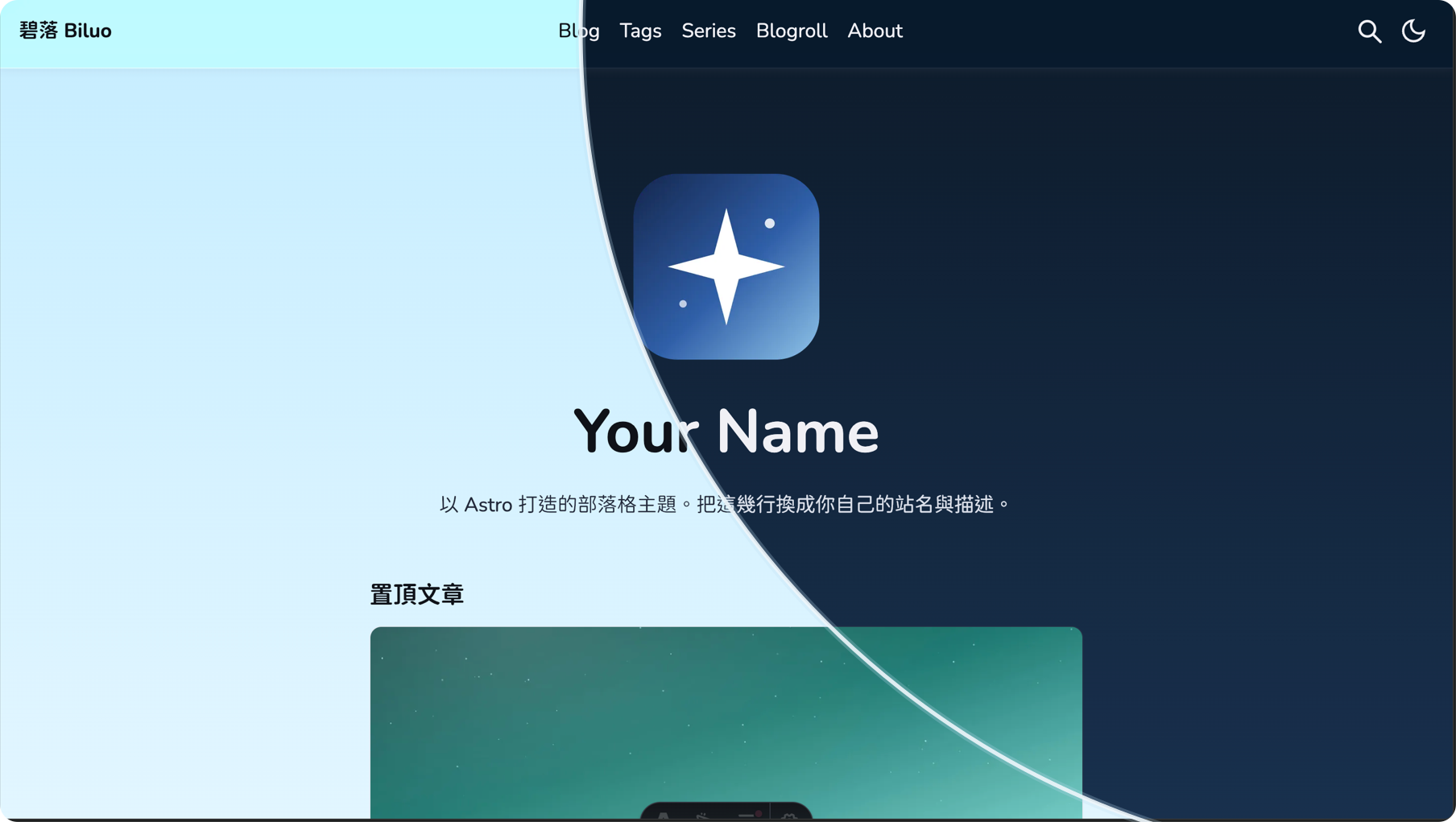
role="switch"control, remembers the reader's choice, and includes reduced-motion support. - SEO and feeds — Canonical URLs, sitemap generation, RSS, Open Graph, Twitter/X cards, and JSON-LD all derive from the
siteUrlsetting insrc/config/site.ts. - Tailwind CSS 4 tokens — Styling is configured through cascade layers with no external font requests by default.
Who should use Monograph?
- Essayists and long-form writers can publish articles in Markdown or MDX and get a calm, monochrome reading experience with a single accent color for links, dates, and hover states.
- Developer bloggers can use Monograph as a starter to build a personal site on Astro 7, customizing theme tokens, fonts, and icons, and deploying static output anywhere.
- Designers can customize the site through a small set of config files covering site settings, navigation, categories, authors, newsletter and contact forms, search, reading mode, motion, theme tokens, fonts, and icons.
What can you do with Monograph?
- Publish a personal blog: Write posts in Markdown or MDX with optional cover images, feature flags, and draft status; the build calculates read time from the post body automatically.
- Organize by categories: Define one short category list in
src/config/categories.ts; the theme generates a/categories/index with descriptions and counts and a per-category archive. - Provide newsletter and contact forms: Use the provider-neutral forms that run as working demos until an endpoint is configured.
- Build a searchable knowledge base: Take advantage of the built-in search over the generated
search-index.json, with no external search service.
How does Monograph work?
After running npm install and npm run dev, posts are added as folders in src/content/posts. Each post uses frontmatter, and the category must match an entry in src/config/categories.ts. Authors are derived from a shared name in frontmatter, so posts are grouped into an author archive automatically. Before deploying, set the siteUrl in src/config/site.ts because canonical URLs, RSS, sitemap, social images, and JSON-LD all derive from it.
FAQ
Is Monograph free?
Yes, Monograph is free and provided as-is under the MIT license, which permits personal and commercial use. The license file also lists the licenses of the bundled fonts, icons, and demo images.
What are the requirements for Monograph?
Monograph requires Node.js 22.12.0 or newer and npm. It uses Astro 7, Tailwind CSS 4 through the Vite plugin, and Sharp for image processing.
Does Monograph support dark mode?
Yes, Monograph includes system-aware light and dark modes behind a header toggle switch. The mode is applied before first paint, and the reader's choice is remembered.
What content formats does Monograph support?
Monograph supports Markdown and MDX through Astro content collections. Posts can include optional cover images, and reusable MDX components like Callout and tabbed CodeGroup are available without imports.