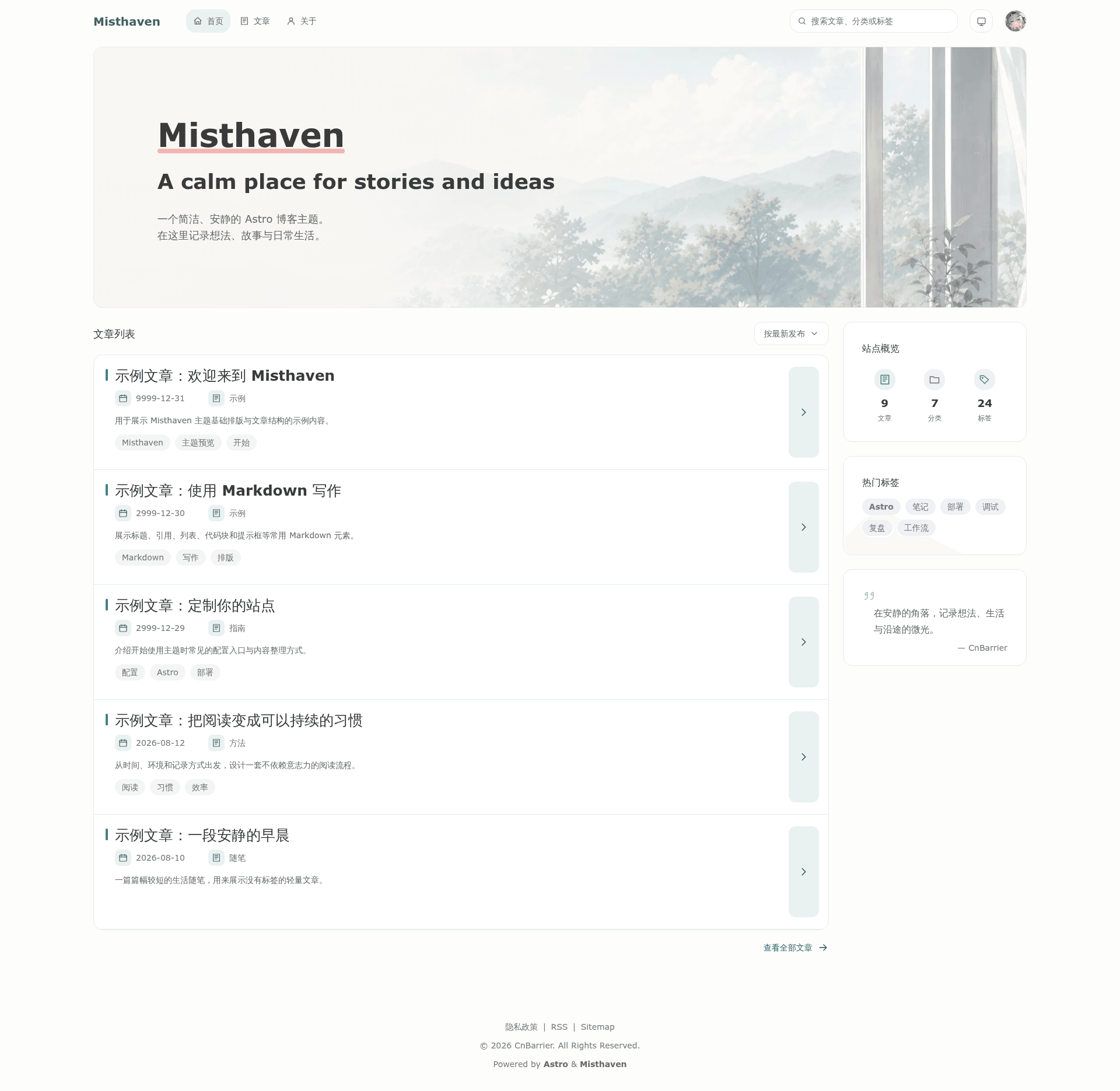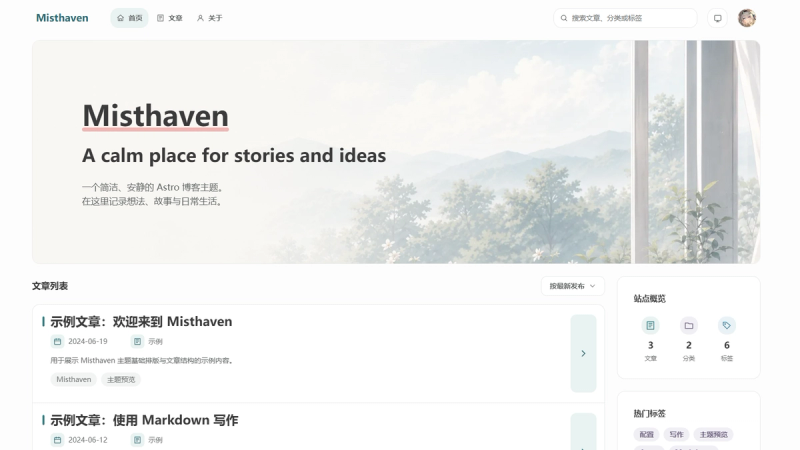
Misthaven is an open-source Astro blog theme tailored for calm, distraction-free writing, with Markdown-based content, configurable site settings, and static output.
What is Misthaven?
Misthaven is a minimalist blogging theme for the Astro static site generator. It takes Markdown files from src/content/posts/ as input and produces a static website with RSS, Sitemap, article search, and reading progress. The theme is maintained by CnBarrier and released under the MIT license.
Key Features
- Reading layout — Spacious whitespace, restrained colors, and comfortable typography keep the focus on content.
- Dark and light themes — Includes both color schemes and responsive design for mobile and desktop screens.
- Markdown writing — Posts live in
src/content/posts/; copy_template.mdto start a new article, and setdraft: trueto exclude it from production builds. - Article search — Readers can search the site's posts without an external service.
- SEO and feeds — Sitemap generation, an RSS feed, and friendly SEO basics are included by default.
- Post enhancements — Table of contents, a reading progress indicator, and an optional outdated-content notice improve long-form reading.
- Optional integrations — Open Graph image generation, Artalk comments, and Markdown Negotiation can be enabled from config.
- Config-driven customization — Site settings are centralized in
src/config/with separate TypeScript files for site, about, navigation, footer, comments, and fonts.
Who is it for?
- Personal bloggers — Publish essays, ideas, and day-to-day life updates with a layout that lets words breathe.
- Writers and storytellers — Share long-form stories where typography and reading comfort matter.
- Developers — Customize a TypeScript-based Astro theme with structured content collections and a small set of config files.
- Static-hosting users — Build a static site that can be deployed to GitHub Pages or any similar file host.
What can you do with Misthaven?
- Publish a personal blog: Write posts in Markdown, set the draft flag, and run
npm run buildto generate static files indist/. - Customize site metadata: Edit
siteConfig.tsto set the site name, description, domain, author, and social sharing settings. - Add comments: Enable Artalk comments via
commentConfig.ts. - Deploy for free: The static output works with GitHub Pages and other static hosts.
How does Misthaven work?
Misthaven requires Node.js 22.12.0 or higher. You clone the repository, run npm install, and start development with npm run dev, which serves the site at http://localhost:4321. For production, run npm run build to output the site to dist/.
FAQ
Does Misthaven require a database or CMS?
No. Misthaven is a static site generator; content is authored as Markdown files in src/content/posts/. There is no database, and the build produces plain HTML, CSS, and JavaScript.
Can I use Misthaven for free?
The theme is open-source under the MIT license, so it is free to use and modify. You only pay for hosting; static hosting services often have free tiers.
Does Misthaven support dark mode?
Yes, the theme includes both light and dark themes plus responsive design. The exact toggle behavior depends on how the theme's settings are configured.
What Node.js version do I need?
Misthaven requires Node.js 22.12.0 or higher. The quick start is git clone, npm install, and npm run dev.
Where do I configure my site's name and URL?
Most settings are in src/config/siteConfig.ts and related files such as aboutConfig.ts, navigationConfig.ts, footerConfig.ts, commentConfig.ts, and fontConfig.ts. Set the siteUrl property to your production domain before building.