Template details
Astro Career Walking Deck
Card-based career portfolio built with Astro, Tailwind CSS, and Shadcn UI for telling your professional story.
About this template
The Astro Career Walking Deck is a card-based portfolio template built with Astro, Tailwind CSS, and Shadcn UI that presents your professional background as a grid of single-page story cards instead of a traditional résumé.
What is the Astro Career Walking Deck?
The Astro Career Walking Deck is a free, MIT-licensed portfolio and career-story template developed by Kyle James (KJ) and adapted from the AREA44 Astro Shadcn UI Template by BUE221. It takes your career data — experience, studies, interests, values, personality, aspirations, and achievements — defined in a TypeScript constants file, and produces a responsive single-page site with ten distinct card sections. The template runs on Astro with React for interactive components, Tailwind CSS for styling, Shadcn UI for component primitives, and Motion for card animations. It is preconfigured to deploy automatically to GitHub Pages via GitHub Actions.
Key Features
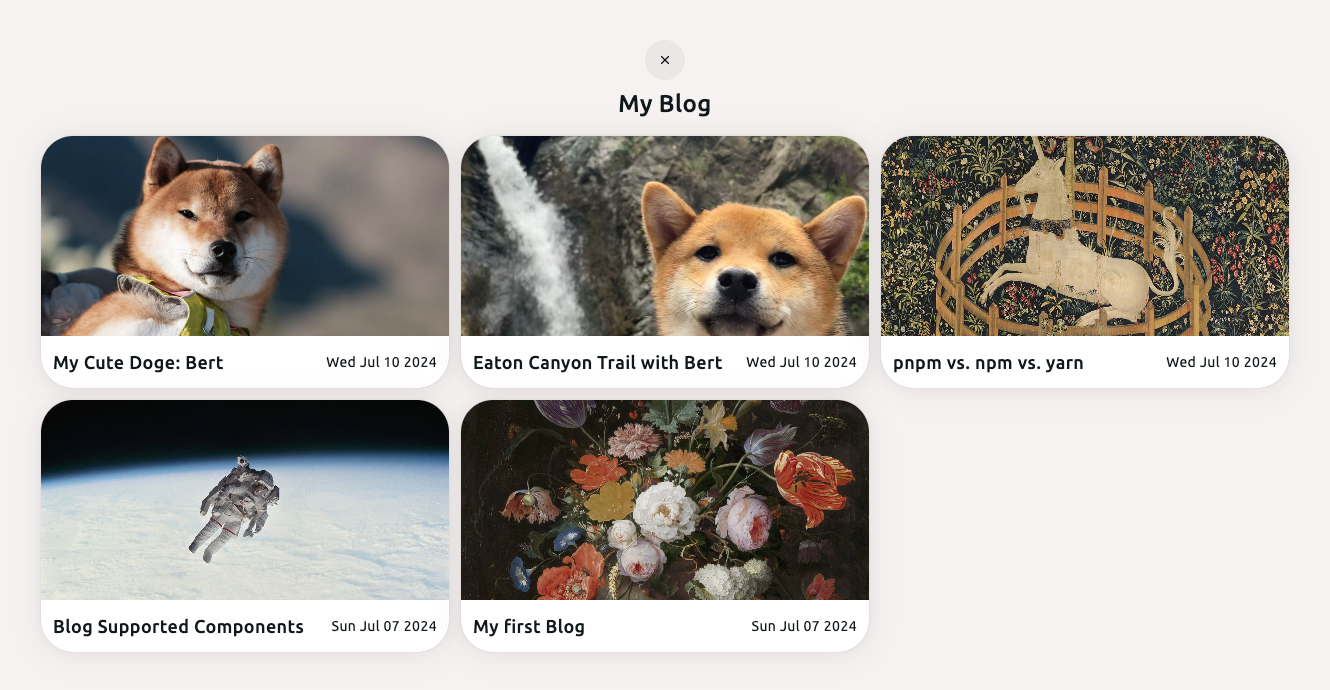
- Card-based grid layout — A custom CSS Grid arranges ten content sections in a 4-column layout on large screens (with a 1-col + 3-col mixed pattern), 2 columns on medium screens, and a single column on small screens.
- Ten prebuilt section cards — Intro, CV (with resume preview and download), Experience, Interests, Values, Personality (MBTI and Clifton Strengths), Aspirations, Study, Stretching (mentoring), and Proud Of cards are included as Astro components.
- Dark/light theme toggle — A theme switcher is built in, with global styles in
src/styles/globals.cssand Tailwind configuration intailwind.config.ts. - Interactive animations — The Motion library powers smooth card transitions and hover effects across the grid.
- GitHub Pages automation — A GitHub Actions workflow detects the repository name and sets the correct
BASE_URLautomatically, so deployment works for both project pages and user pages. - Content centralized in TypeScript — Editable arrays and objects in
src/lib/constants.tsholdEXPERIENCE,STUDIES, andLINKSdata, so most content updates happen in one file. - Modern toolchain — Uses Astro, React, TypeScript, Tailwind CSS, and pnpm (v8.15.5+ required, Node.js 20+).
Who is it for?
- Job seekers and career switchers — Create a visual "tell me about yourself" story for interviews or networking, replacing static presentation slides with an interactive web page.
- Web designers and producers — Use the single-page card layout as a personal brand site that highlights experience, values, and personality in a structured grid.
- Students and recent graduates — Showcase educational background, interests, and aspirations alongside a downloadable résumé in one URL.
What can you do with it?
- Replace a presentation deck — Answer the question "tell me about yourself" with a live web page rather than slides, using the ten cards to cover career narrative in order.
- Maintain a lightweight portfolio — Update experience, studies, and links in
src/lib/constants.ts, then push to themainbranch to trigger a fresh GitHub Pages build. - Customize the look — Change global styles and Tailwind config, or edit individual card components in
src/components/sections/to adjust layout and content per section.
How does it work?
- Clone the repository from GitHub and install dependencies with
pnpm install(pnpm 8.15.5+ and Node.js 20+ required). - Run
pnpm devto start a local development server athttp://localhost:4321. - Edit content in
src/lib/constants.tsand component files, then runpnpm buildandpnpm previewto verify the production build. - Push to the
mainbranch; the included GitHub Actions workflow builds and deploys to GitHub Pages automatically, settingBASE_URLfrom the repository name.
Pricing
The template is free and open source under the MIT License. No pricing tiers or paid features are mentioned in the repository.
FAQ
What Node.js version do I need?
Node.js version 20 or higher is required, along with pnpm version 8.15.5 or higher. The project uses pnpm as its package manager; the pnpm-lock.yaml file is included.
How do I deploy to GitHub Pages?
Enable GitHub Pages in your repository settings and set the Source to "GitHub Actions". The workflow auto-detects whether your site is a user page or a project page and configures the BASE_URL accordingly; every push to main triggers a deployment.
Can I use this without GitHub Pages?
Yes, you can build the site locally with pnpm build and host the static output anywhere. The BASE_URL is specifically designed for GitHub Pages, but you can override it via a repository secret named BASE_URL if needed.
How do I update my résumé?
The CV card links to a file in the public/ directory — place a PDF there and update the corresponding link in the relevant component. The CV card also functions as a preview and download entry point.
Is the template easy to customize?
Most content changes happen in src/lib/constants.ts for data arrays and link objects, while visual changes are handled by src/styles/globals.css and tailwind.config.ts. Each section has its own component under src/components/sections/.