Template details
Gatsby Starter Multiverse
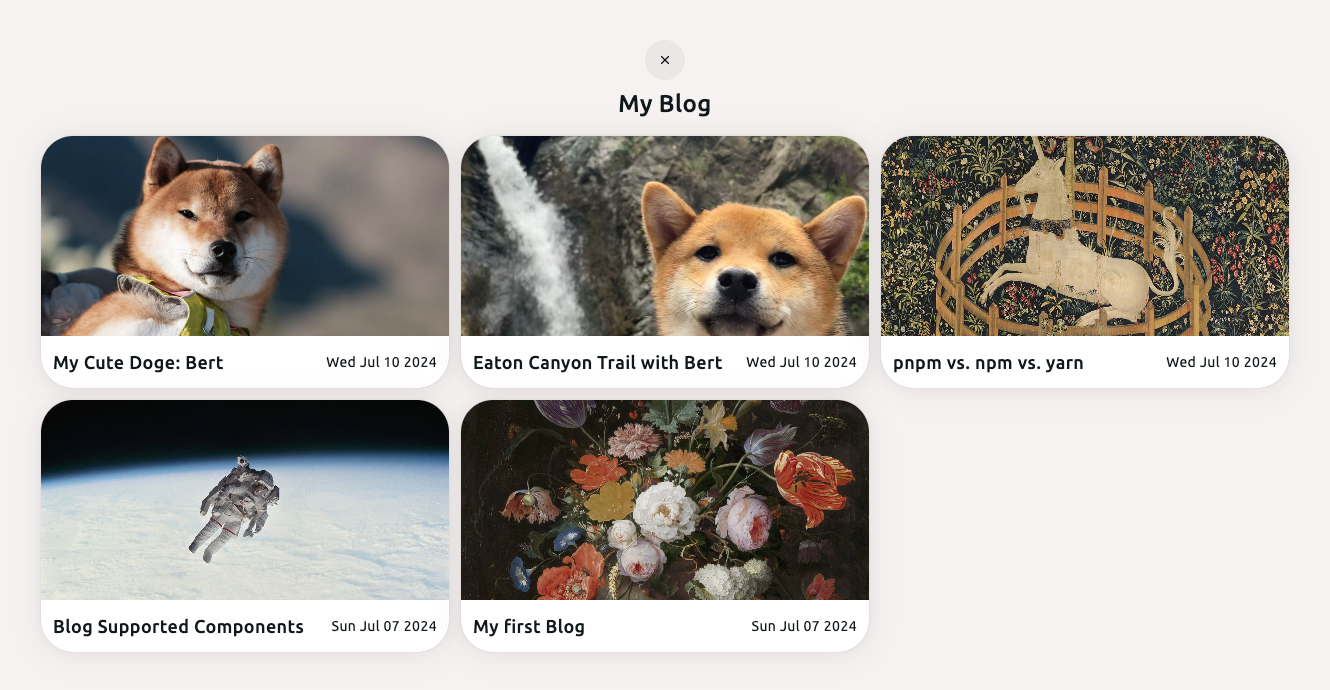
Gatsby.js v4 starter template based on the Multiverse design by HTML5 UP, featuring a portfolio grid with lightbox.
About this template
Gatsby Starter Multiverse is an open-source Gatsby.js v4 starter template that builds a portfolio website using the Multiverse design by HTML5 UP.
What is Gatsby Starter Multiverse?
Gatsby Starter Multiverse is a Gatsby.js v4 starter template that creates a single-page portfolio site with a grid of project panels that open into a full-screen lightbox. It takes a configuration file (config.js) as input and produces a static site that you can deploy to GitHub Pages or any static host. The template is maintained by Anubhav Srivastava and is part of a series of Gatsby starters based on HTML5 UP designs.
Key Features
- Based on HTML5 UP Multiverse — Responsive one-page portfolio layout with a tiled image grid and lightbox viewer.
- Config-driven personalization — Edit config.js to set the site title, heading, subheading, and social media links with icons.
- GitHub Pages deployment — A default npm run deploy script uses the gh-pages module to publish the site.
- Path prefix support — Includes a pathPrefix setting in config.js for hosting on a subpath; remove it for root domains.
- Gatsby v4 — Built on the Gatsby v4 framework for performance and modern React-based development.
- MIT licensed — Free to use, modify, and distribute under the MIT license.
Who is it for?
- Freelance designers and developers — Launch a portfolio site quickly without designing the layout from scratch.
- Photographers and visual artists — Display work in an image-heavy grid with lightbox viewing.
- Students learning Gatsby — Use a working starter to study Gatsby project structure and configuration.
What can you do with it?
- Create a personal portfolio — Set your name, bio, and social links in config.js and deploy to GitHub Pages within minutes.
- Showcase a photo collection — Replace the placeholder images in the assets folder with your own to build a photography portfolio.
How does it work?
Install it with the Gatsby CLI using the command gatsby new your-site-name https://github.com/anubhavsrivastava/gatsby-starter-multiverse, then run npm install and gatsby develop to start a local dev server. Customize config.js and rebuild; deploy with npm run deploy.
Alternatives
- Gatsby Starter Grayscale — Another starter from the same author, based on HTML5 UP's Grayscale design.
- Gatsby Starter Phantom — A different HTML5 UP design by the same author, using a panel-based layout.
- Gatsby Starter Prologue — A sidebar-style portfolio template from the same series.
FAQ
Is Gatsby Starter Multiverse free?
Yes, the template is open source and released under the MIT license, so you can use it for personal or commercial projects without charge.
What design is this starter based on?
It is based on Multiverse, a design from HTML5 UP. The layout features a grid of thumbnails that open into a full-screen lightbox preview.
Does it support social media links?
Yes, config.js contains a socialLinks array where you can add icons and URLs for platforms like GitHub. Icons are specified by icon name, such as fa-github.
How do I deploy it to GitHub Pages?
The package.json includes a deploy script that uses the gh-pages module. Running npm run deploy publishes the built site to GitHub Pages. You may need to set the pathPrefix in config.js if hosting under a subpath.