Template details
Next Starter Peacock
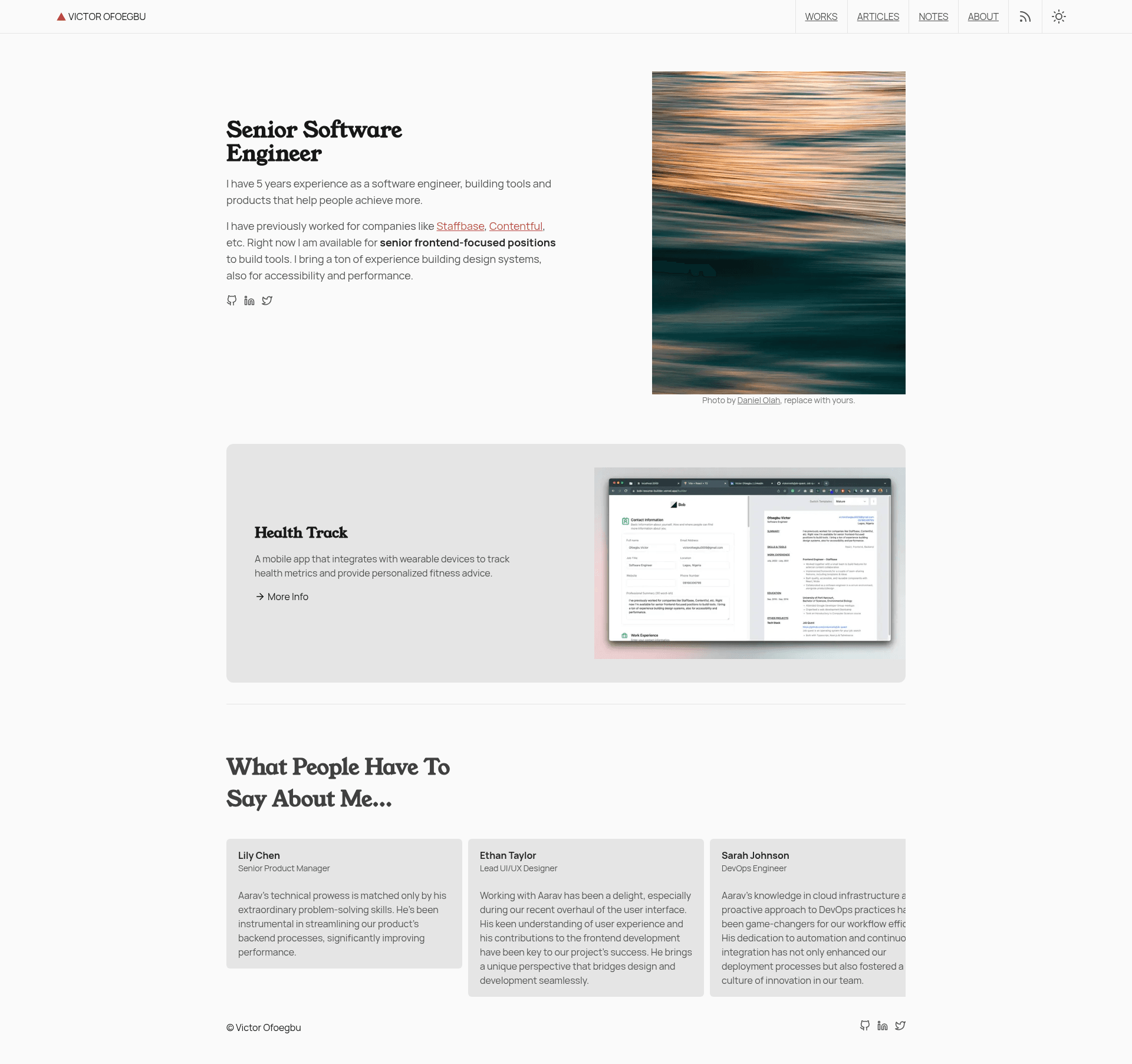
Next.js portfolio starter for engineers and designers with Tailwind CSS, TypeScript, and blog, notes, and works content types.
About this template
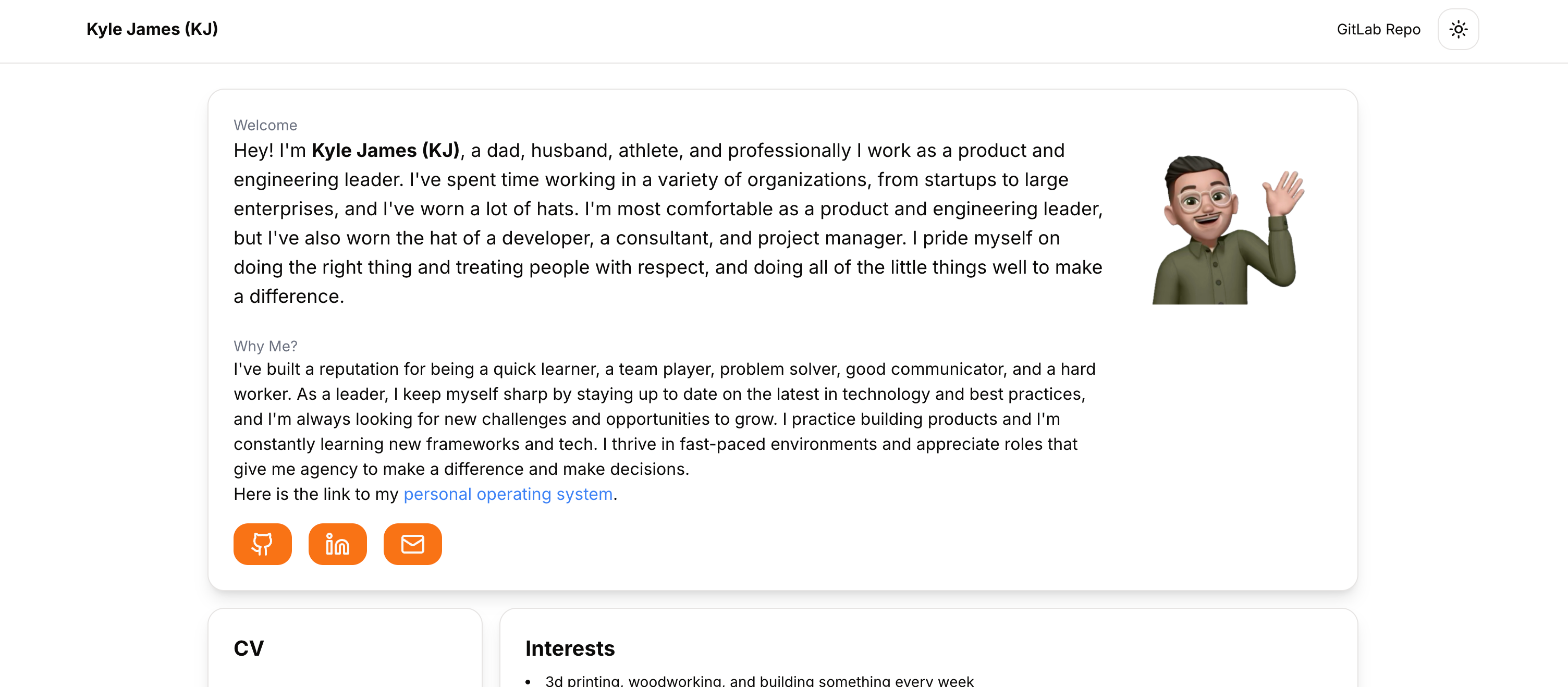
Next Starter Peacock is a Next.js portfolio starter for software engineers and designers, built to turn markdown content into a personal site with articles, notes, and project case studies.
What is Next Starter Peacock?
Next Starter Peacock is an open-source portfolio starter built on Next.js 14 with the App Router and React Server Components, written in TypeScript and styled entirely with Tailwind CSS. It takes markdown files from three content folders — content/articles, content/notes, and content/works — and renders them as a complete personal portfolio website with separate listing pages and a homepage that can feature selected works. The project lives on GitHub at vickOnRails/next-starter-peacock and is maintained by Vick on Rails.
Key Features
- Next.js 14 with React Server Components — Uses the App Router, so pages are server-rendered by default and the starter is written in TypeScript.
- Tailwind CSS styling — The entire interface is built with Tailwind utility classes, giving you a custom design without a component library.
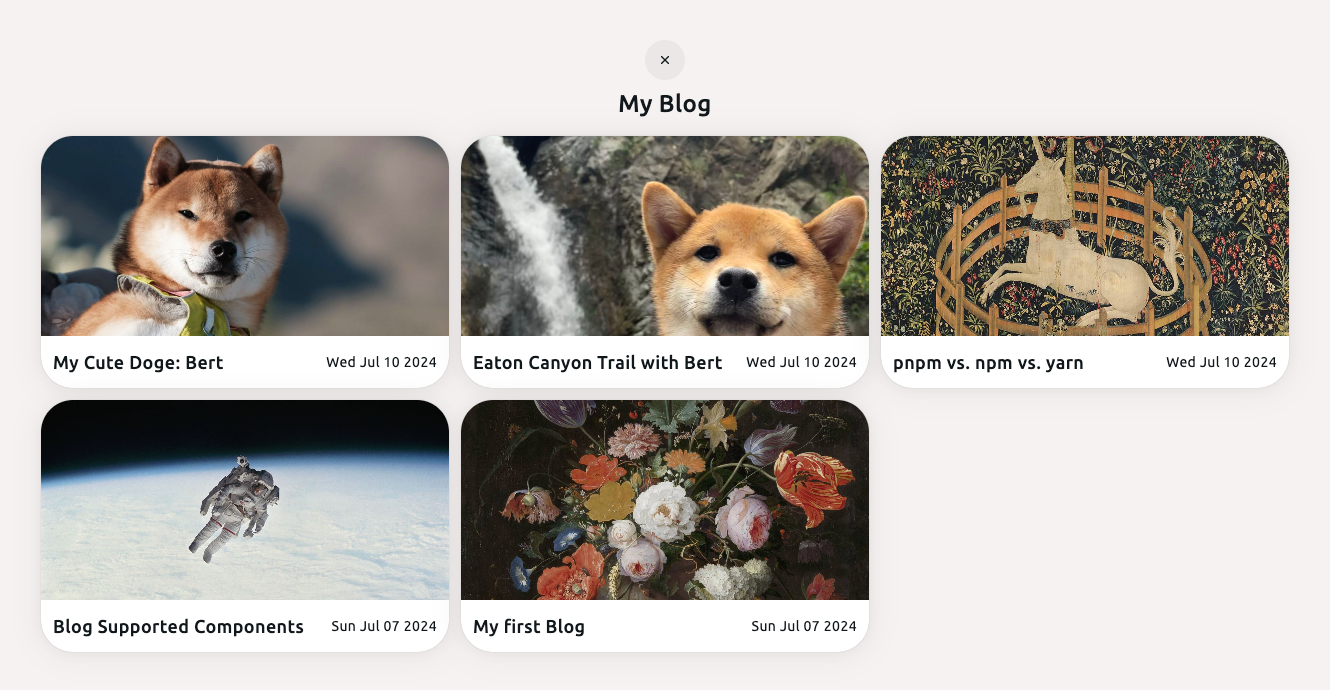
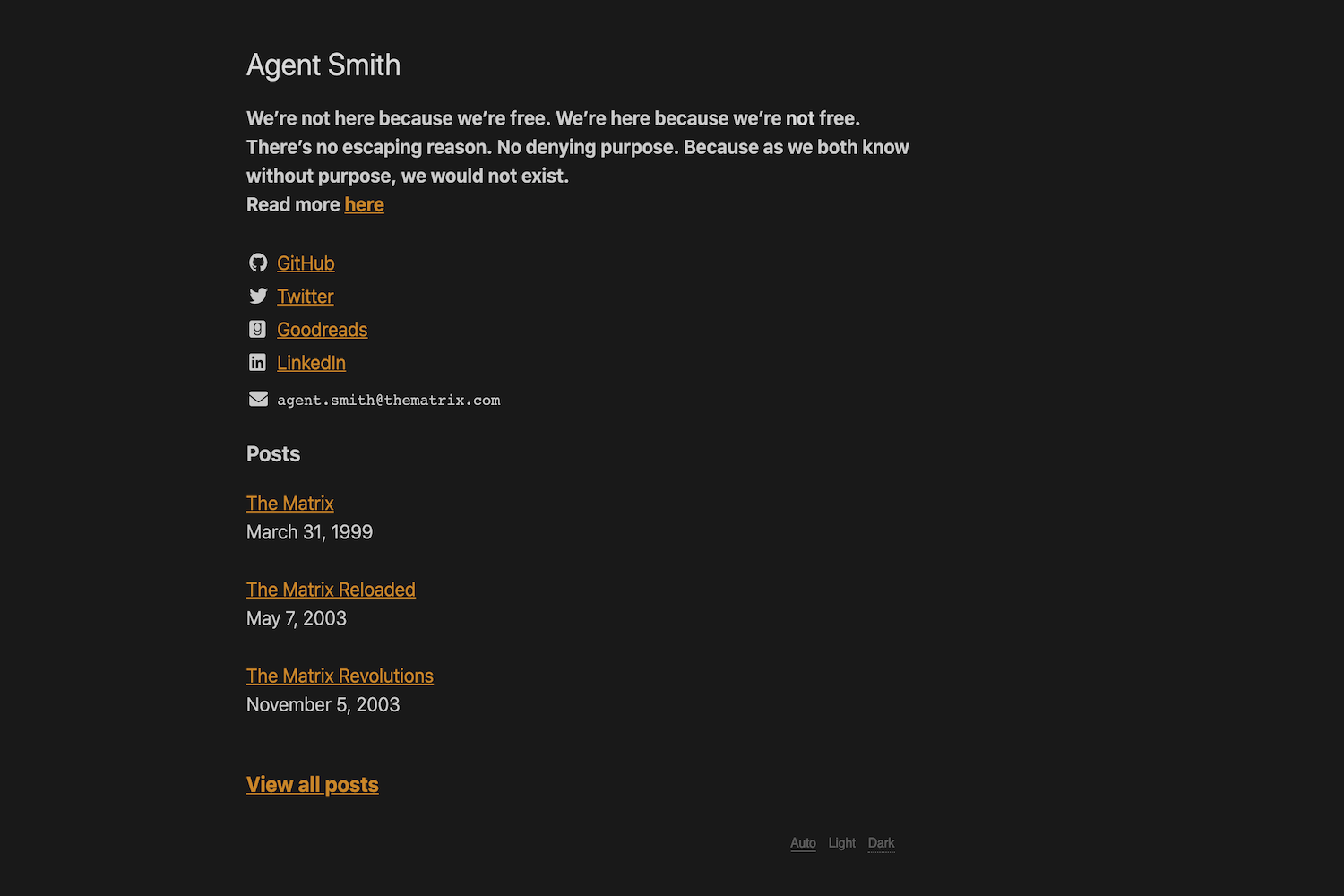
- Three markdown content types — Articles (long-form posts in content/articles) appear on the /articles page, notes (short-form posts in content/notes) get their own notes page, and works (case studies in content/works) power the portfolio section.
- Selected works on the homepage — Setting selectedWork to true in a work file's markdown metadata makes that case study appear on the index page.
- RSS feed — The starter includes RSS generation so visitors can subscribe to your published content.
- Page transitions with framer-motion — Route changes are animated using the framer-motion library.
- Code syntax highlighting — Code blocks inside markdown content are highlighted automatically.
- Vercel deployment ready — The README points to the Vercel platform for one-command deployment and links to Next.js deployment docs.
Who is Next Starter Peacock for?
- Software engineers who want a personal portfolio and blog without building from scratch — they fork the repo, add content, and deploy.
- Designers who need a Tailwind CSS–based site to showcase case studies and design work with a custom look.
- Technical writers and bloggers who want to publish markdown articles and notes with RSS support.
- Freelancers who want a professional homepage featuring selected projects to attract clients.
What can you do with Next Starter Peacock?
- Build a portfolio: Add markdown case studies to content/works and set selectedWork to true to display them on the homepage.
- Start a blog: Drop markdown files into content/articles and they appear on the /articles page with syntax highlighting and an RSS feed.
- Share short notes: Write spontaneous ideas in content/notes for a separate notes section.
- Customize your identity: Change name and title in config/index.json, then run the dev server or deploy to Vercel.
How does Next Starter Peacock work?
Getting started takes four steps: fork the repository on GitHub, clone your fork, install dependencies with yarn or npm, and run the dev server. After that, edit config/index.json to set your name and title, then add content in the appropriate content folder. The site is ready to deploy to Vercel.
FAQ
Is Next Starter Peacock free to use?
Yes, it is an open-source starter published on GitHub. You can fork it freely, and the maintainer recommends forking to receive upcoming features and bug fixes.
What content types does it support?
It supports three markdown-based content types: articles for long-form posts, notes for short-form updates, and works for project case studies. Each lives in its own content folder and gets its own listing page.
What is the tech stack behind the starter?
The starter uses Next.js 14 with the App Router and React Server Components, TypeScript for type safety, Tailwind CSS for styling, and framer-motion for page transitions. Code syntax highlighting and RSS are included.
How do I feature a project on the homepage?
In a work file under content/works, set the selectedWork field to true in the markdown front matter. That work will then be displayed on the index page.
Can I deploy to Vercel?
Yes, the README links directly to the Vercel platform for importing a Next.js app, and it also links to the official Next.js deployment documentation.