Template details
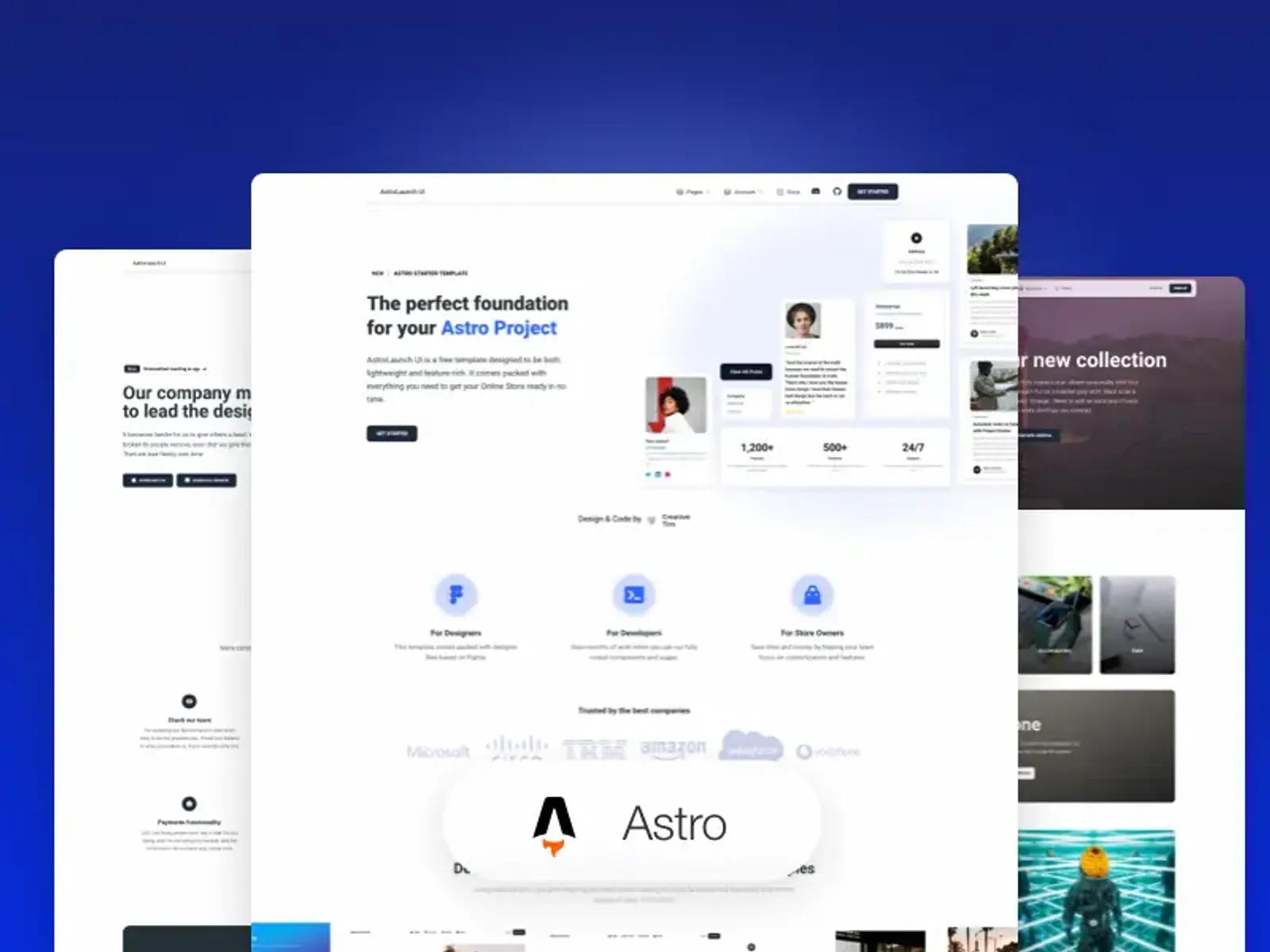
Astro CMS Template with Directus Integration
Astro 6 boilerplate with Directus headless CMS, featuring visual editing, draft preview, and a dynamic page builder.
About this template
The Astro CMS Template with Directus Integration is a boilerplate for building CMS-powered websites on Astro 6 with Directus as the backend, providing file-based routing, visual editing, and live preview out of the box.
What is the Astro CMS Template with Directus Integration?
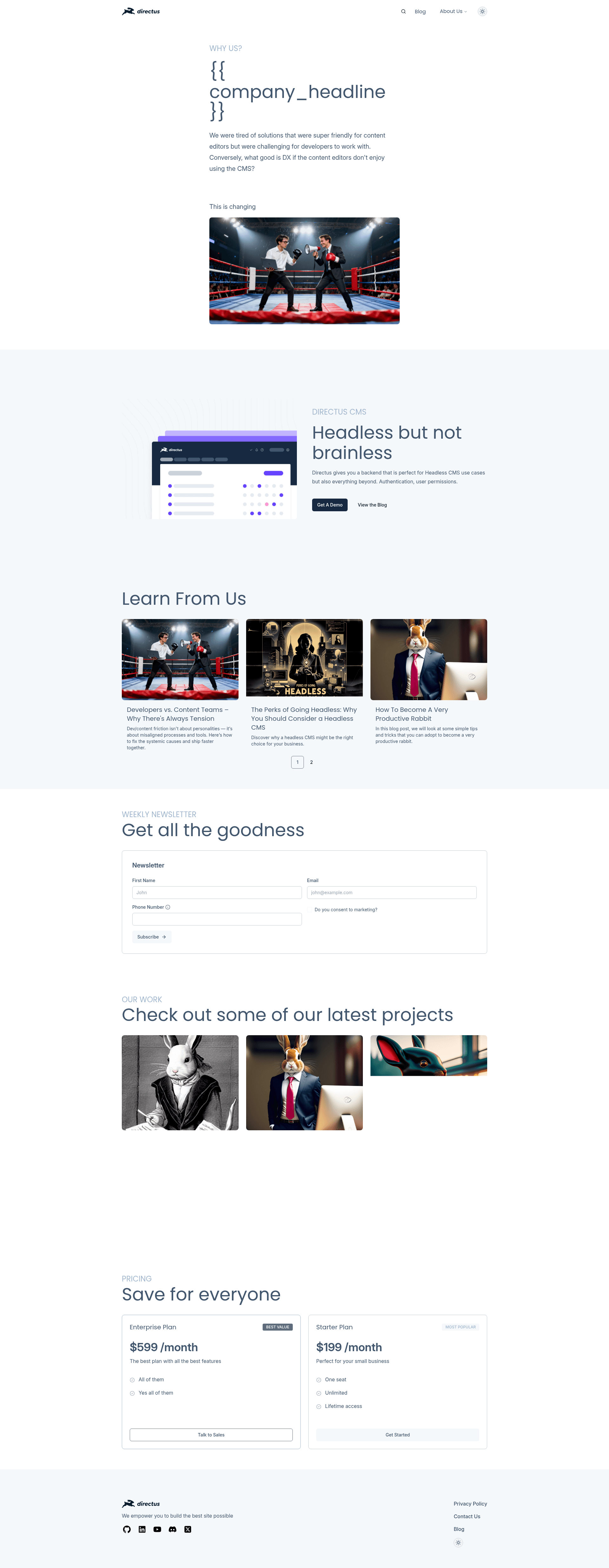
This starter repository from Directus Labs pairs Astro 6 (with file-based routing) with the Directus headless CMS, using Tailwind CSS and Shadcn-style components for the UI and TypeScript for type safety. The template takes a Directus project URL and an API token as input, and produces a server-rendered Astro site with blog, dynamic pages, forms, and search. It also includes a dynamic page builder that renders CMS-defined blocks (Hero, Gallery, Posts, Pricing, RichText, etc.) into Astro pages.
Key Features
- Astro 6 file-based routing — Layouts and dynamic routes (like
[...permalink].astroandblog/[slug].astro) are defined as files, mapping URLs directly to the page structure. - Full Directus integration — The template uses the Directus API to fetch and manage relational content; server-side fetchers live in
src/lib/directus/fetchers.ts. - Draft mode and live preview — Supports Directus 12's
published/draftversion keys; preview URLs withversion=draftload unpublished content, and visual editing highlights CMS blocks. - Dynamic page builder — A
PageBuilder.astrocomponent assembles configurable blocks (Hero, Gallery, Posts, Form, Pricing, RichText, ButtonGroup) into pages, with React versions of each block for visual editing. - Tailwind CSS and Shadcn components — Rapid UI styling with Tailwind, plus pre-built UI components in
src/components/ui(including ThemeToggle, SearchModal, ShareDialog). - TypeScript and schema generation — A
generate:typesscript uses directus-sdk-typegen to generate TypeScript types from your Directus schema. - pnpm and linting setup — The project is preconfigured for pnpm (with an
.nvmrcfor Node version) and includes ESLint and Biome for linting and formatting. - One-click deploy to Vercel — A Vercel deploy button clones the repo and sets the required environment variables (
PUBLIC_DIRECTUS_URL,PUBLIC_SITE_URL,DIRECTUS_SERVER_TOKEN,PUBLIC_ENABLE_VISUAL_EDITING); Netlify deployment is supported with an adapter swap.
Who should use the template?
- Frontend developers building a marketing site, blog, or content-heavy application on Astro who want a preconfigured Directus backend instead of hand-rolling API clients.
- Content teams using Directus who need a front-end with draft preview and visual editing, so editors can see unpublished changes before going live.
- Agencies and freelancers delivering CMS projects to clients — the page builder and form builder let non-technical editors publish pages and handle submissions without code changes.
What can you do with the template?
- Blog publishing: Create a blog with slug-based routes (
/blog/[slug]) and Directus-driven content, with live preview for draft articles. - Marketing pages: Use the dynamic page builder to assemble landing pages from blocks like Hero, Gallery, and Pricing, all editable through Directus visual editing.
- Form handling: Build dynamic forms with validation via
DynamicFormandFormBuilder, and store submissions back to Directus. - Search: The
src/pages/api/search.tsendpoint provides API-based search across your content.
How does the template work?
After cloning the repo, you copy .env.example to .env and set the Directus URL, site URL, and server token. Run pnpm install and pnpm run dev to start the site at localhost:3000. To generate TypeScript types for your Directus schema, run pnpm run generate:types, which prompts for an admin token (or uses DIRECTUS_ADMIN_TOKEN). The template only needs a server-side token for preview/draft/form features — with a licensed Directus instance you can use a user token scoped to the Live Preview and Forms policies.
FAQ
Does the template support live preview for unpublished content?
Yes. The template implements Directus Draft Mode, so preview URLs with version=draft (or a custom version key) fetch the draft from the API, while version=published (or legacy version=main) loads live content. Visual editing is enabled by default via PUBLIC_ENABLE_VISUAL_EDITING.
Why is my live preview not working?
Directus Cloud requires HTTPS for previews, so local previews need an HTTPS tunnel (e.g., ngrok or localtunnel) and proper CSP headers. For self-hosted setups, the .env.example includes CSP configuration; details are in the Directus README troubleshooting section.
Can I deploy this template to Netlify?
Yes, but it is preconfigured for Vercel. To deploy on Netlify, install @astrojs/netlify, swap the adapter in astro.config.ts, and redeploy. The repo also includes a Vercel one-click deploy button.
How do I generate TypeScript types for my Directus schema?
Run pnpm run generate:types. It requires an admin token with permission to read system collections like directus_fields; you can provide it interactively or set DIRECTUS_ADMIN_TOKEN in the environment for CI.
Does this template work with Directus Cloud?
Yes. You need a Directus instance (cloud or self-hosted), set PUBLIC_DIRECTUS_URL to its URL, and configure the server token. For preview, Directus Cloud requires HTTPS, and the template's CSP must include your site domain.