Template details
Astro Collaborative Starter
Add real-time multiplayer presence to Astro sites with live cursors, avatars, forms, and drawing components powered by Liveblocks.
About this template
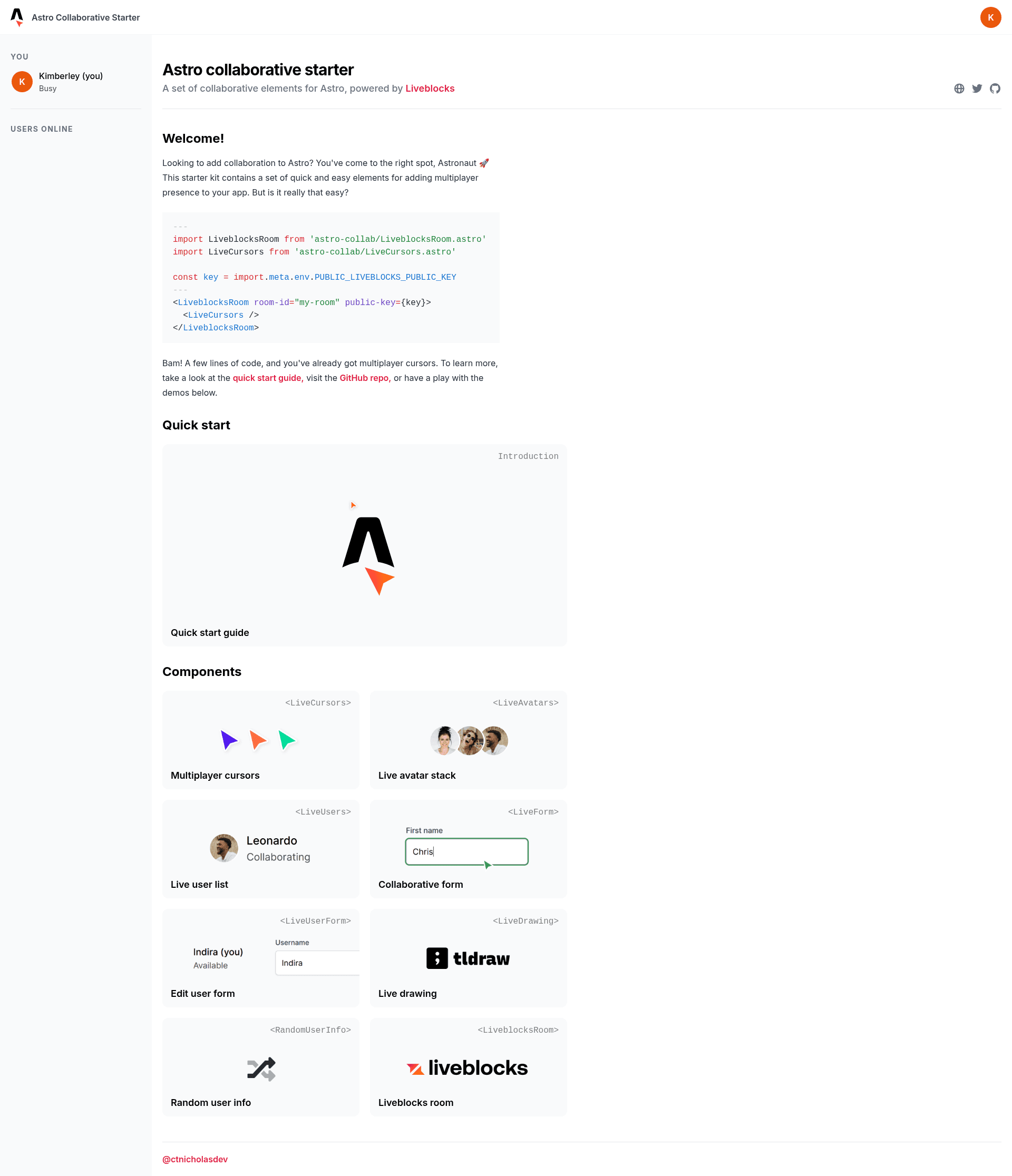
Astro Collaborative Starter is a starter kit created by developer CTNicholas for adding real-time multiplayer presence to Astro websites. It packages a set of ready-made collaboration components — live cursors, live avatars, shared forms, and a collaborative drawing canvas — that sync across visitors through Liveblocks.
What is Astro Collaborative Starter?
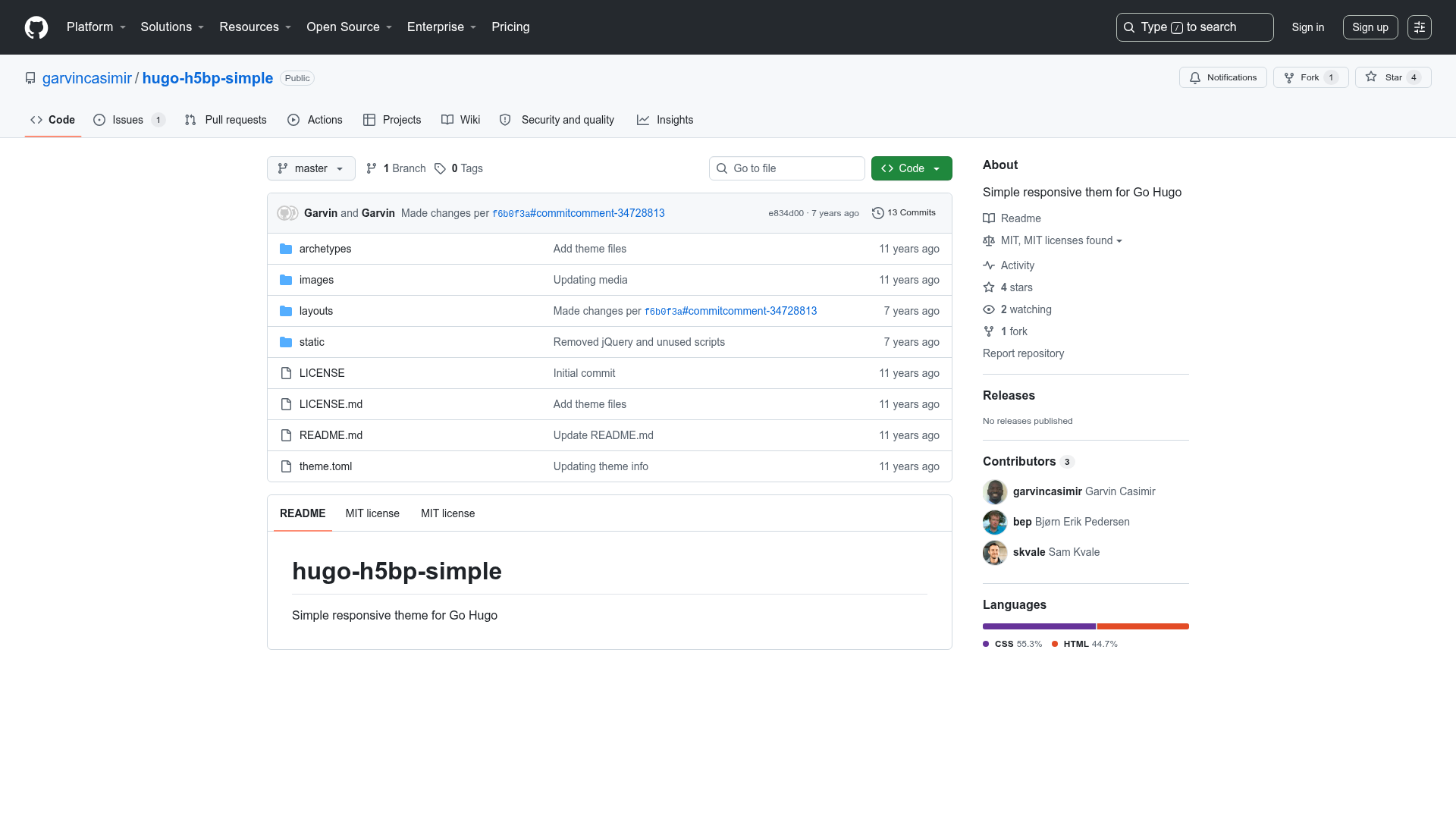
Astro Collaborative Starter is a GitHub repository that doubles as an Astro starter template and as an installable NPM package called astro-collab. It provides drop-in Lit-based web components that connect to Liveblocks rooms, so any Astro site can get multiplayer presence without building the synchronization infrastructure from scratch. The project is maintained by CTNicholas, and a live demo with a full written guide is hosted at astro-collaborative-starter.ctnicholas.dev.
Key Features
- Live Cursors — Displays the cursor position of every connected user in real time, using Liveblocks presence broadcasting.
- Live Avatars — Shows a stack of avatars for the people currently viewing the page, updated as they join or leave.
- Live Users — Renders a list of active users with their names, ideal for dashboards or collaborative pages.
- Live Form — Syncs form input values across all visitors so everyone sees the same data as it's typed.
- Live User Form — Combines the live form with user identity, attaching each entry to the person who made it.
- Live Drawing — A collaborative whiteboard built on tldraw, letting multiple people sketch on the same canvas simultaneously.
- Random User Info — Generates and shares arbitrary user data for demos, useful for testing presence features without a backend.
- NPM Installation — The components are published as
astro-collab, so developers can install them withnpm i astro-collabinstead of cloning the whole starter.
The stack is Astro for the site framework, Lit for the reusable web components, Liveblocks for real-time state and WebSocket management, and tldraw for the drawing surface.
Who is it for?
- Astro developers who want to add live multiplayer features to a static site without managing a complex realtime backend.
- Starter kit users looking for a well-organized example of integrating Liveblocks with Astro and Lit components.
- Prototype builders who need quick collaborative elements like shared cursors, presence lists, or drawing boards for a hackathon or MVP.
Use cases
- Community sites and blogs — Show live cursors and avatars alongside content to give readers a sense of shared presence.
- Collaborative tools — Use the Live Drawing and Live Form components to let teams sketch, annotate, or fill in documents together.
- Interactive demos — Deploy the built-in Random User Info and Liveblocks Room components to explore how presence and broadcast events behave.
How does it work?
You can start from the repository itself as a template, or install the components into an existing Astro project by running npm i astro-collab. Each component connects to a Liveblocks room, and the demo website shows each one in action with its own page and code sample. The quick-start section on the demo site walks through the required environment keys and setup.