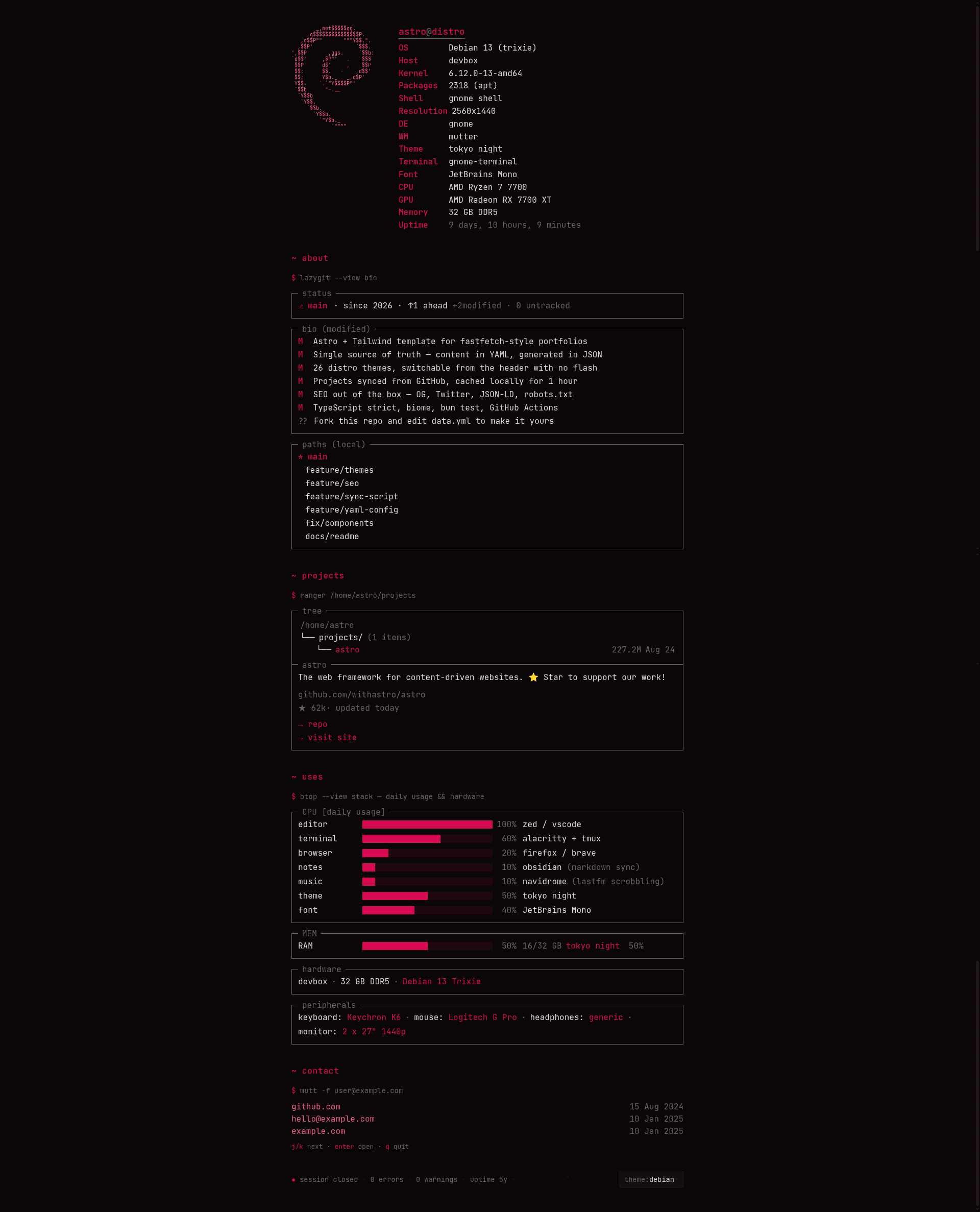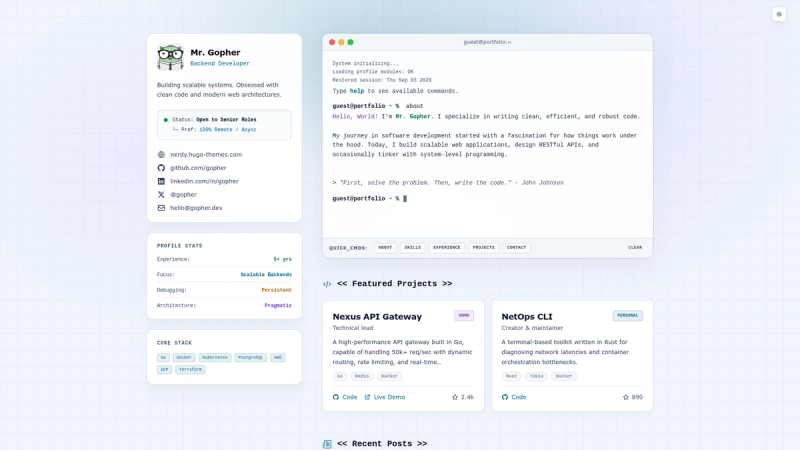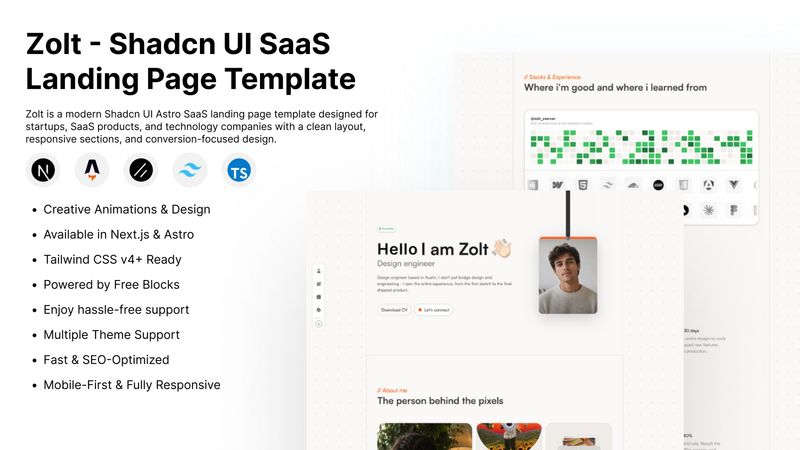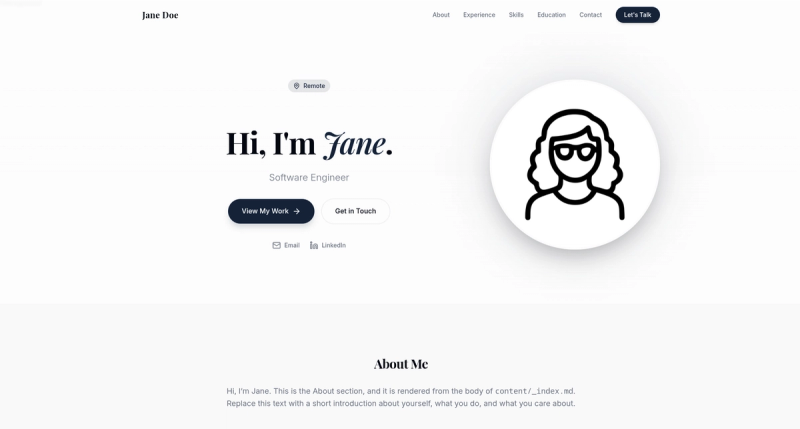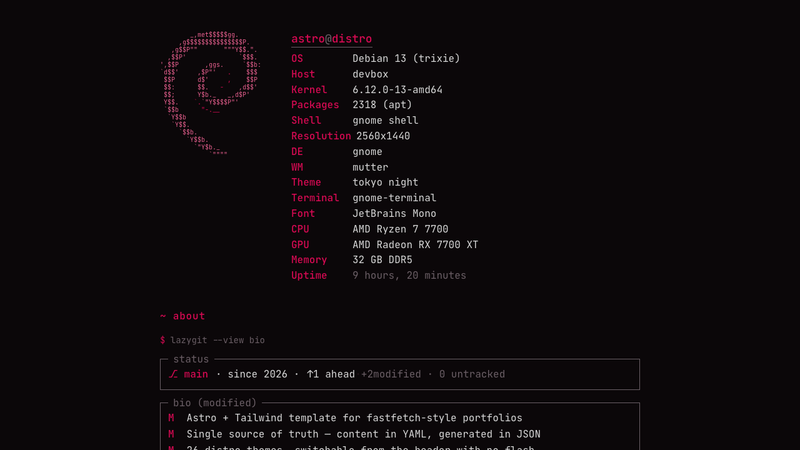
astro-distro is an open-source Astro + Tailwind CSS 4 template that builds a fastfetch/neofetch-style terminal portfolio from two YAML files, auto-syncing project metadata from GitHub into a gitignored config.json at build time.
What is astro-distro?
astro-distro is a static-site template for developers who want a portfolio that looks like a terminal system-info screen. It takes two YAML files (src/data.yml and src/systems.yml) plus a list of GitHub repo URLs as input, and outputs a static HTML site with 26 switchable distro color schemes, ASCII logos, and TUI-style panels for bio, projects, contact, and hardware. The site is built with Astro, styled with Tailwind CSS 4, and run with Bun; every bun run dev or bun run build triggers a sync script that regenerates the site data.
Key Features
- Two-YAML source of truth — All content lives in
src/data.yml(site config, bio, contact, projects list, hardware) andsrc/systems.yml(26 distro entries); the generatedsrc/config.jsonis gitignored, keeping the repo clean and reproducible. - GitHub project syncing —
scripts/sync.tsfetches stars, descriptions, and dates for each repo URL indata.yml.projects; settingGH_TOKENorGITHUB_TOKENraises the API rate limit from 60 to 5000 requests per hour. - 26 distro themes — Arch, Debian, Ubuntu, NixOS, Fedora, Kali, macOS, Windows, and 18 more, each with its own color palette, kernel, shell, DE, WM, theme, terminal, font, and ASCII logo fetched from fastfetch-cli; switchable from the header via
distro-toggle.astro. - TUI-style sections — The page is split into terminal panels: btop for CPU/memory/hardware/peripherals, lazygit for bio and status, mutt for contact and inbox, and ranger for the projects tree.
- SEO and social meta —
src/components/seo.astrogenerates title, description, canonical, theme-color, Open Graph, Twitter Card, and JSON-LDWebSiteschema with a nestedPersonauthor block fromdata.yml.site. - Smart sync caching — The sync script skips entirely if neither YAML changed since the last run (mtime check), caches GitHub metadata in
.cache/sync.jsonwith a 1-hour TTL (SYNC_TTL=0disables cache), and caches ASCII logos with no TTL. - CI-ready — A GitHub Actions workflow (
sync.yml) builds on push tosrc/data.ymlorsrc/systems.yml, on a bi-weekly cron, and on manual dispatch, passingsecrets.GITHUB_TOKENto the build.
Who is it for?
- Developers who want a terminal-aesthetic portfolio — Replace the
siteblock, bio, and project URLs indata.ymland get a themed static site with live GitHub stats. - Linux and open-source enthusiasts — Edit
src/systems.ymlto add or remove distro entries, switch the active system slug indata.yml, and show off your setup with btop-style hardware panels. - Astro users who prefer YAML-driven content — Everything except the two YAML files is generated;
@/*aliases, acnutility wrappingtailwind-merge, typed config import, and a strict tsconfig make extending the template straightforward.
What can you do with astro-distro?
- Showcase GitHub projects with auto-fetched stats — Add repo URLs to
data.yml.projects; stars, descriptions, and dates are fetched and rendered in the ranger-style projects tree. - Switch the whole palette from the header — Visitors can pick any of the 26 distro themes without a page reload; each theme changes colors, terminal, font, and ASCII logo.
- Publish a static site with complete SEO metadata — Set
site.title,description,url, and social handles once;seo.astrooutputs Open Graph, Twitter Card, and JSON-LD structured data automatically. - Automate rebuilds on content changes — The GitHub Actions workflow rebuilds the site when
data.ymlorsystems.ymlis pushed tomain, so the portfolio stays in sync with new repos or edited bios.
How does the template work?
The template is built around the sync script scripts/sync.ts. It reads data.yml and systems.yml, skips entirely if neither file changed since the last generated config.json (unless SYNC_FORCE is set), then for each URL in data.yml.projects it fetches metadata from the GitHub API using a 1-hour cache by default. The script writes src/config.json and .cache/sync.json, and runs automatically as a predev and prebuild hook, so dev and build always start with fresh data. The Astro page imports the generated config at build time to render every section.
FAQ
Is astro-distro free?
The repository is public and is described as a reusable template; the setup instructions tell you to fork or clone it, then edit the YAML files. No paid tier or license fee is mentioned anywhere in the page.
How do I add my own GitHub projects?
Edit the projects list in src/data.yml with the URLs of your repositories. On the next bun run dev or bun run build, the sync script fetches each repo's stars, description, and dates from GitHub and writes them into src/config.json. Setting GH_TOKEN in .env increases the GitHub API rate limit from 60 to 5000 requests per hour.
Why is src/config.json gitignored?
Because it is generated output, not hand-written source. scripts/sync.ts regenerates it from the two YAML files plus GitHub data every time the YAMLs change. Keeping it out of git avoids merge conflicts and ensures the built site always reflects the current YAML and GitHub state.
What do I need to run the template?
Bun is required: it serves as runtime, package manager, and YAML parser. After cloning, run bun install, then bun run dev for the development server or bun run build to output a static site in dist/. bun run check runs Biome linting and formatting.