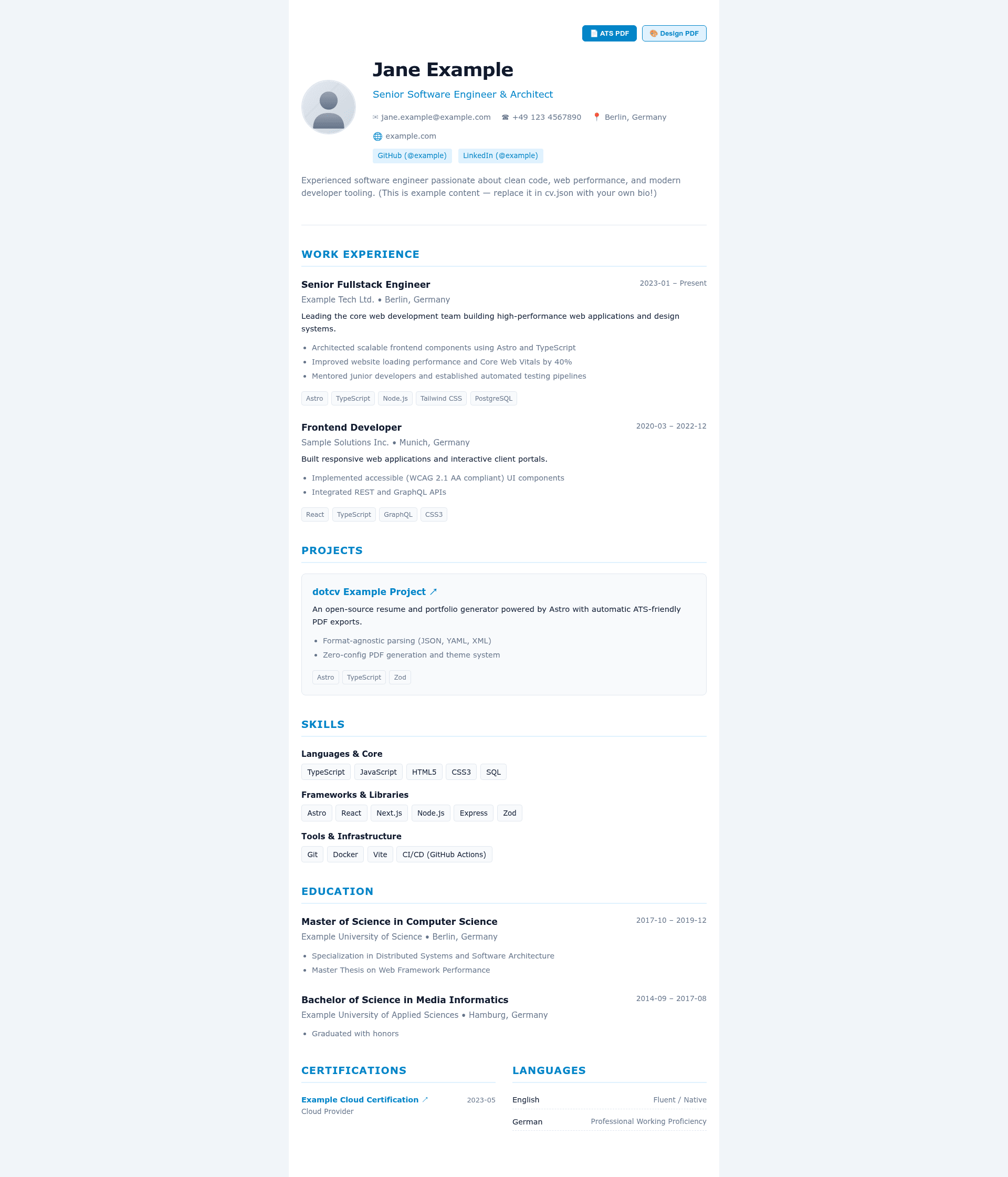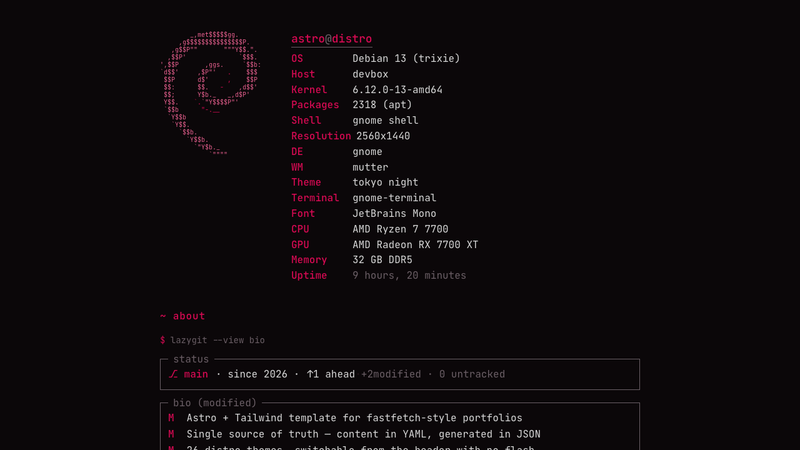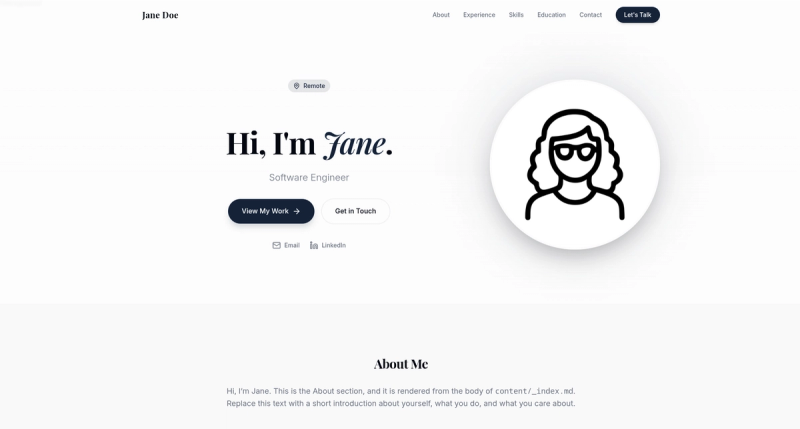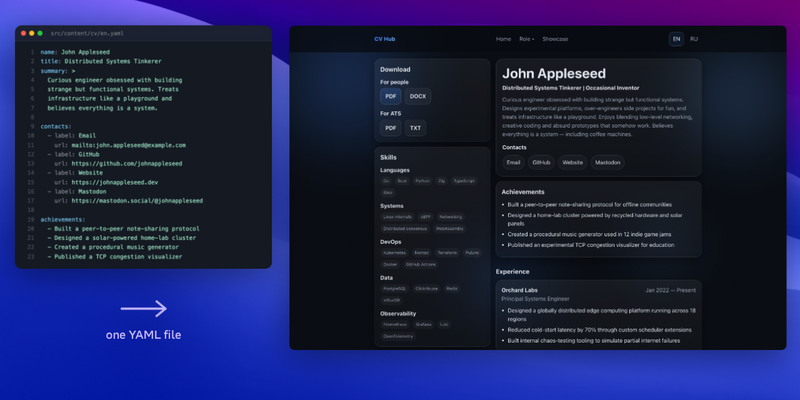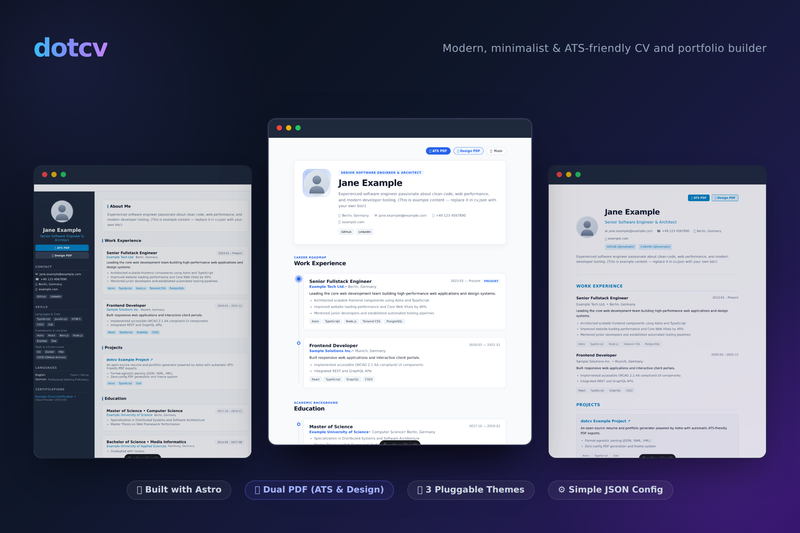
dotcv is an open-source, Astro-based CV and portfolio builder that turns a single JSON data file into a static website plus two printable PDF resumes — one ATS-optimized and one theme-styled.
What is dotcv?
dotcv is a modern, minimalist CV and portfolio platform inspired by readcv and built with Astro. It takes resume data from a root-level cv.json file and settings from dotcv.config.json, and outputs a fully static personal website alongside two PDF variants: an ATS-friendly single-column resume and a design-styled PDF that matches the selected web theme. It is distributed under the MIT license with no runtime dependencies.
Key Features
- Root-Level Configuration — Manage all resume data in
cv.jsonand preferences indotcv.config.json, both kept directly in the project root;cv.example.jsonprovides a starting template. - Dual PDF Export — Generate an ATS resume at
/print/atswith a strict single-column layout, and a design PDF at/print/designstyled to match the active web theme; page format supports A4 or letter. - Pluggable Theme System — Switch between three built-in themes: classic (centered single column), sidebar (two-column with sticky profile), and timeline (engineer/creative layout with dark mode toggle); custom themes can be added via a registry.
- Internationalization — Built-in translations for English and German, controlled by the
localeoption for UI strings and date formatting. - SEO & Social Sharing — OpenGraph and Twitter Card metadata, Schema.org
PersonJSON-LD, dynamic keywords, and canonical URLs are generated automatically. - Static & Fast — 100% static site generation with zero runtime dependencies; deployable to GitHub Pages, Cloudflare Pages, Vercel, Netlify, or any static web server.
- Structured CV Schema — Zod validation schemas (
cvSchema.tsandconfigSchema.ts) validate your data, and format-agnostic parsers insrc/lib/parsersupport loading from JSON, YAML, or XML.
Who is it for?
- Software engineers and developers who want to keep their resume in version-controlled JSON and publish a fast static portfolio with matching print-ready PDFs.
- Job seekers applying through applicant tracking systems like Workday or Greenhouse who need a machine-readable, single-column resume layout that parses reliably.
- Creatives and designers who want a styled, visually matched PDF for direct recruiter contact while keeping the standardized ATS version for online applications.
- Developers who self-host their personal site and want a zero-dependency, static build they can drop onto their own Nginx or Caddy server.
What can you do with dotcv?
- Automated resume + site generation: Maintain one
cv.jsonwith profile, experience, education, skills, projects, certifications, and languages; the build outputs both the public website and both PDFs. - Theme previewing: Visit
/preview/classic,/preview/sidebar, or/preview/timelinelocally to compare layouts before choosing your active theme. - Custom PDF filename and buttons: Set
pdf.filenamewith supported placeholders for the name and title, and toggle visibility of the ATS and design download buttons on the site.
How does dotcv work?
The workflow is straightforward: clone the repository, install dependencies with npm install, copy cv.example.json to cv.json, and run npm run dev. Edit the JSON files to reflect your data, configure theme and PDF options in dotcv.config.json, and build with npm run build to generate a static dist folder ready for deployment. The configuration reference documents every option with defaults.
FAQ
Is dotcv free?
Yes, dotcv is released under the MIT License and is free for personal and commercial use.
What file formats does dotcv accept for resume data?
While the default file is cv.json, the project includes format-agnostic loaders and parsers in src/lib/parser, and the project structure mentions cv.yaml and cv.xml as supported alternatives.
Does dotcv support multiple languages?
Yes, dotcv includes built-in i18n with English and German locale files in src/lib/i18n, and the locale setting controls both UI strings and date formatting.
Where can I deploy a dotcv site?
Because dotcv is fully static, you can deploy it to Vercel, Netlify, Cloudflare Pages, GitHub Pages, or any static server (Nginx, Caddy, Docker). The build command is npm run build and the output directory is dist.